At times, even when you have a steady job, there are moments when you need to create the illusion of being busy. This can be particularly important when you’ve swiftly completed all your assignments and don’t know how to occupy the remaining minutes. Don’t let your boss catch you watching Netflix or just staring blankly into space. Dive into our guide on how to relax at your desk and how to appear busy when you step away from your workstation.
At Your Workspace
Step 1. Position Your Desk So Your Computer Screen Is Hidden.
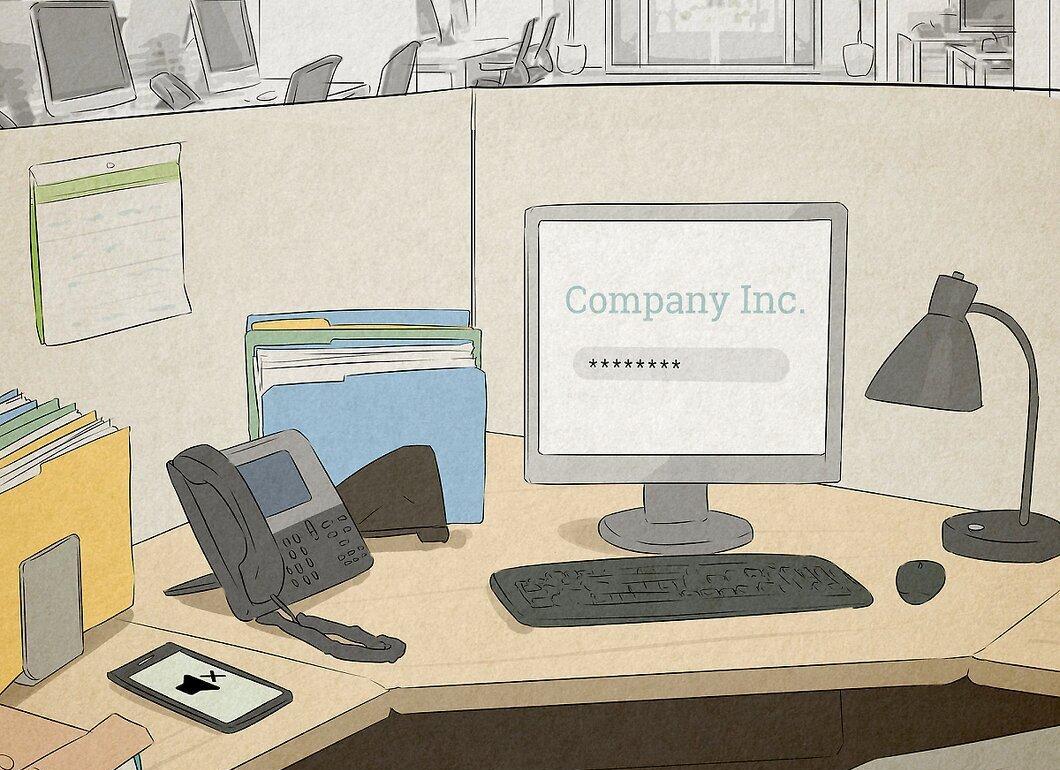
Make sure your desk is positioned so that no one can see your computer screen. If you work in an office with colleagues or your desk is in a large open area, you don’t want someone to approach from behind without your notice. Angle your screen so that it is not facing the entrance to your workspace. This will allow you to quickly close unnecessary browser tabs if they pop up.
- In cubicle offices, desks are often fixed. But even then, you can at least turn the screen away from the entrance and position your chair at an angle.
Step 2. Scatter Work Materials Across Your Desk.
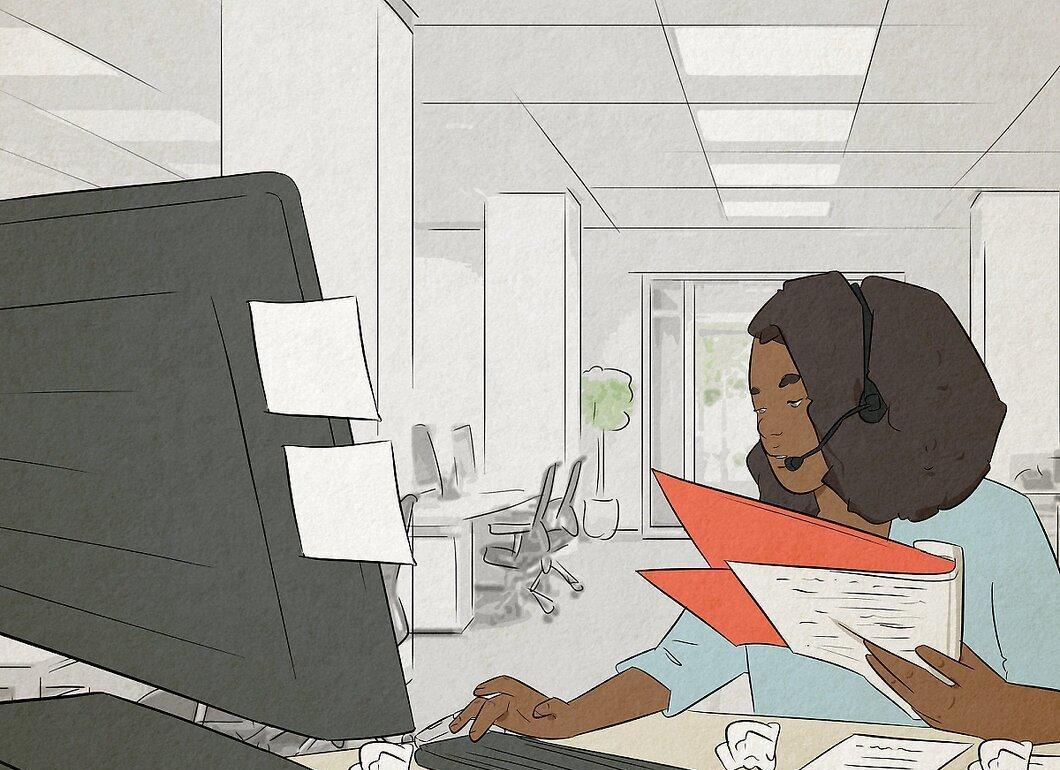
Spread out documents and work supplies on your desk. Place a few sticky notes, even if they are blank. Open folders to project pages and leave a few documents related to your tasks.
- Don’t bring items from home that aren’t work-related. Use old projects or create some fake documents that look legitimate.
- There’s a fine line between a workspace that looks busy and clutter. Keep everything within reason to avoid overdoing it.
Step 3. Master Quick Switching Between Tabs and Windows.
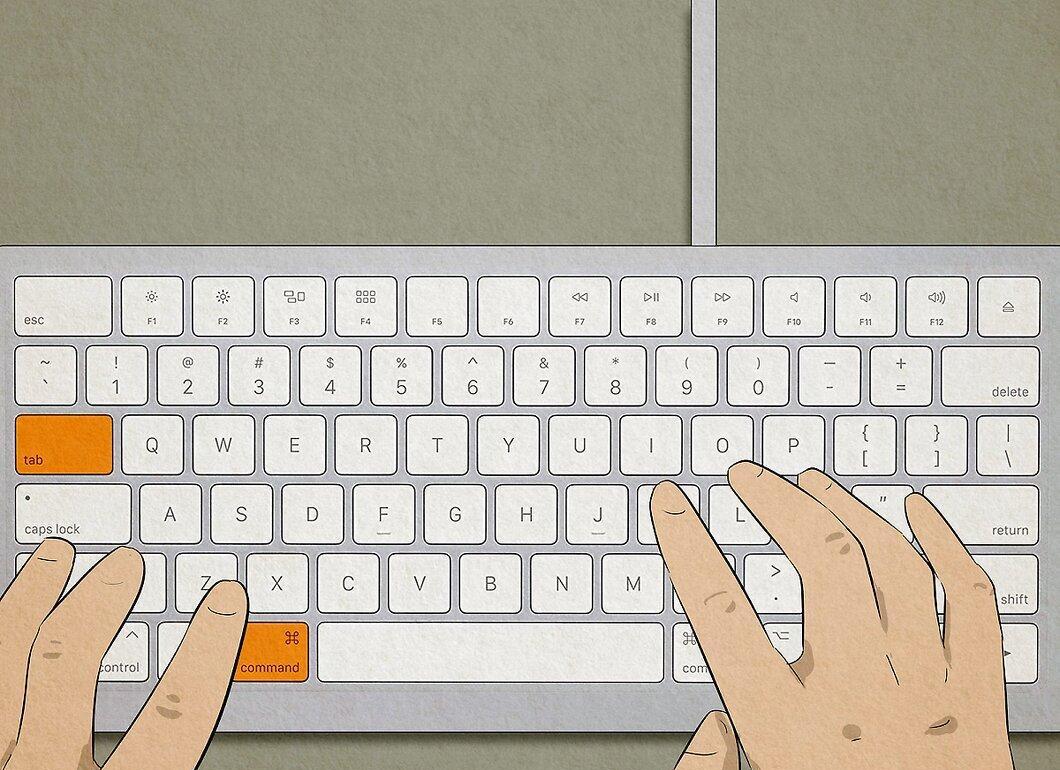
Learn to swiftly switch between tabs and windows. Keyboard shortcuts will help you here. Use this technique to quickly shift your gaze from watching a video to checking client information. Practice the keyboard combinations so you can hit them without thinking.
- To switch between windows on a PC, use Alt + Tab, and on a Mac, use Command + Tab.
- To move between tabs in the same window on a PC, use Ctrl + Tab, on a Mac use Control + Tab.
- For instance, if you have a Mac, open iTunes, two tabs in Safari, and GarageBand. Hold Command and press Tab to switch from iTunes to Safari, then hold Control and press Tab to change tabs in Safari.
Step 4. Open Fake Tabs That Look Like Work.
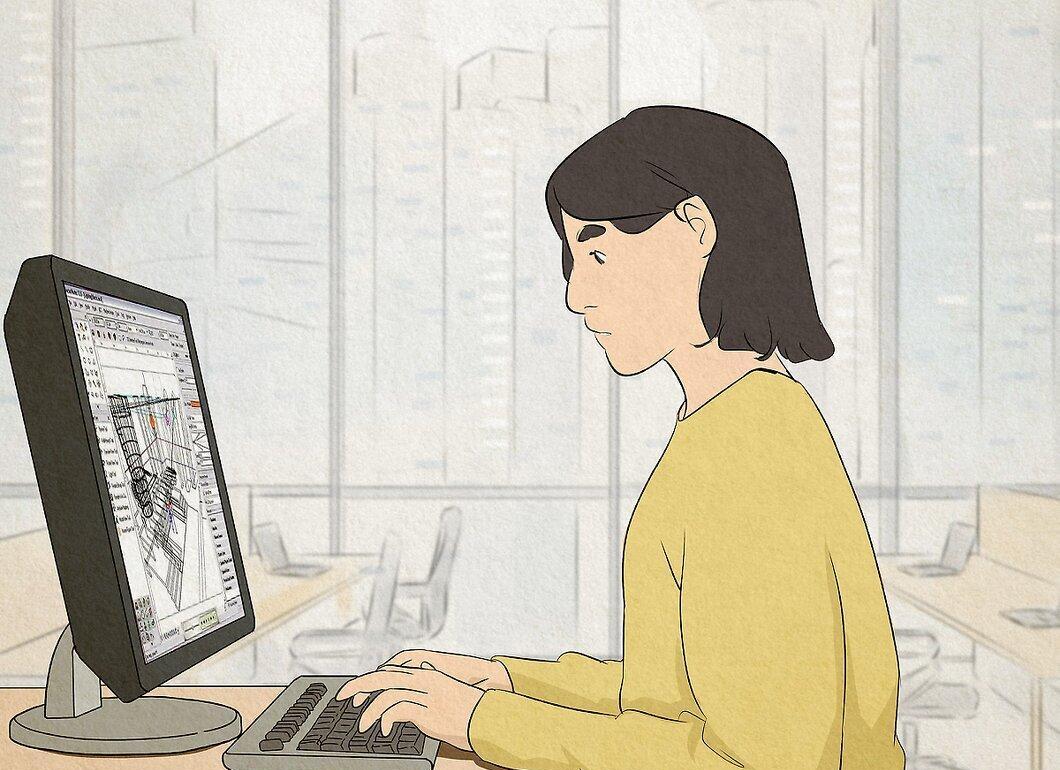
Keep fake tabs open that resemble your work. If you’re an accountant, leave spreadsheets open. If you’re in design, open a few sketches you’re supposedly working on. Open them in the morning or set your browser to load them automatically.
- Never close all your tabs; otherwise, your screen will only show the wallpaper. An empty screen will be a clear sign of your inactivity.
- It’s useful to keep email, Word, Google Docs, business sites, and news resources open depending on your job.
Step 5. Type or Input Text Energetically.
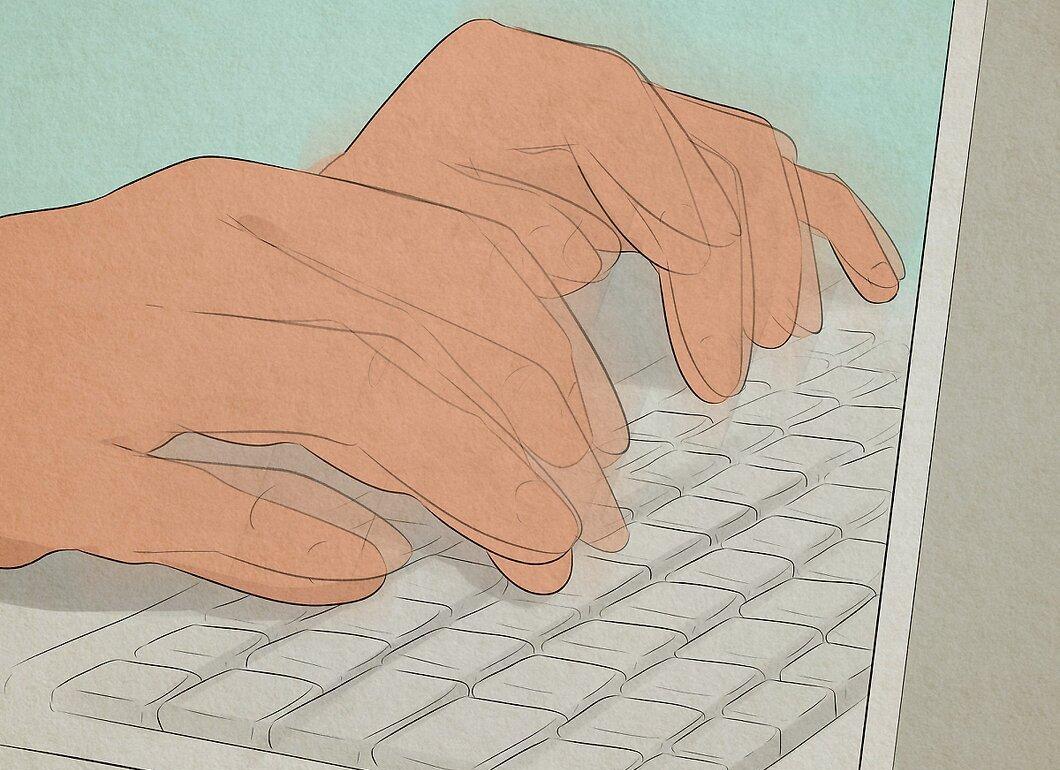
Aim to type or write with enthusiasm. The key to appearing busy is to be in constant motion. If you look stationary, it will be obvious. As soon as you get bored or hit a pause, grab your laptop and start typing something or rapidly tapping on the keyboard.
- It doesn’t matter what you’re about to type or write. The main thing is to look focused to create an impression of busyness.
- Even better if you have a work-related document at hand. If someone asks, show that document as proof of your workload.
Step 6. Maintain Good Posture and Look at Your Work.
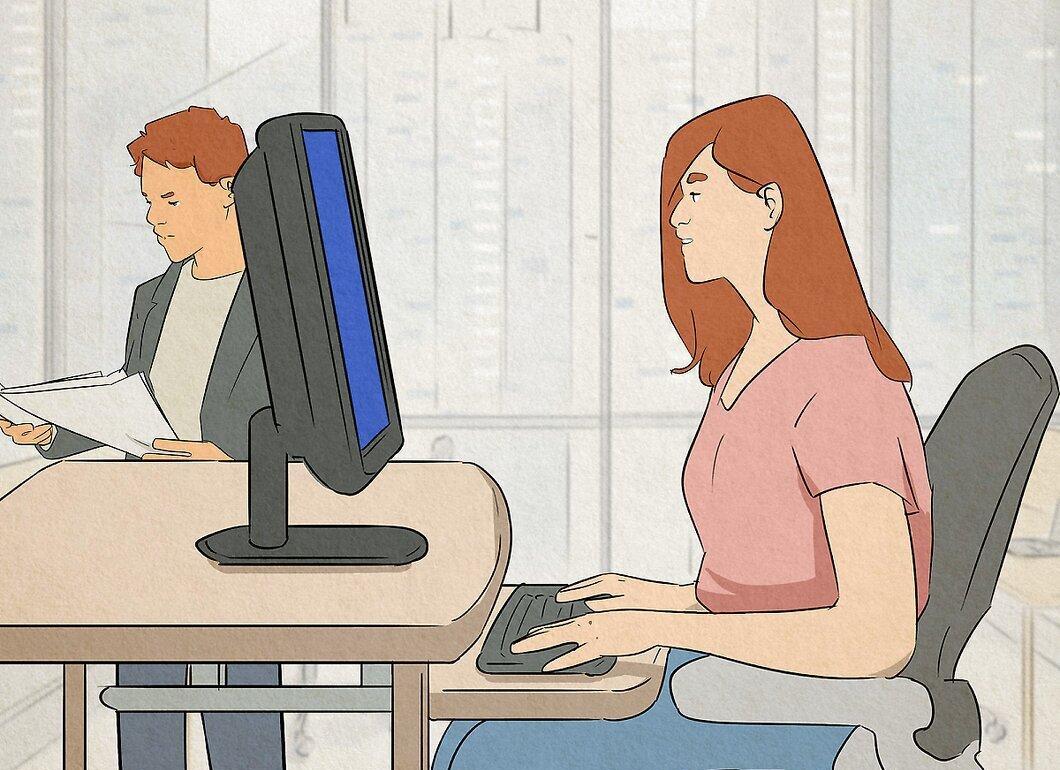
Sit up straight and look at your work. The ability to relax inconspicuously depends on your appearance. If you slouch, lean back, or stare blankly, it will create the impression that you’re slacking off. Proper posture and a gaze towards your work materials will help you craft an image of busyness.
- If you stand while working, don’t sit down or lean against anything.
- If you’re going to get distracted, make sure there’s some work material in front of you and turn your head towards it.
Step 7. Use Your Mobile Phone for Calls from Your Workspace.
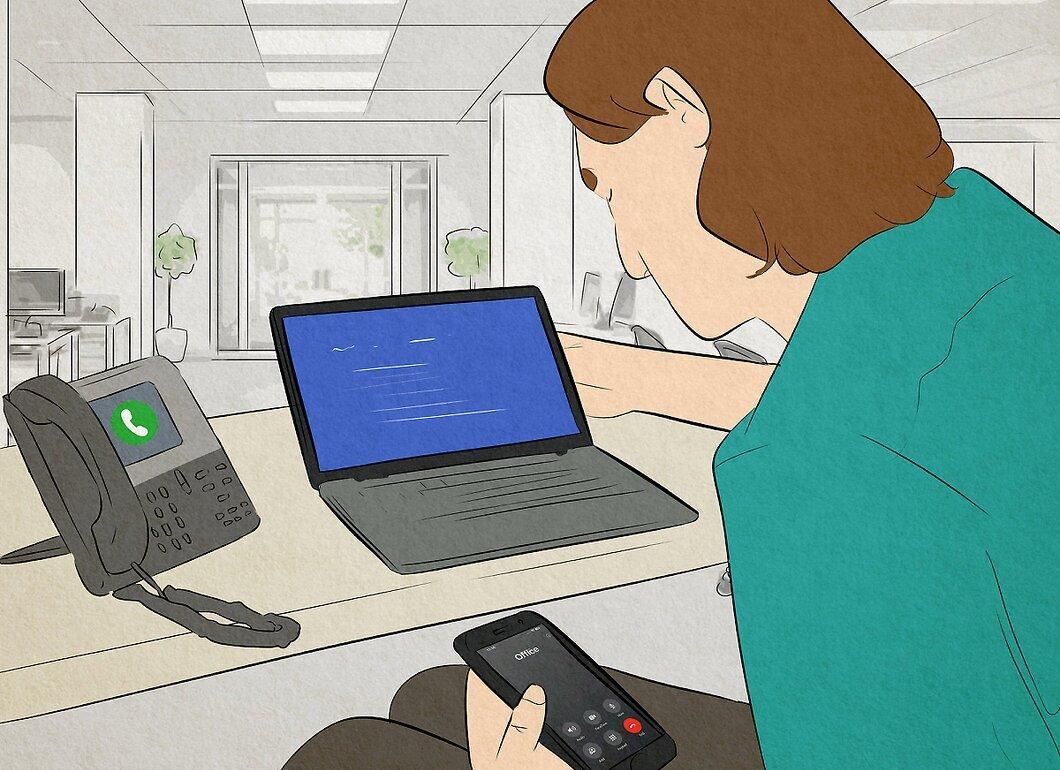
Use your mobile phone to make calls right from your workspace. If your job involves calling clients, this is a great way to seem busy. If the calls begin to slow down, you can call your office number and answer it yourself. Depending on your acting skills, you can easily spend 10-15 minutes on fake phone conversations.
- Think ahead about what your fake call will be about. If you appear confused or your phrases are disjointed, you’ll give yourself away.
- If you want, write a script for a standard business conversation, create a dialogue for two people, but only read your part.
Leaving the Workplace
Step 1. Disable Sleep Mode on Your Monitor.
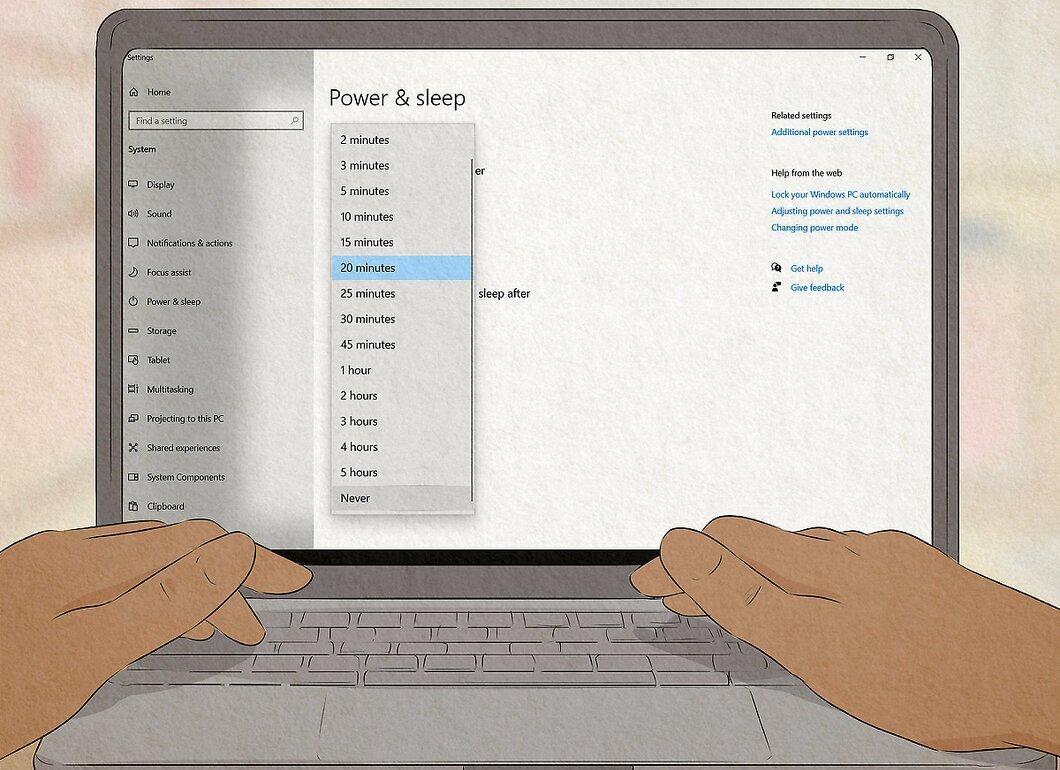
Don’t let your computer go to sleep. Many computers save energy by entering sleep mode after a period of inactivity. If you leave your desk for an extended time and the screen goes dark, it will be obvious that you’re not there. Disable sleep mode so the screen always looks like you just stepped away.
- Be sure to leave a few windows open to give people the impression that you were working before you left. Don’t leave an online shopping site or a video game open.
- You can also leave open windows with messages like "loading" or "installing" to make it look like a valid excuse for stepping out.
Step 2. Leave Your Workspace Creating an Air of Activity.
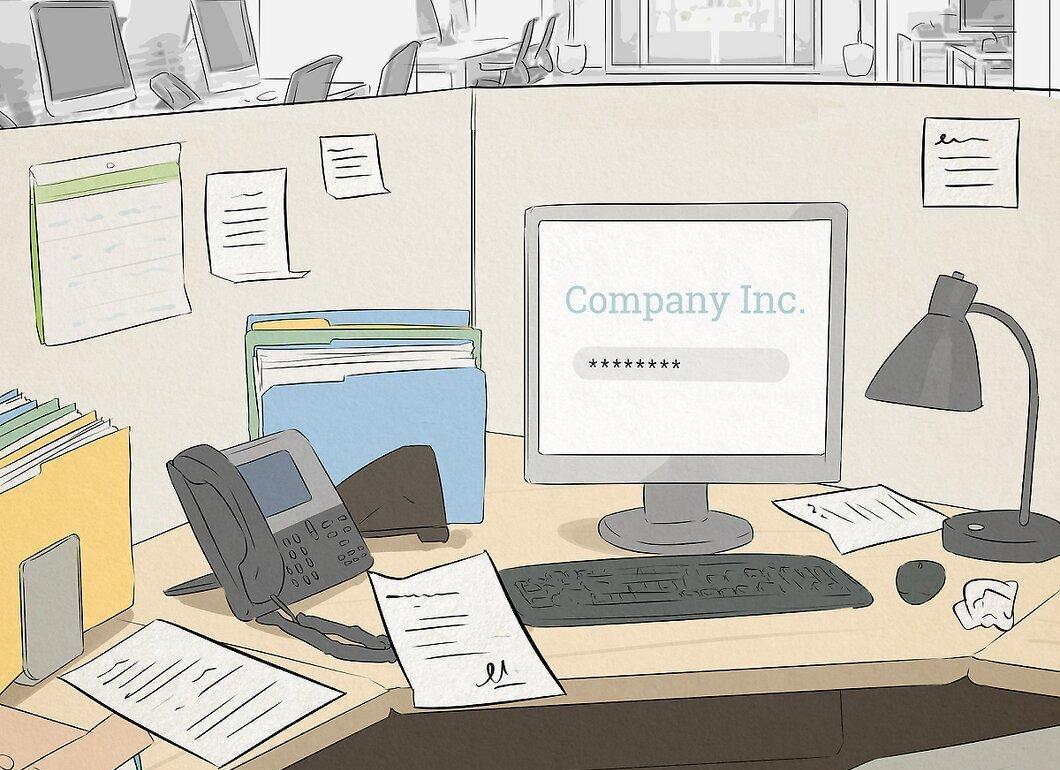
Exit your workspace while creating the impression that you’re busy. Place several open folders, reports, or tools on your desk that indicate you are in the midst of work. If it seems like you’re occupied, passersby will think you’ll be back soon.
- Don’t leave the same setup every day; otherwise, it may raise suspicions.
- If you’re sorting items, leave them partially undone.
Step 3. Carry Extra Materials with You.
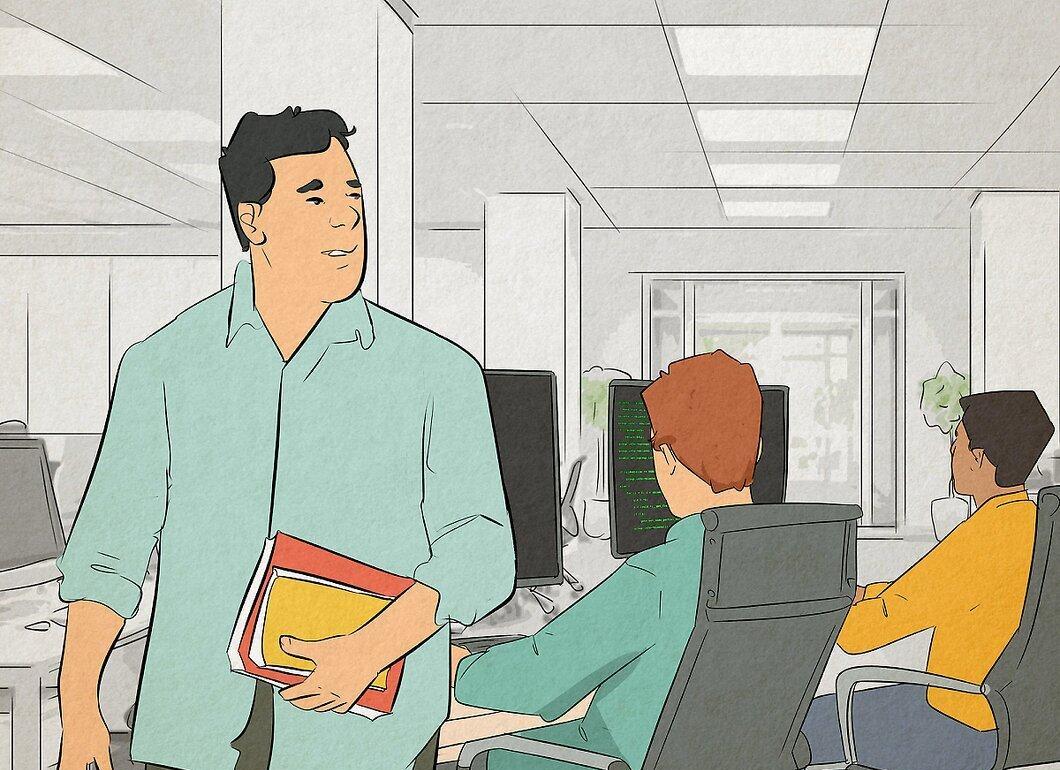
Carry work materials with you. If you leave your desk empty-handed, it creates the impression that you’re not working. Take a folder, notebook, or a small stack of documents with you to create the appearance that you’re heading to a meeting. In other cases, you can take tools or boxes with products.
- What you carry will depend on your profession. Change the contents to avoid raising suspicions.
- Choose lightweight items that are easy to lift and don’t require much effort.
- A small item will give you a busy look without attracting too much attention.
Step 4. Drop By a Colleague from Another Department.
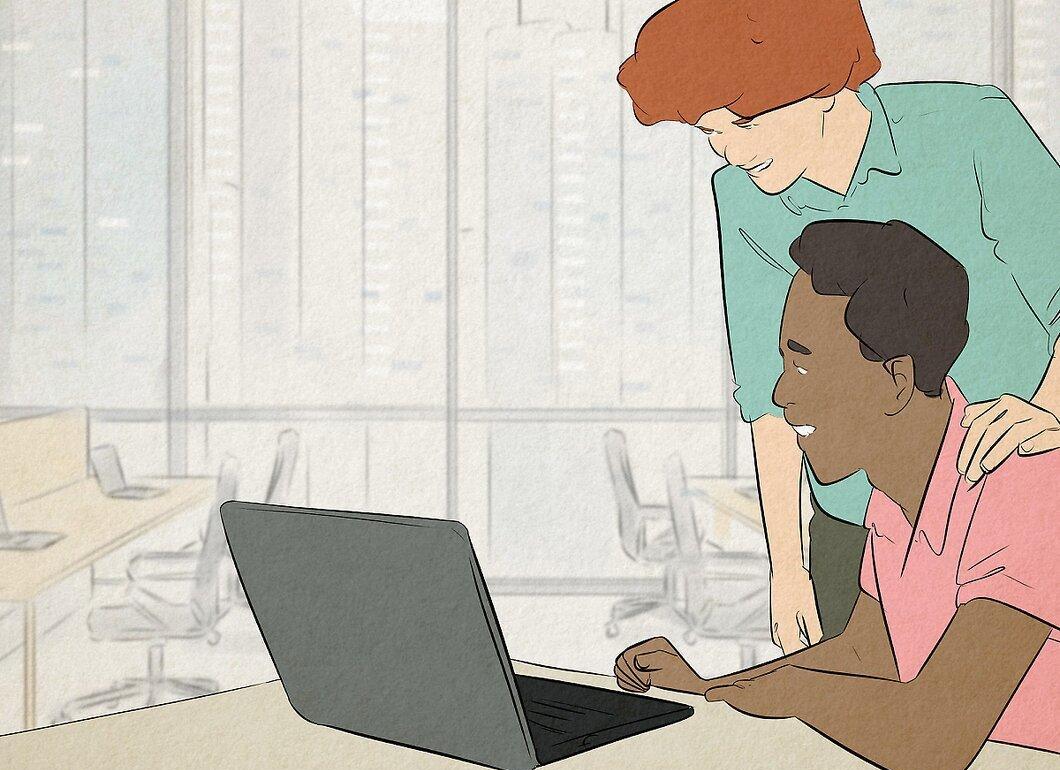
Visit a colleague from another department. Come up with a work-related topic, such as changes in company policy or a major project, and discuss it with them. While talking to the colleague, mention something related to work but avoid discussing personal topics to fill the time. If you’re inventing a topic, make sure it sounds realistic enough.
- Inform someone who works nearby about your intentions to provide an alibi.
- For example, say: "I want to double-check that both our departments are aligned on the new advertising campaign. It’s an important point, and I don’t want any misunderstandings to arise."
Step 5. Ask Plenty of Questions.

Don’t hesitate to ask a lot of questions. Inquiring about projects, tasks, company policies, career growth opportunities, or anything else work-related is a great way to appear busy even when you’re not working. This is especially useful during transitional moments when it’s appropriate to ask more questions.
- Be careful about what questions you ask so you don’t come off as incompetent.
- For example, you might ask your boss if he has copies of the projects your current client has requested. When he shows them to you, find something to discuss to keep the conversation going.