Learning to type quickly doesn't require any special secrets or tricks. While this may sound disappointing, it actually means that with time and regular practice, anyone can reach high typing speeds. Once you master the skill of touch typing, you'll notice a significant increase in your typing speed. It’s not that difficult, but it’s important to position your body correctly in the chair and your fingers on the keyboard. With persistence and patience, you'll soon be able to type blindfolded at a good speed.
Proper Working Posture
Step 1. Organize Your Workspace.

Create a comfortable workspace for typing. You need a well-lit, ventilated area where you feel at ease. It’s best to type at a desk rather than on your lap. Comfortable positioning is key if you plan to work for extended periods. Make sure all these conditions are met before moving on.
Step 2. Assume the Right Posture.
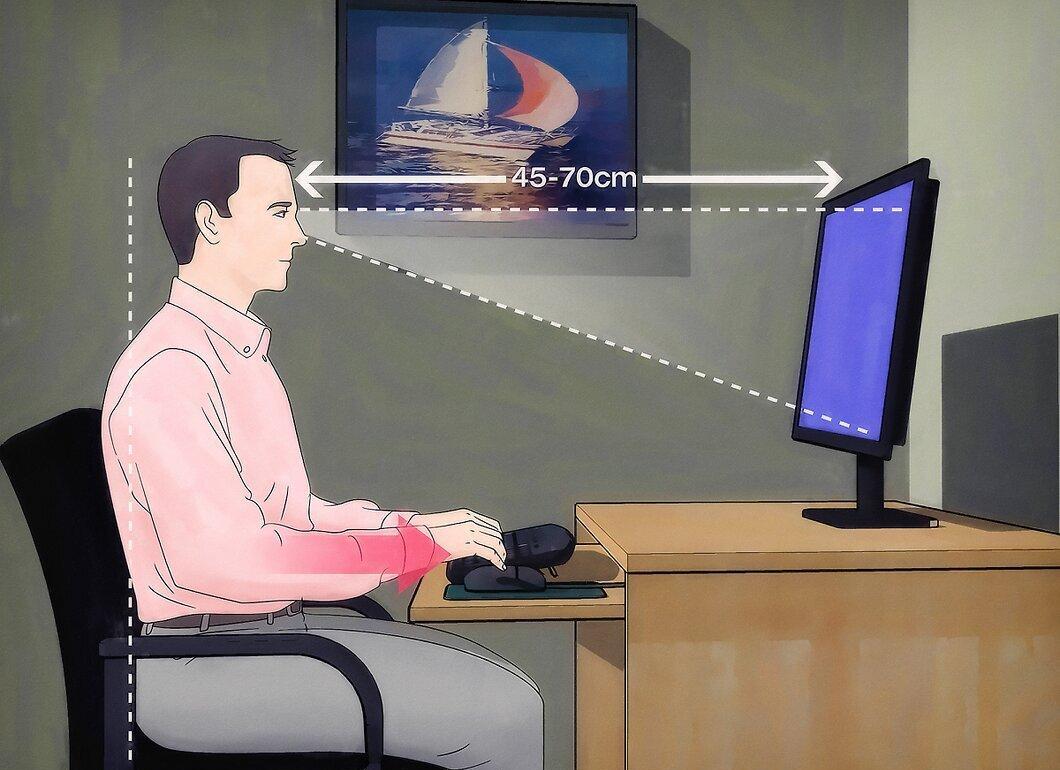
Adopt the correct sitting position. Your back should be straight, feet shoulder-width apart, and your feet flat on the floor. Your wrists should be level with the keyboard, allowing your fingers to bend freely over the keys. Slightly tilt your head down when looking at the screen, with your eyes positioned 18-28 inches from the monitor.
- Most office chairs have adjustable heights. Experiment with different chair heights to find the most comfortable position.
Step 3. Maintain Good Posture.

Keep an eye on your posture. It's important to avoid slouching while you work. Maintain the right body position to prevent wrist pain that could slow your typing rhythm. Try to stay relaxed yet upright.
Proper Hand Positioning
Step 1. Familiarize Yourself with the Keyboard.
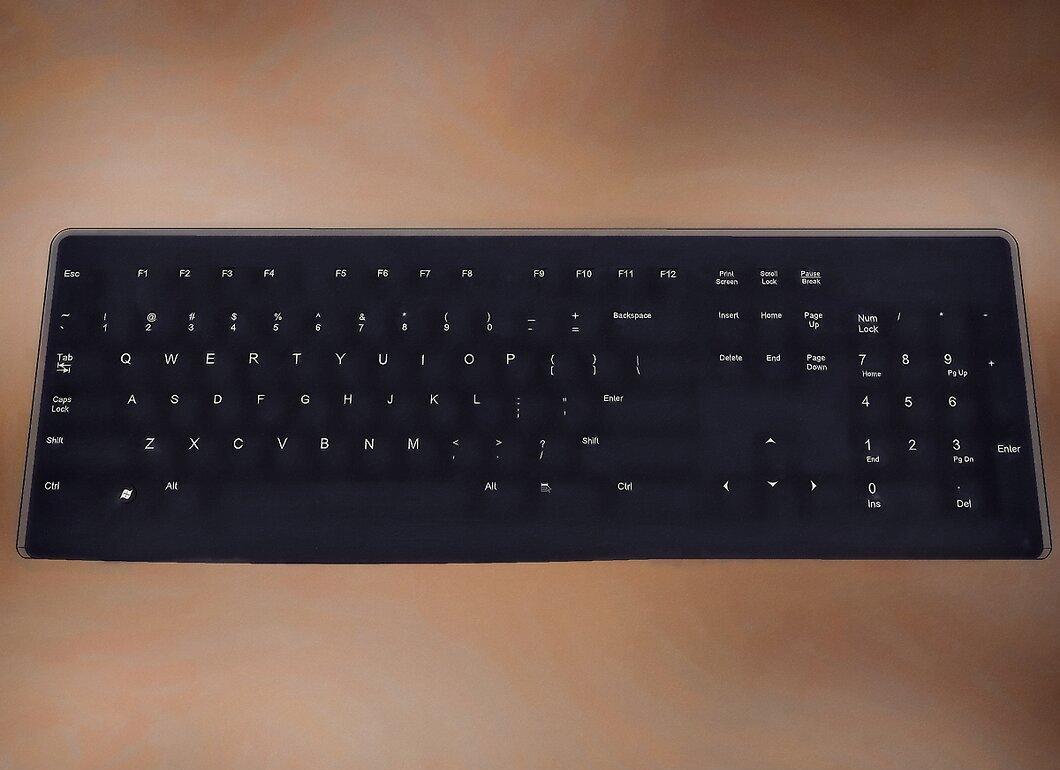
Get to know your keyboard. Most keyboards have a standard layout known as QWERTY, starting with the first letters in the top row. Many keyboards also have additional functions and keys.
- Most keys are used to enter characters into text. Open a text document and experiment by pressing all the keys to understand their functions.
- Practice memorizing the positions of letters and frequently used punctuation marks. You need to learn their locations so you can type quickly without looking at the keyboard.
Step 2. Master the Correct Hand Position.
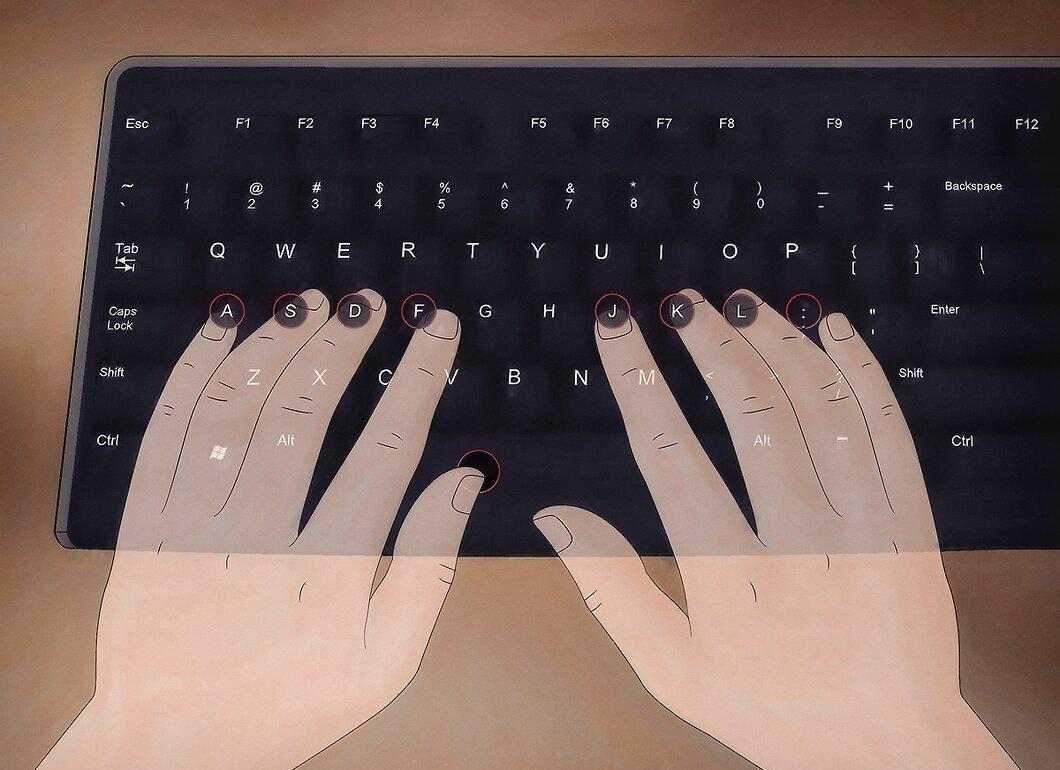
Learn the correct hand position. For fast typing, it's important to hold your hands and fingers in a specific position over the keys, allowing them to return to the home row between keystrokes. Your hands should slightly curve over your wrists, and your fingers should rest on the home row keys, which are as follows:
- Left index finger – on the letter A.
- Left middle finger – on the letter S.
- Left ring finger – on the letter D.
- Left pinky finger – on the letter F.
- Right index finger – on the letter J.
- Right middle finger – on the letter K.
- Right ring finger – on the letter L.
- Right pinky finger – on the letter ;.
- Both thumbs should rest on the spacebar.
Step 3. Close Your Eyes and Name the Keys.
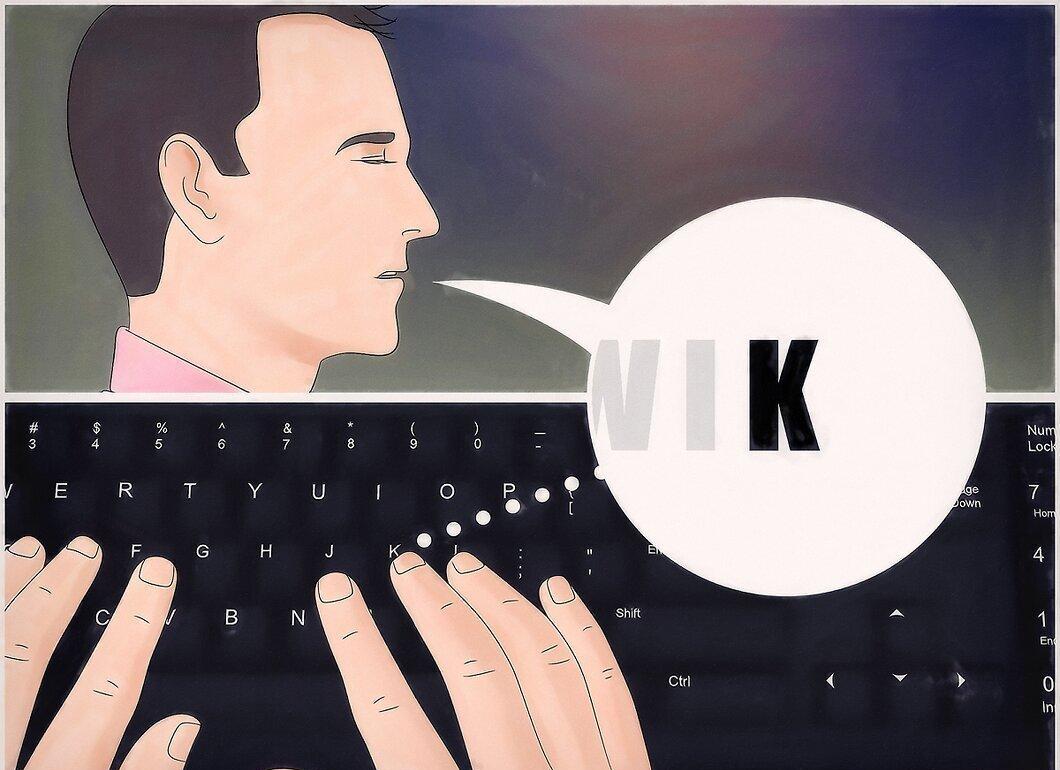
Close your eyes and verbally name the keys as you press them. This is a great method to memorize the key locations without looking. Focus on the screen while articulating the letters of the keys you press. Keep doing this until you can recall them without speaking.
Basics of Touch Typing
Step 1. Assess Your Speed.
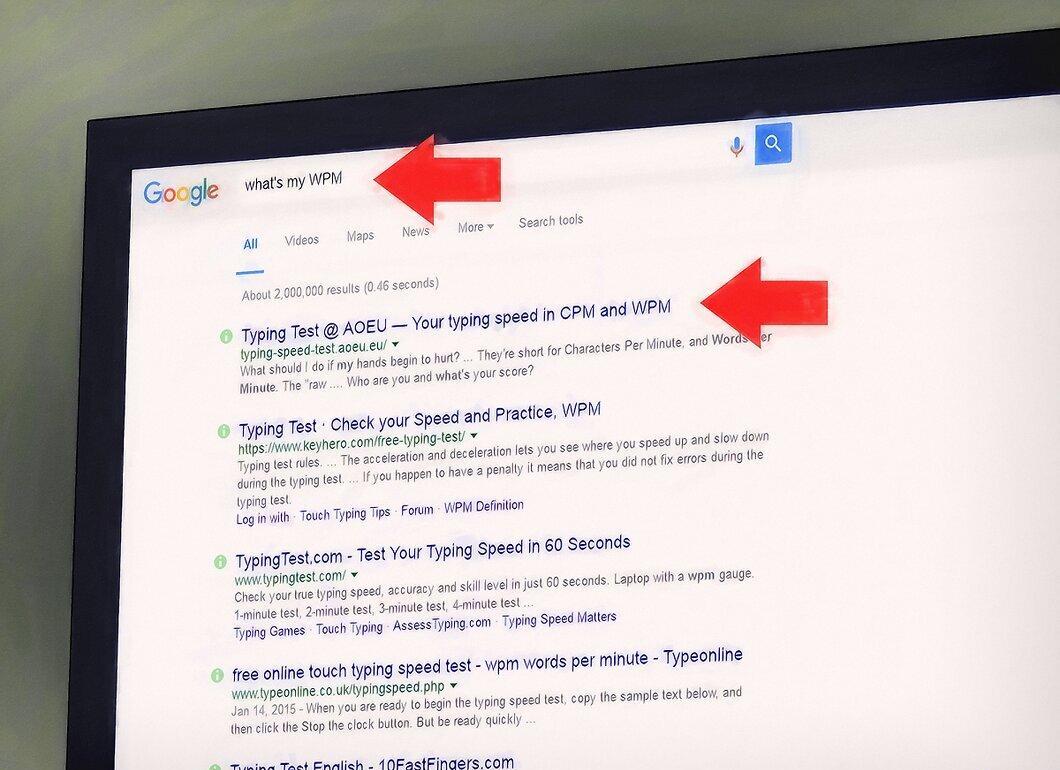
First, evaluate your typing speed. There are many ways to measure your typing speed, usually done in WPM (words per minute). The simplest way is to type "typing speed test" in a search bar and take one of the tests offered. This will give you a starting point.
- A specific result will help you track your progress over time.
- Sometimes the result may appear as WAM (words a minute), but there’s no difference between these terms.
- Keep in mind that WPM is best calculated over a fixed period. Measurements over varied times may differ, so repeat the test on the same site whenever you want to check your speed.
Step 2. Start Typing Slowly Without Looking.

Begin to type slowly without looking. Developing typing speed is a continuous improvement process, and touch typing is the most effective method once mastered. If you haven’t tried touch typing before, it may take time to get used to this skill. But once you learn it, your speed will increase significantly.
- Initially, it may feel frustrating and awkward, but with practice, you will surely improve.
- Try to limit finger movements to only those necessary for pressing the keys.
Step 3. Don’t Look at Your Hands.
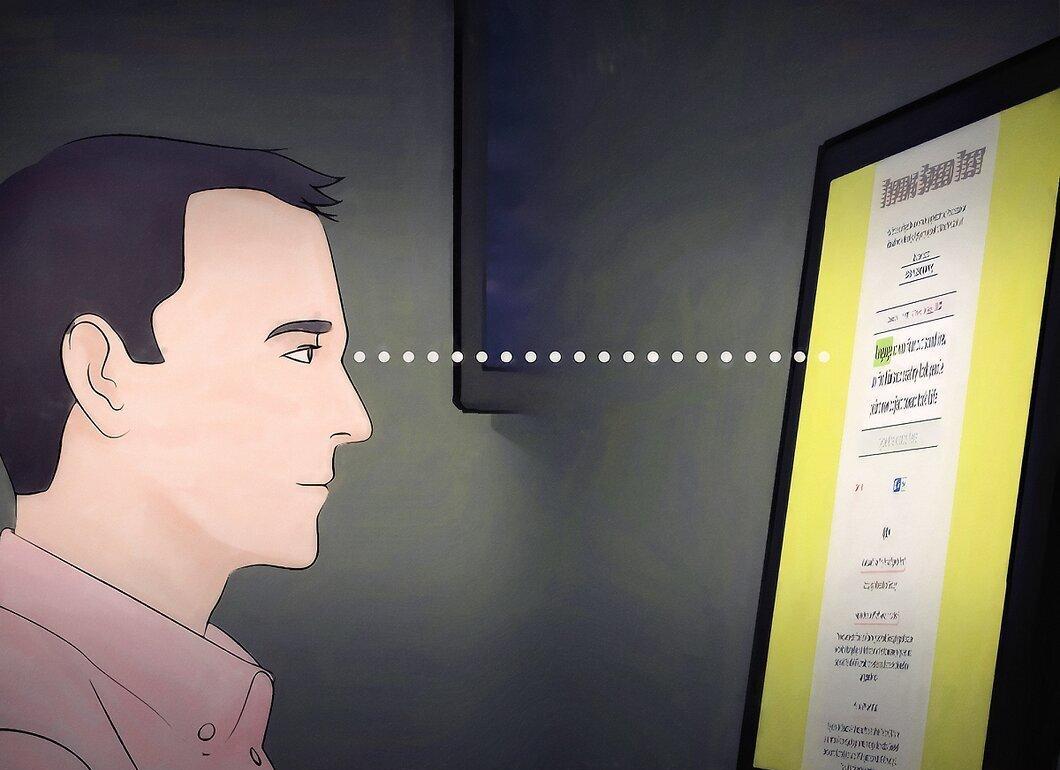
Keep your eyes off the keyboard. It's important not to look at the keys so that your fingers can memorize their positions through physical repetition. If you find it hard not to look at the keyboard, try covering your hands with a light cloth, like a towel.
- At first, it may feel like you’re typing slower, but don’t abandon this method. Once you master touch typing, your speed will greatly surpass your initial technique.
Practice and Improvement
Step 1. Practice Regularly.
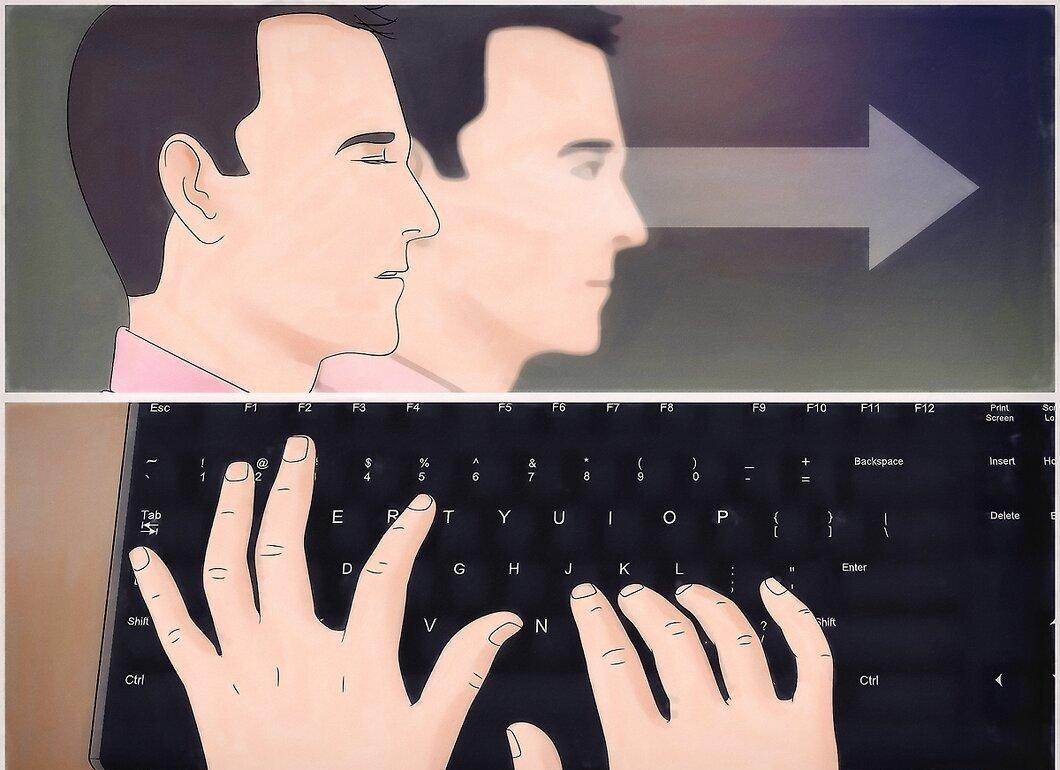
Regular practice is key to success. Touch typing is a skill that takes time to master, but once your fingers are correctly positioned on the keyboard and your posture is right, the only way to improve is through practice. Set aside time each day to practice touch typing and work on your speed and accuracy. Over time, your WPM will steadily increase.
- If you can find just ten minutes a day to open a document and type without stopping, you'll notice that the number of errors decreases each time.
Step 2. Play Online Typing Games.
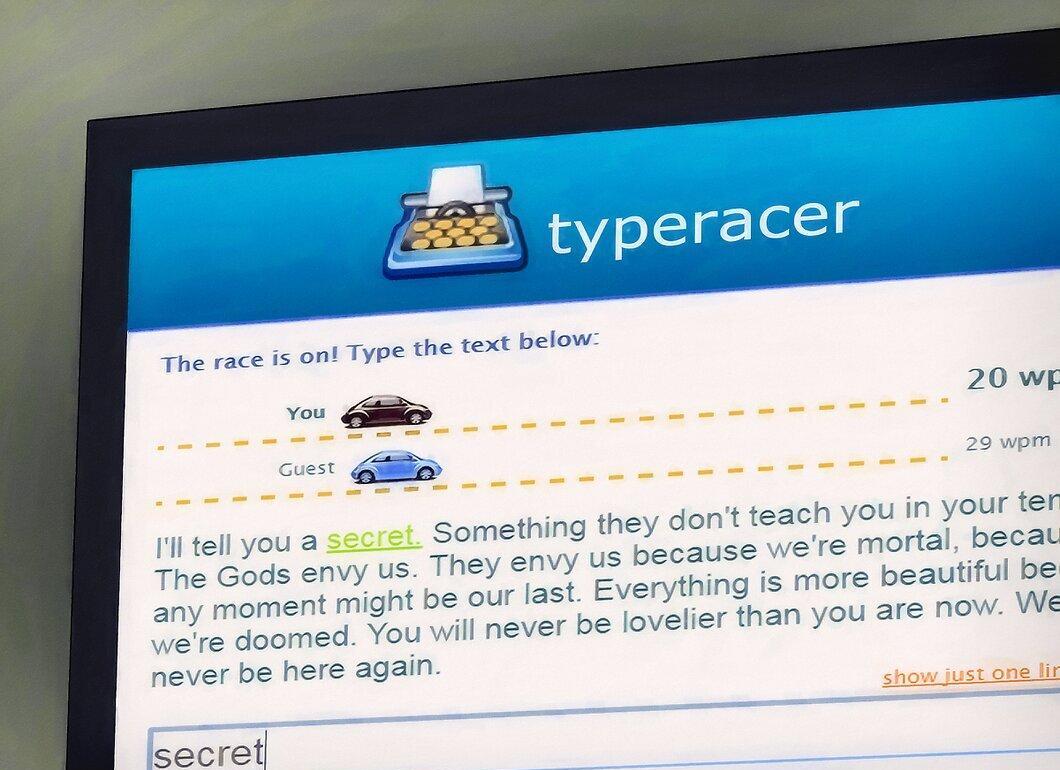
Play online games for practice. There are numerous websites offering free typing games to help you improve your skills. They typically score you and calculate your WPM, allowing you to compare your results and compete with others.
Step 3. Practice Dictation.
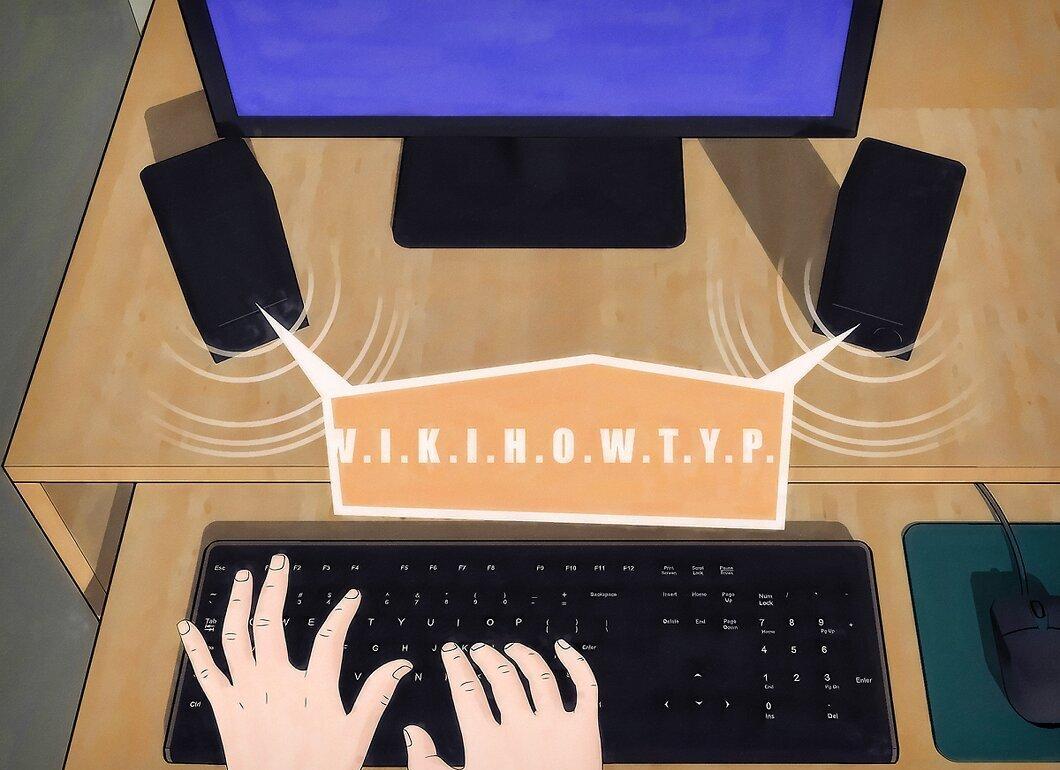
Practice by listening to recordings and transcribing. If you’re unsure what to type, this is a great way to hone your skills. You can type while listening to interesting audiobooks, lectures, or radio shows.
- Even TV shows can serve as sources for transcription, so get creative and make the process enjoyable.
Step 4. Track Your Progress.
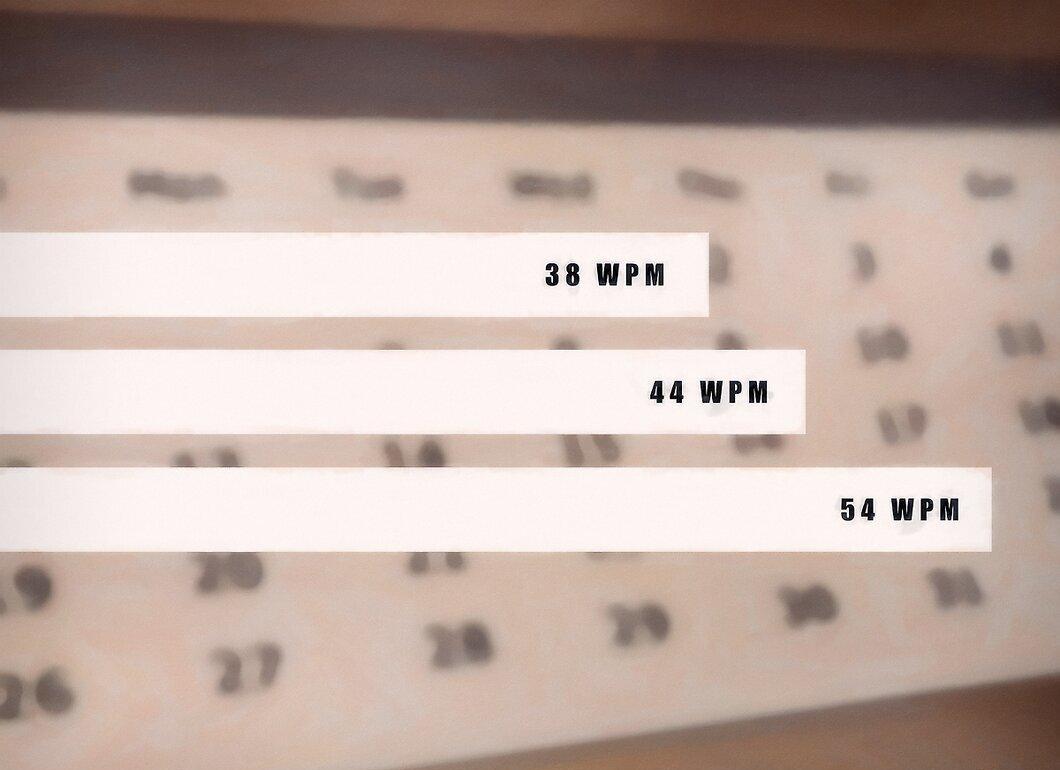
Regularly check your results and track your progress each week. Soon you'll notice positive changes. But don’t focus solely on WPM; also consider how your overall comfort and ease in typing have improved.
Step 5. Consider Serious Training.

Look into typing training programs. There are specialized courses that can help you quickly master touch typing. These can be guided sessions or games that track your speed and accuracy. If you need to improve your typing skills urgently, consider purchasing such a game or program.
- There are many free online trainers as well as paid programs you can download. Some are more engaging than others, but all will help you enhance your typing skills.
- Ultimately, the speed of your learning will depend on the time you’re willing to invest in practice.
Step 6. Don’t Give Up.
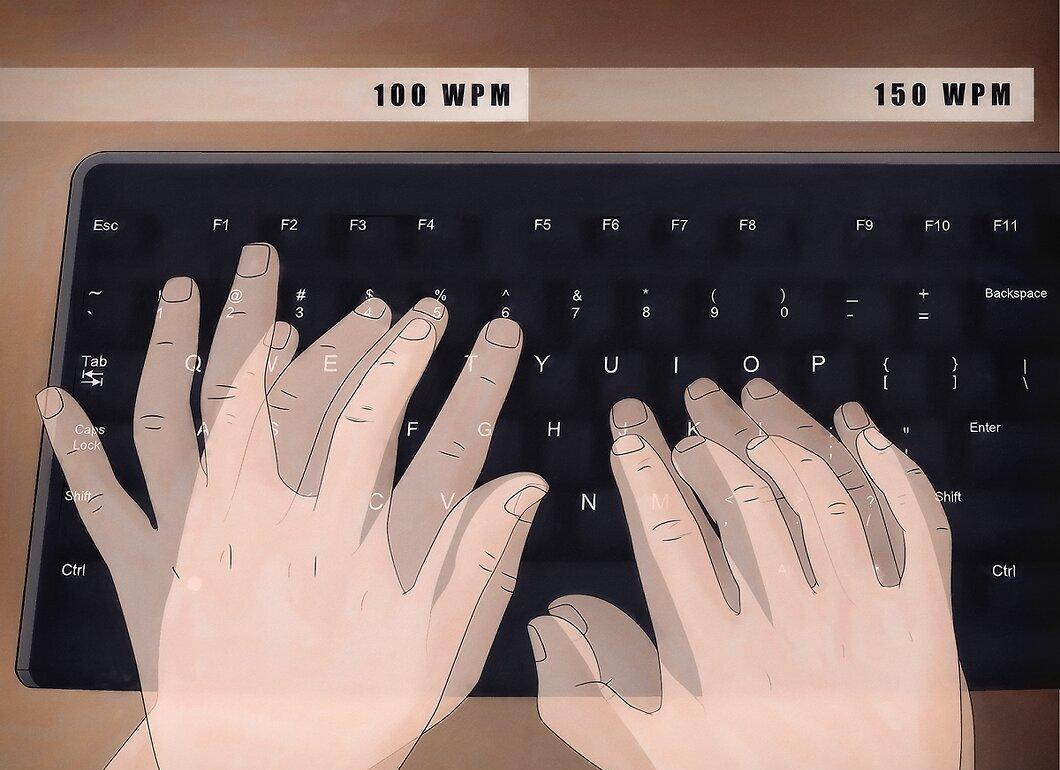
Stay persistent! Be determined, and soon you might compete with record-holders who type at speeds exceeding 150 WPM for long periods and over 200 WPM for short bursts. Great typing skills will be beneficial both in study and work. The faster and more accurately you type, the quicker you can complete your tasks.