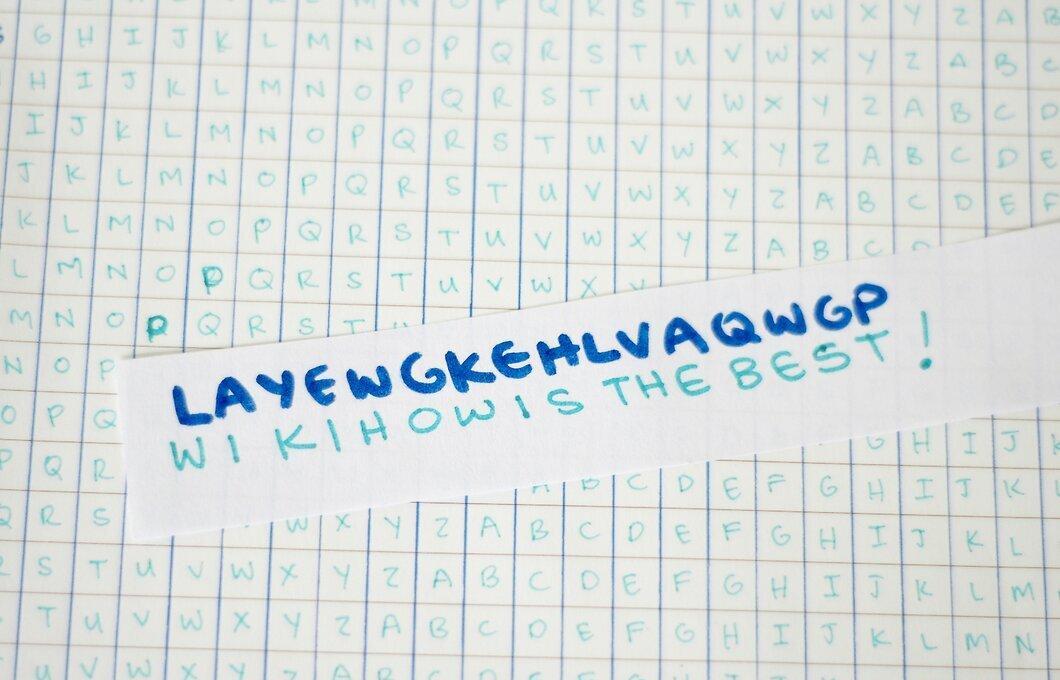
The Vigenère cipher is a method of encrypting text by using a series of different Caesar ciphers based on the letters of a keyword. In the Caesar cipher, each letter of the text is shifted by a certain number of places to replace the original letter. For example, in the Latin alphabet, A becomes D, B becomes E, C becomes F. The Vigenère cipher is built on the idea of using different Caesar ciphers at different parts of the message. In this article, we will show you how to use it.
Encryption
Step 1. Download a Vigenère square from the internet or find out what it looks like and create one yourself.
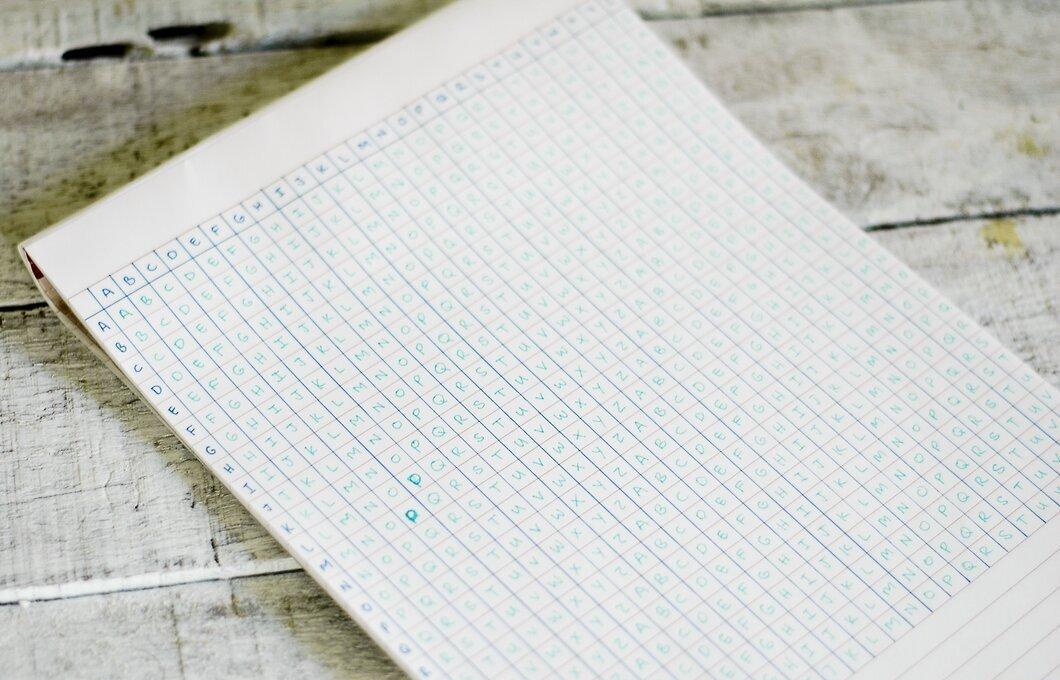
Step 2. Come up with a keyword that is shorter than the phrase or phrases you want to encrypt.
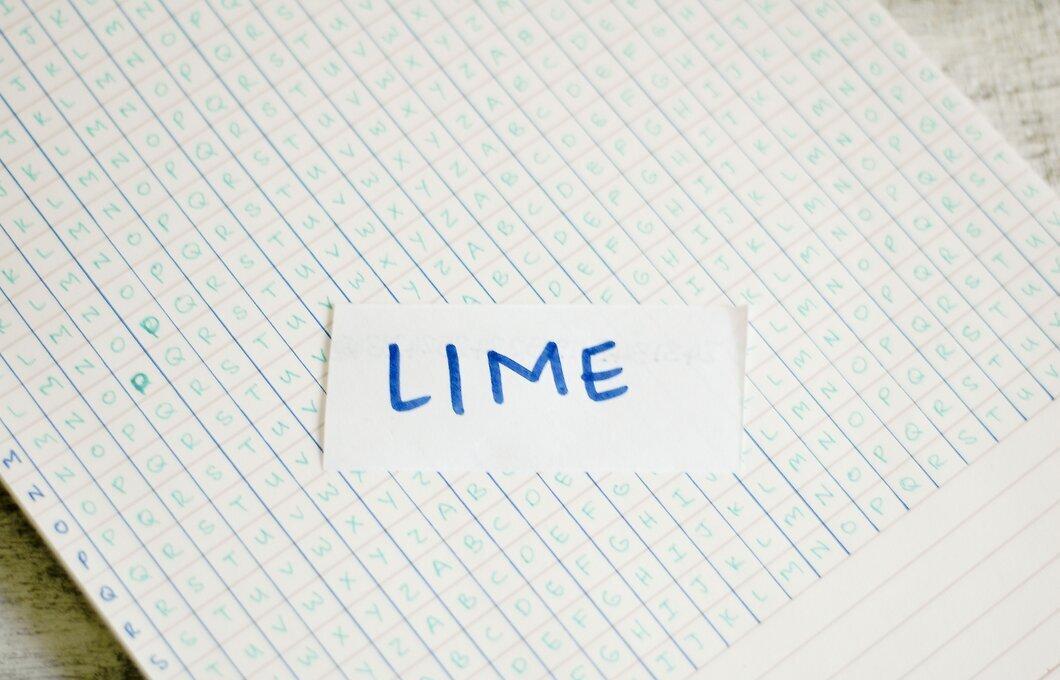
Create a keyword shorter than the phrase or phrases you want to encrypt. For this article, we will use the word: LIME
Step 3. Write your message without spaces.
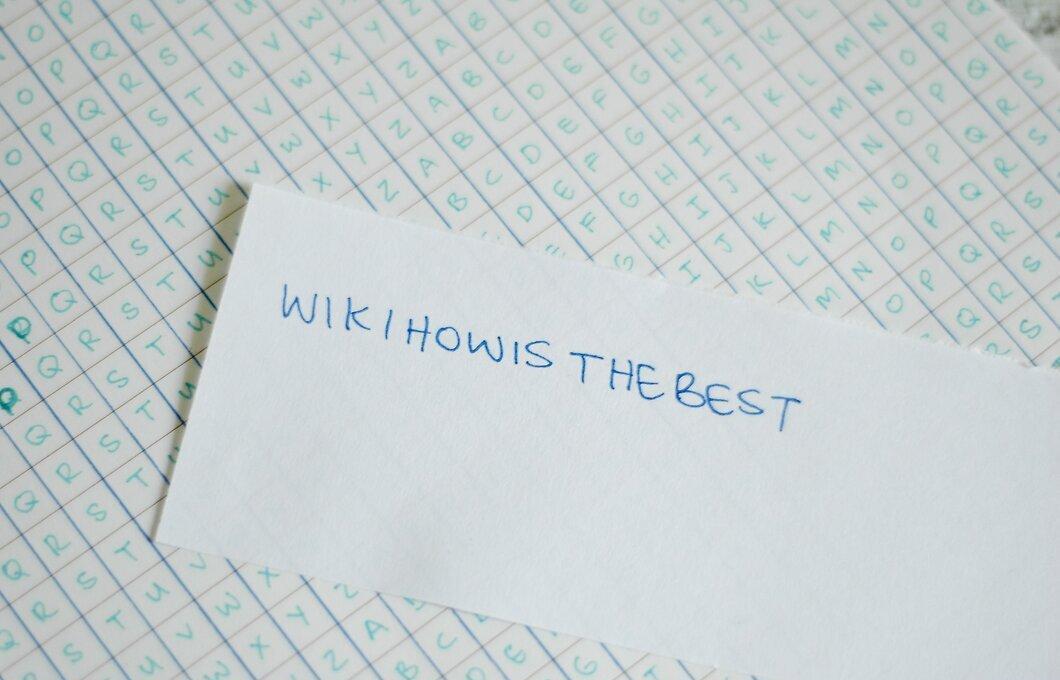
Write your message without spaces. We will take the phrase "wikiHow is the best" and write it as: WIKIHOWISTHEBEST
Step 4. Write the keyword under the message so that each letter lines up directly under the corresponding letter of the message.
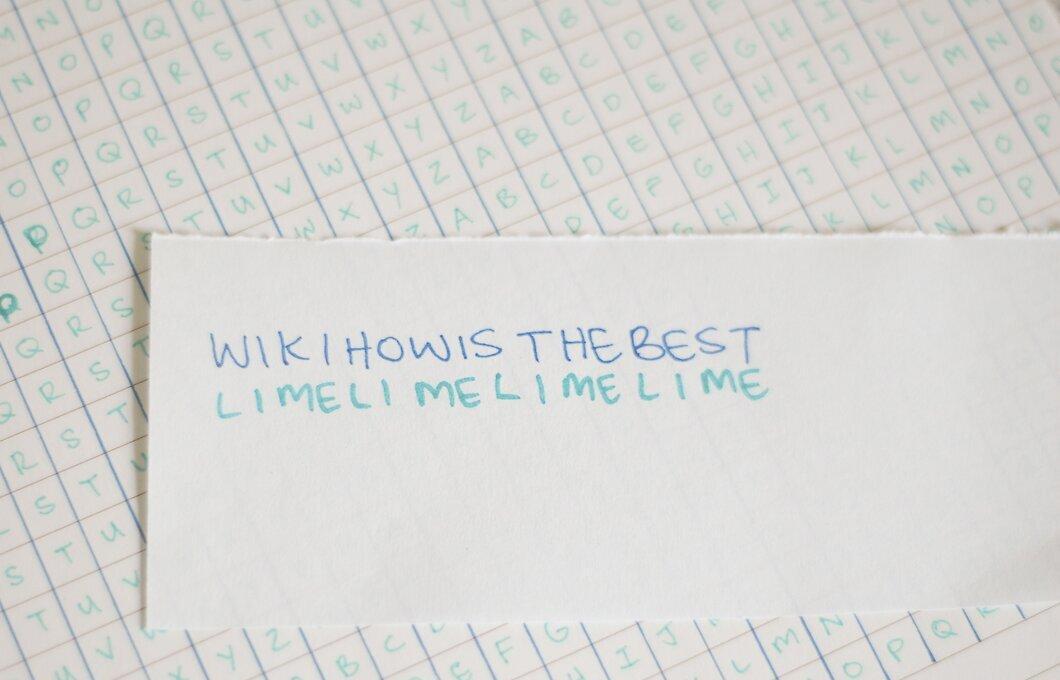
Write the keyword under the message, ensuring that each letter is directly beneath the corresponding letter of the message. Repeat the keyword (without spaces) until the end of the message. In our example, it will be: WIKIHOWISTHEBEST LIMELIMELIMELIME
Step 5. Shorten the keyword if necessary to fit the phrase.
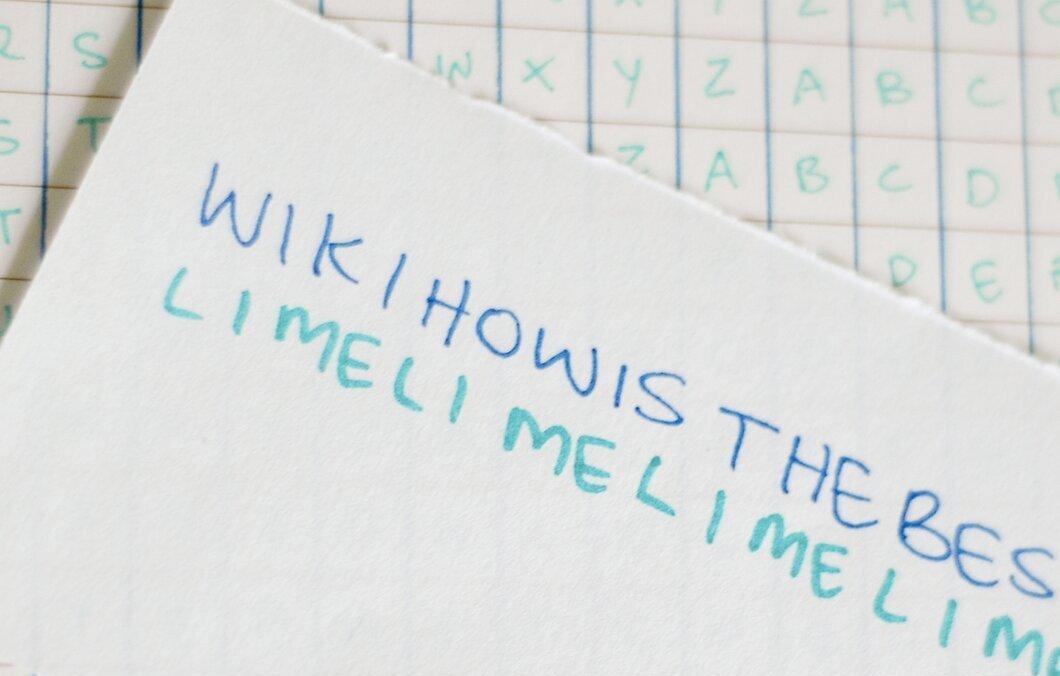
Shorten the keyword if necessary to fit the phrase. In our example, the word LIME fits perfectly with the number of letters needed, so it doesn’t need to be shortened. However, if we take the phrase "wikiHow is the best of the best," it will look like this: WIKIHOWISTHEBESTOFTHEBEST LIMELIMELIMELIMELIMELIMEL
Step 6. Go to the row of the first letter of the keyword in the Vigenère square and find the column with the first letter of the original message, then find the intersection of the row and column.
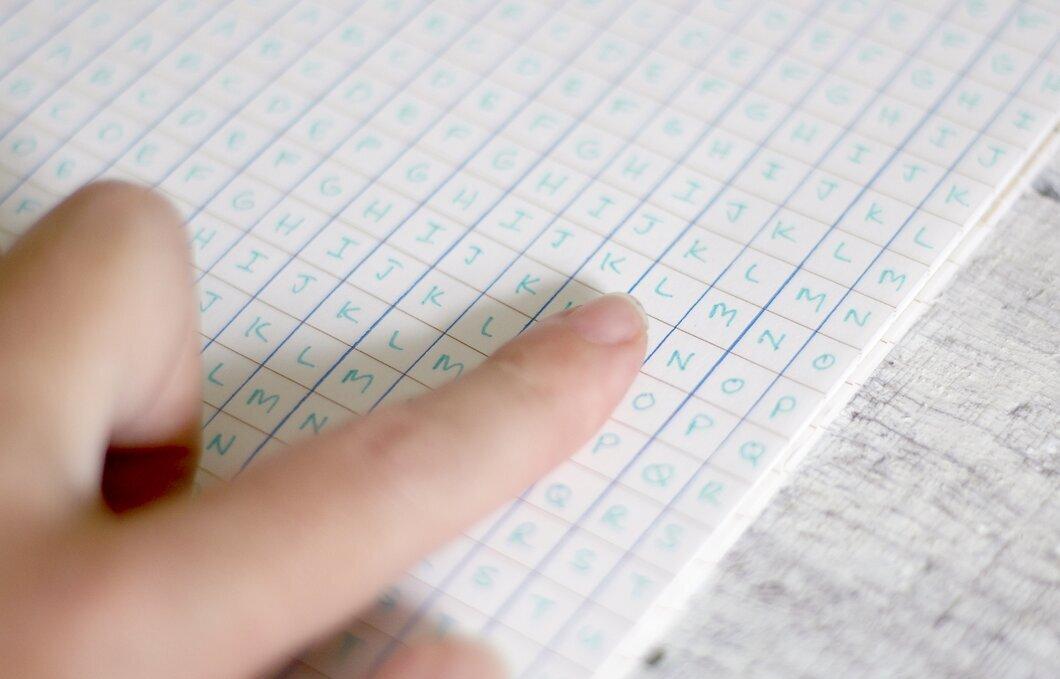
Go to the row of the first letter of the keyword in the Vigenère square and find the column with the first letter of the original message, then find the intersection of the row and column. In our example, this is the row marked L and the column marked W. The letter at their intersection will be the first letter of your encrypted message.
Step 7. Continue this process for all the letters of the phrase in order until the entire phrase is encrypted.
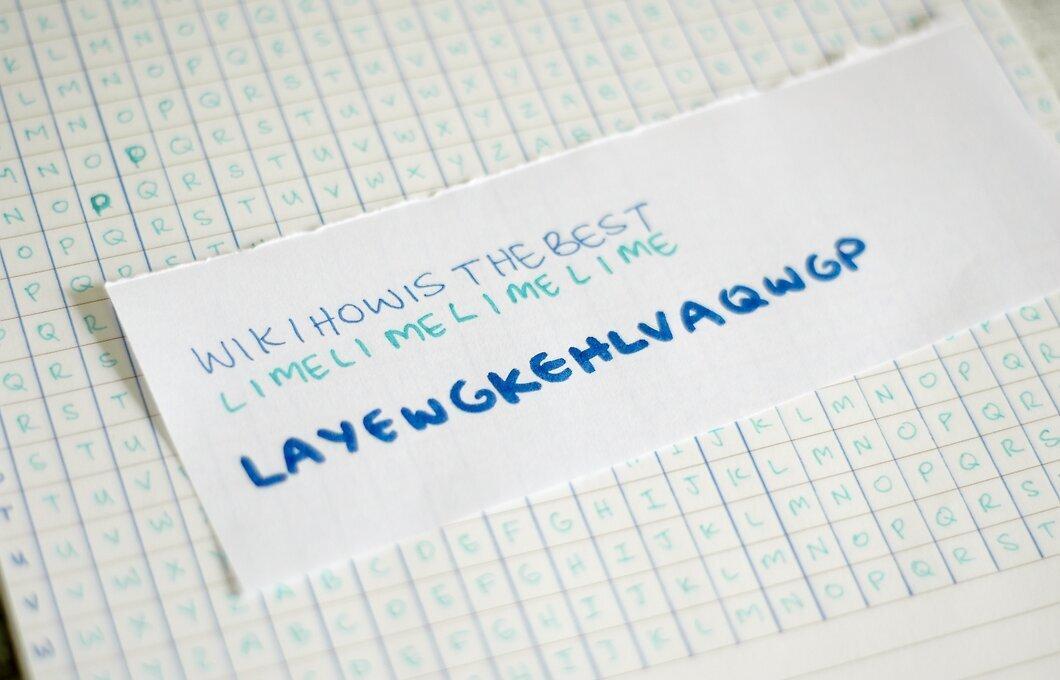
Continue this process for all the letters of the phrase in order until the entire phrase is encrypted. The first letter we obtained in the previous step is H, the second is Q, and so on. The final result will be the phrase: HQWMSWIMDBTIMMEX
Decryption
Step 1. To decrypt the text, perform the steps above in reverse order.
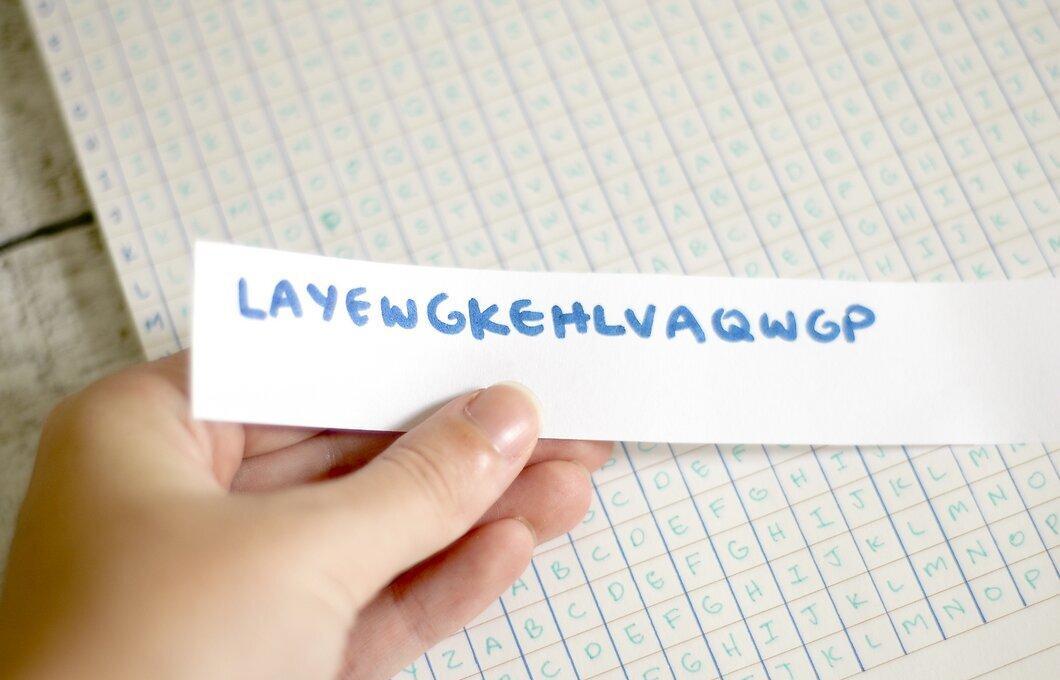
Step 2. Find the row marked with the first letter of the keyword.
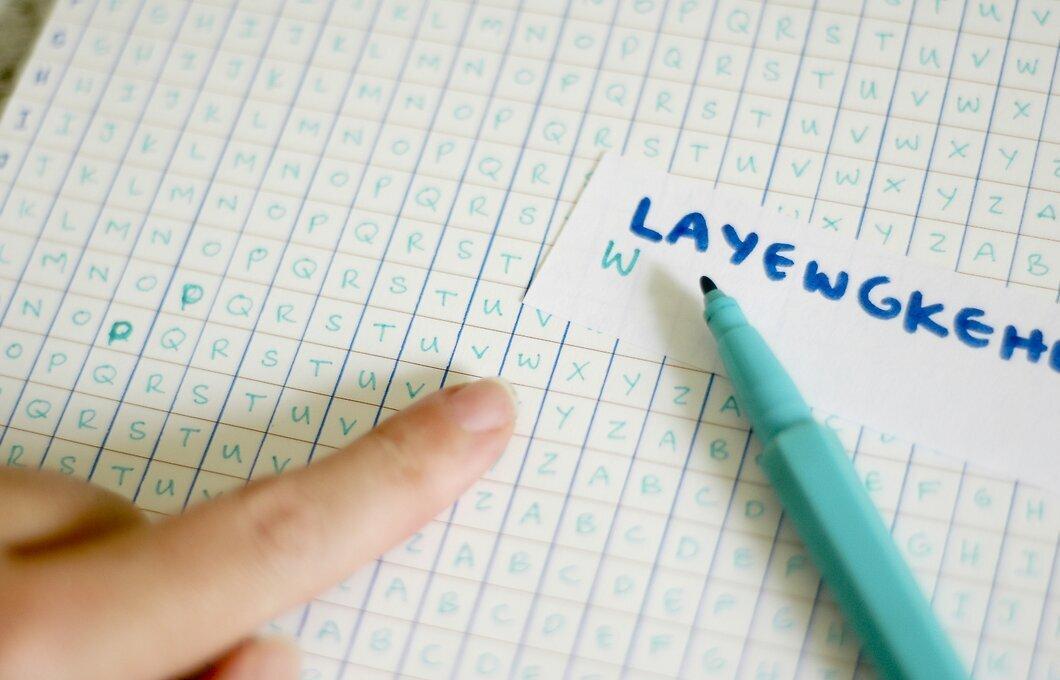
Find the row marked with the first letter of the keyword. Locate the first letter of the encrypted phrase in that row. Check which column it is in; the letter that marks that column will be the first letter of the decrypted message.
Step 3. Continue this process for all the letters of the phrase in order until the entire phrase is decrypted.