PayPal is one of the best ways to transfer and receive funds. This platform significantly simplifies the process of transferring money between you and others. By simply registering, you can integrate e-commerce into your personal finances or business. Additionally, PayPal offers a debit card that makes your financial transactions even more convenient.
Part 1
Step 1: Apply for a MasterCard Debit Card through Your PayPal Account.
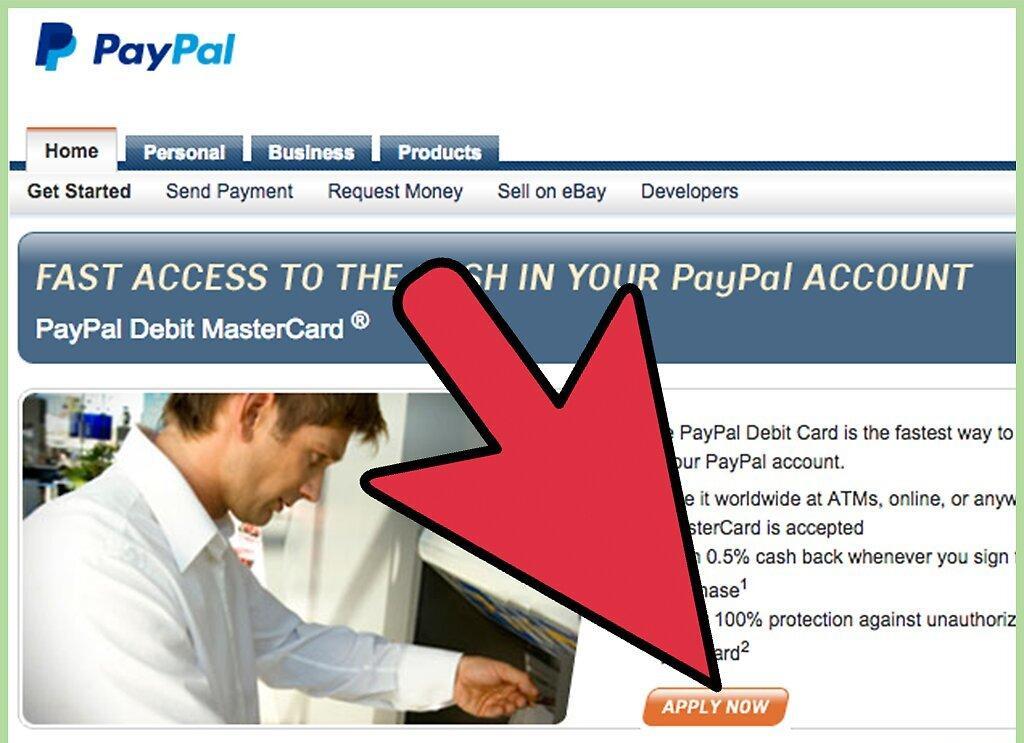
To get started, you need to apply for a MasterCard debit card through your PayPal account. This process is quite straightforward: the website will guide you through all the steps of application and approval. You will need to answer a few questions about your contact details, email address, language preferences, and the type of account you want to create. The entire procedure will take just a few minutes.
Step 2: Set Up a Backup Funding Source for Your PayPal Account.
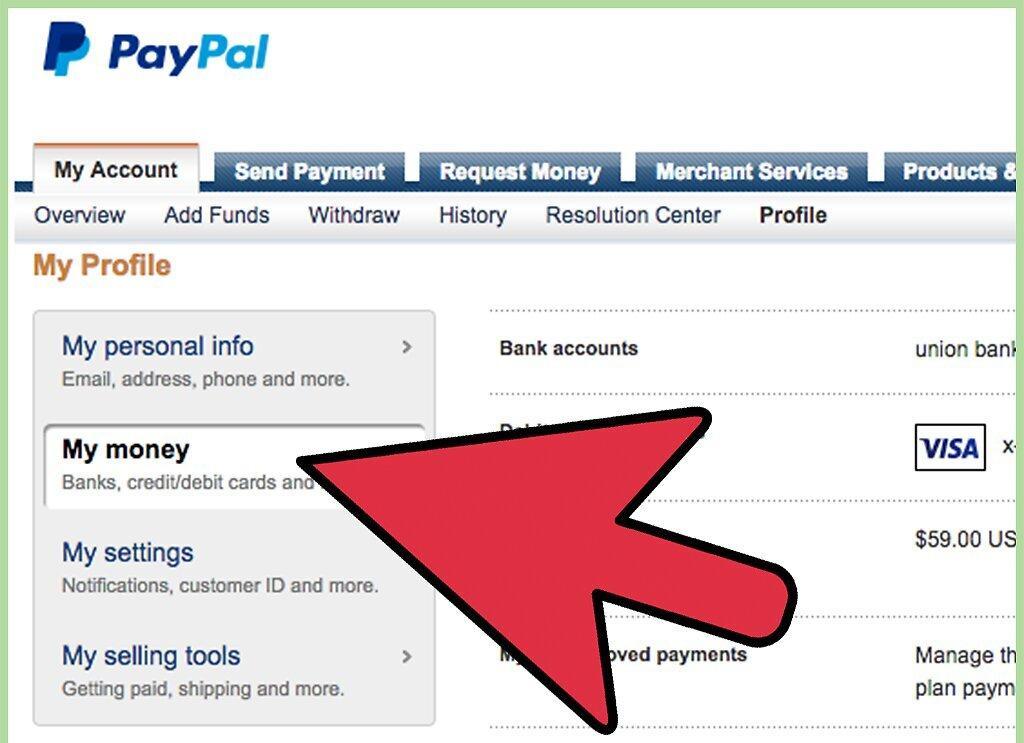
Choose a backup funding source for your PayPal account. This will link your account to a checking or savings account, from which funds will be withdrawn if your PayPal account does not have enough money for purchases.
Step 3: Familiarize Yourself with Your Debit Card Limits.
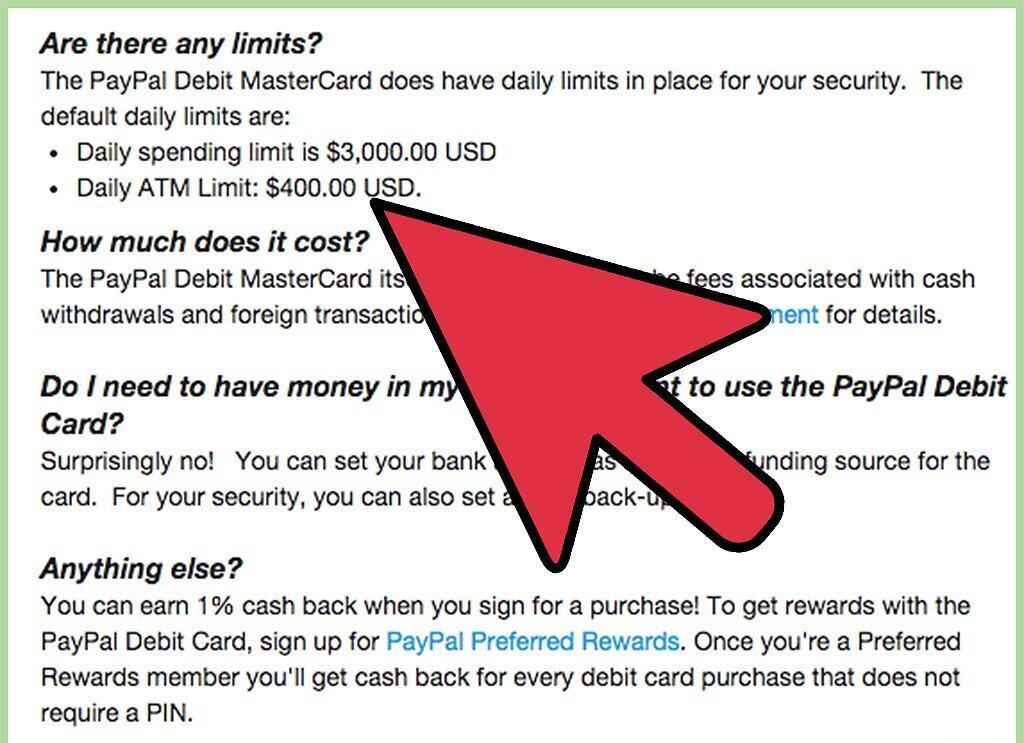
It's important to know the limits of your debit card. When you receive your card, it will have limits set: the default daily spending limit is $3,000, and the ATM withdrawal limit is $400. You can change these limits by contacting PayPal customer support.
Step 4: Use Your Card as a Debit Card with a PIN at MasterCard-accepting Stores.
You can use your card as a debit card with a PIN at stores that accept MasterCard. Simply swipe your card through the terminal and enter your PIN. This card can be used almost everywhere: in restaurants, gas stations, stores, hotels, etc.
Step 5: Utilize the Credit Option of Your Debit Card at MasterCard-accepting Locations.
You can use the credit option of your debit card at places that accept MasterCard. During your purchase, simply swipe your card through the terminal. If you are enrolled in the "Preferred Rewards" program, you can earn 1% back on your purchase amount.
Step 6: Use Your Card with or without a PayPal Balance, If Additional Funding Sources Are Linked.
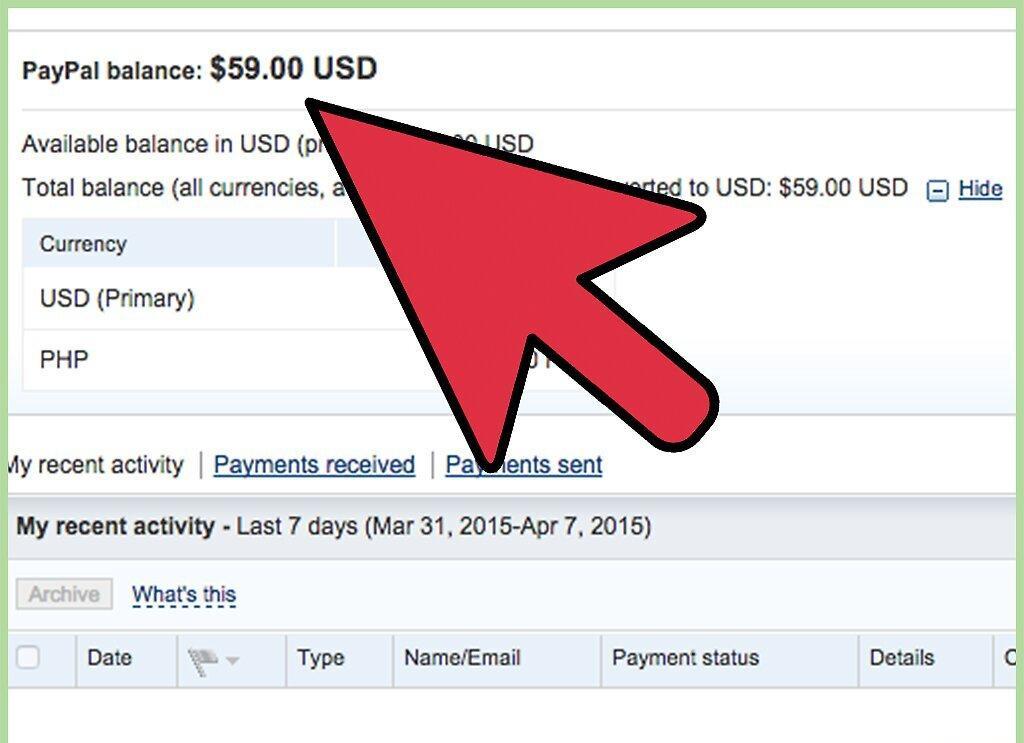
You can use your card even if you have no funds in PayPal, as long as you have linked additional funding sources. For example, if your PayPal account has no funds, but your bank account has $30, you can still pay for gas with that amount.
Step 7: Check Your Balance.
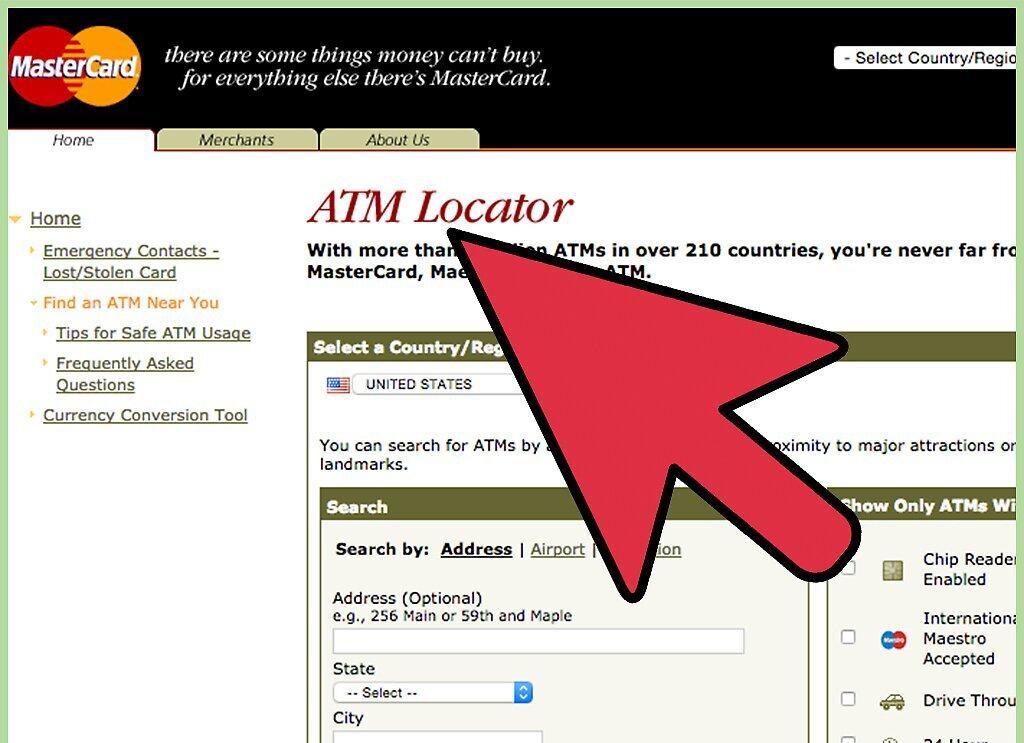
To check your balance, find an ATM and select the balance inquiry option. This will let you know how much money is available in your PayPal account.
Step 8: Withdraw Cash from Your Card at an ATM.
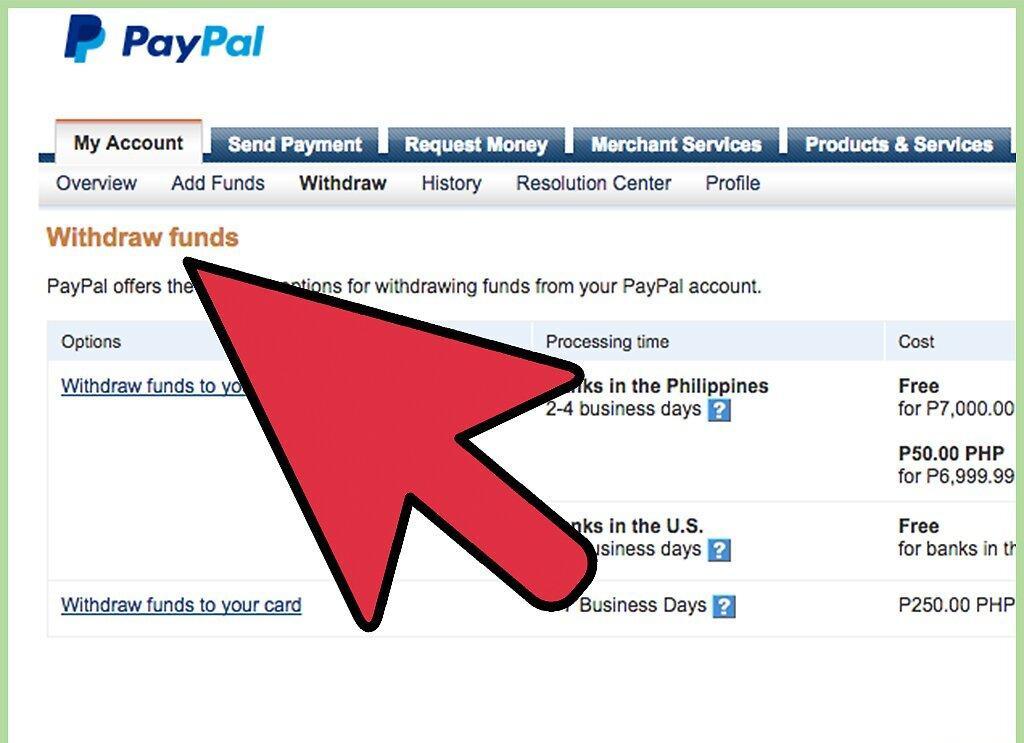
To withdraw cash from your card, use an ATM. Enter your PIN and select the cash withdrawal option. Input the amount you wish to withdraw and press the "Enter" button.