Learn how to quickly and effectively cancel a recurring payment on PayPal.
Part 1
Step 1. Open the PayPal Website
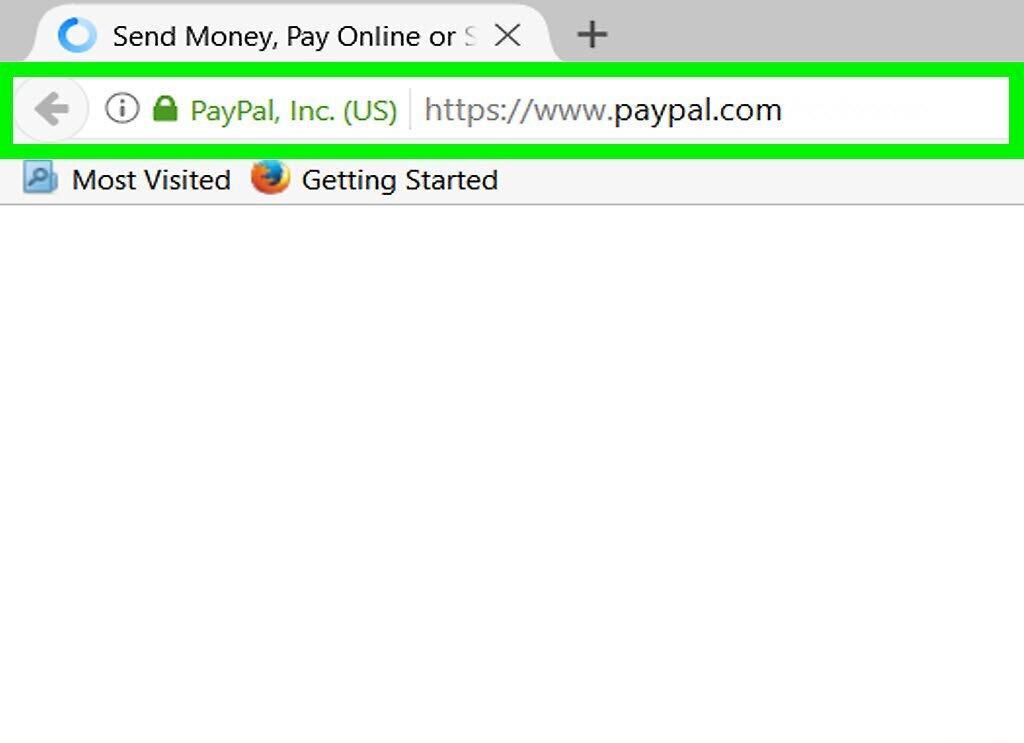
Go to the PayPal website at https://www.paypal.com in your browser. If you're not already logged in, just click the "Log In" button at the top right corner and enter your credentials.
Step 2. Go to Settings
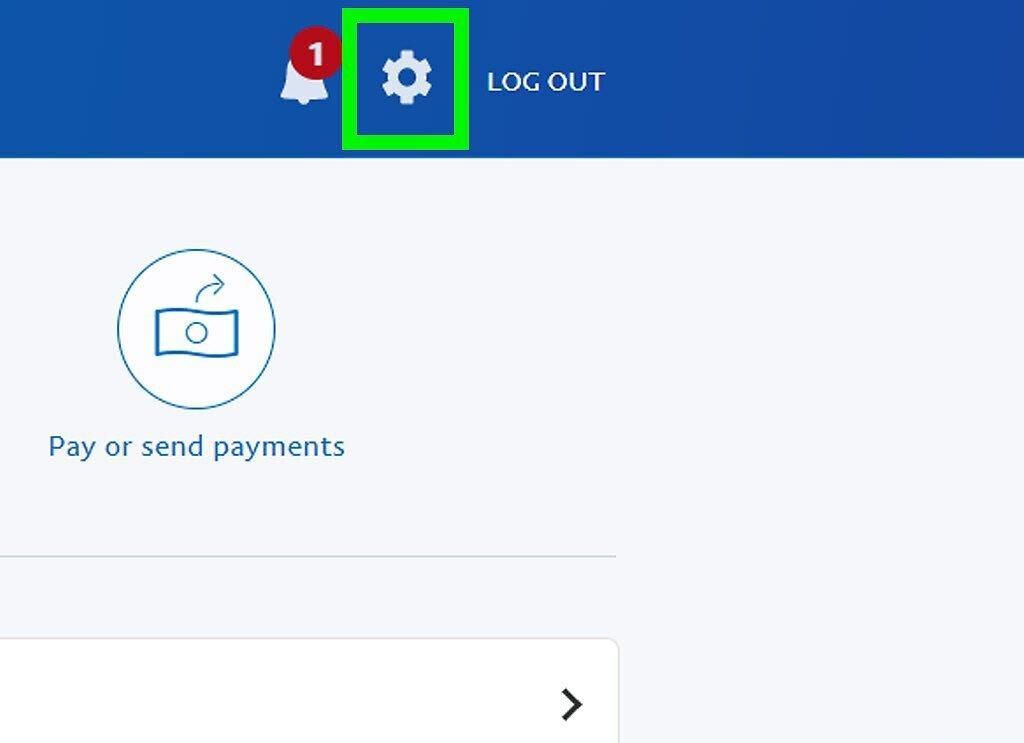
Click on the "Settings" icon located in the upper right corner of the page.
Step 3. Select the Payments Tab
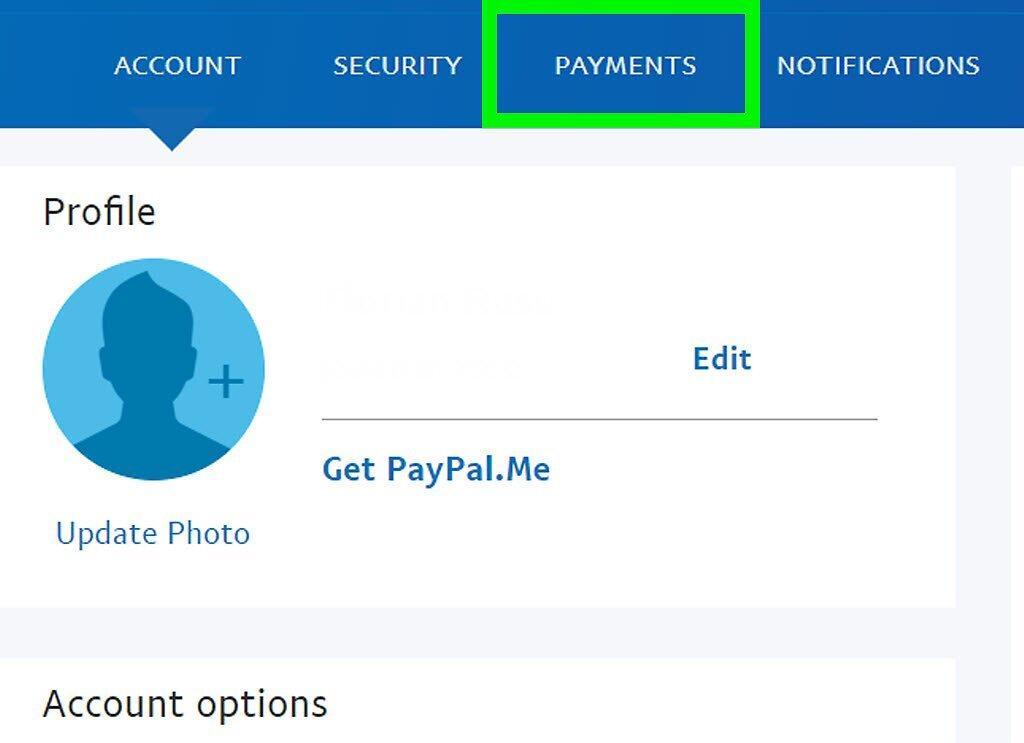
Navigate to the Payments tab found in the middle of the top section of the window.
Step 4. Find Manage Payments
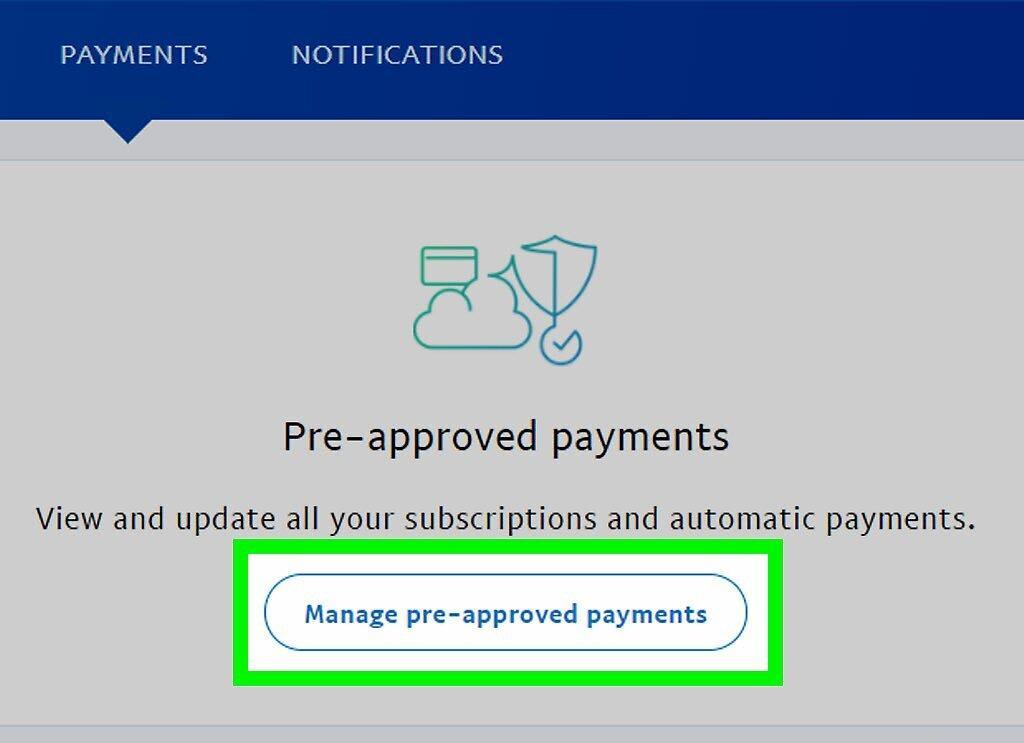
Click on "Manage Payments." This option is located in the center of the window.
Step 5. Select the Payment to Cancel
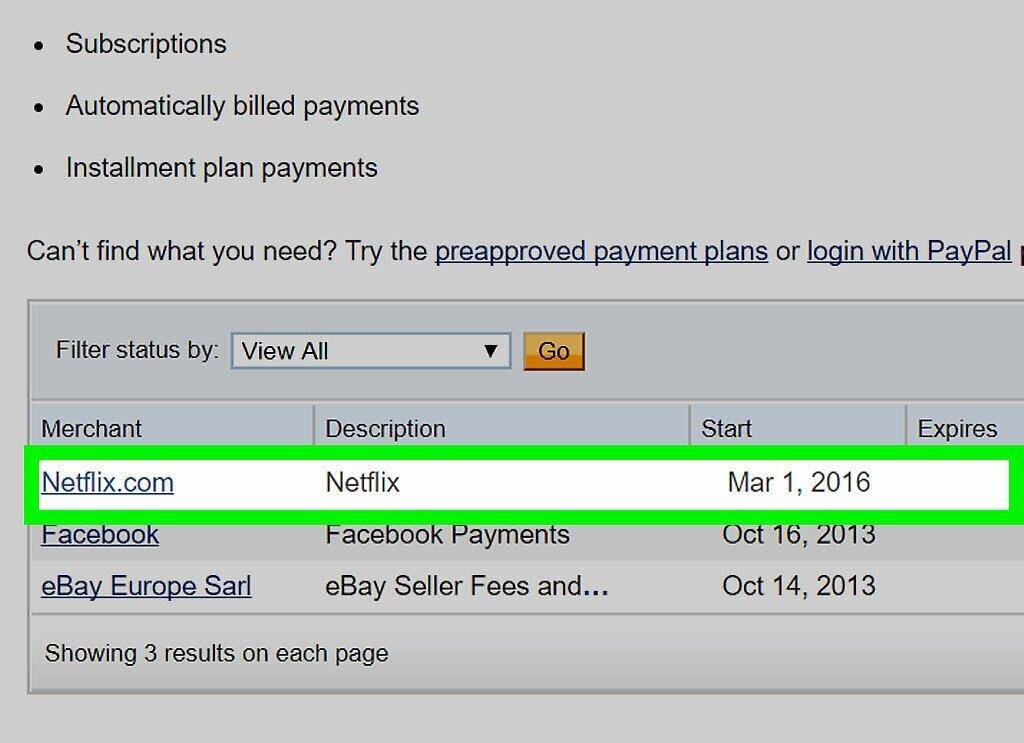
- If you have multiple recurring payments, you may need to click "Next Page" in the bottom right corner to find the payment you want.
Step 6. Click on Cancel
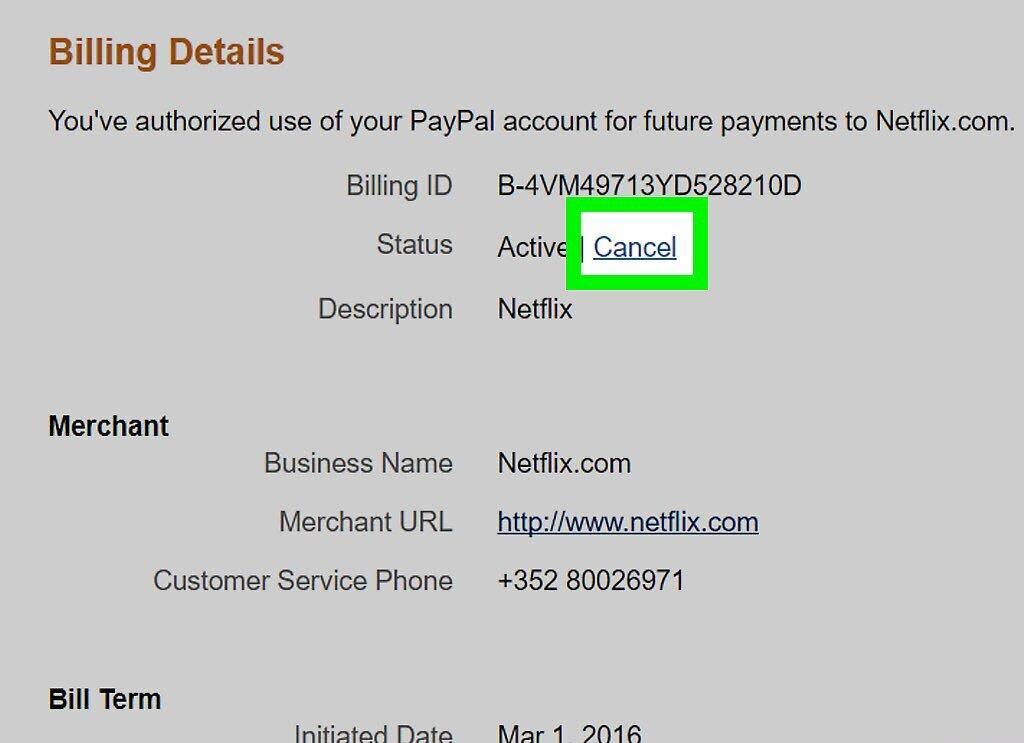
Select the "Cancel" option that appears in the "Status" row under the "Payment Details" section.
Step 7. Confirm the Cancellation
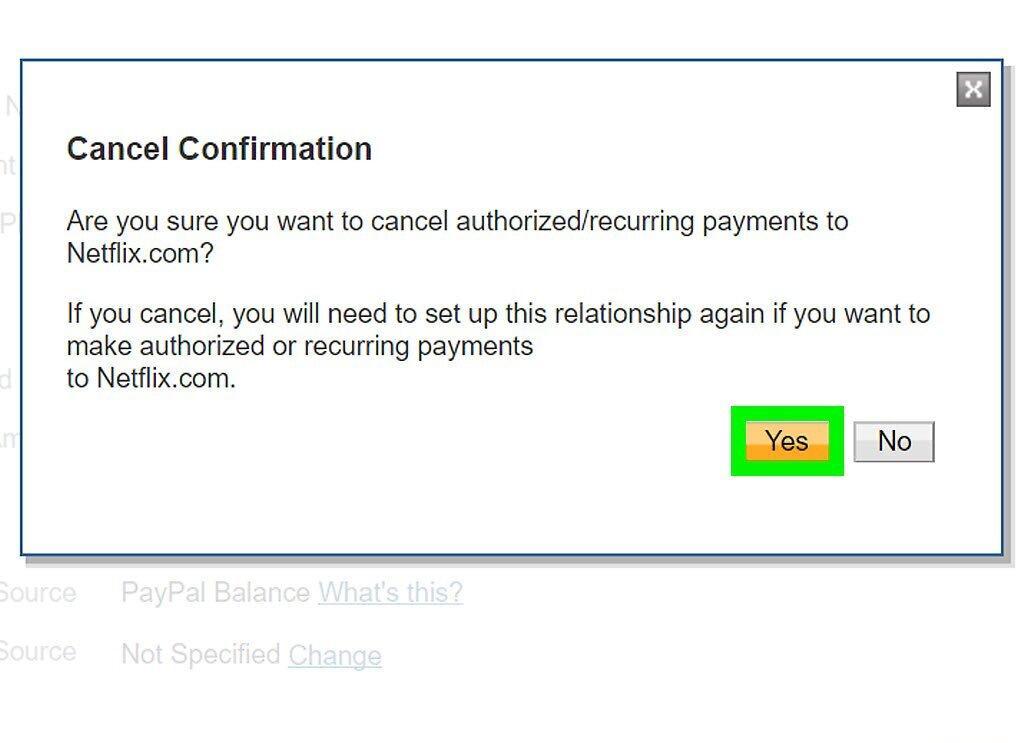
Click "Yes" to confirm the cancellation. Your recurring payment will be successfully canceled.