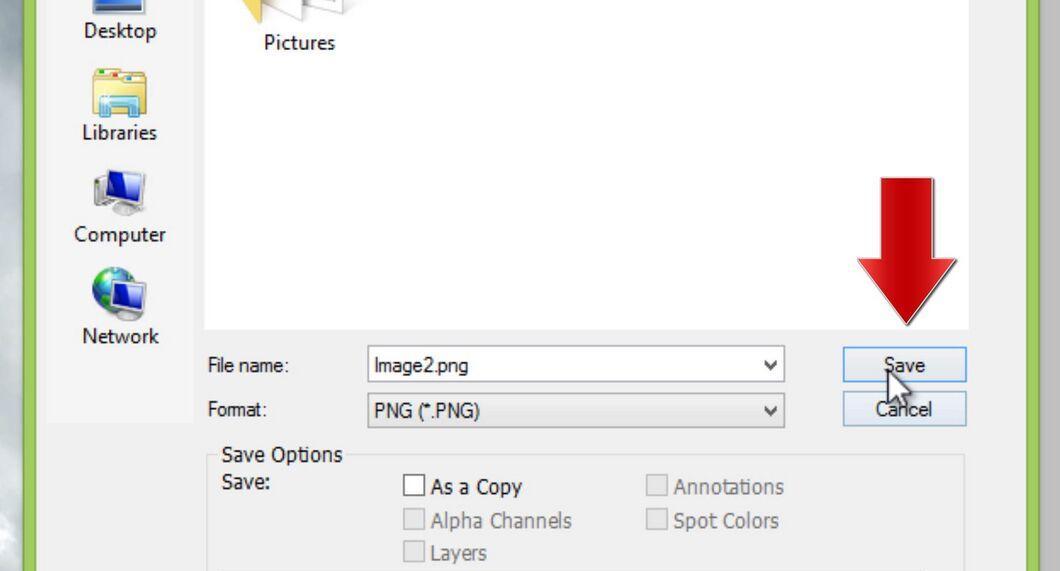
In this article, we will discuss how to effortlessly change an image format from JPEG to PNG using Microsoft Paint.
Part 1
Step 1. Launch the image editor or viewer.
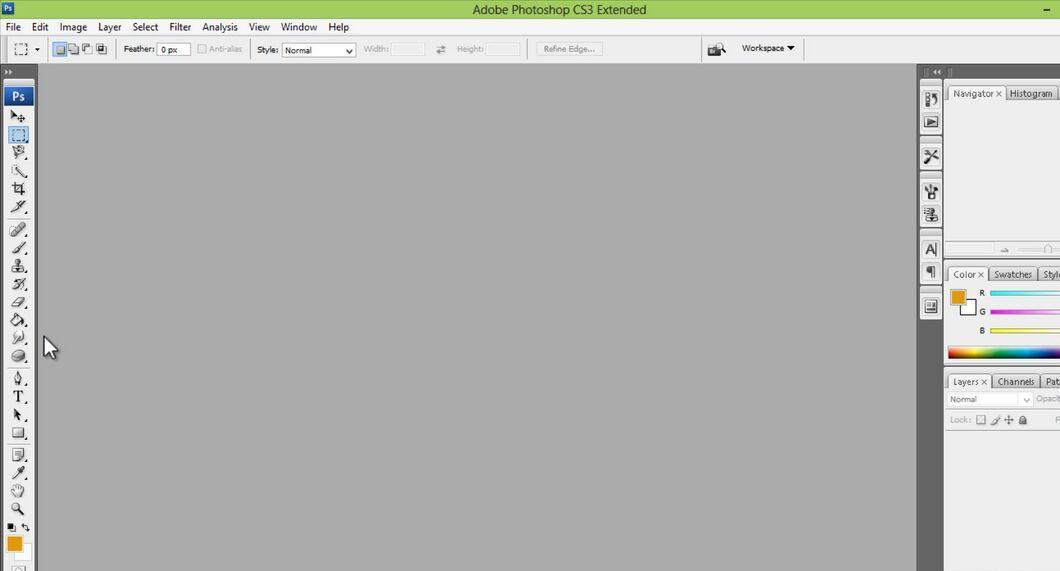
Step 2. Open the image you want to convert to PNG.
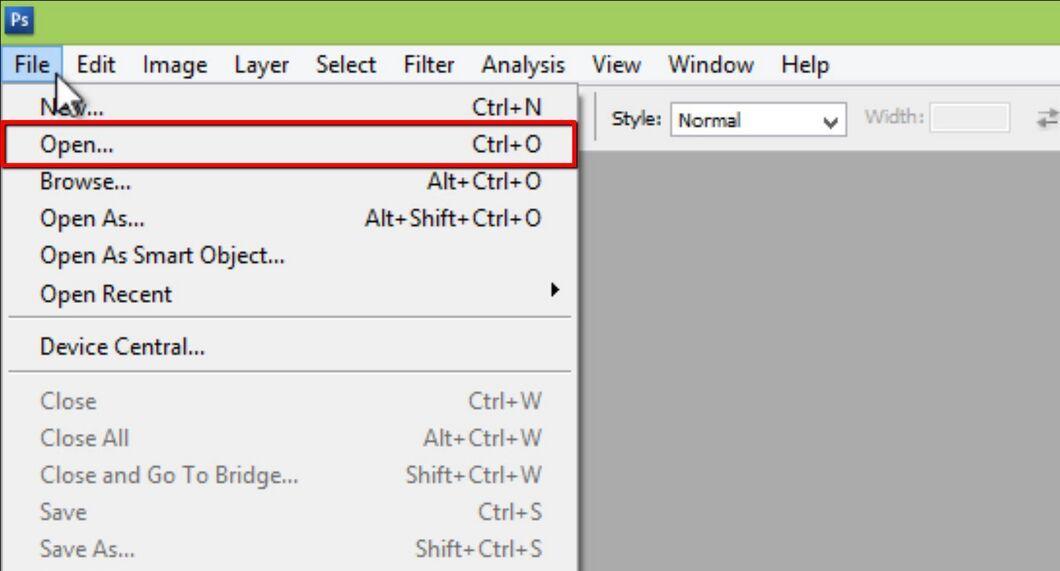
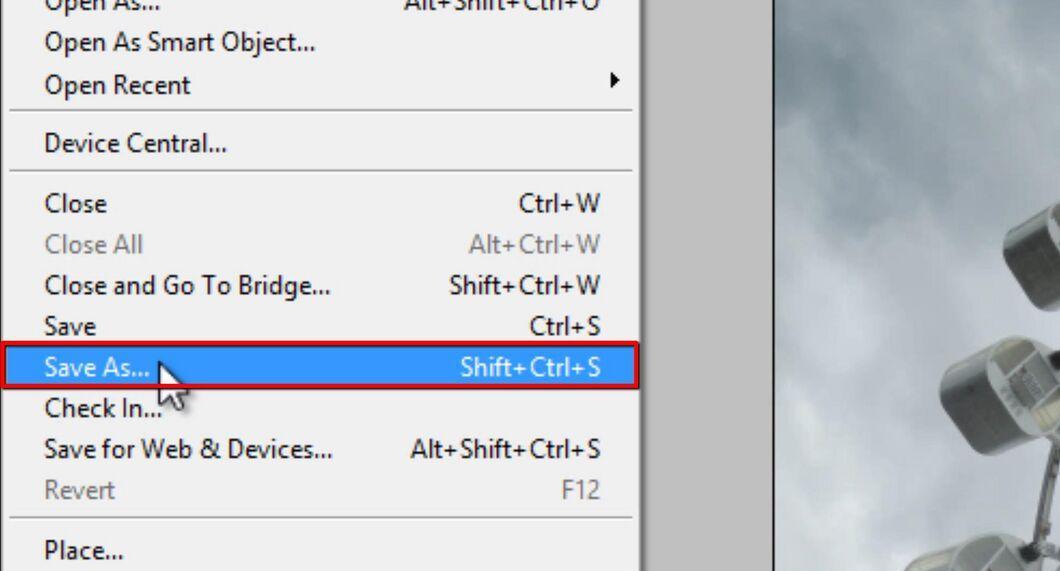
Step 3. Click on the 'File' menu and then select 'Save As'.
Step 4. In the 'Save as type' dropdown, choose 'PNG'.
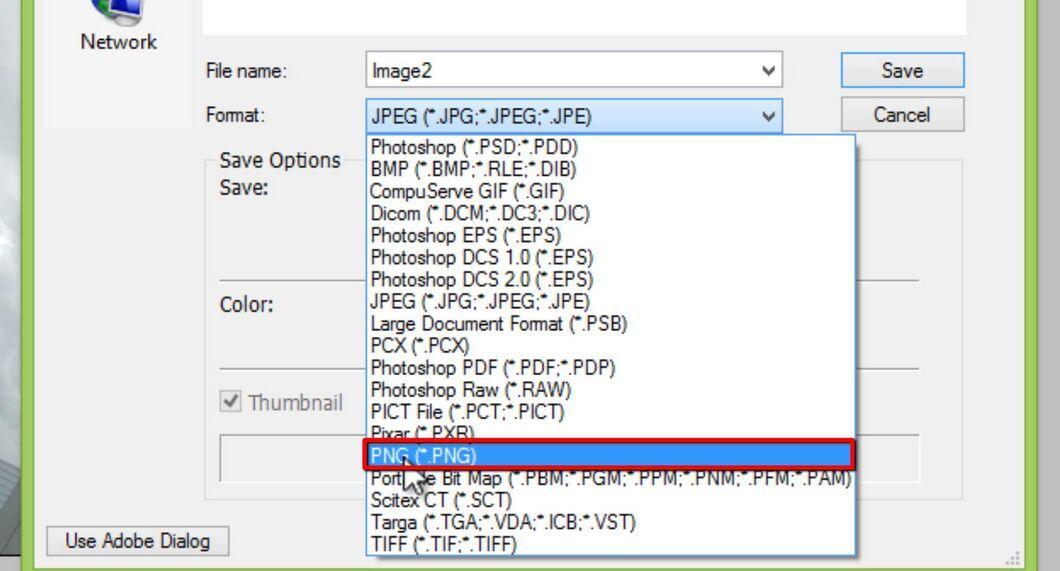
Step 5. Click the 'Save' button.