Voice-over for videos is one of the most enjoyable things you can do! You can record your voice using another video or your own material. If you've ever felt the urge to change the lines while watching a movie, this article is just for you!
Part 1
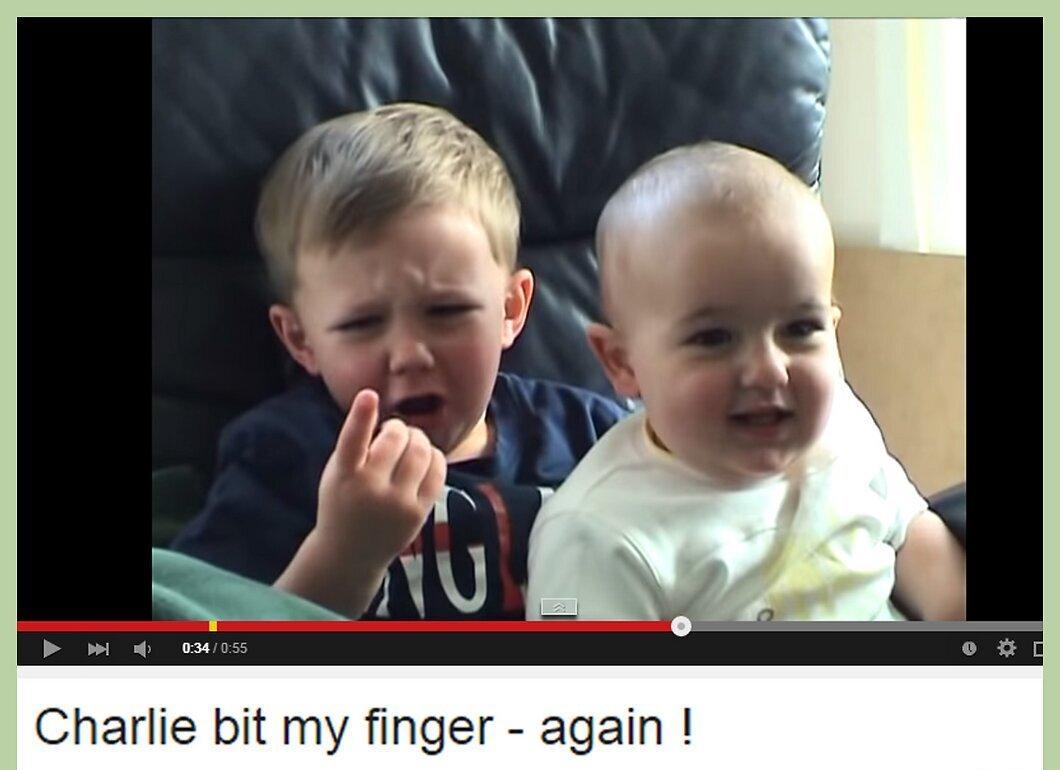
Step 1. Go to a video site (choose a clip or a full video).
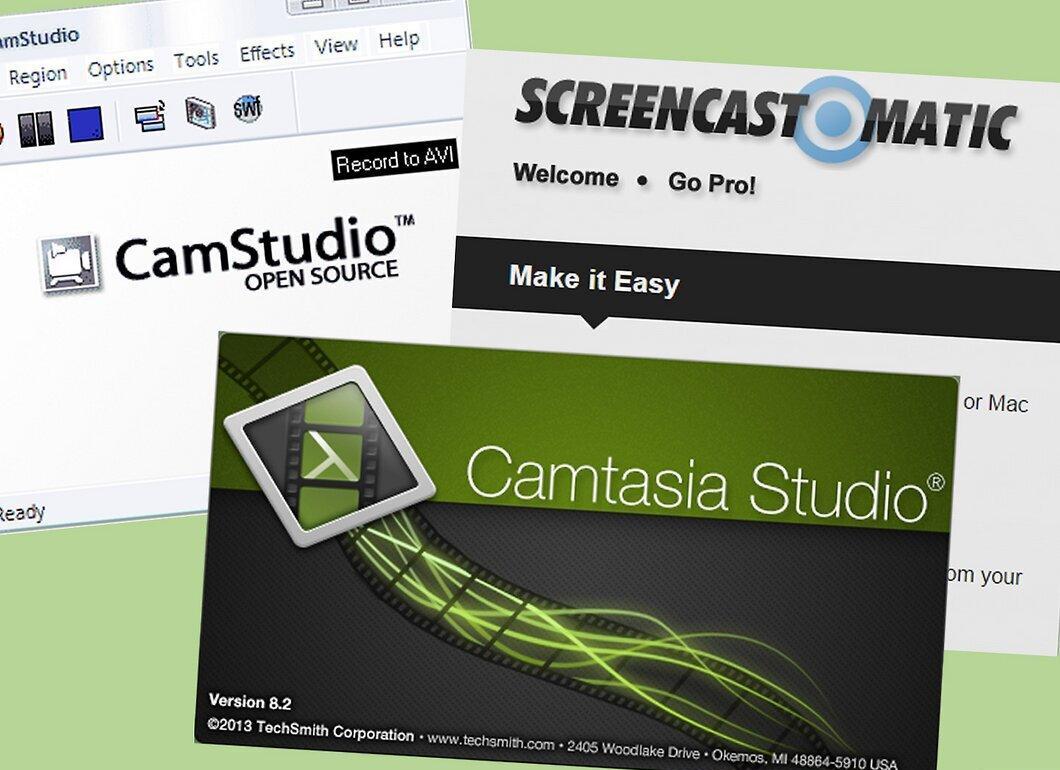
Step 2. Find a program that allows you to record your own voice over the selected part of the video.
Step 3. Start recording your voice for the video.
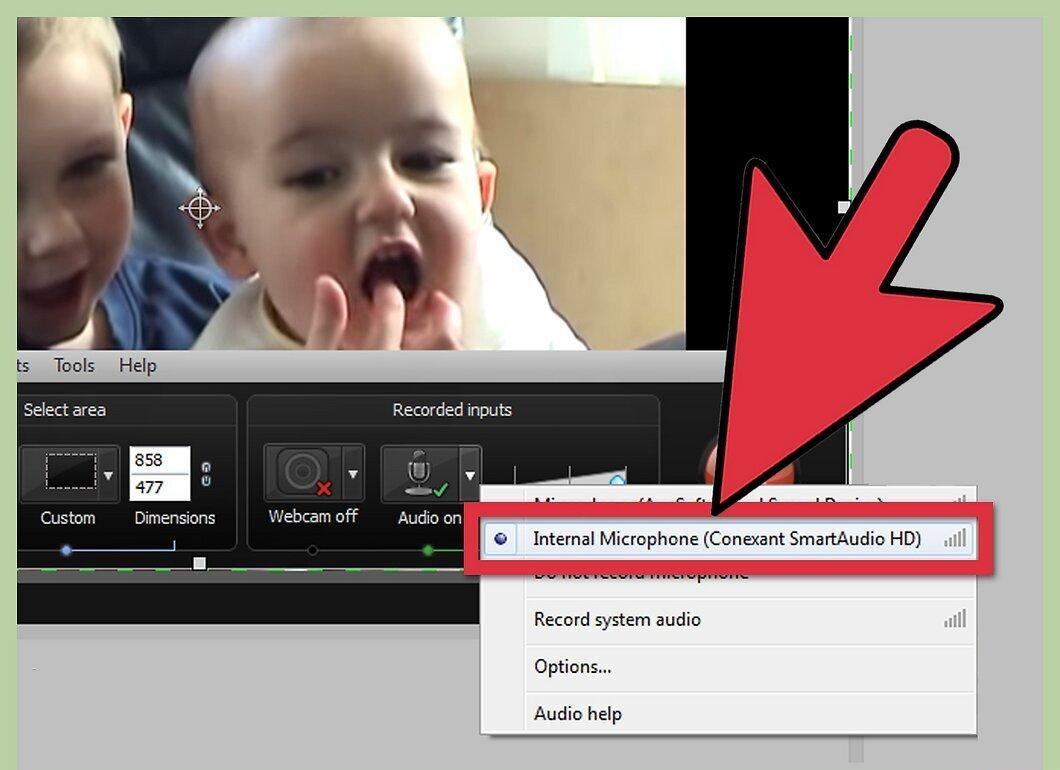
Begin recording your voice. As soon as you start, the microphone will activate and be ready to go.
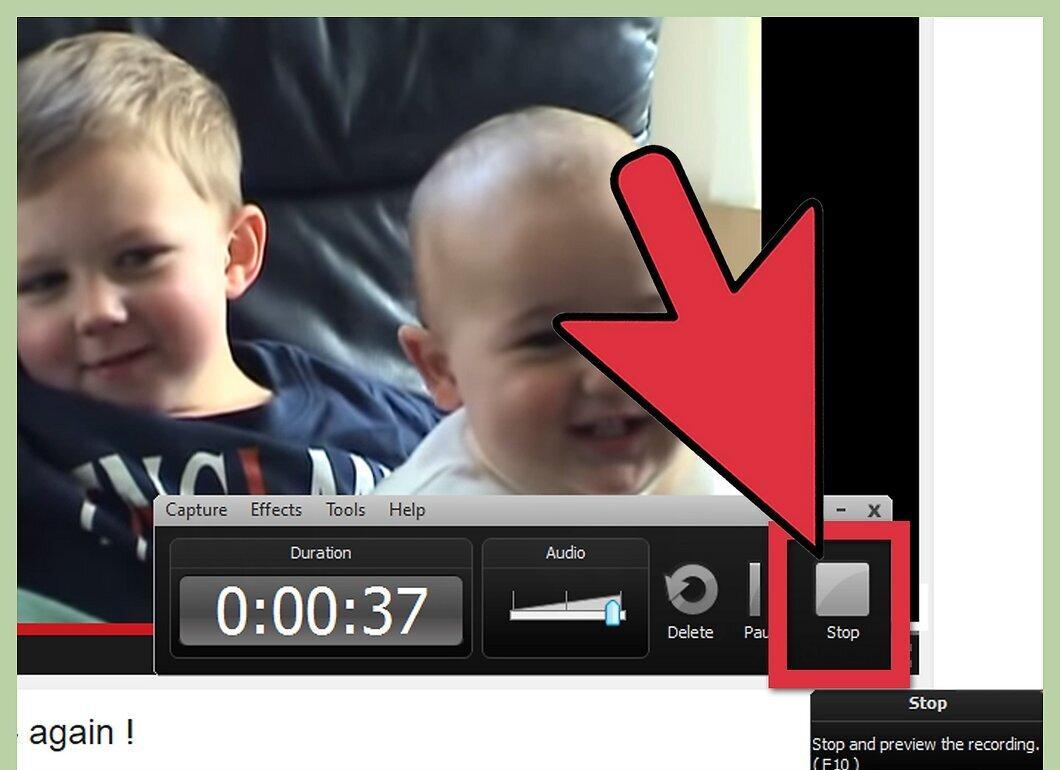
Step 4. Click the 'Stop' button when you're done, and save your file.