Mastering Email Replies: Your Guide to Responding Effectively
Responding to emails is a critical part of email communication. In any email client, you can reply to a message by simply clicking a button (you can choose to reply to the sender or to all participants in the conversation). However, the process may vary slightly depending on the service you are using.
Gmail
Step 1. Open the email you want to reply to.
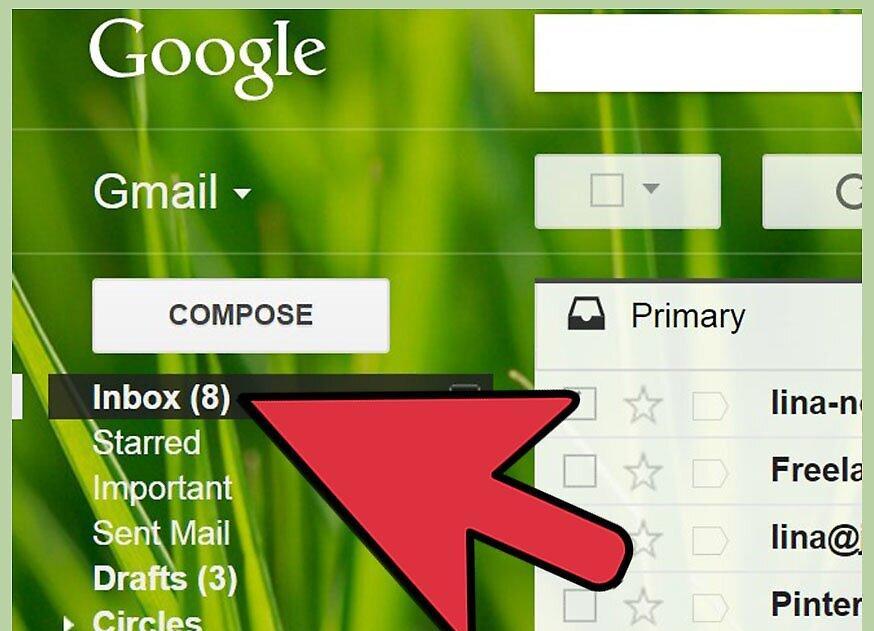
Step 2. Click the large arrow in the upper right corner of the email to reply to the sender.
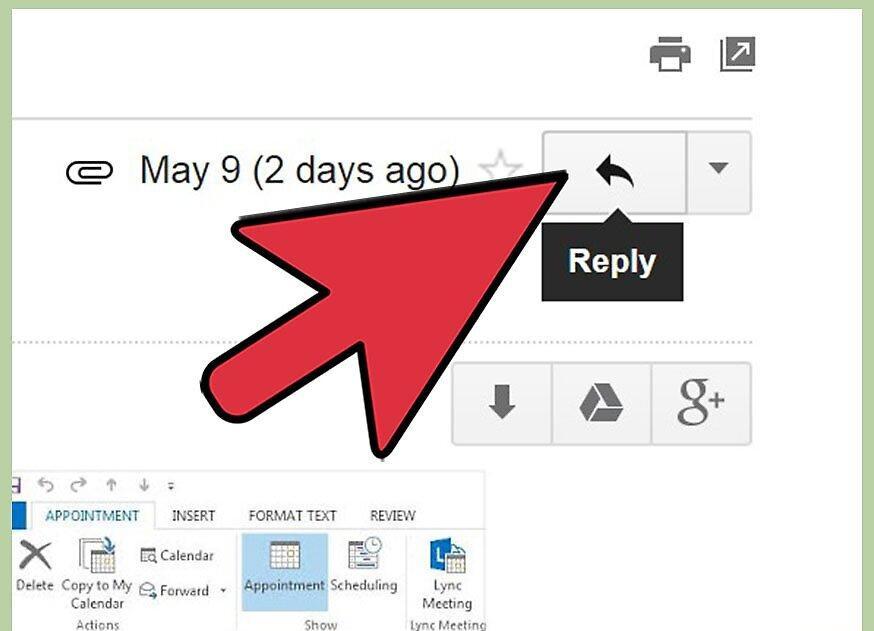
To reply only to the sender, use the large arrow. If you want to reply to everyone, click the small arrow next to the large one and select "Reply to all" from the dropdown menu.
Step 3. Type your response in the text box.
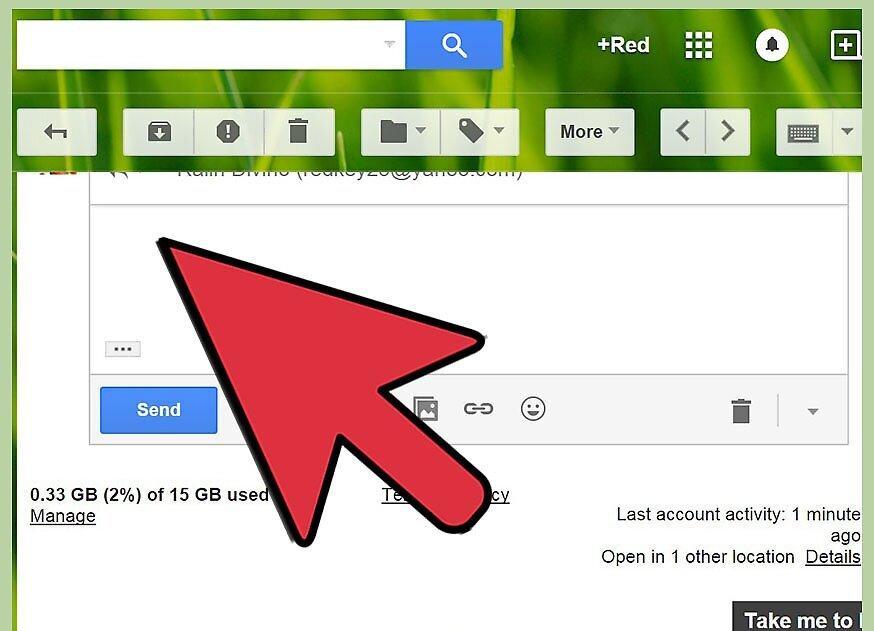
Enter your reply in the text field. You can also add it to the body of the original email.
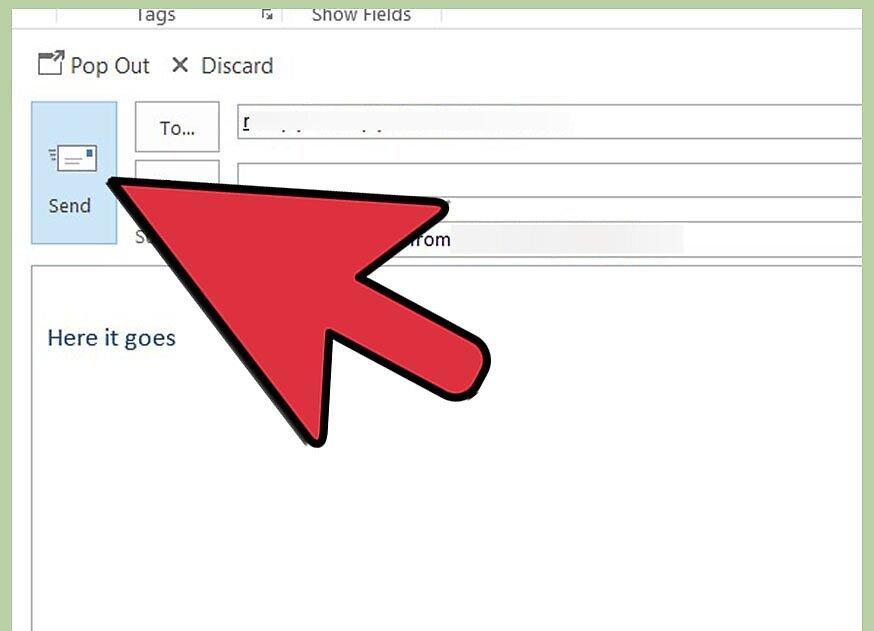
Step 4. Click the "Send" button to send your message.
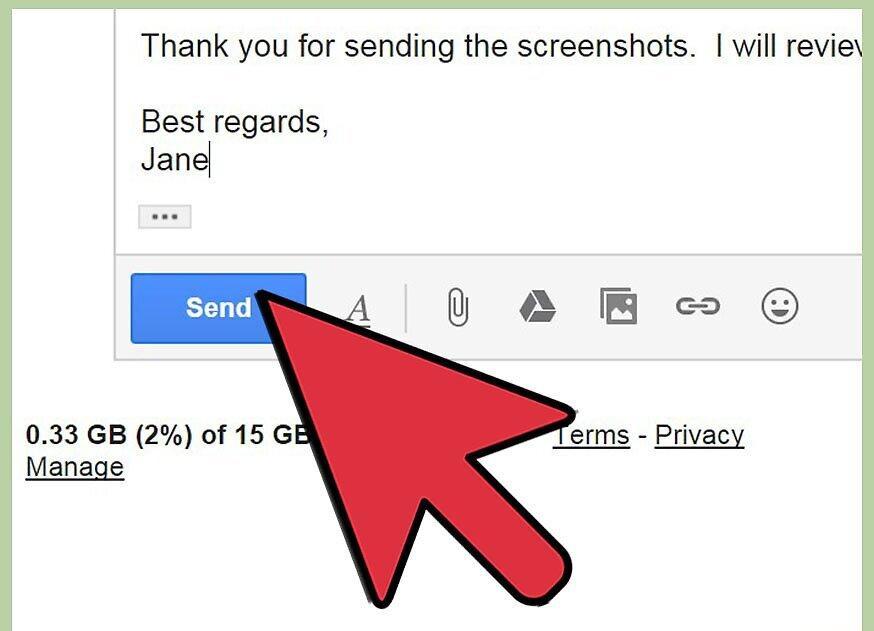
Hit "Send" to ensure your message is delivered to both the sender and any other recipients listed in the "To" and "Cc" fields.
- Alternative method: Scroll to the bottom of the email to enter your reply in the empty field.
Yahoo Mail
Step 1. Open the email you want to reply to.
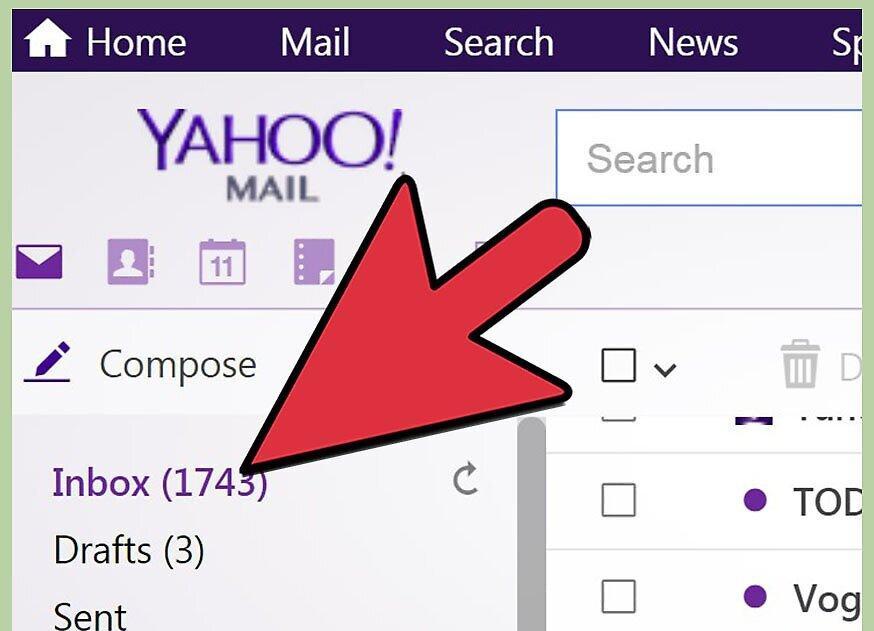
Step 2. Click "Reply" at the top of the page.
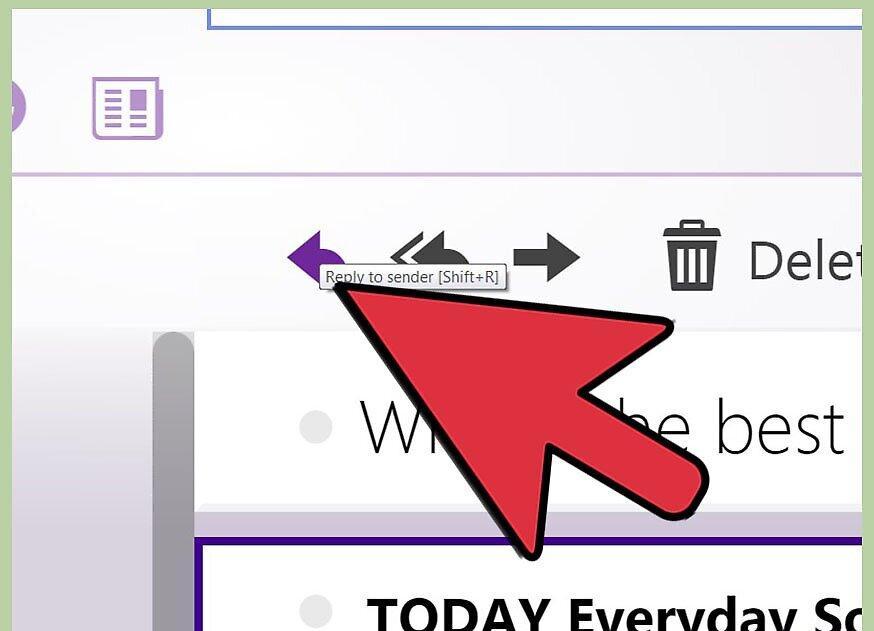
To reply to the sender, simply click "Reply". If you want to reply to everyone, click the arrow next to the "Reply" button.
Step 3. Type your response in the message creation window.
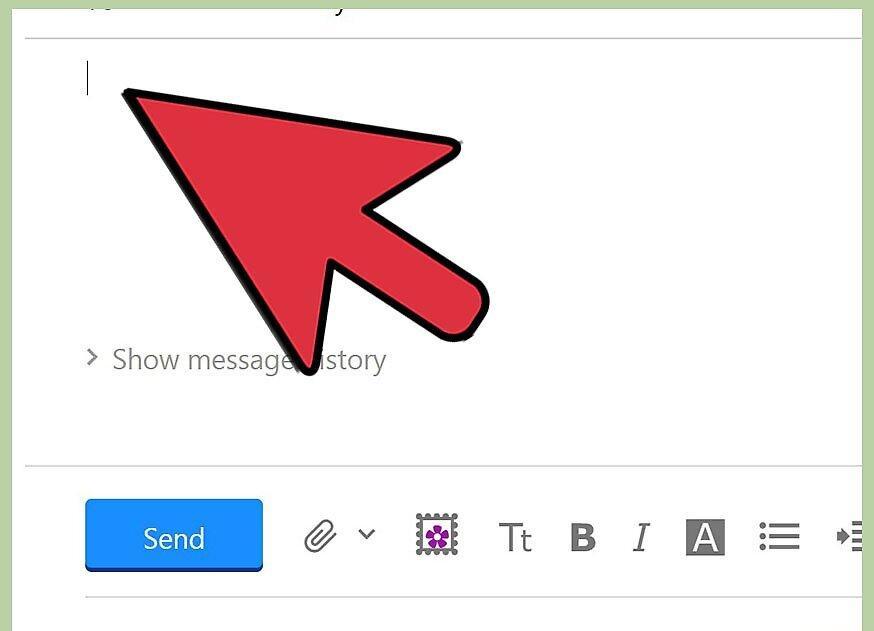
Enter your reply in the designated window. You can also insert text into the body of the original email.
Step 4. Click "Send" to send your reply to all specified recipients.
Windows Live
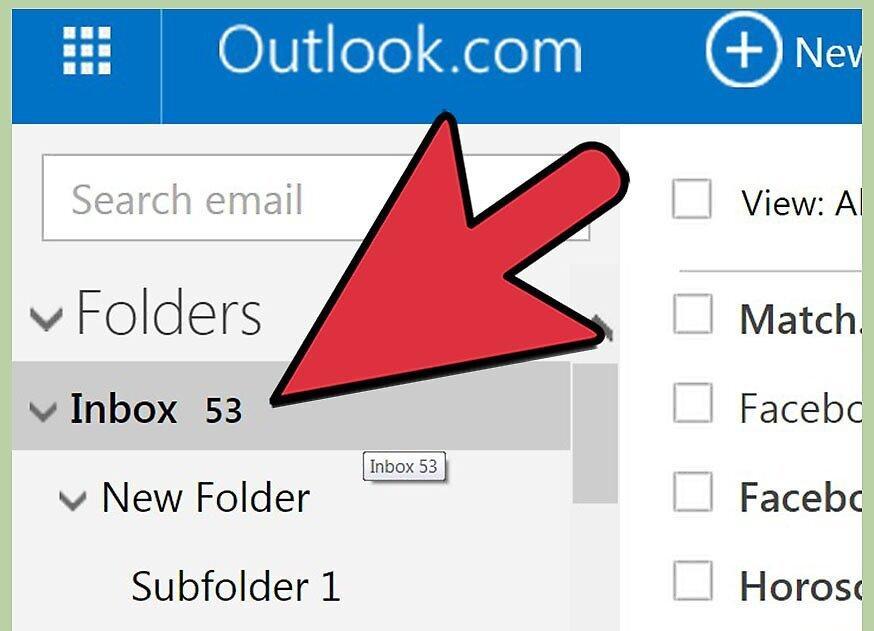
Step 1. Open the email you want to reply to.
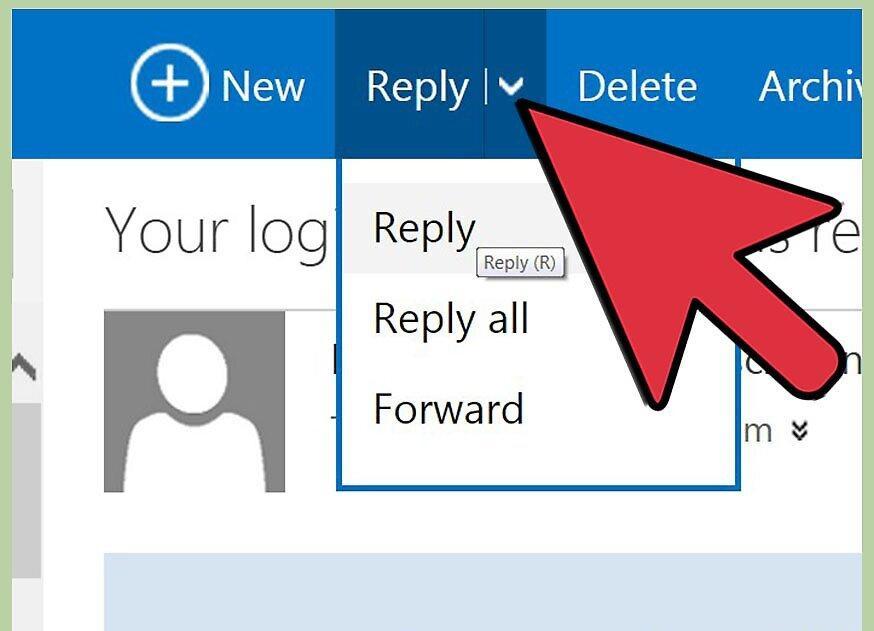
Step 2. Click "Reply" or "Reply All" to respond to just the sender or to all participants.
Step 3. Enter your response in the text box above the original email.
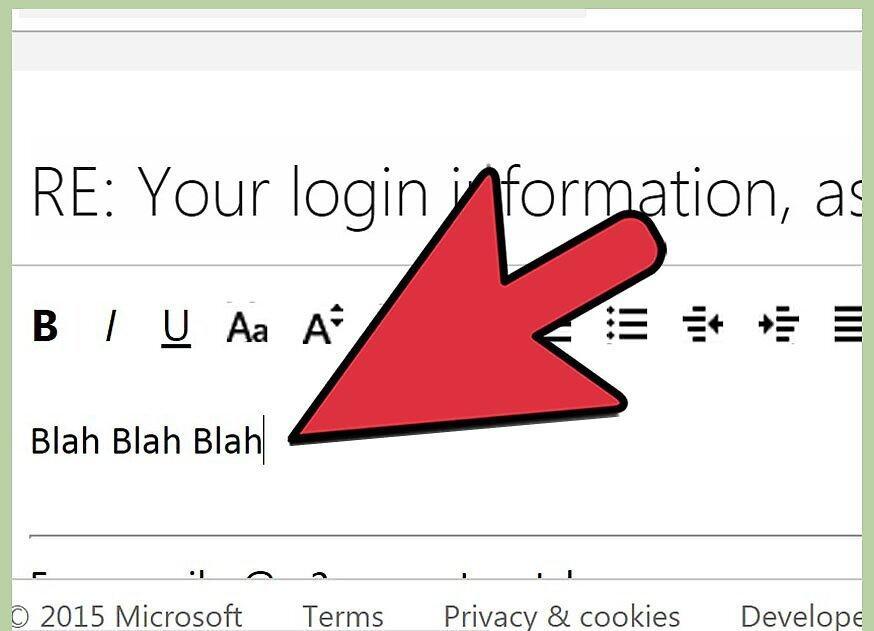
Type your reply in the provided field. You can also add it to the body of the original email.
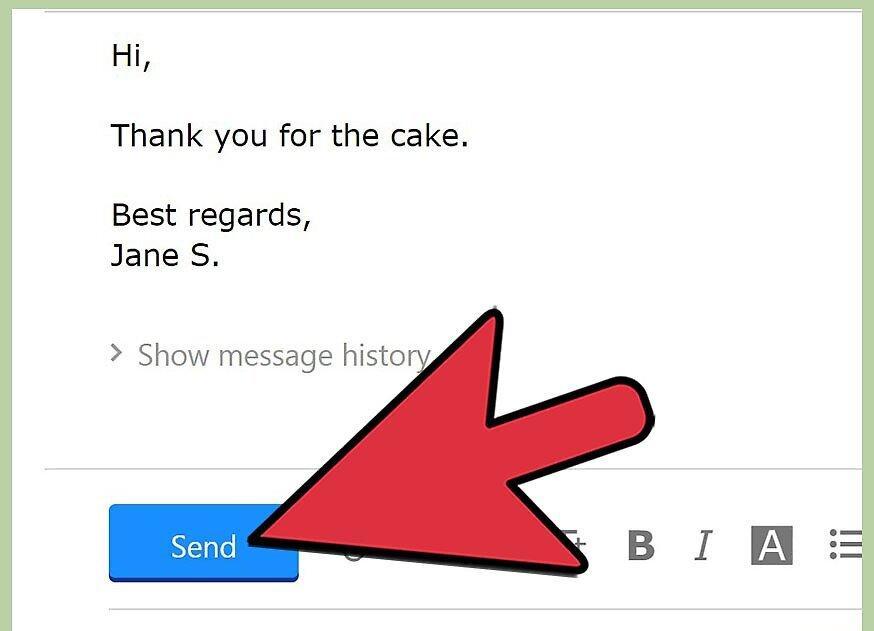
Step 4. Click "Send".
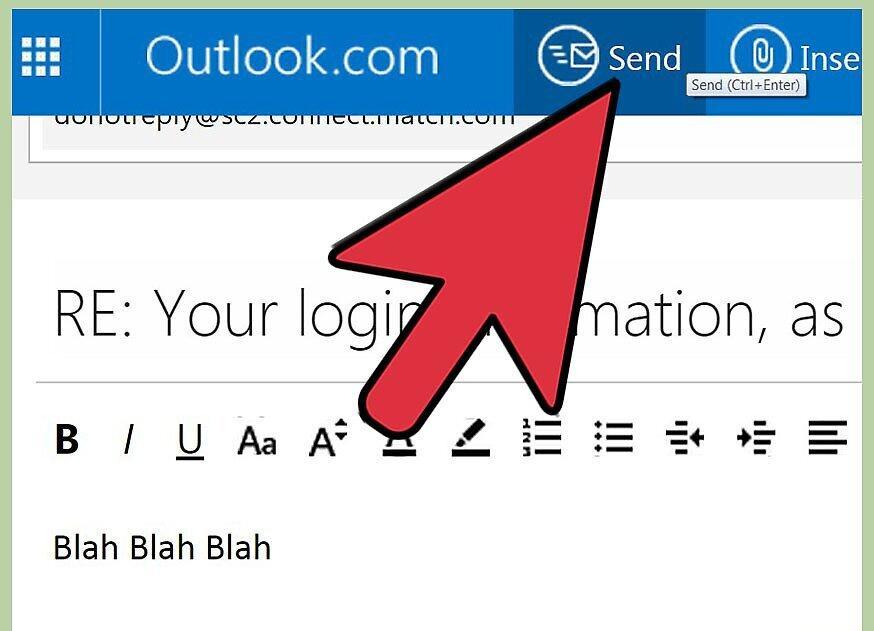
Hit the "Send" button, and your reply will be sent to all recipients listed in the "To" and "Cc" fields.
Apple Mail
Step 1. Open the email you want to reply to.
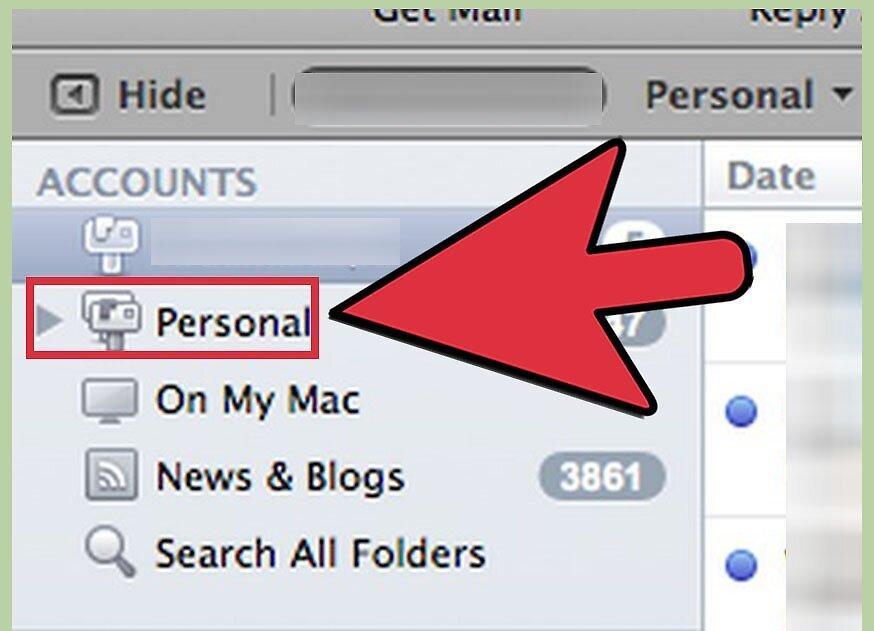
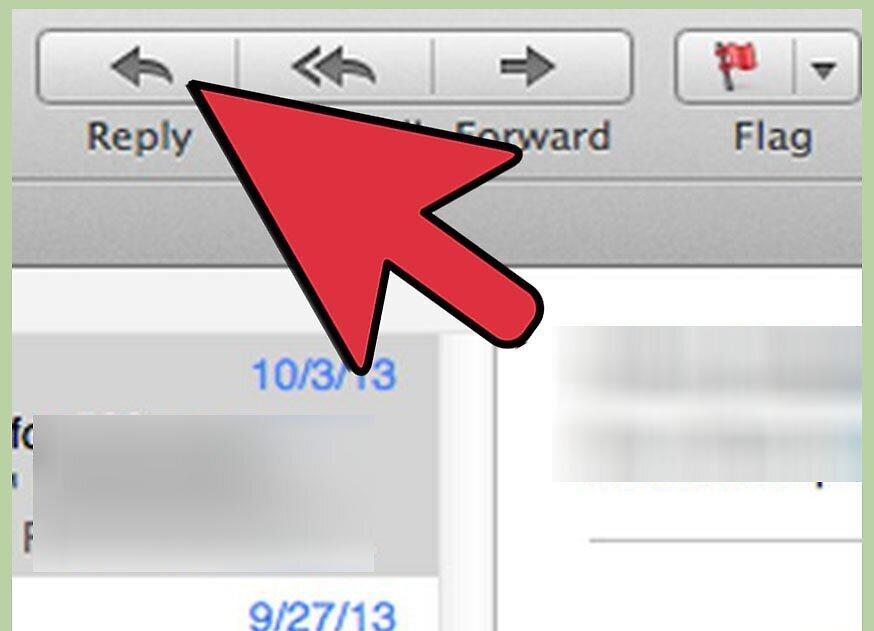
Step 2. Click "Reply" or "Reply All" on the Apple Mail toolbar.
Step 3. Write your response in the field above the original email.
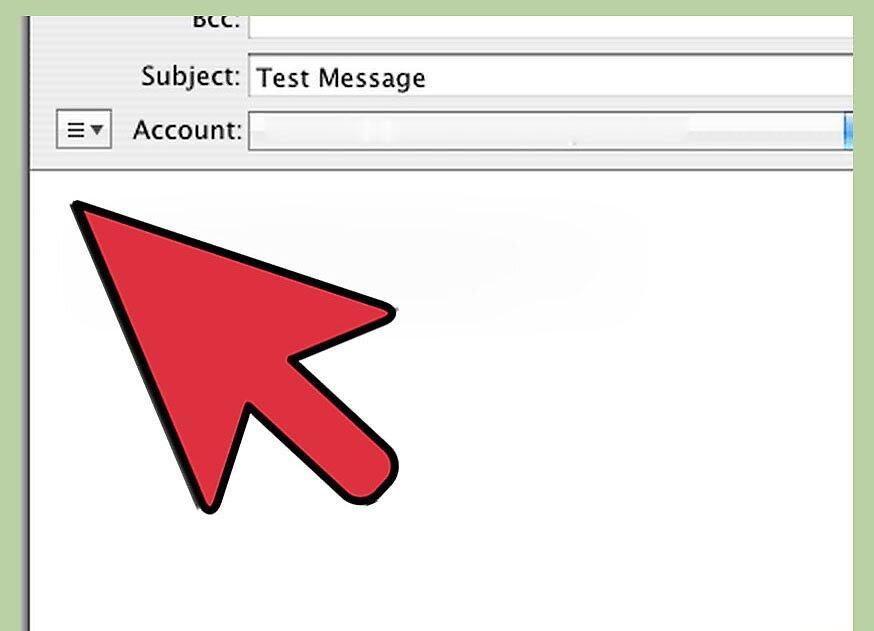
Enter your text in the field above the email. You can also insert text into the body of the original email.
Step 4. Click "Send" in the upper left corner of the email.
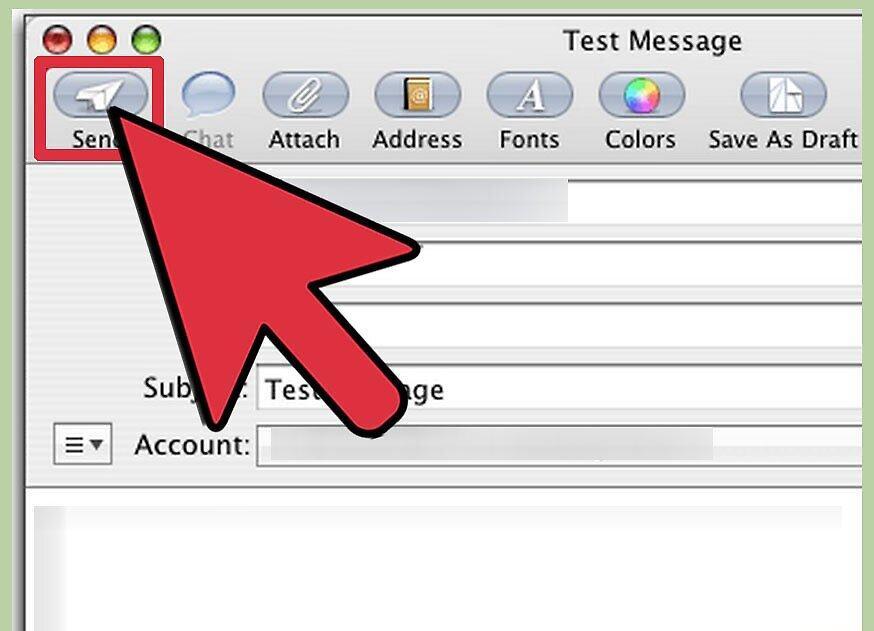
Press "Send" and your reply will be sent to all recipients listed in the "To" and "Cc" fields.
Outlook Express
Step 1. Open the email you want to reply to.
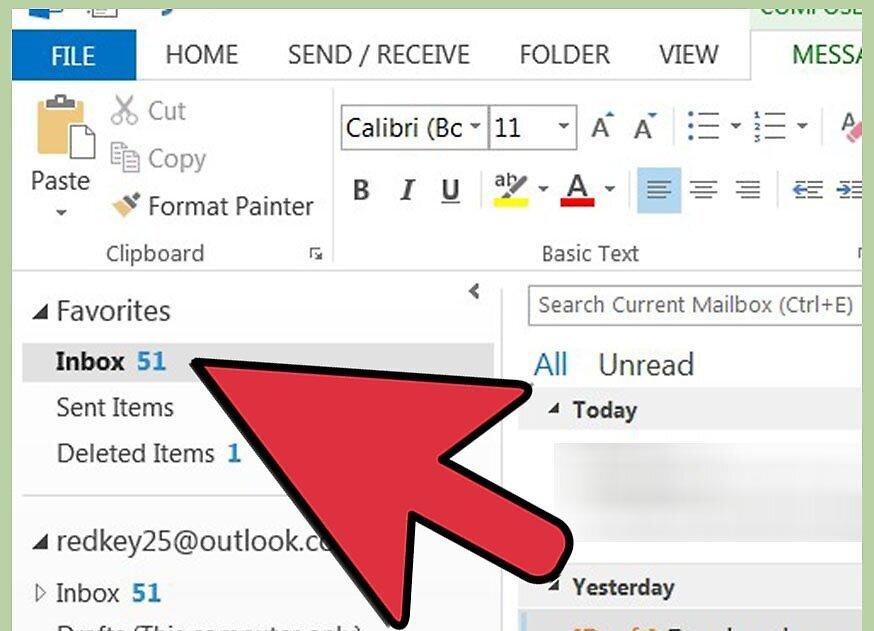
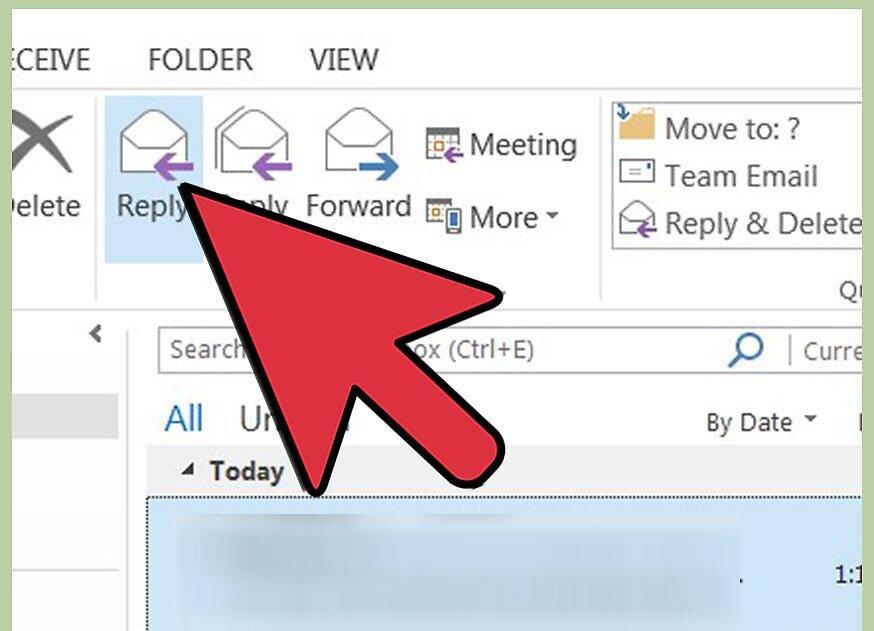
Step 2. Choose "Reply" or "Reply All".
Step 3. Write your response in the opened window.
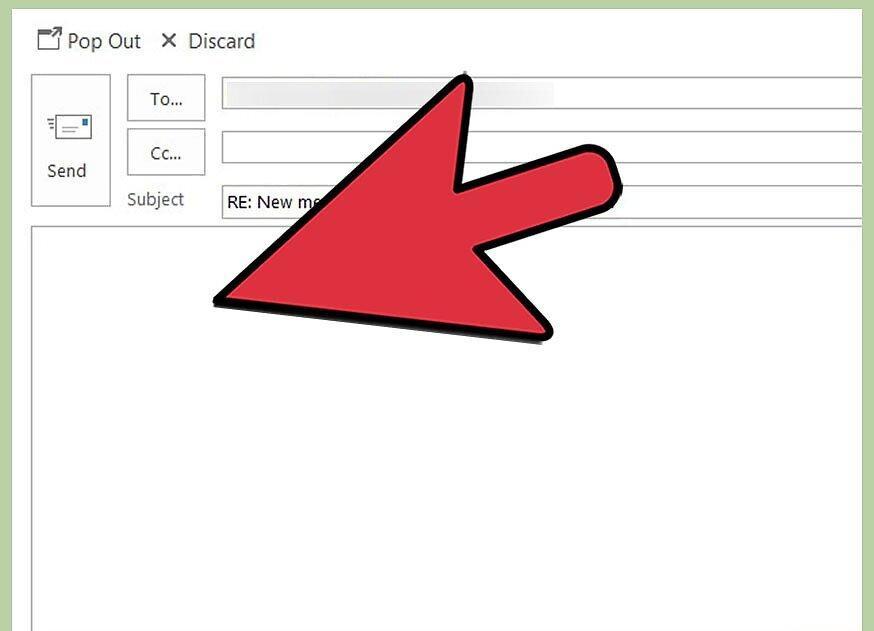
Step 4. Click "Send" to reply to one or multiple users.