Eco-Friendly Ways to Dispose of Your Old Computer
Old computers can bring about a host of issues when it's time to get rid of them. Like many other electronic devices, they contain heavy metals that can harm the environment if not disposed of properly. Additionally, they hold a wealth of personal information, including passwords and bank account numbers. No one wants this data to fall into the wrong hands. Fortunately, there are several reliable ways to dispose of your outdated computer without harming nature or jeopardizing your security.
Reusing Your Computer
Step 1. Back Up Important Data.
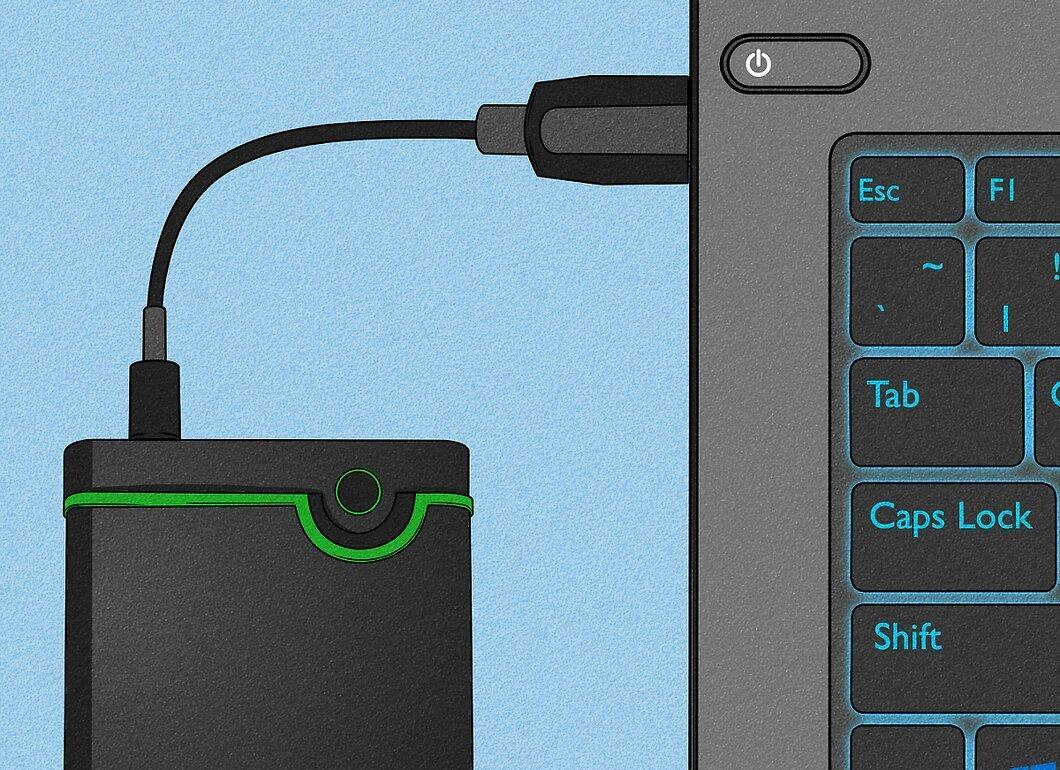
Make a backup of all your data. If your computer breaks down, you risk losing important information. Therefore, be sure to save all necessary files in advance. It's better to be safe and copy more data than less.
- You can use flash drives or external hard drives for backups, which are easy to find in stores. Cloud services are also available for free data storage after registration.
Step 2. Erase Personal Information from the Computer.
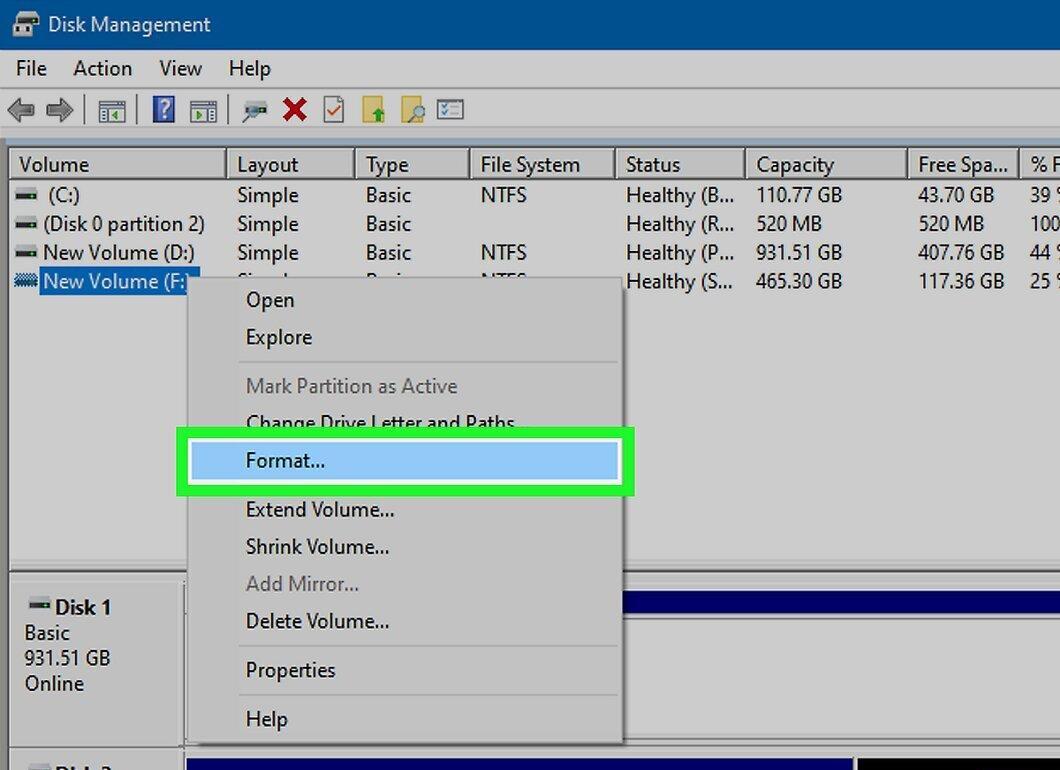
Delete all personal data from the device. After you've made backups, it's advisable to remove this information from the computer so that other users or hackers cannot access it. Simply deleting files doesn’t guarantee security—data can be recovered. The best option is to format the hard drive.
- Formatting the hard drive is irreversible and will completely wipe your computer of all data. Make sure you are fully prepared for this step.
Step 3. Decide What to Do with Your Computer.
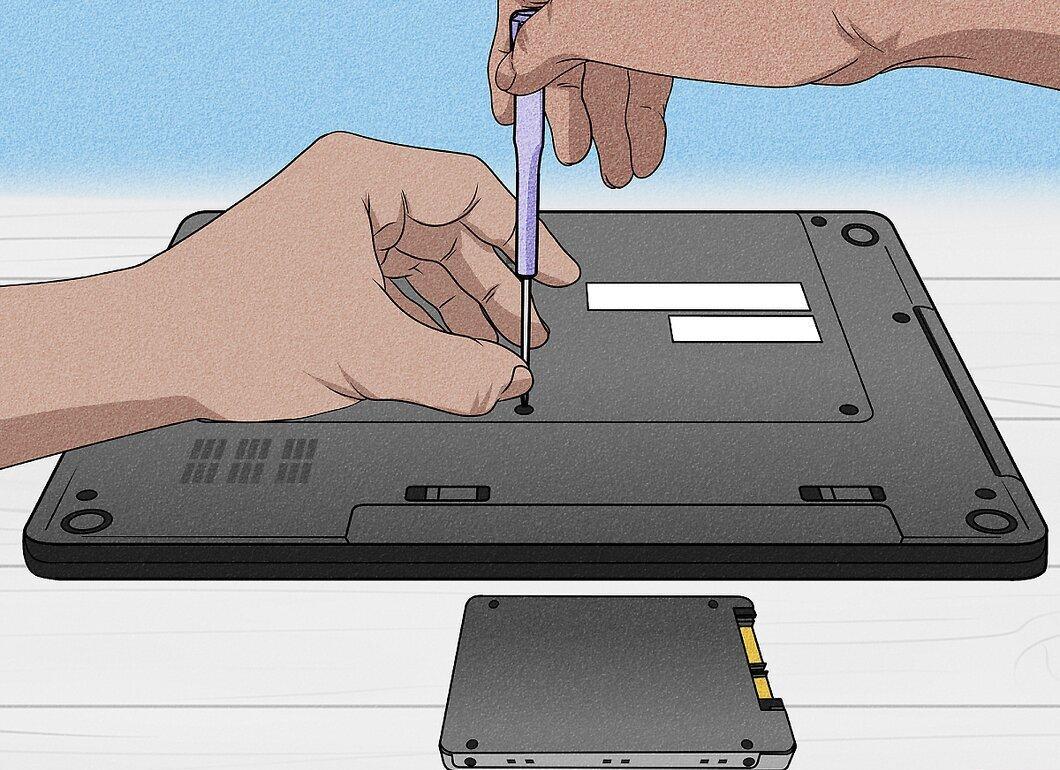
Determine how you want to dispose of your computer. There are many options depending on its condition and your needs: you can repurpose it, sell it, give it away, or safely recycle it.
- You can also extract some components, such as the hard drive or graphics card, if you are confident you can do so safely.
Step 4. Clean It Up If You Plan to Sell or Give It Away.
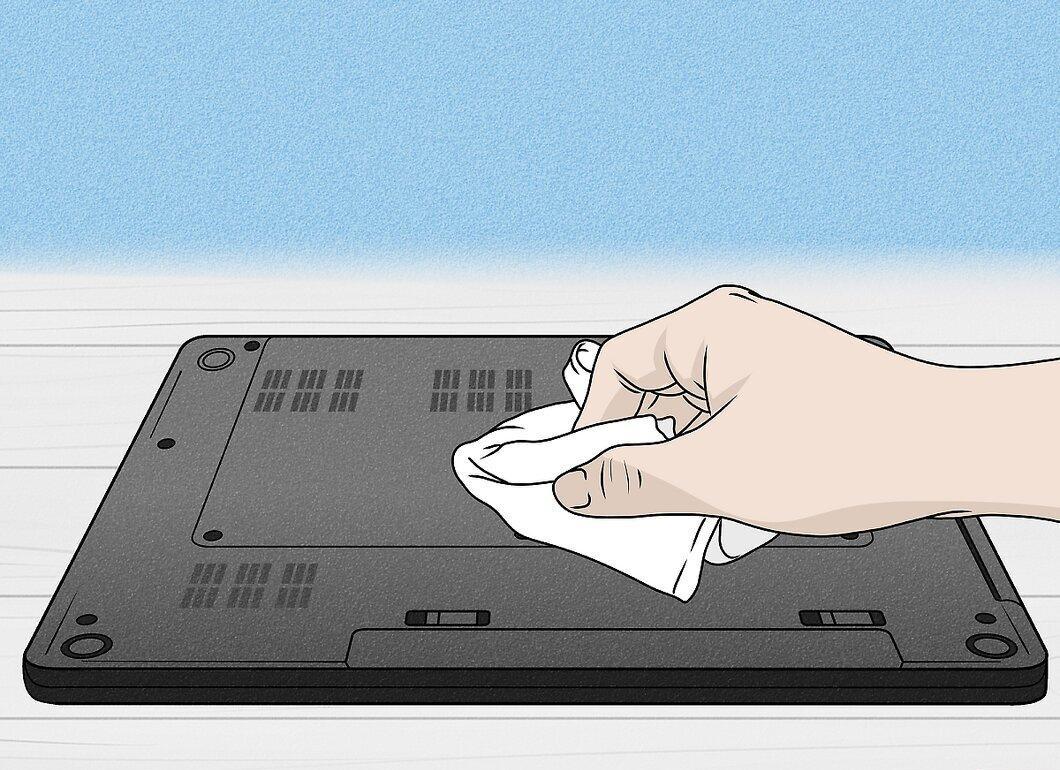
If you’ve decided to keep, sell, or give away your computer, take care of its appearance. Give it a chance for a new life by thoroughly cleaning it. Wipe down the casing with a damp cloth, paying special attention to the keyboard, especially the gaps between the keys. For a deep clean, open the case and remove dust using compressed air.
Selling Your Computer
Step 1. Turn It into a Mini File Server.
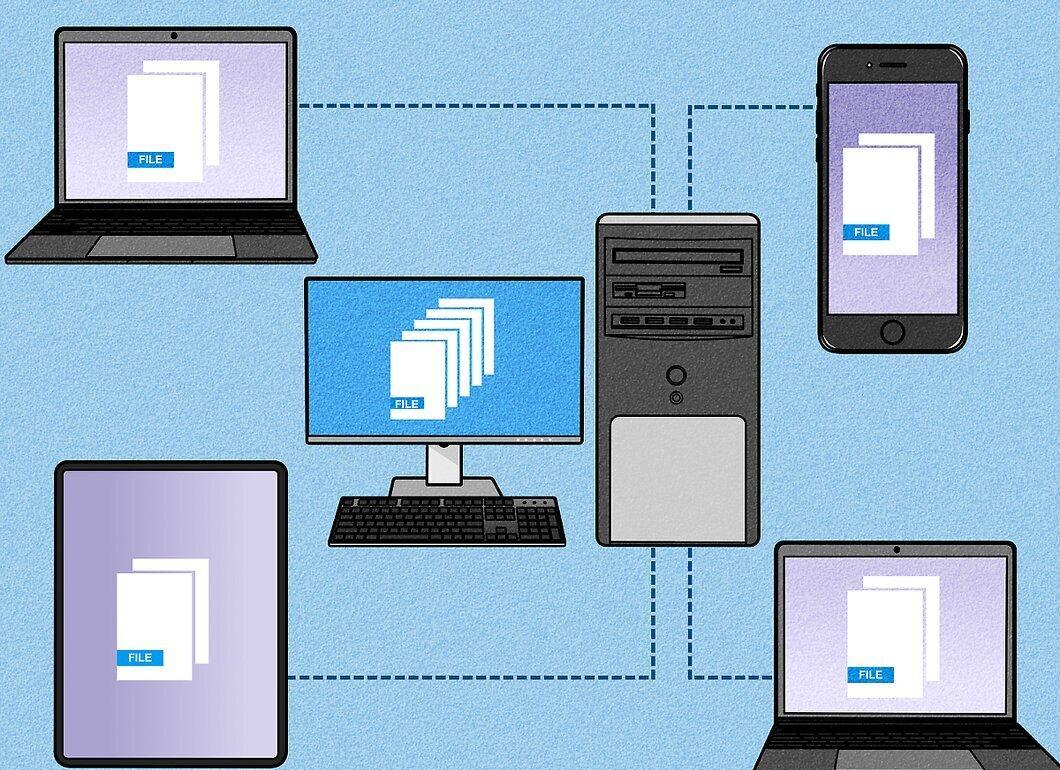
Transform it into a mini file server. This is a great way to repurpose an old computer—it can serve as a data storage center for other devices. This is convenient for those with multiple computers and helps save energy since you won't need to power a monitor and other peripherals.
- There are free programs like FreeNAS that can help you turn your old computer into a server.
- You can add an additional hard drive to increase storage capacity.
- Consider installing a lightweight operating system, such as Ubuntu.
Step 2. Keep It as a Backup.
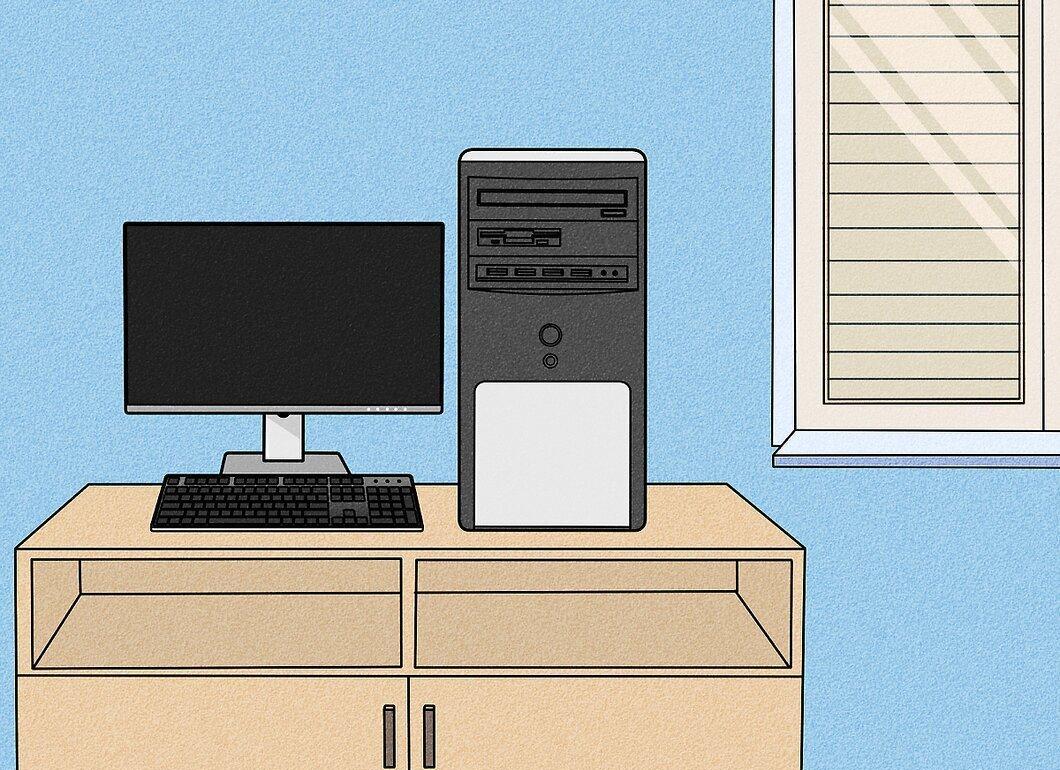
Hold onto your old computer as a backup. It can be a great substitute in case your new device breaks down. In this case, you won’t need to erase any data—just unplug it and store it until needed.
Step 3. Install a Lightweight OS, like Linux.
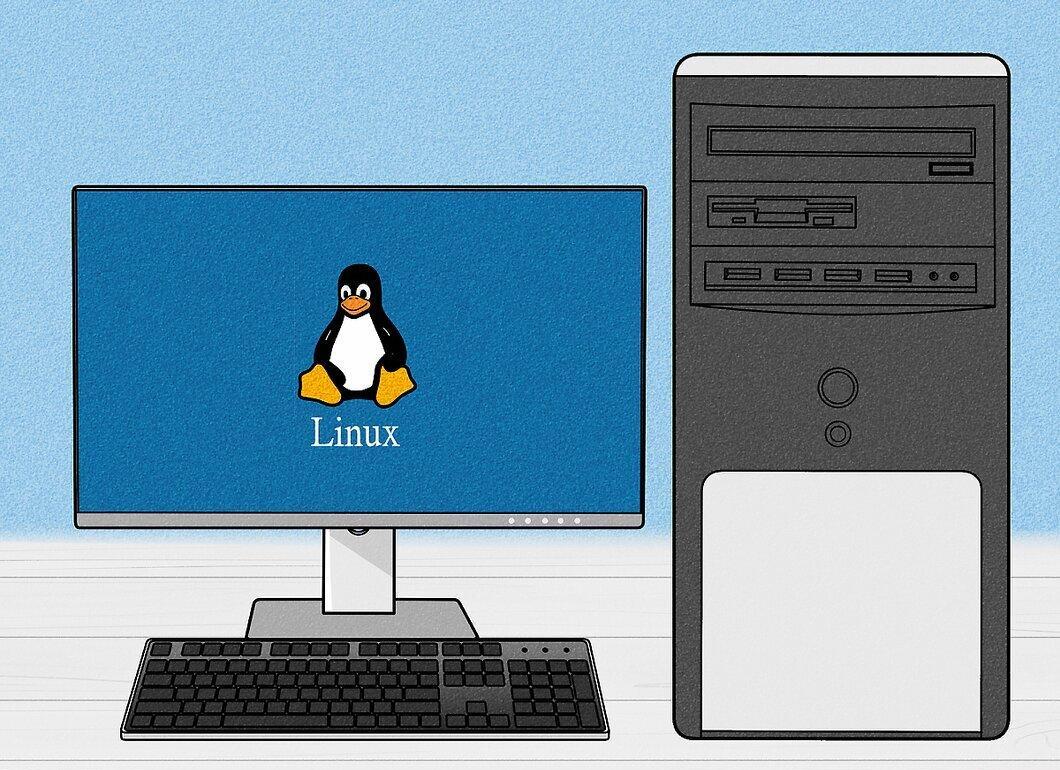
Consider installing a lightweight operating system, such as Linux. This will allow you to use the old computer for simple tasks like word processing, browsing the web, or even gaming. Linux is a free and popular OS available in various distributions. Puppy Linux is one of them, known for its low system requirements.
Step 4. Use It as a Router.
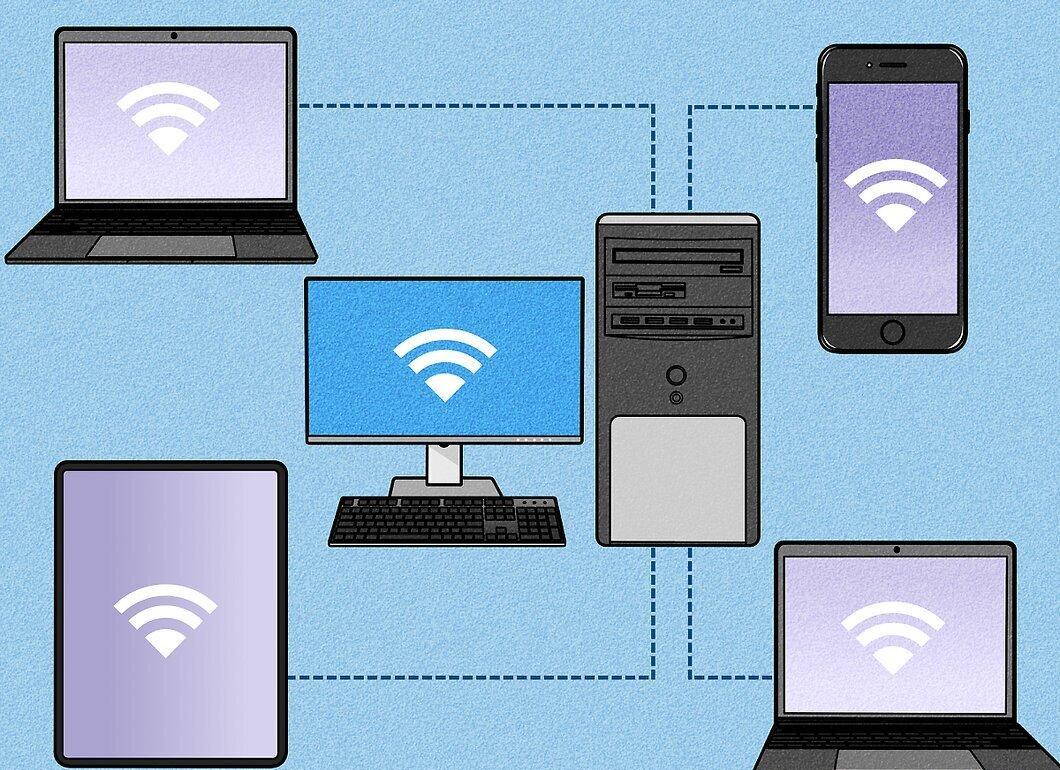
Transform your old computer into a router. If it supports wireless connectivity, you can use it to share internet access with other devices. Many modern computers can serve as wireless routers. Make sure your network is secure before using the device in this role.
Recycling Your Old Computer
Step 1. Try Selling It.

Post an ad on a platform like eBay. List your computer's specifications and add a few photos. You might be surprised to find that people are willing to pay for old tech. Some models from the '80s and '90s can be of interest to collectors.
- If your computer is a vintage model, consider selling it to a computer museum.
- You can also sell it for parts if some components are in good condition.
Step 2. Give the Computer to a Friend.

Check if any friends need an old computer. Tech-savvy individuals might use it to create servers or for spare parts.
Step 3. Find Someone Who Really Needs It.

Give the computer to someone who doesn’t require high performance. It can be a great option for seniors who might use it for simple tasks. Take the time to explain how to use email or the internet, and you can help them while avoiding waste.
Step 4. Reach Out to Educational Institutions and Nonprofits.

Many organizations working for the public good can find use for your old computers. Contact local schools, churches, or community centers and ask if they need such equipment. Many of them can refurbish old computers and pass them on to those in need.
- Additionally, you may receive a tax receipt for your donation.
Step 5. Give It Away.
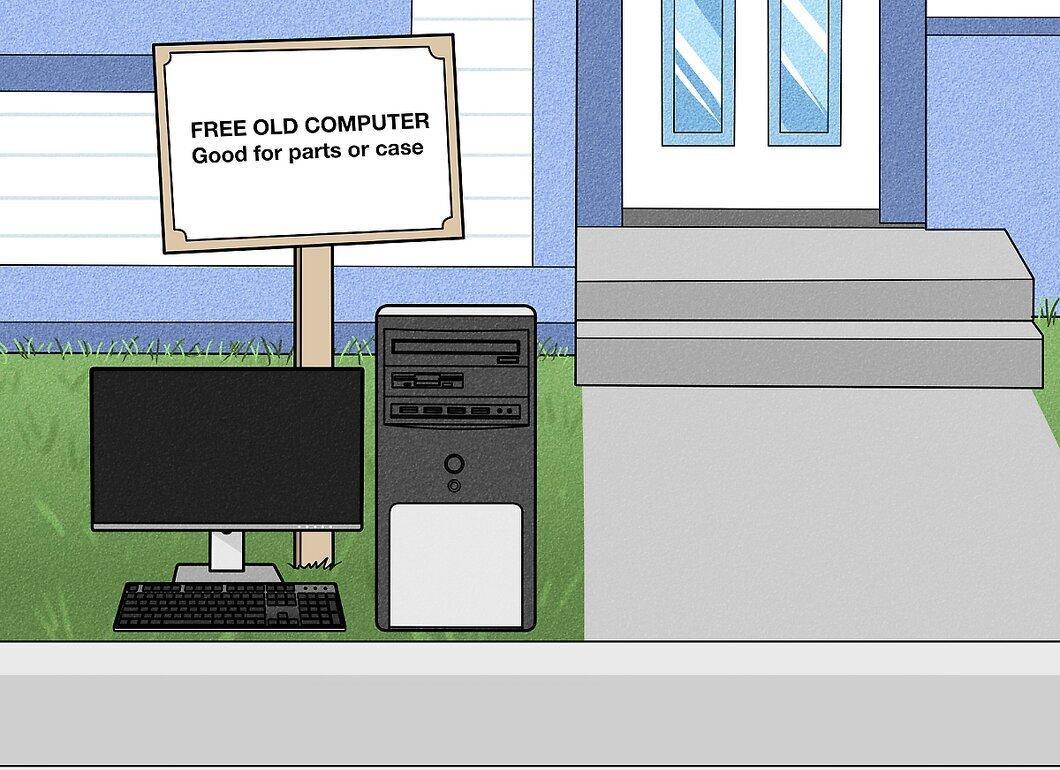
When nothing else works, giving the computer to strangers is still better than throwing it away. You can leave it on the street with a note that it’s good for parts or post an ad on a site like Craigslist. You can also sell it at a flea market for whatever price you’re offered.
- Be cautious when giving the computer to a stranger—ensure all personal data has been removed.
Part 4
Step 1. Contact the Manufacturer.

Reach out to the manufacturer. Many companies offer e-waste recycling programs. If you’re unsure where to take your old computer or if it doesn’t work, contact the manufacturer to arrange safe disposal.
- However, not all manufacturers dispose of old computers responsibly. Some send them to landfills in developing countries, where they harm the environment. Before handing over your computer to the manufacturer, check the reviews of their recycling program.
Step 2. Trade in Your Old Computer When Buying a New One.
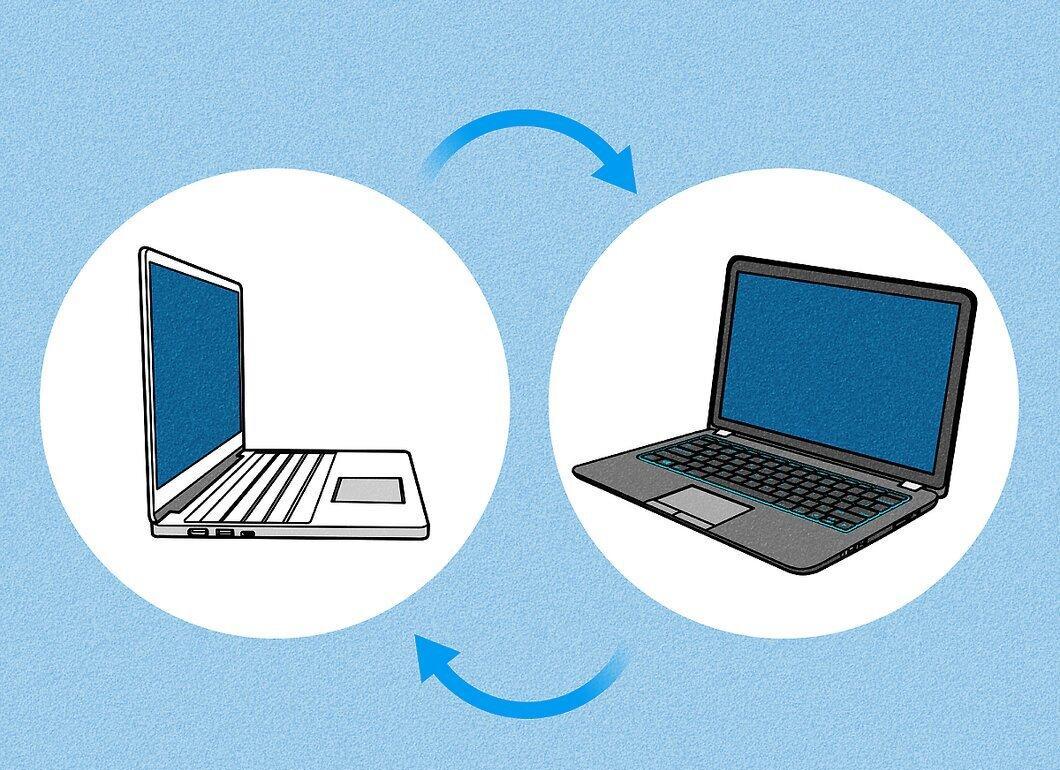
Some companies, like Dell or HP, offer the option to trade in your old computer when purchasing a new one. If you're buying a new computer from the same manufacturer, it’s worth considering this option—it simplifies the recycling process.
Step 3. Find Recycling and Disposal Companies.
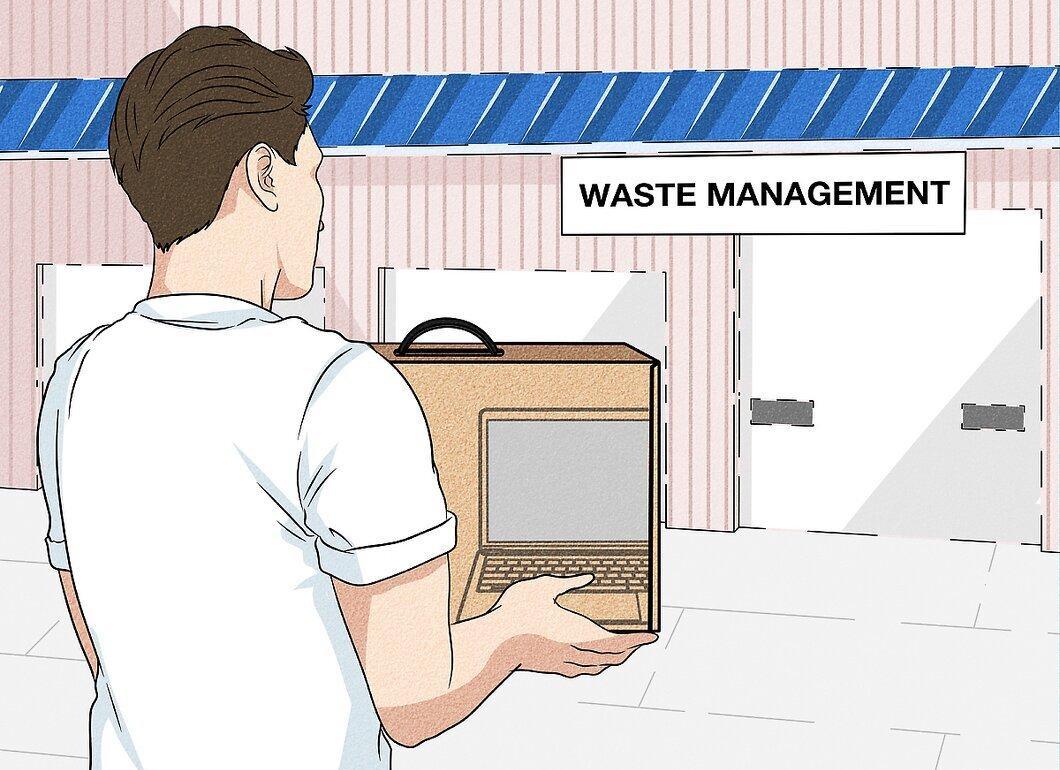
Look for companies that specialize in e-waste recycling and disposal. Some organizations operate for profit, while others function as nonprofits. Research local companies—sometimes you may be able to drop off your computer for recycling at no cost, but there may be a fee in some cases.
- Be cautious when selecting a company—some may have a poor reputation, just like manufacturers. Ensure your computer doesn’t end up in a landfill in another country after recycling.
Step 4. Keep Useful Components Before Disposal.
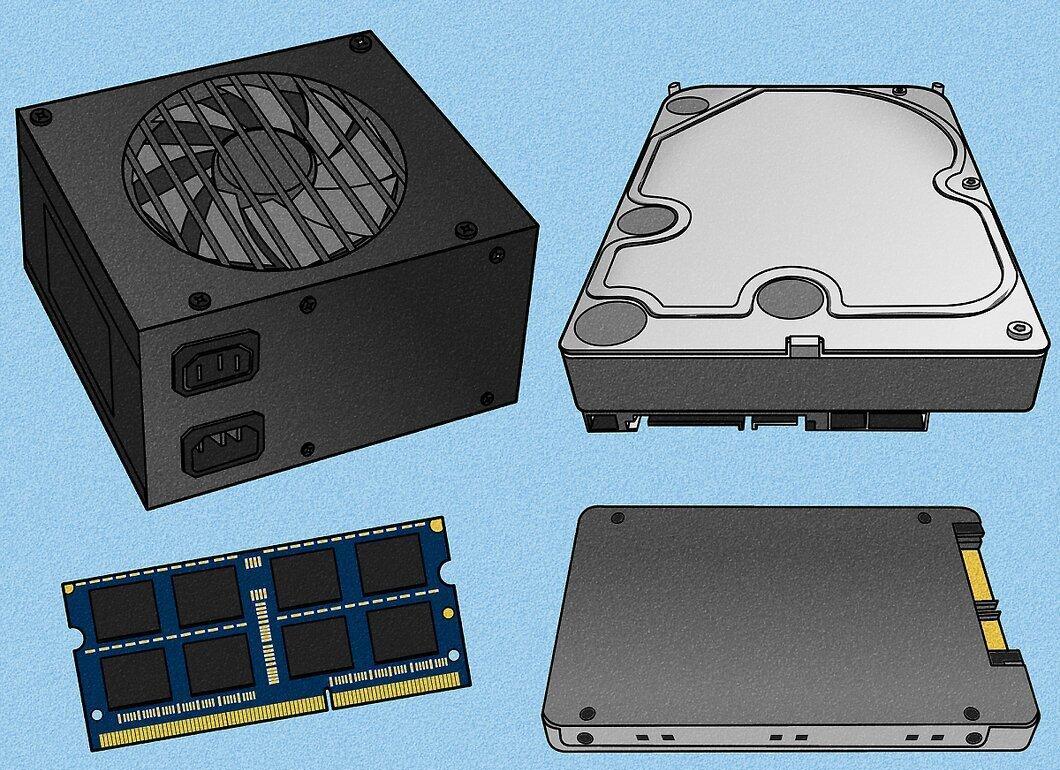
Before disposal, determine which parts of your computer may be useful in the future. For example, if you have multiple identical models, the cases could be repurposed for furniture or partitions.