
Flat screen TVs, such as LCD and plasma models, require more delicate care compared to traditional glass screens that can be easily wiped with a glass cleaner and paper towel. LCD screens are made of plastic, which can be damaged by abrasive materials and chemicals. In this article, we will explore three methods for cleaning a flat screen TV: using microfiber cloths, vinegar solutions, and scratch removal.
Cleaning with a Microfiber Cloth
Step 1: Turn Off the TV.
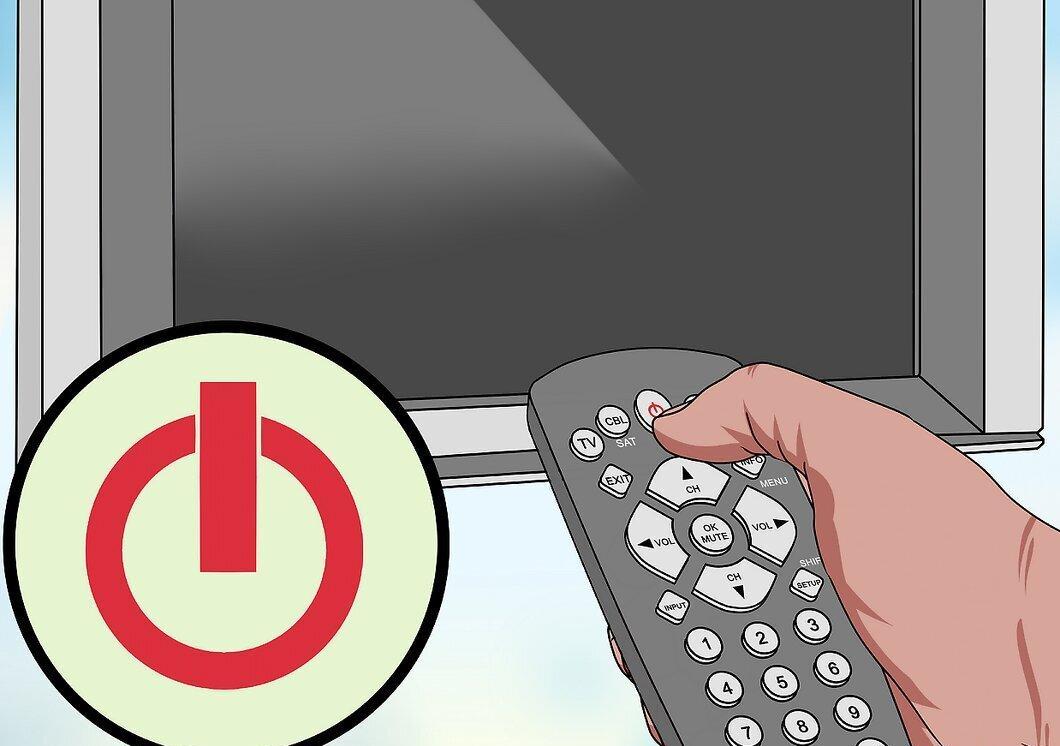
Turn off the TV to avoid distractions from pixels. A dark screen makes it easier to see dust and dirt.
Step 2: Prepare the Microfiber Cloth.
Take a soft, dry microfiber cloth similar to the one used for cleaning glasses. It’s perfect for cleaning LCD screens as it doesn’t leave lint behind.
Step 3: Wipe the Screen.
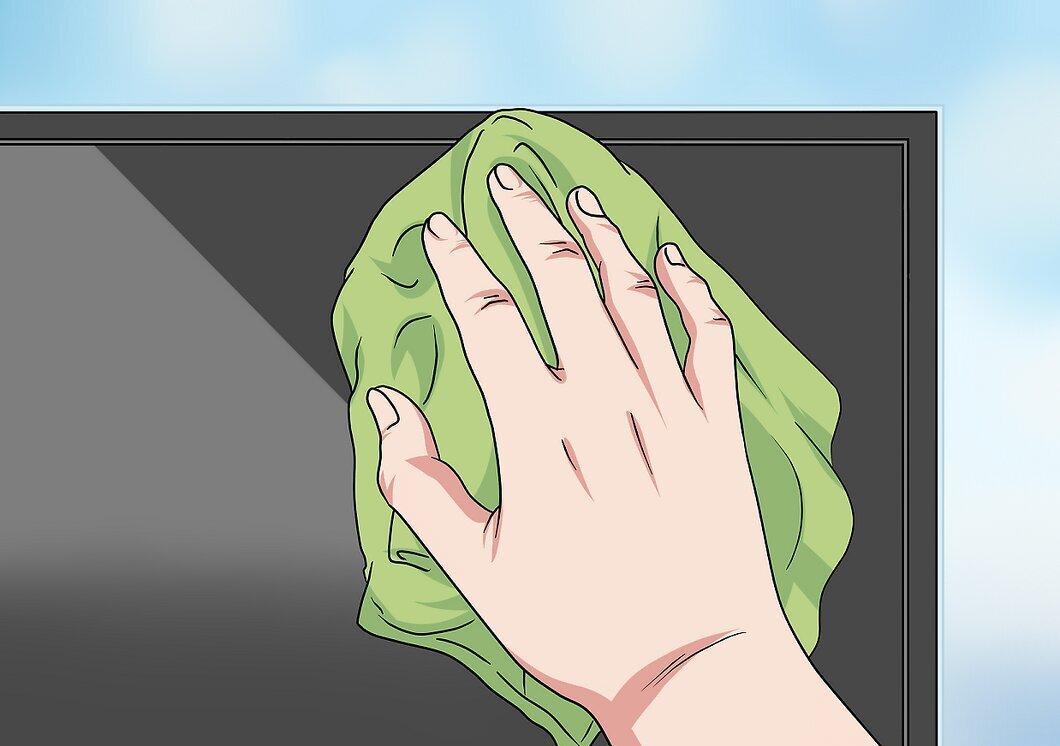
Gently wipe the screen, removing visible dirt and dust with the microfiber cloth.
- Don’t press too hard on the screen if the dirt doesn’t come off immediately. It’s better to move to the next method.
- Avoid using paper towels or old clothing, as they can scratch the screen and leave marks.
Step 4: Check the Screen.
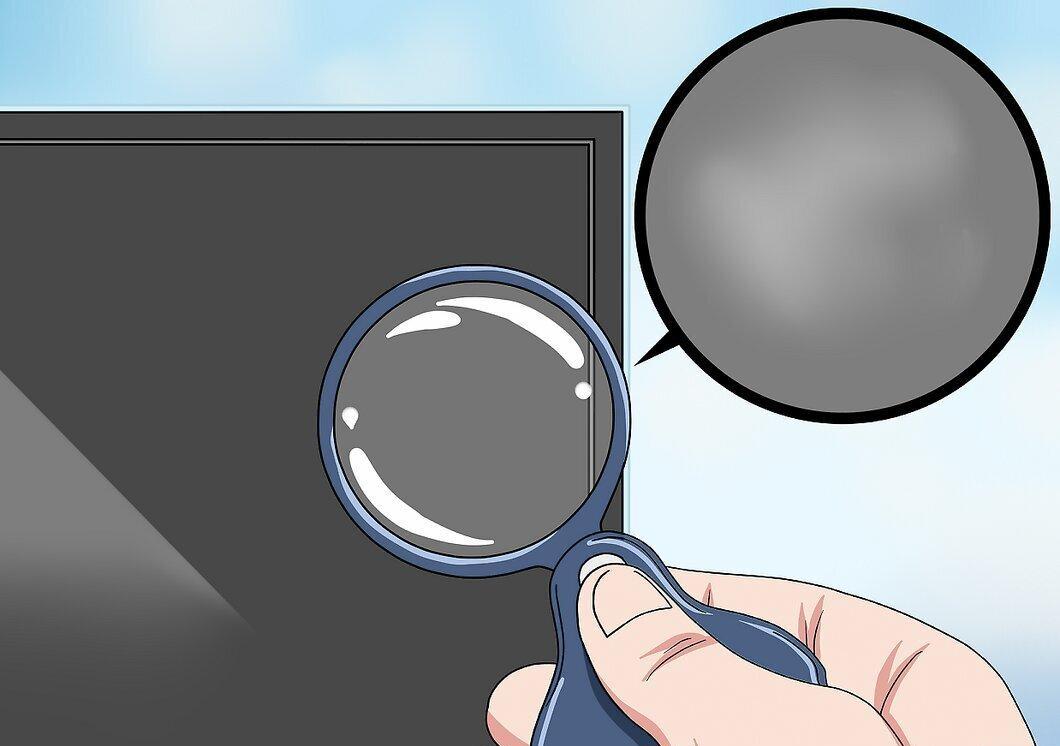
Evaluate the condition of the screen. If it’s clean, there might be no need to wash it. If you see dried spots or dust, proceed to the next method for a deeper clean.
Step 5: Clean the Screen Frame.
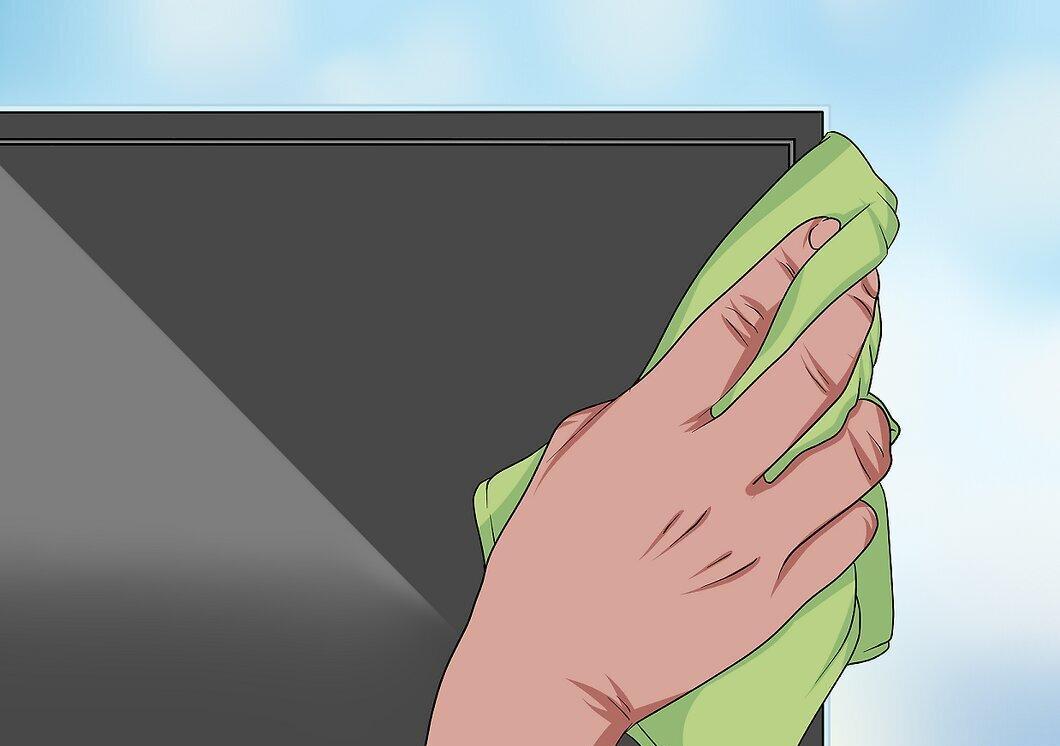
Pay attention to the TV frame. It’s less sensitive than the screen, so you can use the same microfiber cloth to clean it.
Cleaning with a Vinegar Solution
Step 1: Turn Off the TV.
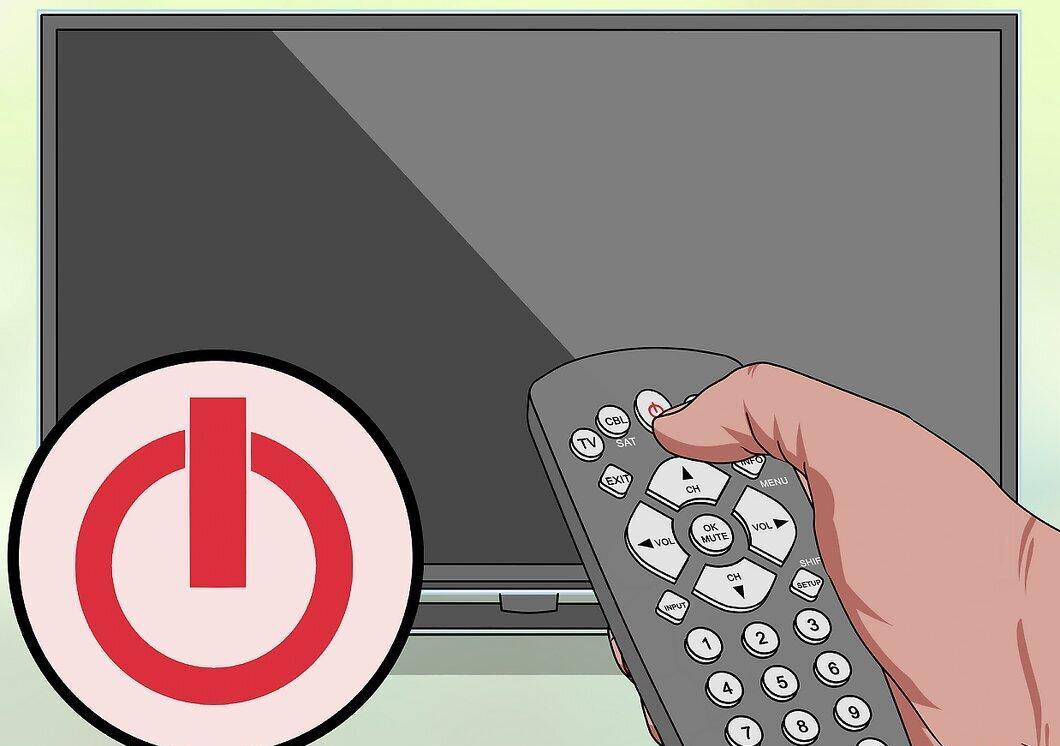
Don’t forget to turn off the TV to prevent pixel distractions while cleaning.
Step 2: Prepare the Vinegar Solution.
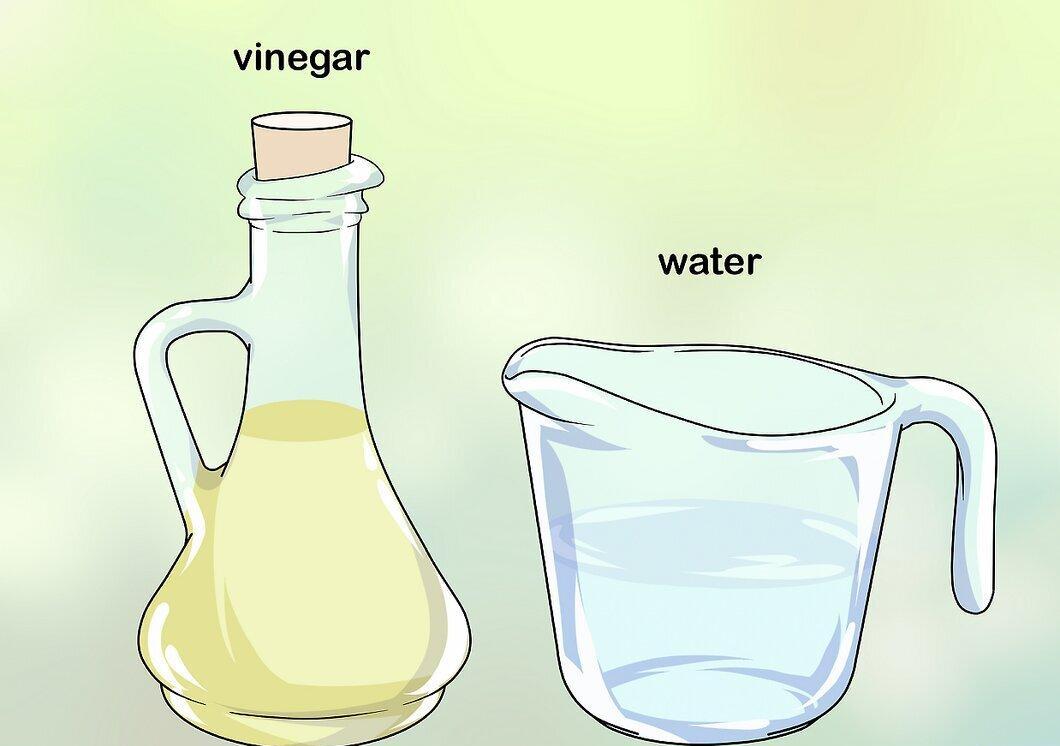
Mix equal parts of vinegar and water. Vinegar is a natural cleaning agent that is significantly cheaper and safer than many alternatives.
Step 3: Soak the Cloth and Wipe the Screen Gently.
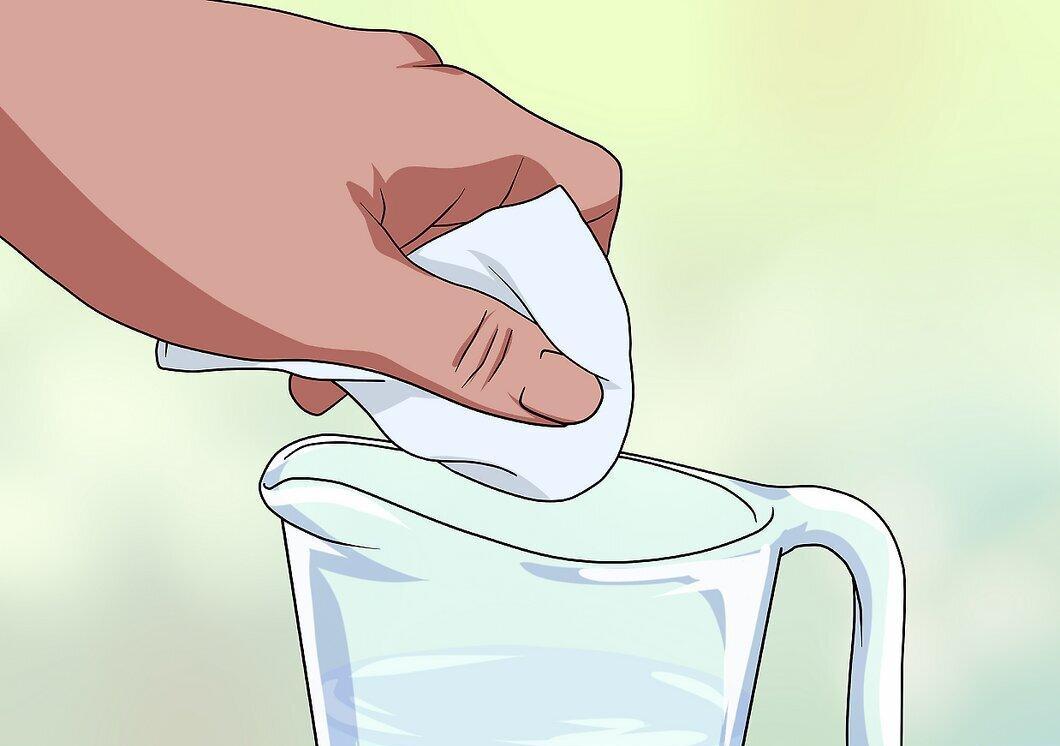
Dampen the microfiber cloth with the vinegar solution and gently wipe the screen. If needed, apply slight pressure and wipe in circular motions to remove stubborn stains.
- Do not spray the vinegar solution directly onto the screen, as this can cause damage.
- You can also use specialized LCD screen cleaning products available in stores.
- Avoid using products containing ammonia, alcohol, acetone, or ethylene chloride as they can damage the screen.
Step 4: Dry the Screen.
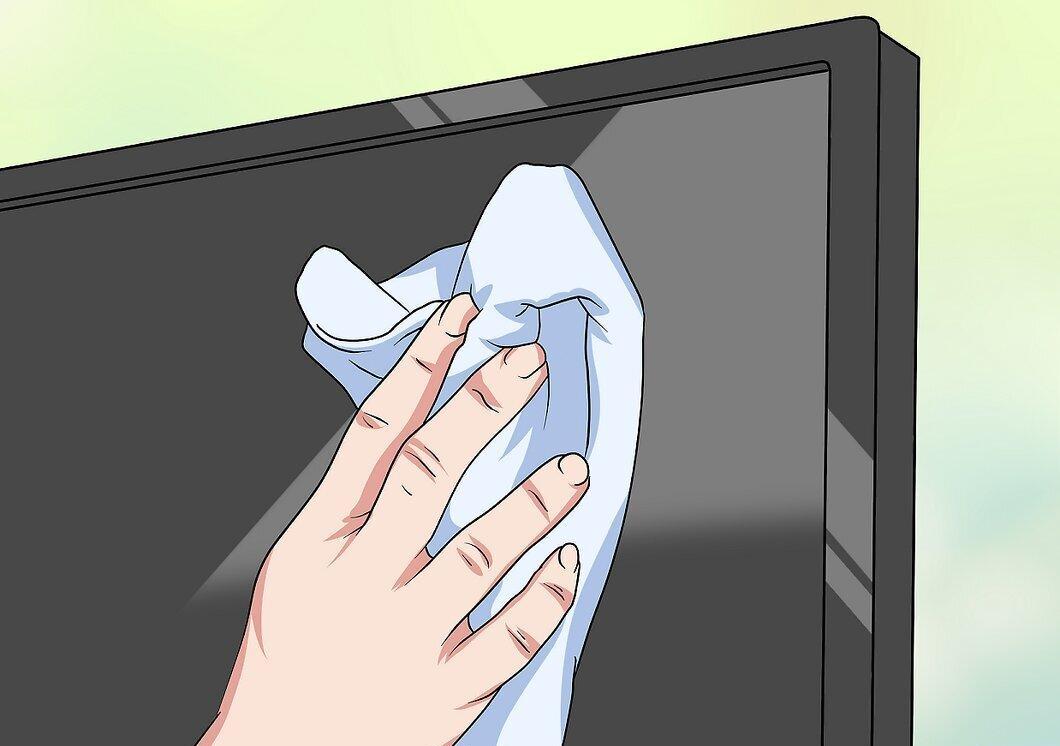
Use a second piece of microfiber cloth to dry the screen. Allowing liquid to dry naturally may leave streaks.
Step 5: Clean the Screen Frame.
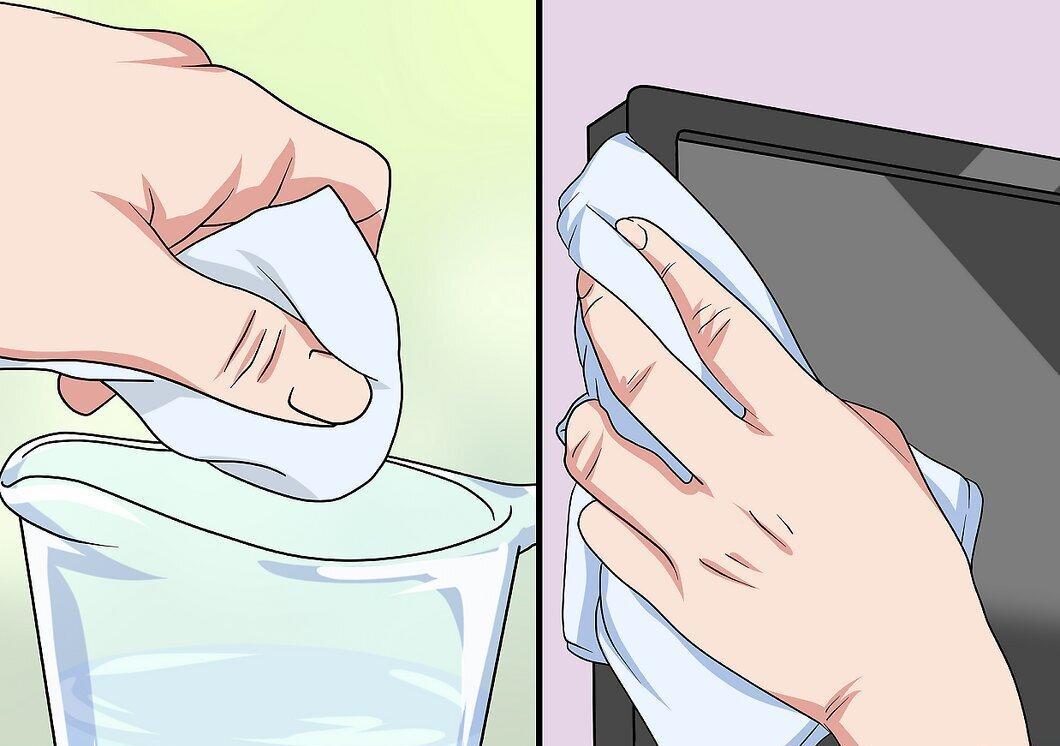
If wiping the frame with a cloth doesn’t yield results, use a paper towel dampened with the vinegar solution and wipe it down, then dry it thoroughly.
Removing Scratches from the TV Screen
Step 1: Check the Warranty.
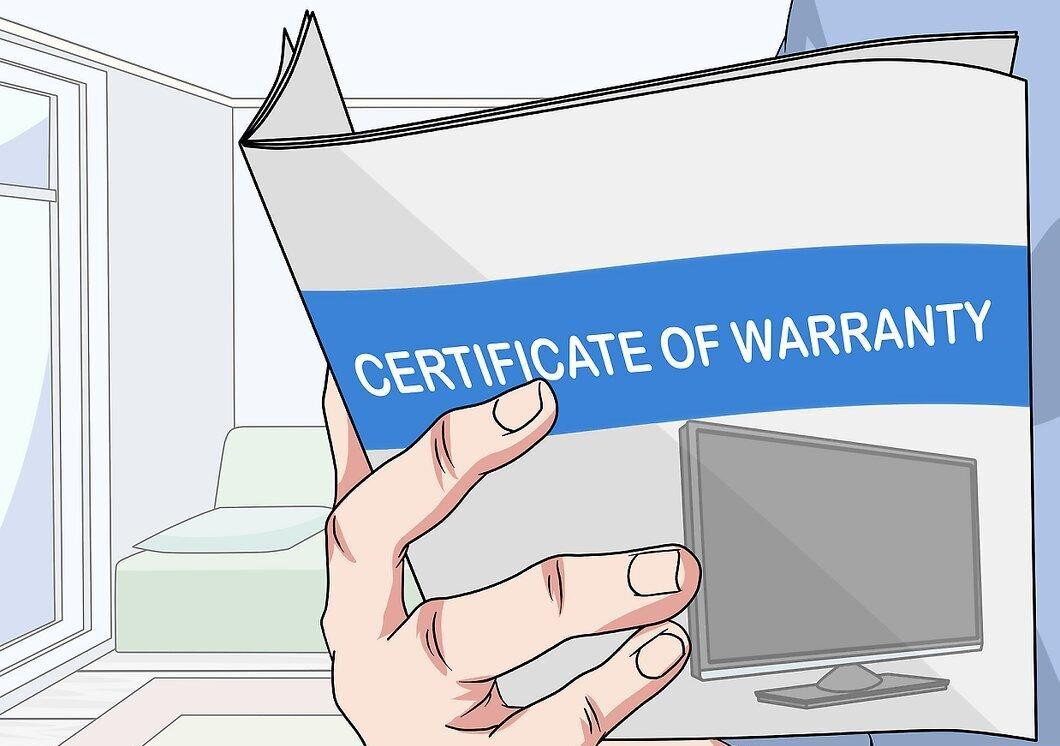
Check the warranty terms. If your screen has a significant scratch, it may be worth exchanging the TV for a new one, as attempting to fix the damage could worsen the situation and may not be covered by the warranty.
Step 2: Use a Scratch Repair Kit.
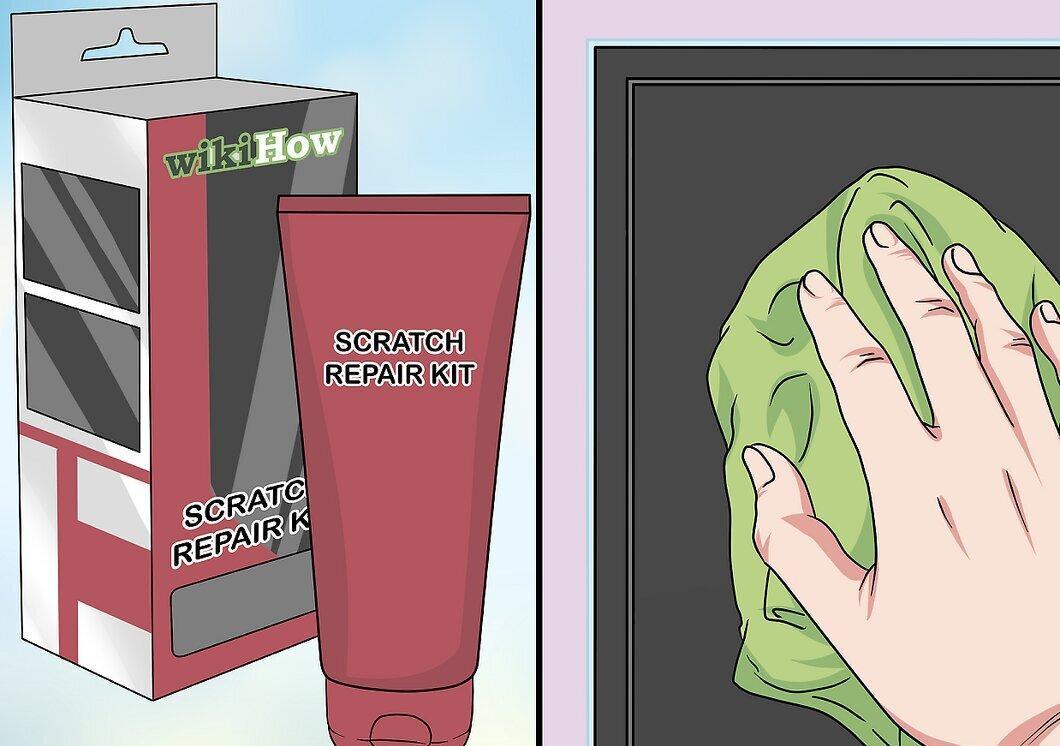
Utilize a scratch repair kit — this is the safest way to remove scratches. Such kits can be purchased at stores where TVs are sold.
Step 3: Apply Vaseline.
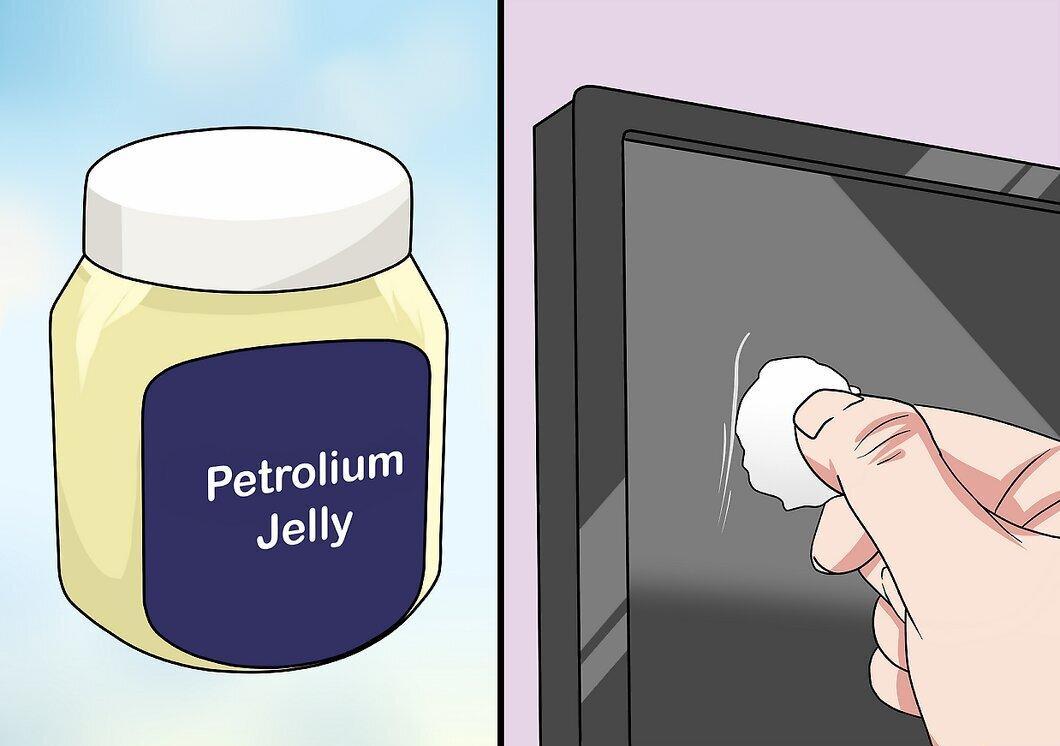
Dab some Vaseline on a cotton swab and carefully treat the scratch.
Step 4: Use Clear Nail Polish.
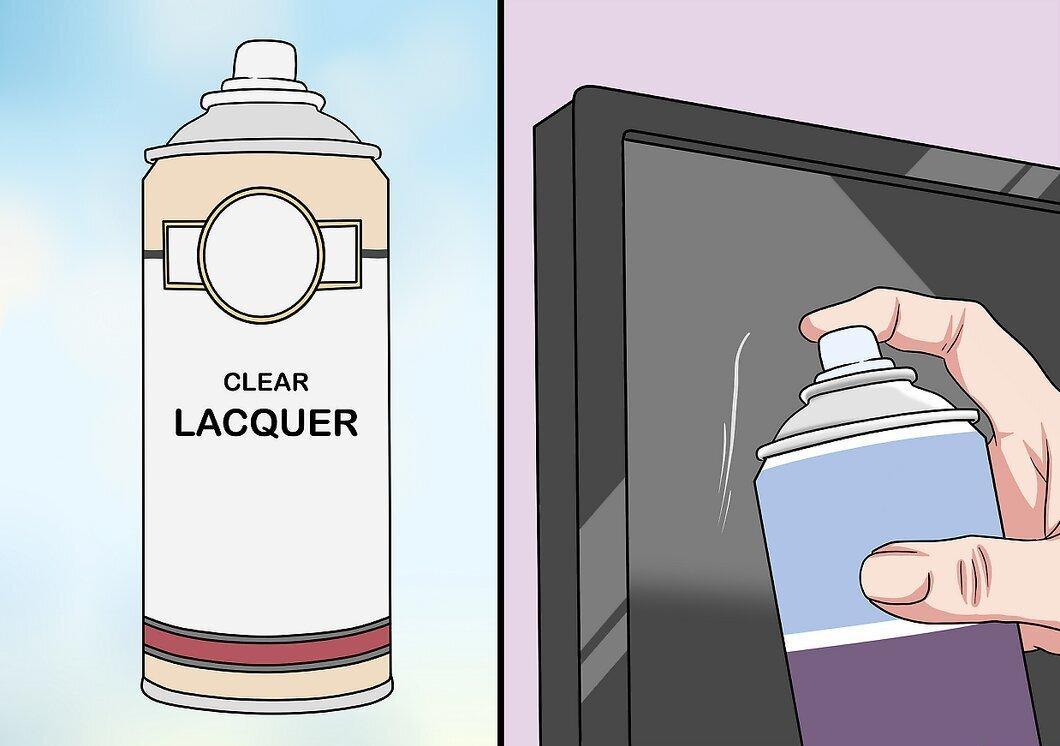
Buy clear nail polish and spray a small amount on the scratch, allowing it to dry.


