
Effective Ways to Clean a Dirty CD
Unprotected CDs quickly accumulate dust, fingerprints, and various stains, which can hinder data reading. But don't worry, you can clean the disc using common household items. One of the simplest methods is to gently wipe the underside of the disc with a soapy solution and rinse it under clean water. If you have medical alcohol, it can help remove more stubborn dirt.
Remove Dust and Light Stains with Soapy Water
Step 1. Remove Dust from the Surface of the Disc.
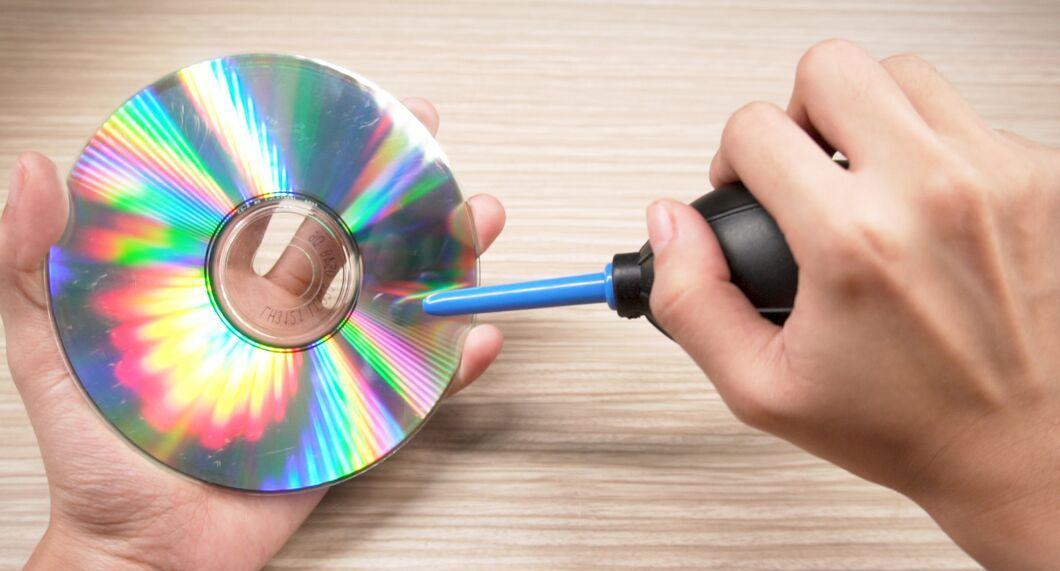
First, get rid of the dry dust on the surface of the disc. Use a can of compressed air to avoid touching the surface. If you don’t have that, gently wipe the disc with a soft lint-free cloth. Try to play the disc. If that doesn't help, move on to deeper cleaning.
- Dust off the disc from the center to the edges to avoid damage.[2] X Source
- Be careful with discs to avoid scratching them during cleaning.
Step 2. Prepare a Suitable Container.
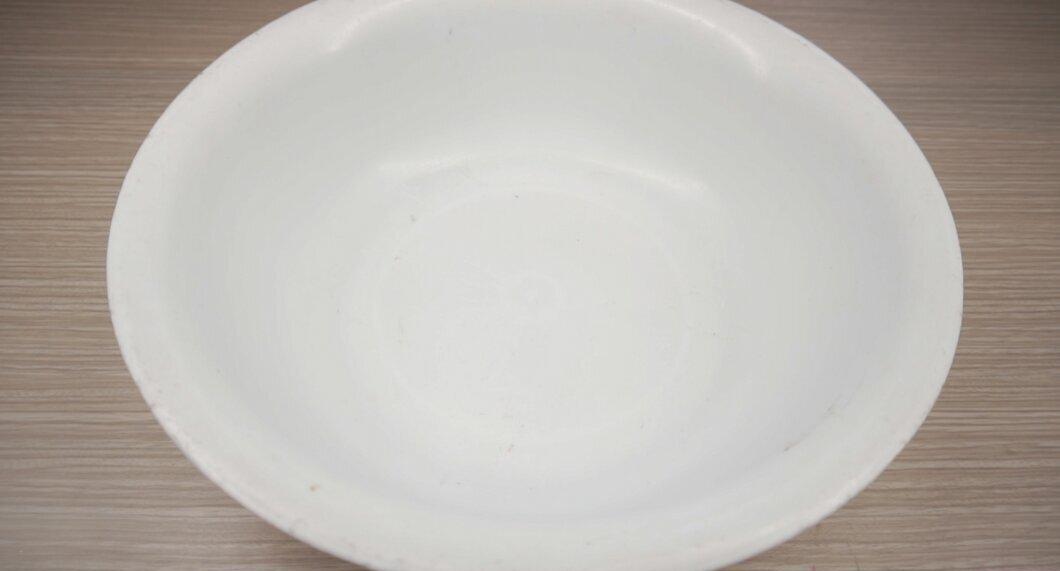
Choose a container that is appropriately sized. A deep bowl works best, but you can also use a plastic container. Just make sure it’s clean and free of dust and dirt.
- If the bowl has been sitting in the cupboard for a while, rinse it with warm water to remove any settled dust.
Step 3. Add 1 teaspoon (5 ml) of mild dish soap to the container.
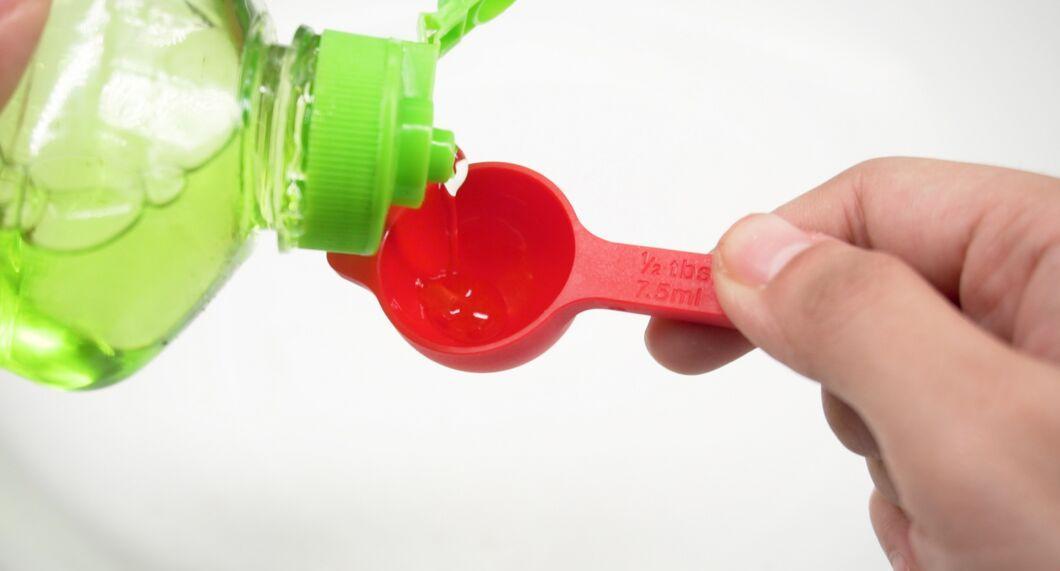
Pour 1 teaspoon (5 ml) of mild dishwashing soap into the container. You can also use an all-natural soap based on distilled water. Choose gentle liquids to avoid abrasive particles that could scratch the disc.
- Hand soap is also suitable if it doesn’t contain moisturizing additives, as they can leave a film.[5] X Source
Step 4. Fill the Container with Warm Water to a Depth of 5–8 cm.
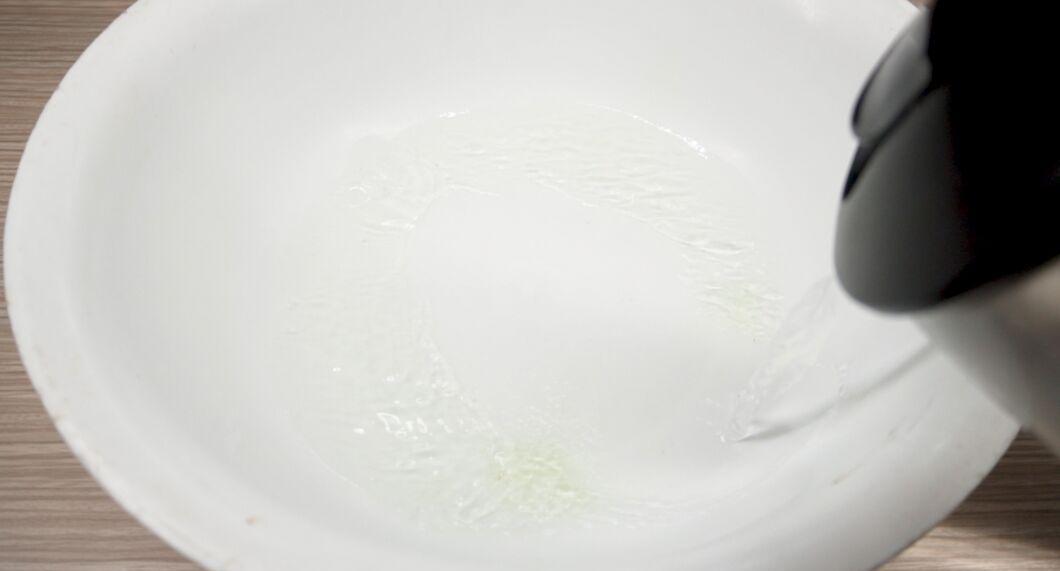
Pour warm water into the container until it reaches a depth of 5–8 cm. While adding the water, mix the soap with your fingertips to create a uniform soapy solution.
- It’s better to use warm water as it dissolves dirt more effectively.
- The soapy solution may foam a little, but don’t worry, the foam can be rinsed away later.
Step 5. Soak the Dirty CD in the Soapy Water for One Minute.
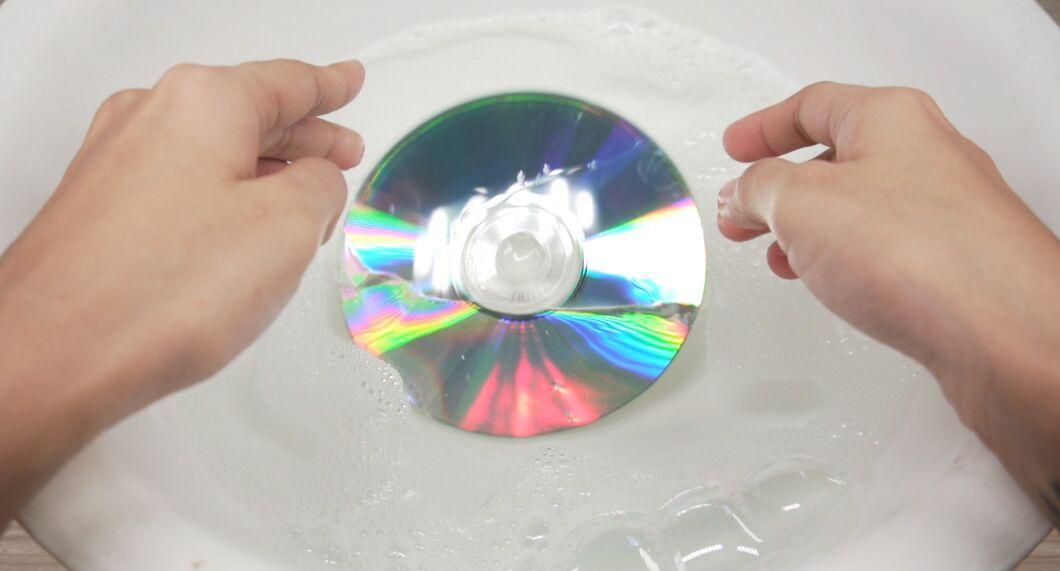
Dip the dirty CD into the soapy water for one minute. During this time, the solution will loosen the dust and other grime on its surface. Place the disc in the bowl with the bottom side up to avoid contact with the bottom of the container.
- You can gently agitate the disc in the water to enhance cleaning.
Step 6. Rinse the Disc Under Warm Running Water.
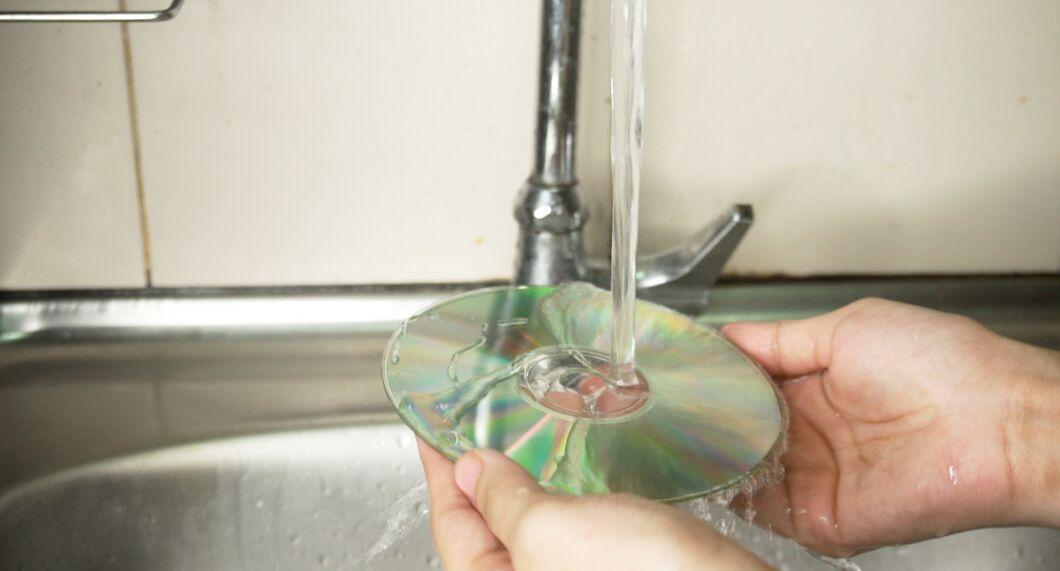
Rinse the disc under warm running water. Tilt the disc at different angles under the water stream to wash off the soapy solution from both sides. Rinse until the water runs clear and free of soap residue.
- Hold the disc with two fingers by the central hole and edge to avoid getting it dirty.
Step 7. Repeat the Process if Necessary.
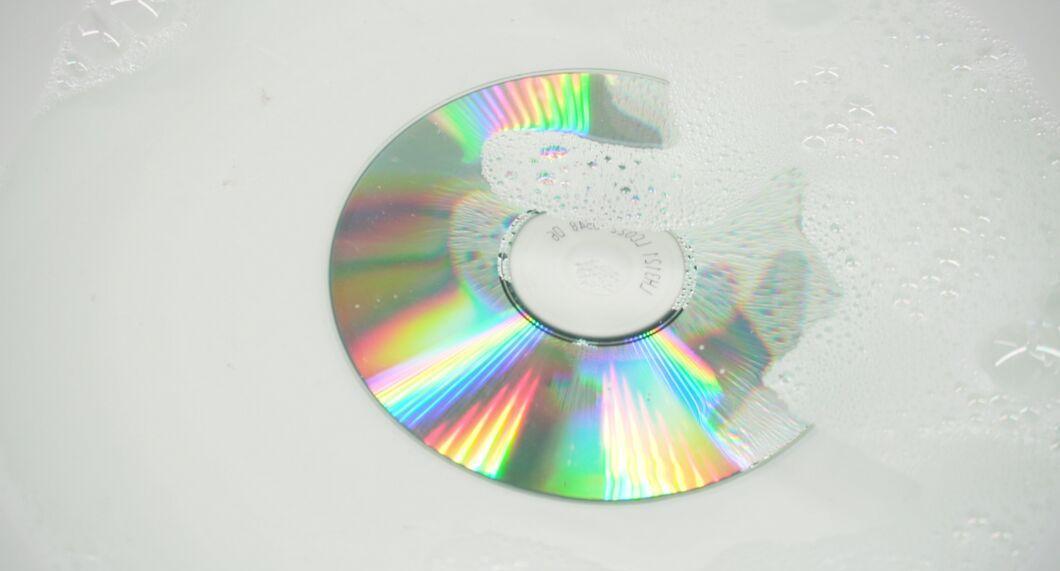
If the disc is still dirty, repeat the process. Soak it again in the soapy water for one minute. This time, gently rub stubborn stains with your fingertip in circular motions.
- If the disc still looks dirty after re-cleaning, it may be scratched rather than just dirty. In this case, you might need to remove scratches.
Step 8. Dry the Disc with a Lint-Free Cloth.
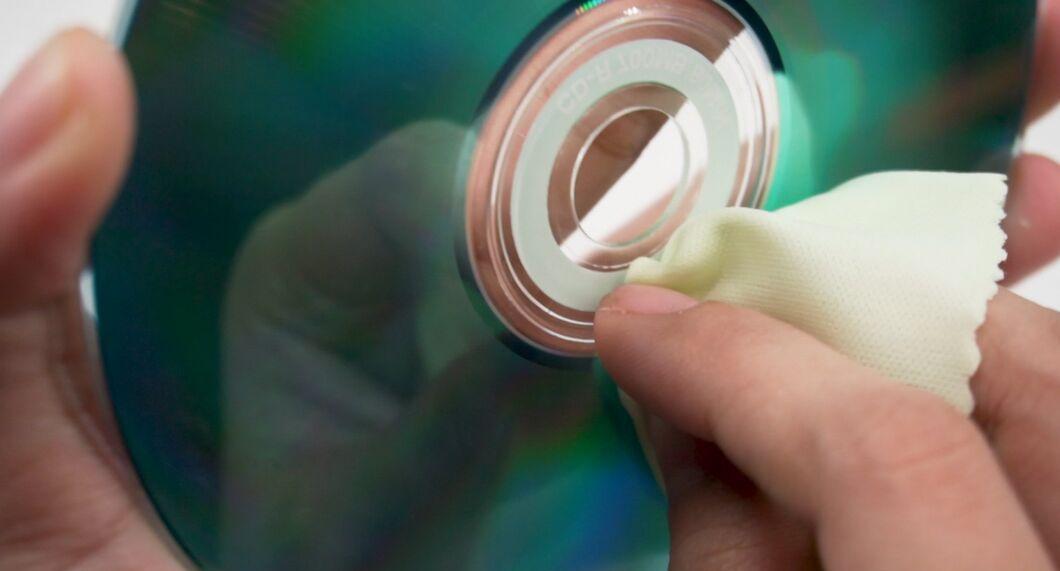
Dry the disc with a lint-free cloth. Wipe away moisture from both sides of the disc, moving from the center to the edges to avoid damage. After cleaning, the disc should look like new and work without problems!
- A microfiber cloth is excellent for drying the disc and other electronic components.
- It’s better to dry the disc manually to avoid streaks from prolonged air drying.[9] X Source
Remove Stubborn Stains with Medical Alcohol
Step 1. Prepare a Solution of 90% Medical Alcohol and Distilled Water in Equal Parts.
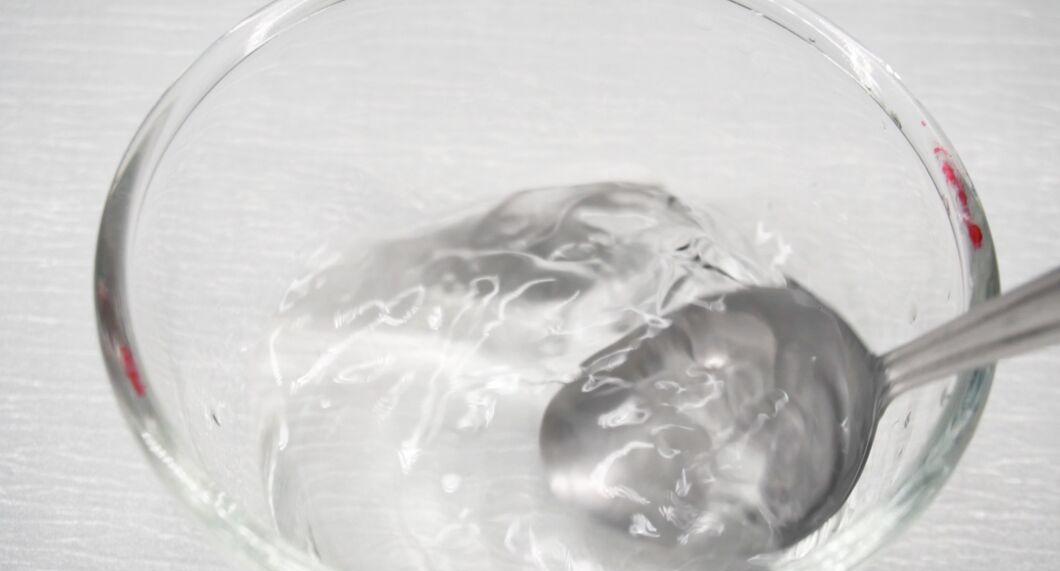
Mix 90% medical alcohol with distilled water in equal proportions. Pour equal amounts of alcohol and water into a shallow container and stir until well combined. You don’t need much solution—60–90 ml of each component will be enough.
- Be sure to use distilled water, as it’s necessary for polishing the disc. Tap water may contain particles that can scratch the surface.
- Medical alcohol effectively dissolves grime such as residue from sugary drinks and food.[11] X Source
- Diluting the alcohol helps avoid damaging the plastic surface of the disc.
Step 2. Moisten a Clean Lint-Free Cloth in the Solution.
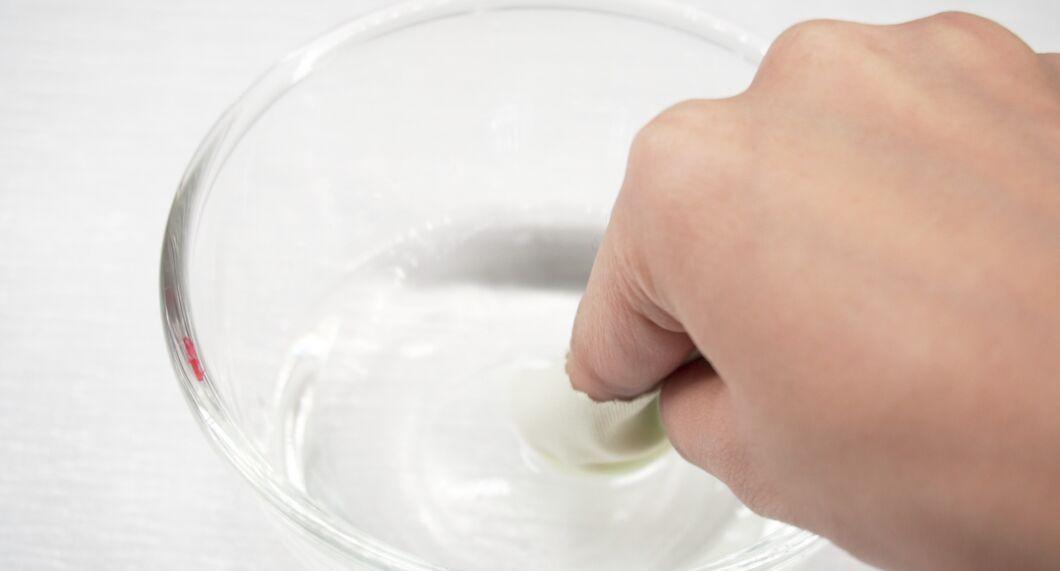
Moisten a clean lint-free cloth in the solution. Wrap the cloth around the tip of your index finger and dip it in the alcohol solution. A small amount of liquid will soak into the fabric, creating the perfect cleaning surface.
- Ensure that there’s no excess solution left on the cloth before you start cleaning.
- It’s better to use a microfiber or suede cloth, as regular cotton cloths may scratch the surface.
Step 3. Wipe the Disc from Center to Edges.
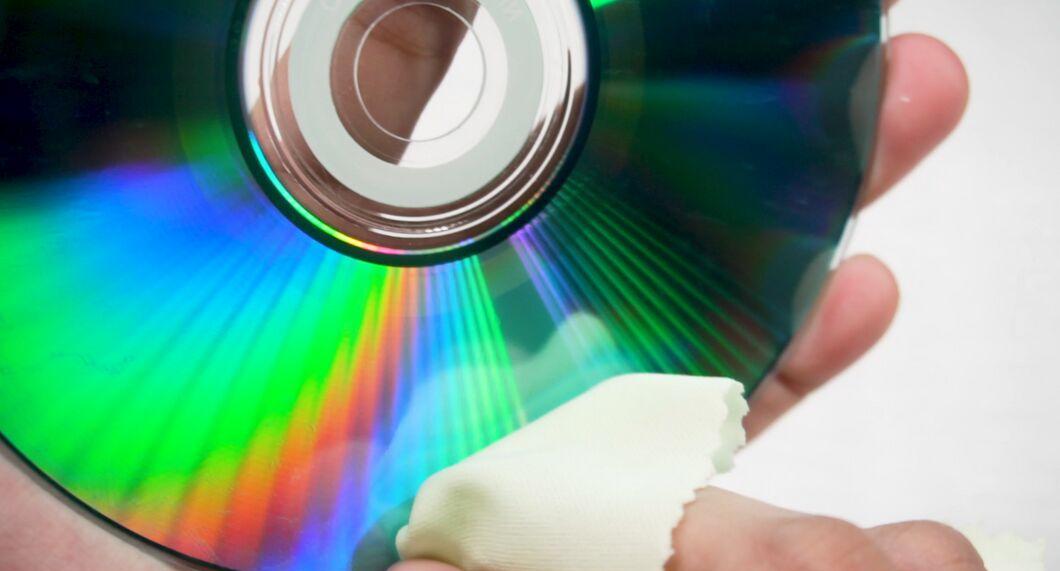
Clean the disc from the center to the outer edges. Use smooth, even motions with light pressure. All dirt on the surface will dissolve under the action of the solution. Wipe until the entire surface is clean.
- If you encounter a very stubborn stain, try to remove it with straight movements rather than circular ones.
Step 4. Let the Disc Air Dry.
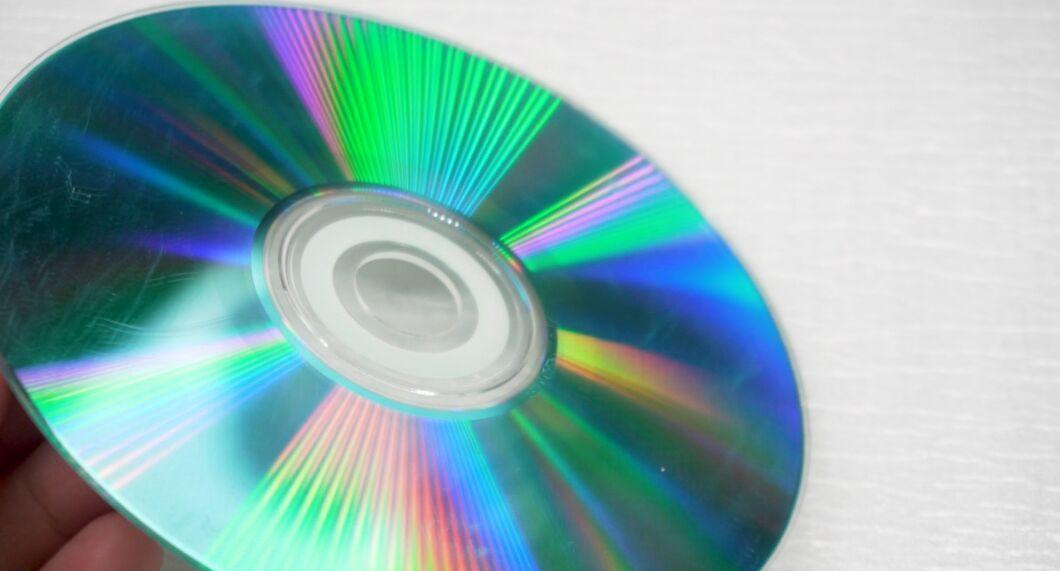
After cleaning, leave the disc to air dry. Hold the disc with one hand by the central hole and edge. The alcohol solution will evaporate quickly, so there’s no need to use cloths or other fabrics. Try playing the cleaned disc!


