
For plasma TV owners, it's important to regularly clean the screen from fingerprints, dust, and other debris that can degrade image quality. Before you begin cleaning, be sure to consult the user manual, as the manufacturer may recommend specific products or methods suitable for your device. In most cases, simply wiping the screen with a clean, dry cloth will suffice. If there are stubborn stains, you may need to use a soapy solution.
Special Solution
Step 1. Turn off the TV and let it cool down.
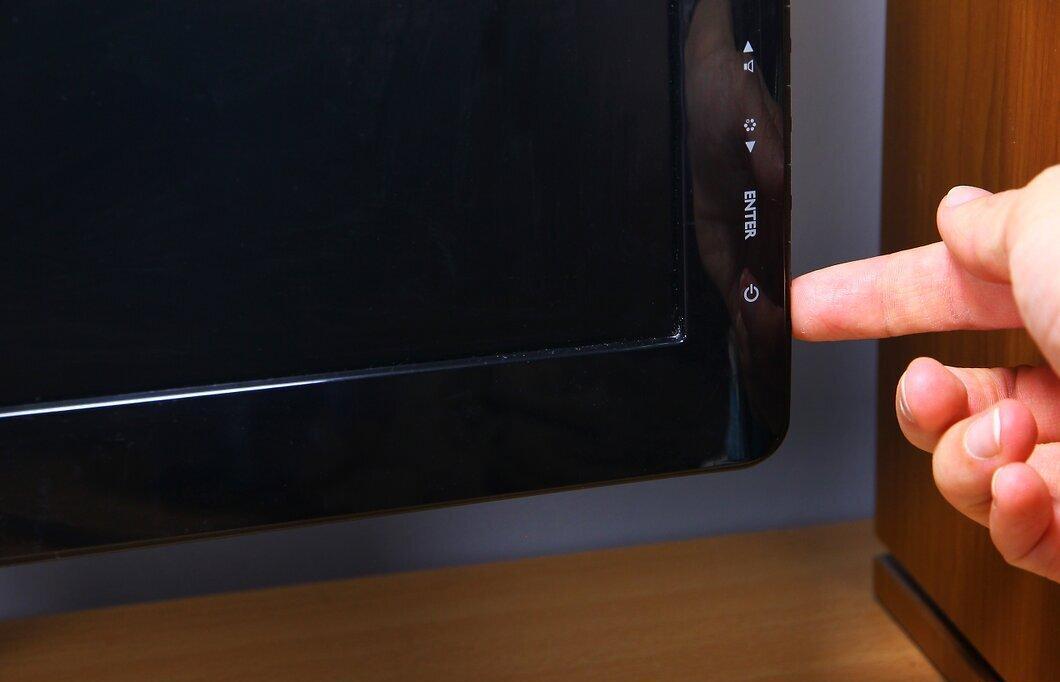
Start by turning off the TV and allowing it to cool down. Plasma models generate more heat and consume more energy than LCDs, so it's best to wait 15–20 minutes for the device to cool.
- If you skip this step, there's a risk that the cleaning solution will evaporate before it can effectively remove dirt.
Step 2. Wipe the screen with a soft, lint-free cloth to remove smudges and streaks.
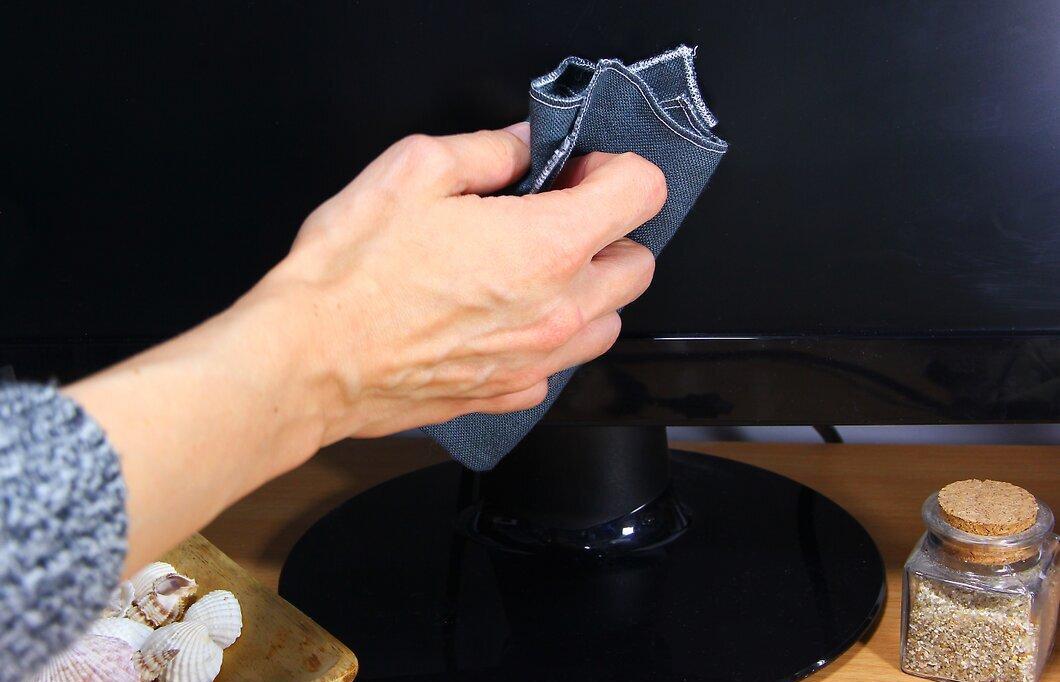
Use a soft, lint-free cloth to wipe the screen and eliminate streaks and fingerprints. Microfiber cloths or clean cotton rags work well. Gently wipe the screen in circular motions to remove dust. Usually, this is sufficient for achieving cleanliness. EXPERT TIP: Marcus Shields, a cleaning professional and founder of Maid Easy, shares insights he's inherited from his grandmother, who worked in cleaning during the 60s and 70s. After more than a decade in technology, he returned to the cleaning sector to help people in Phoenix.
- Avoid using wood-based materials (paper towels, toilet paper) to wipe, as they can damage the screen.
Step 3. Spray a screen cleaning solution onto a clean cloth.
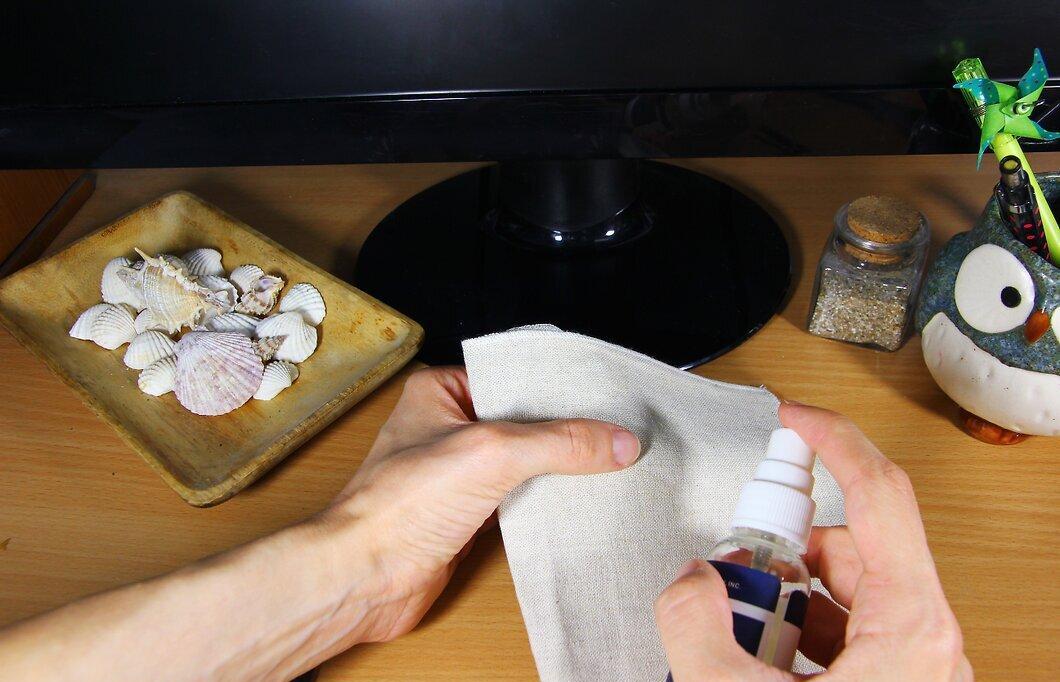
Spray a screen cleaning solution onto a clean cloth. If there are still spots on the screen after wiping with a dry cloth, lightly dampen the cloth. Apply the cleaning solution 2–3 times to the cloth. Do not spray the solution directly onto the screen to avoid damage. Avoid using harsh chemicals like ammonia or benzene, as they can degrade image quality.
- Alcohol-based cleaning solutions can be found in appliance and computer accessory stores; choose those designed for TVs or monitors.
Step 4. Use a damp cloth to remove stubborn stains.
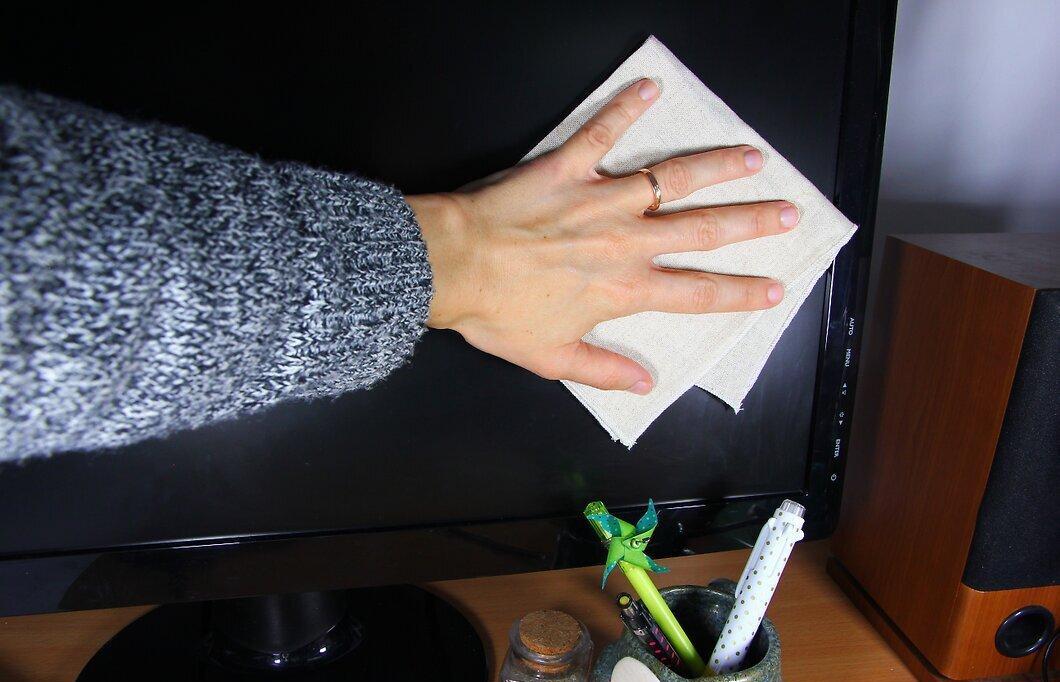
Use a damp cloth to tackle stubborn stains. This cloth will help remove tough marks and streaks. If the results are unsatisfactory, add a little solution to the cloth. Be careful not to oversaturate the screen.
- The cloth should be only slightly damp so that liquid doesn’t run down the screen!
Step 5. Wipe the screen dry with another clean, dry cloth.
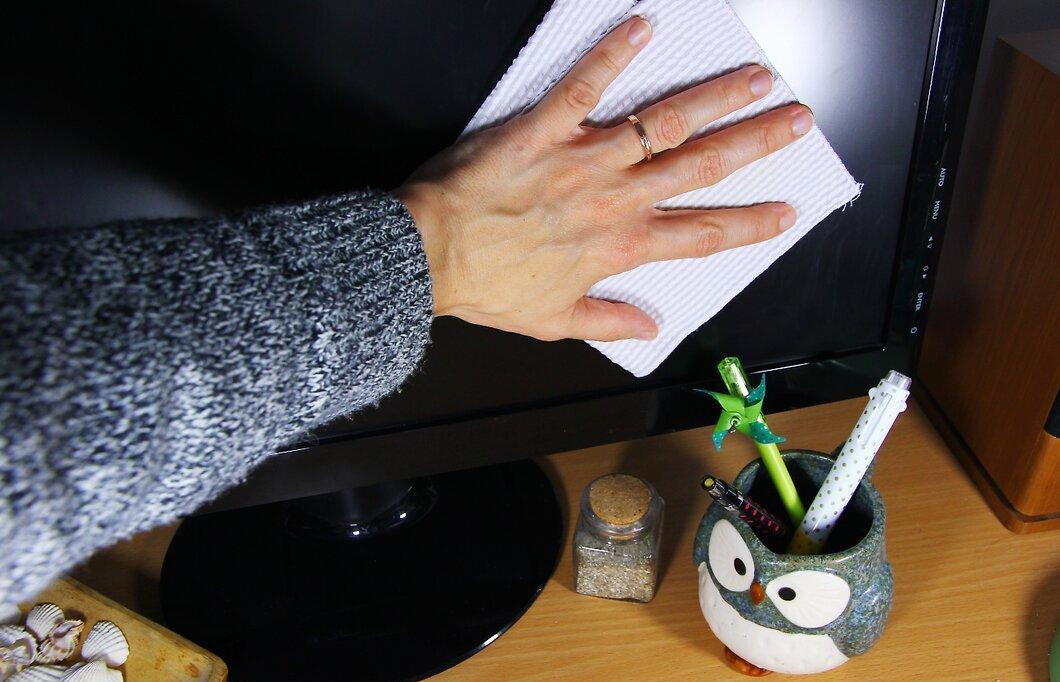
After treating the screen with the solution, remember to wipe it dry with a dry cloth to avoid damage from any remaining moisture.
- Once the screen is dry, you can enjoy watching again.
Soapy Solution
Step 1. Prepare a solution of water and dish soap.
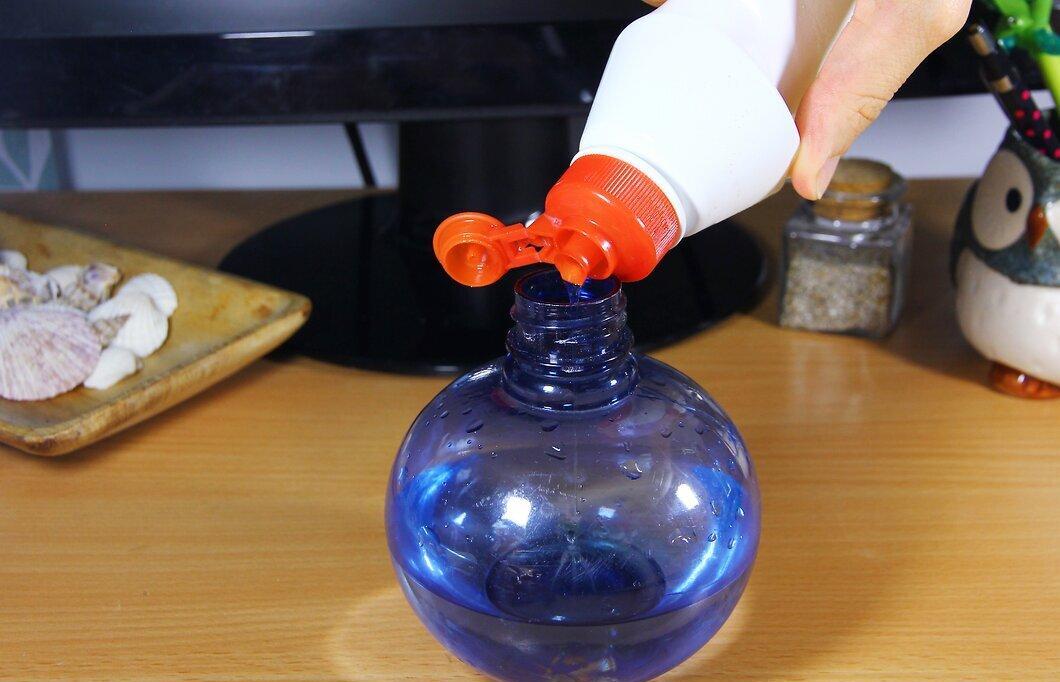
Fill a spray bottle with water and add 2–3 drops of dish soap. Pour the water carefully to avoid creating foam. It's better to use warm distilled water, as tap water may contain minerals.
- Any dish soap can be purchased at a hardware store.
- Before using the solution, check the warranty terms for your plasma TV to ensure cleaning won’t void it.
Step 2. Spray the solution onto a microfiber cloth.
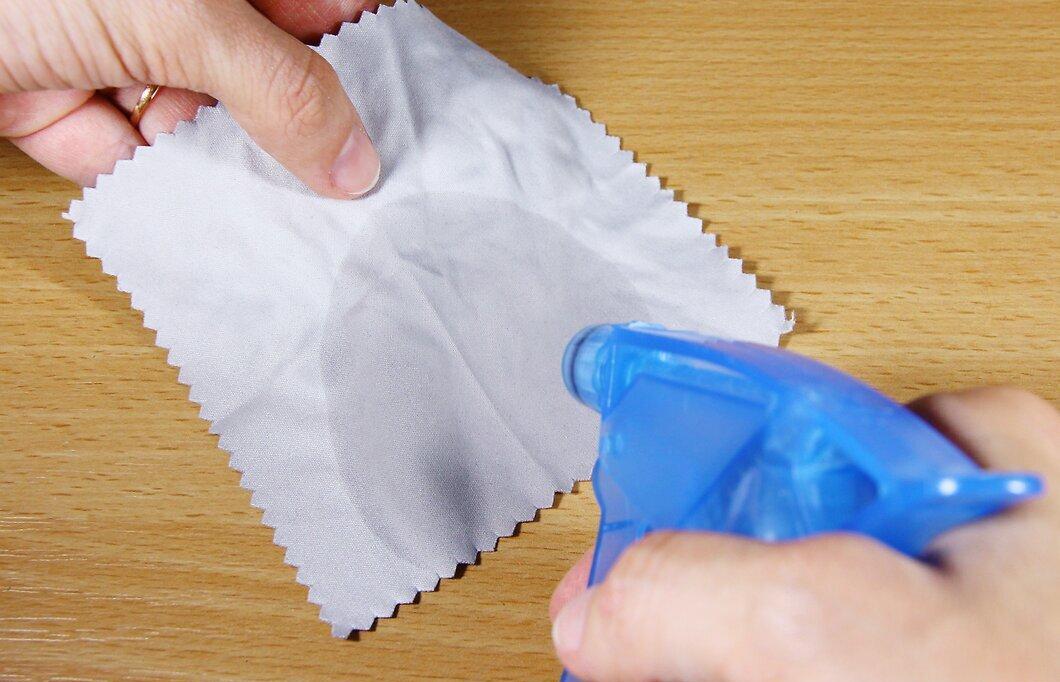
Spray 2–3 squirts of the solution onto a microfiber cloth. Do not aim the sprayer at the screen to avoid accidental overspray. Press the bottle 2–3 times to dampen the cloth.
- If the cloth is too damp, simply wring it out over the sink.
Step 3. Remove dirt using one finger.
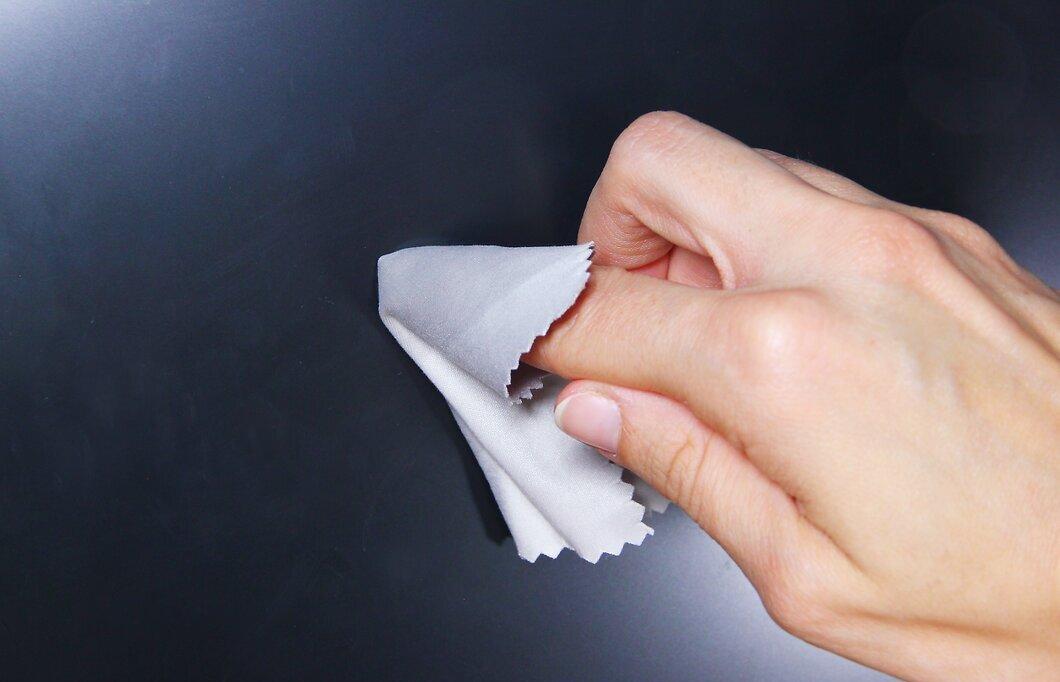
Use one finger to remove the stain. Wrap the damp cloth around your index finger. Gently press it against the dirt on the screen and clean the area in circular motions. Usually, this is sufficient.
- If the screen remains dirty, repeat the process, moistening the cloth again.
- Don't apply too much pressure to avoid damaging the screen's surface.
Step 4. Wipe the screen dry with a microfiber cloth.
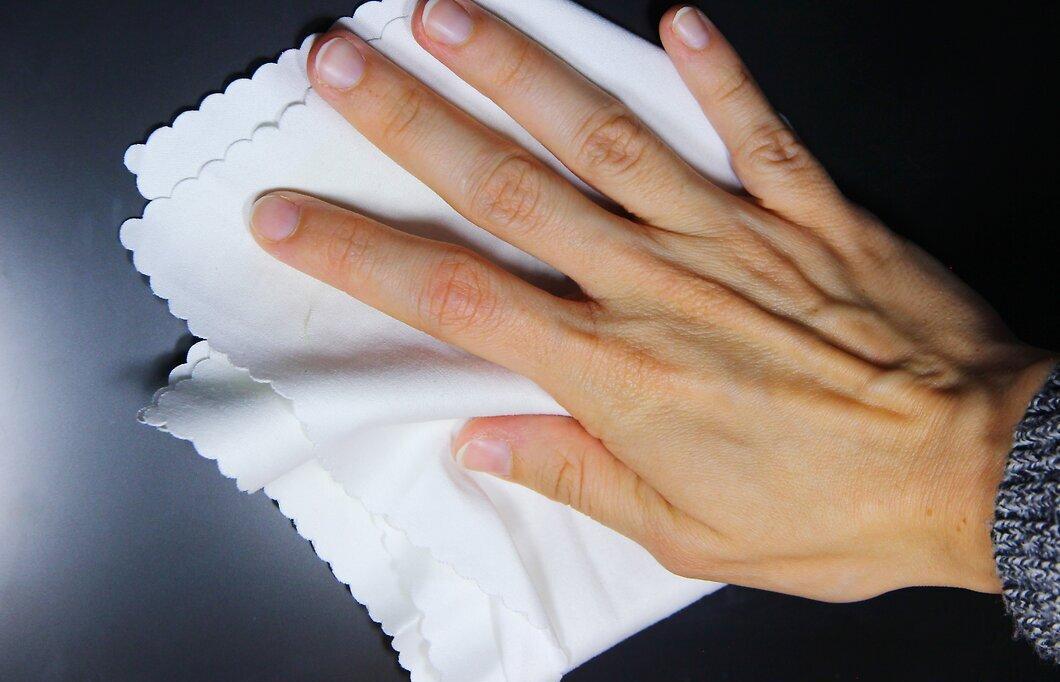
After you’ve removed all the dirt, use a clean, dry microfiber cloth to dry the screen. This will help prevent dust from settling on the freshly cleaned surface.
- If the screen is still slightly damp and there are soap streaks, moisten the cloth with distilled water and wipe away the remaining soap solution.


