
Effective Ways to Protect Your Computer from Dust
Dust buildup on your computer can significantly reduce its efficiency and functionality. Dust that collects on the casing and internal components can block ventilation openings, particularly near the power supply and fans, leading to overheating. Below are some simple tips for regular computer maintenance that can help protect it from dust and extend its lifespan. Use this article as a guide to keep your computer clean.
Part 1
Step 1. Raise Your Computer Above Floor Level.
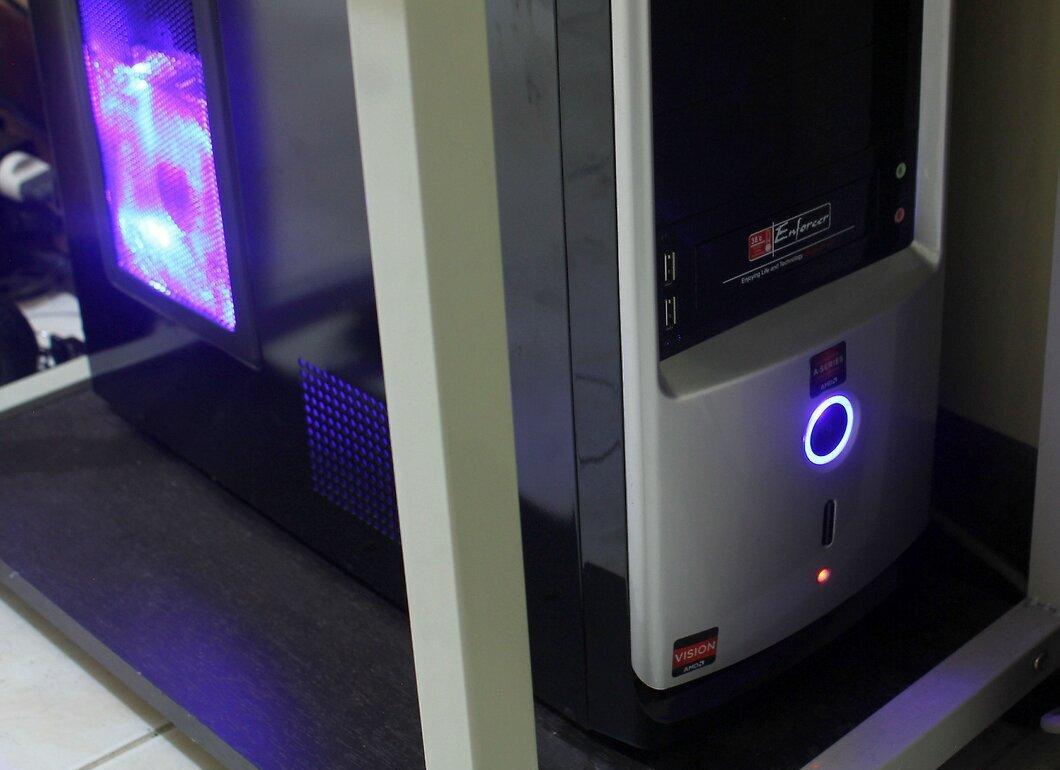
Make sure your computer is positioned above floor level. When the device is on the floor, it is more vulnerable to dust accumulation caused by foot traffic and carpeting.
- Place the CPU on a desk, under the monitor, next to it, or on a well-ventilated shelf of your computer desk.
Step 2. Keep Your Computer Away from Vents.
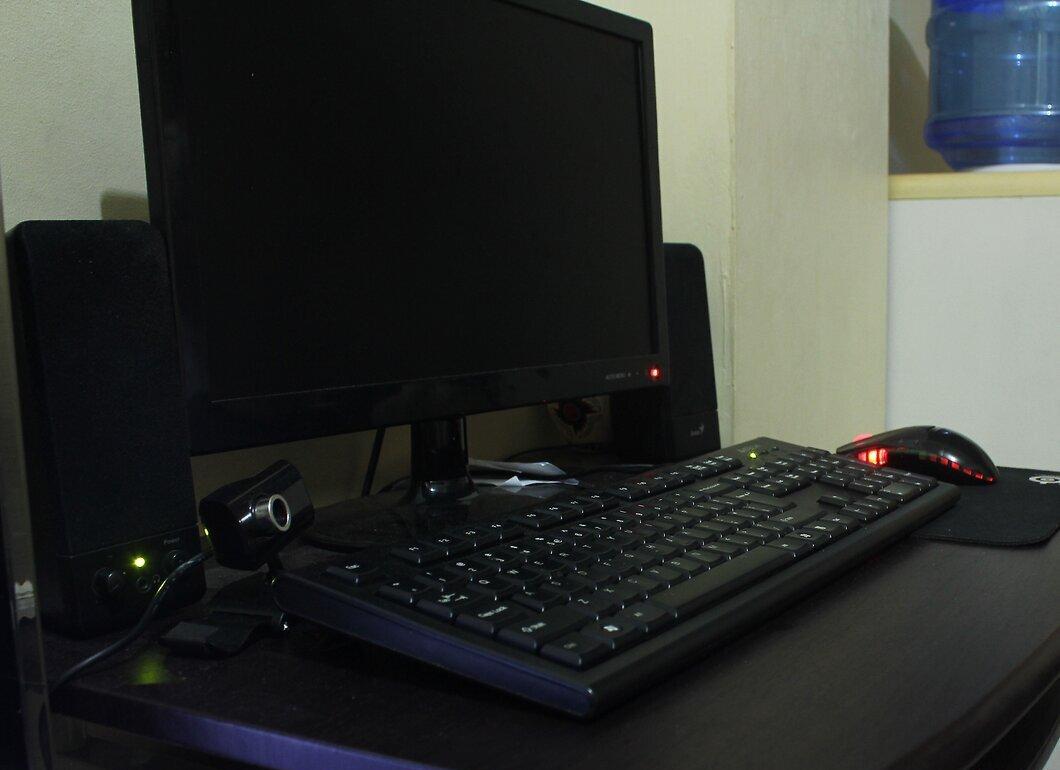
Position your computer at a safe distance from cooling or heating vents. If these vents are not regularly cleaned, they can blow dust onto your computer if it's too close.
Step 3. Maintain Cleanliness Around Your Computer.
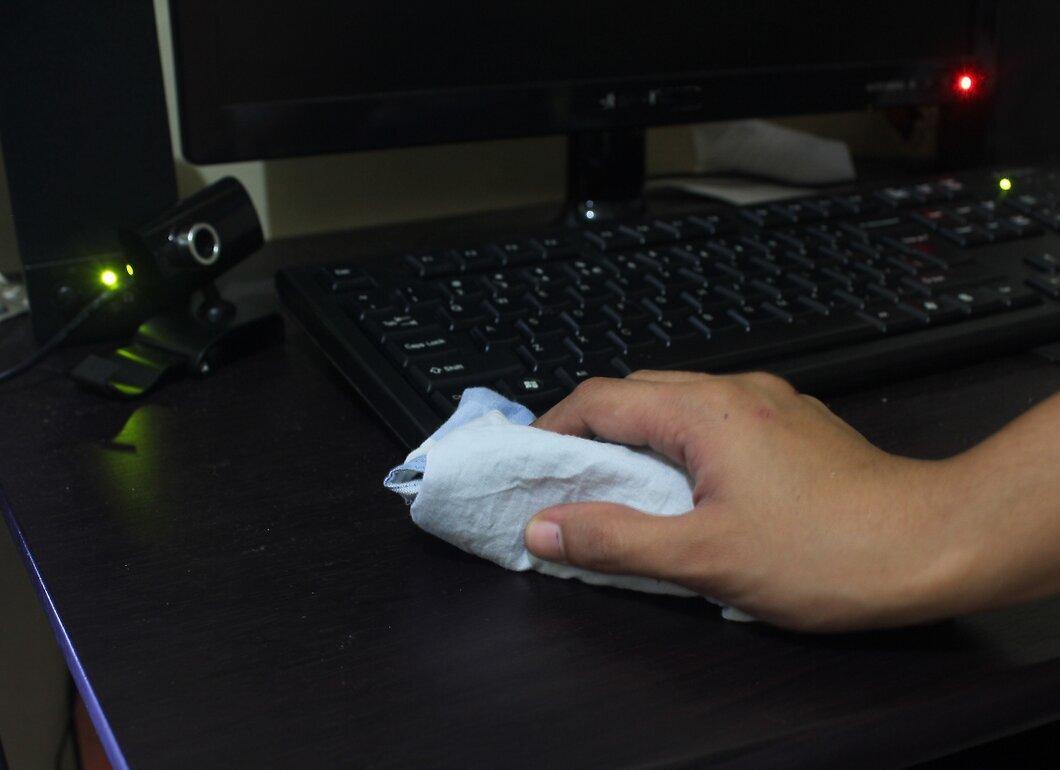
Regularly clean the area around your computer. Dust from surrounding objects can enter the device if they are not kept clean. This includes plants, pets, cigarette smoke, and other elements like sand and wood particles.
- Clean the area, including vacuuming and wiping down the desk surface and nearby objects, depending on the level of dirt.
Step 4. Periodically Clean Your Computer's Interior with Compressed Air.
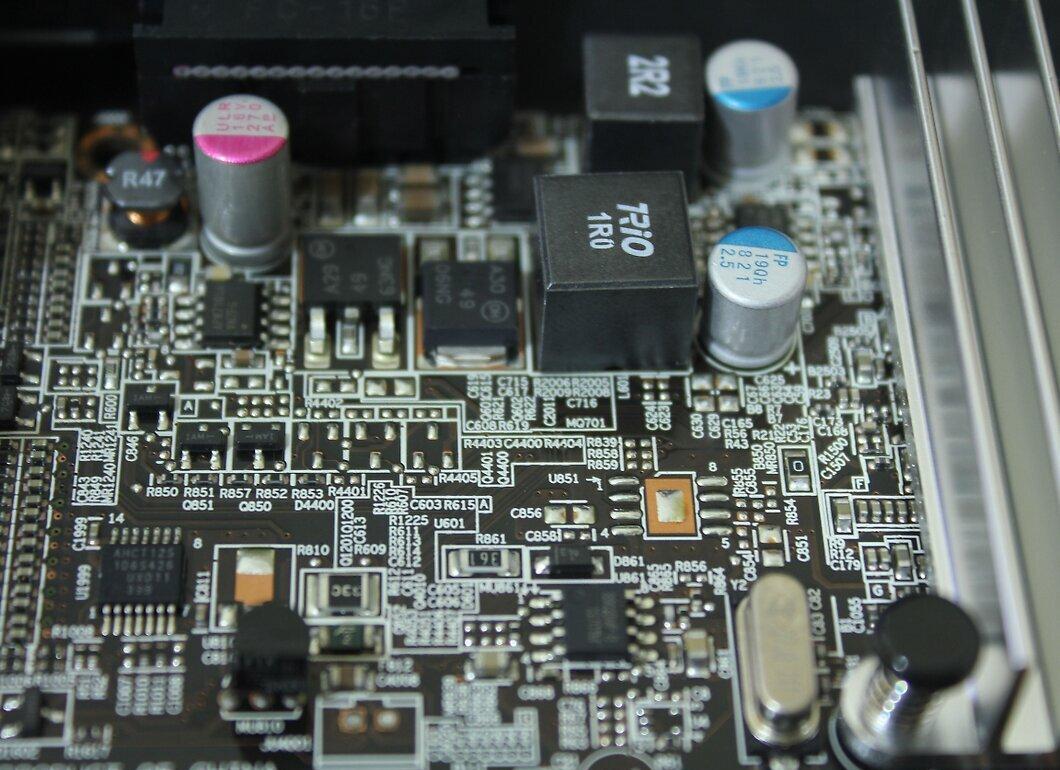
Occasionally clean the internal components of your computer using compressed air. Special cans of compressed air designed for electronics, computers, and motherboards can be found at most stores.
- Be sure to turn off the computer and unplug it before cleaning.
- Allow the device to cool down for at least 30 minutes before using compressed air to remove dust. This will protect components from damage caused by temperature fluctuations.
Step 5. Keep Food and Drinks Away from Your Computer.
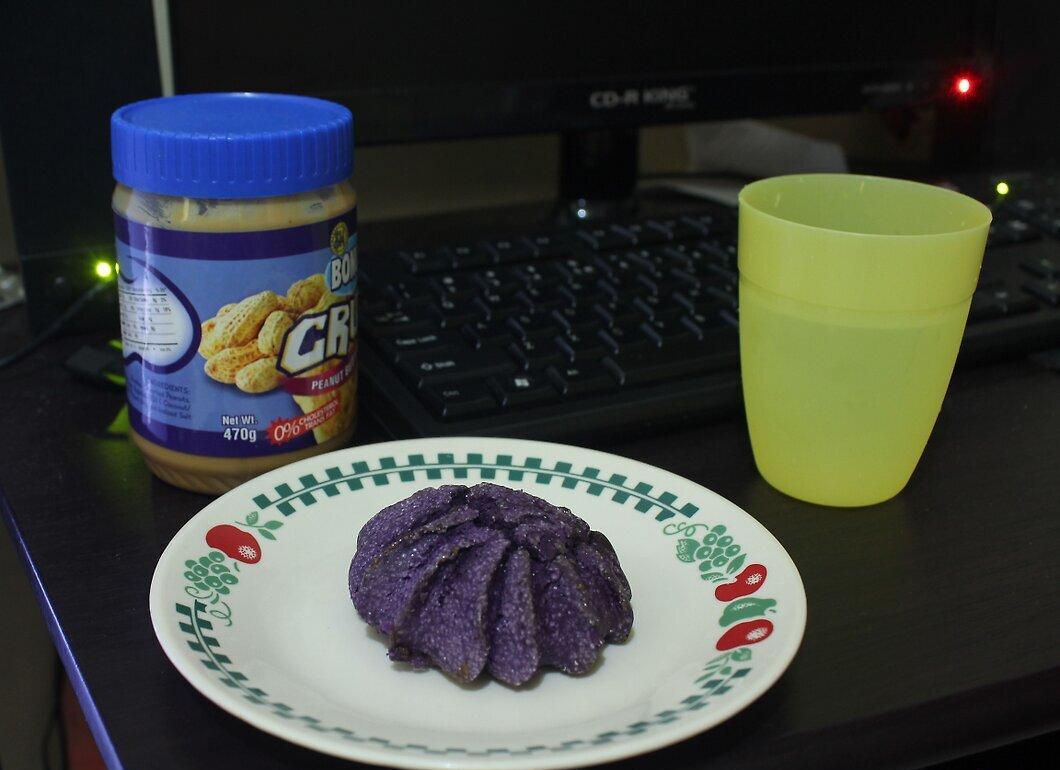
Do not place food and drinks near your computer. Food particles can get into the keyboard and internal parts of the device, leading to increased dust accumulation.
- Try to keep your computer or laptop away from the kitchen, even when there are no food and drinks present. Grease and other particles from cooking can become airborne and settle on your computer.
Step 6. Always Wash Your Hands Before Using the Computer.
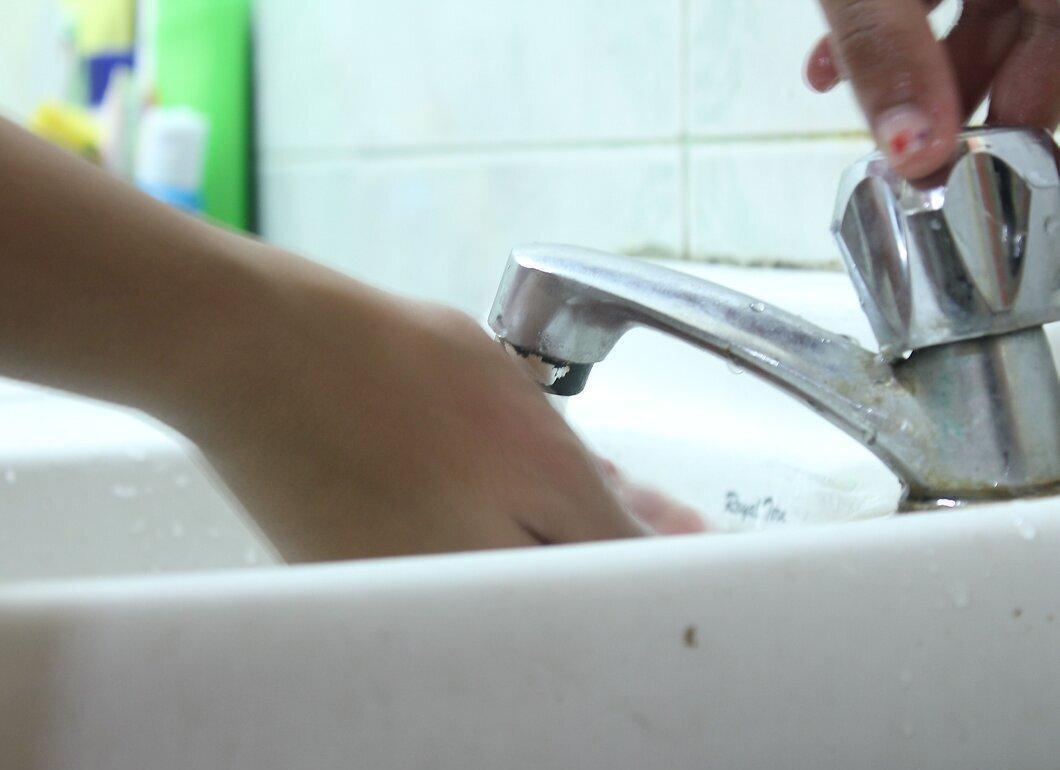
Make sure to wash your hands before sitting down at the computer. Dust and dirt from your hands can transfer to the device and accumulate over time.


