
If you're considering selling your computer, determining its value is a crucial step. You can do this by evaluating its age, technical specifications, and components. In today's fast-paced technological world, it's important to know how much your computer might be worth on the market. One of the best ways to find out its value is by researching online. You can visit platforms like eBay or other auction sites to see the current prices of similar models or use appraisal resources like Gadget Value, which can help you determine your computer's market price. In this guide, we'll show you how to properly evaluate your computer before selling it.
Part 1
Step 1. Identify the manufacturer, model, and specifications of your computer.
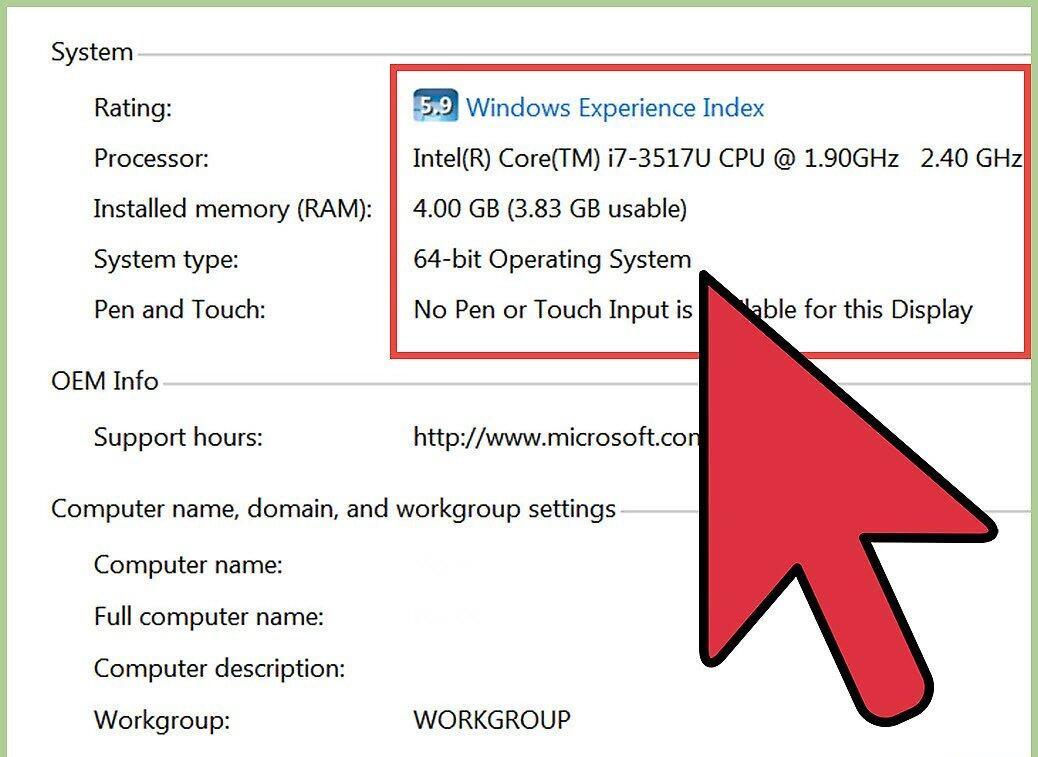
First, you need to find out who the manufacturer of your computer is, as well as its model and specifications. Complete information about the components will help you set a fair price.
- Check the documentation of your computer (warranty certificate or other papers) to find out the manufacturer, model, processor specifications, hard drive size and type, RAM size, and screen size.
- If you don't have the documents, no worries! You can self-examine the device. Just look for the manufacturer's logo on the case, or turn on the computer and check the "System Properties" menu. For instance, if you have Windows, right-click on the "Computer" icon on your desktop and select "Properties."
Step 2. Go to eBay.
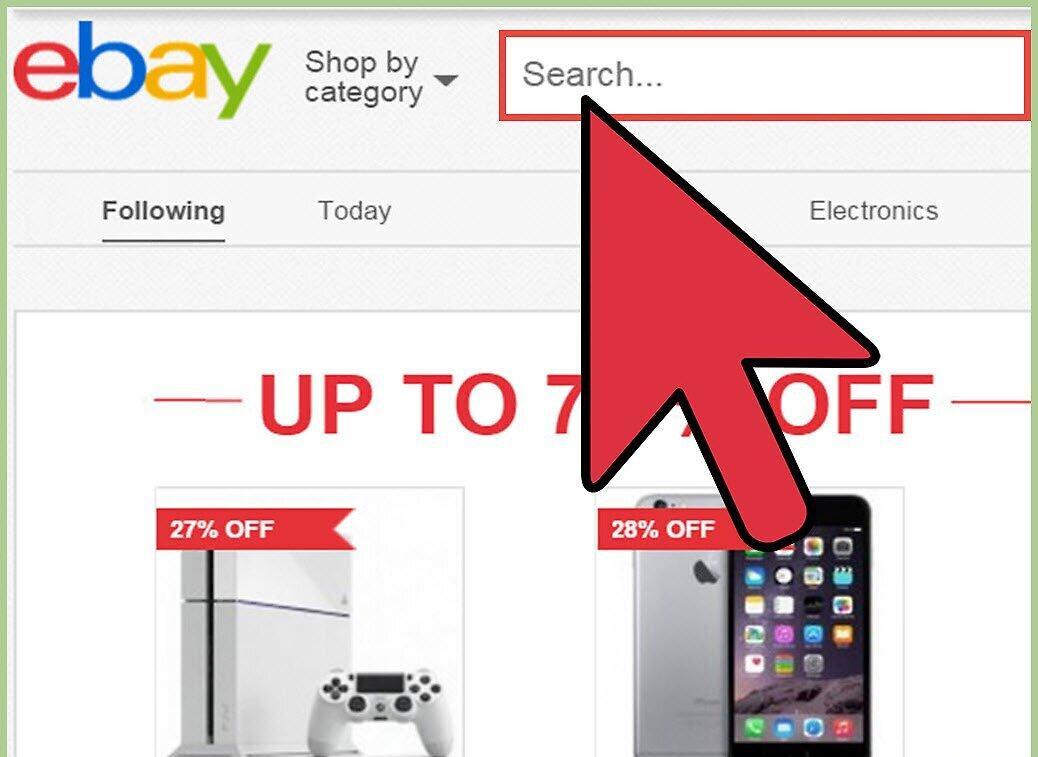
Visit the eBay platform. Here you can see both current prices of computers of the same brand and model, as well as information on those that have been sold previously.
- Go to the "PC World" website mentioned in the Resources and Links section of this article, and scroll down to the "Common Questions" section.
- In the "Common Questions" section, click on the link to go to the main page of eBay.
Step 3. Search for the same manufacturer and model of computer.
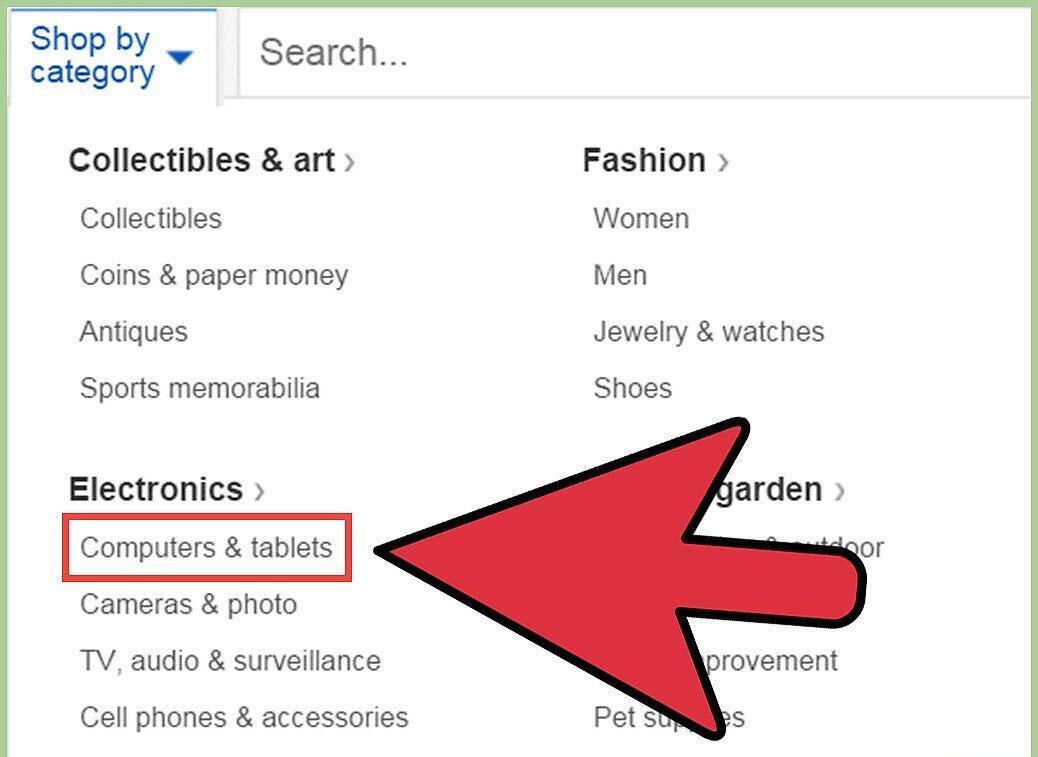
- Enter the manufacturer and model name in the eBay search bar and click the "Search" button. For example, if you want to sell a Dell Inspiron Mini laptop, just type that into the search bar.
Step 4. Narrow down your search parameters based on your device's condition.
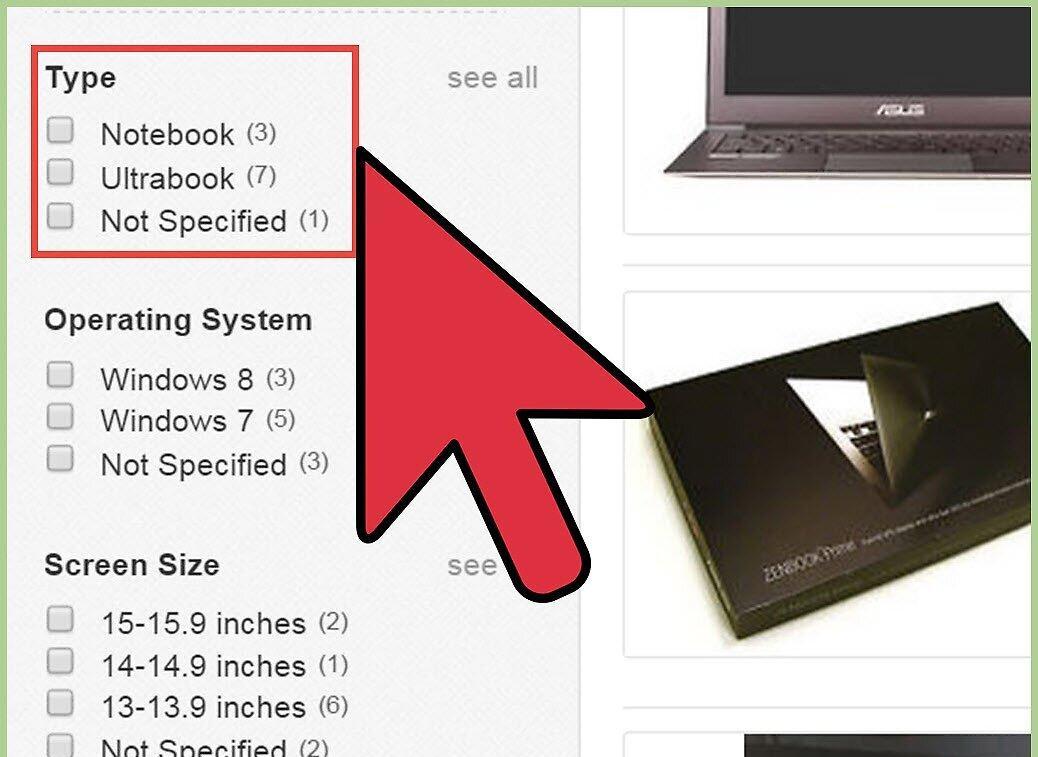
Specify the condition of your computer to get more accurate search results. Indicate whether your computer is new or used.
- Check the box for "New" or "Used" in the "Condition" section on the left side of the page. The site will automatically update the search results according to your parameters.
Step 5. Review the search results to estimate a possible sale price.
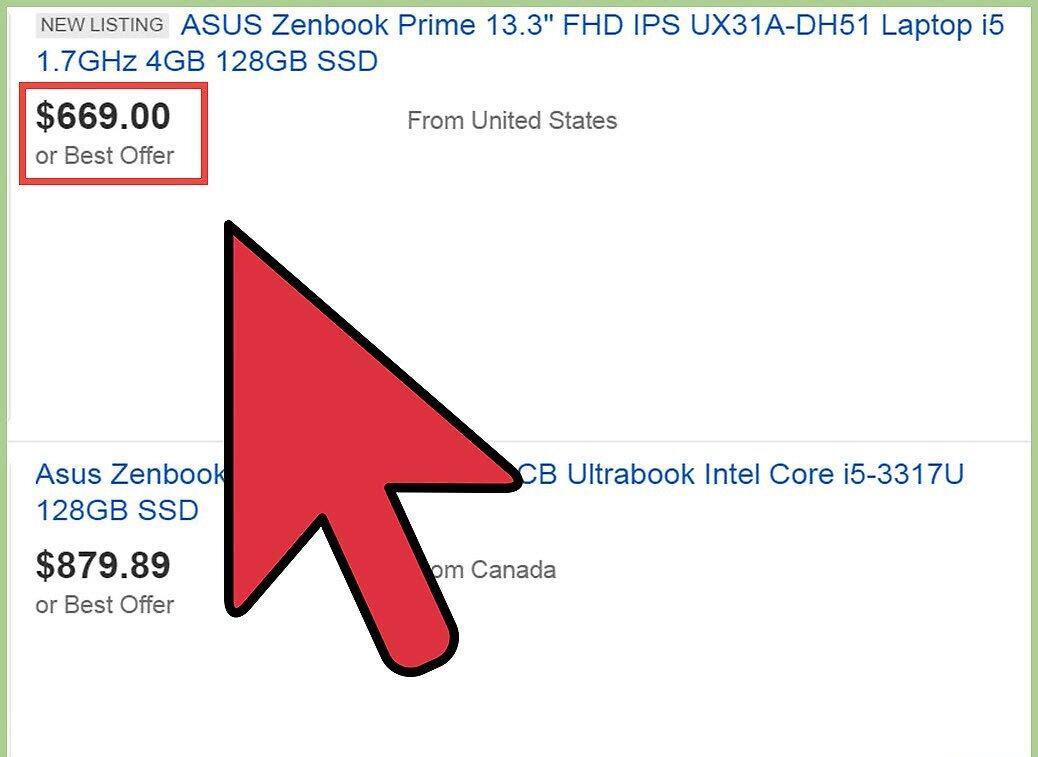
Examine the search results to understand how much you can sell your computer for. Although prices may vary by seller, you'll get a sense of the price range.
Step 6. Check completed auctions on eBay.
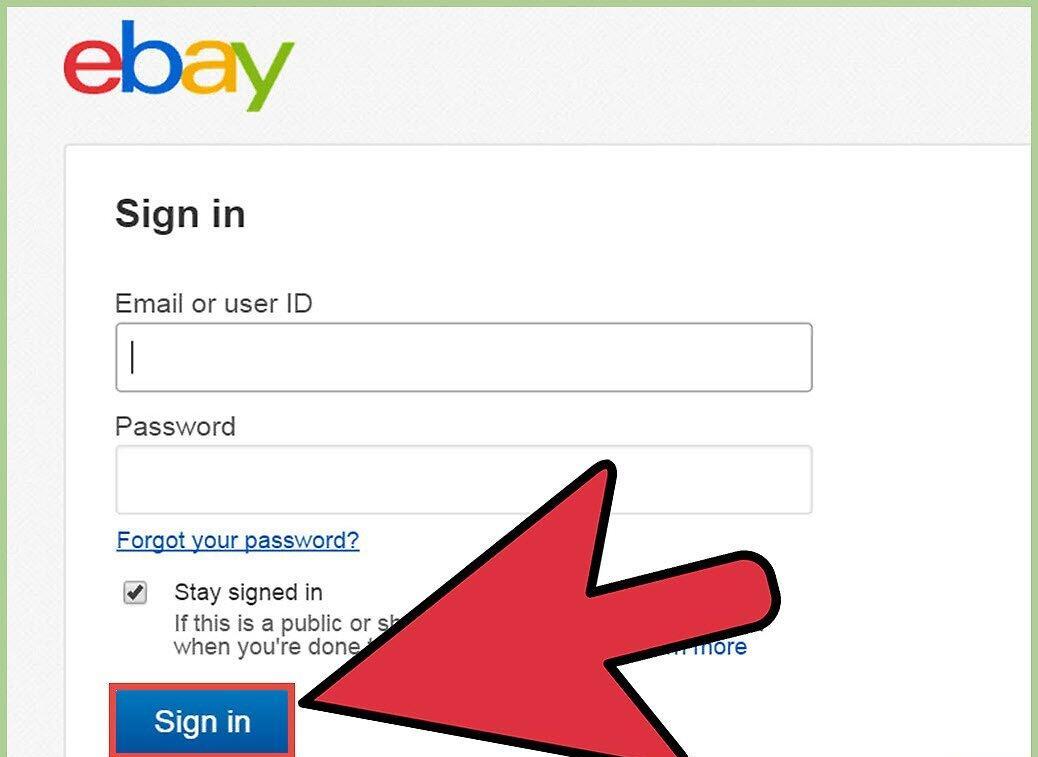
Review completed auctions on eBay to see how much buyers paid for similar models. You'll need an eBay account for this.
- Scroll up the page and click on the "Sign in" link to log into your account. If you don't have an account, click "Register" to create one.
- Click on the "Advanced" link located to the right of the "Search" button to open additional search options.
- Enter the manufacturer and model of your computer in the search bar, then check the "Completed listings" box.
- Click the "Search" button to see a list of completed auctions with the final prices at which similar computers were sold.
Step 7. Use online tools to appraise the sale price of your computer.
Utilize online resources to determine the price at which you can sell your computer. There are many websites where you can input your device's specifications and receive an estimate of its value.
- Open any search engine and type "appraise computer" or "evaluate my computer" to find resources that can assist you in calculating the selling price of your computer.


