
The internet is the primary means of communication today. Many websites offer content in different languages to reach a wider audience. This applies to email services as well. In Gmail, you can easily change the language to your preference.
Part 1
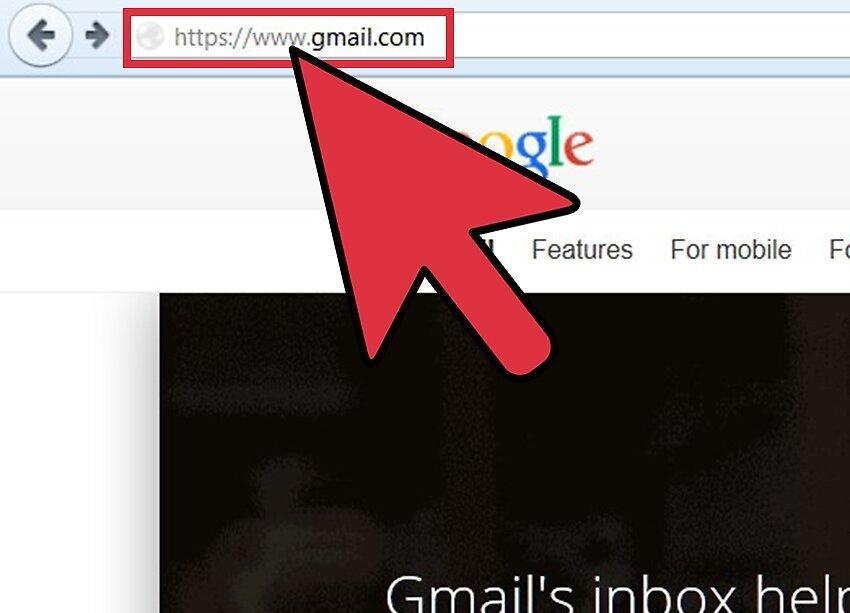
Step 1. Open the Gmail website (launch your browser, type www.gmail.com in the address bar, and press Enter).
Step 2. Sign in to your Gmail account.
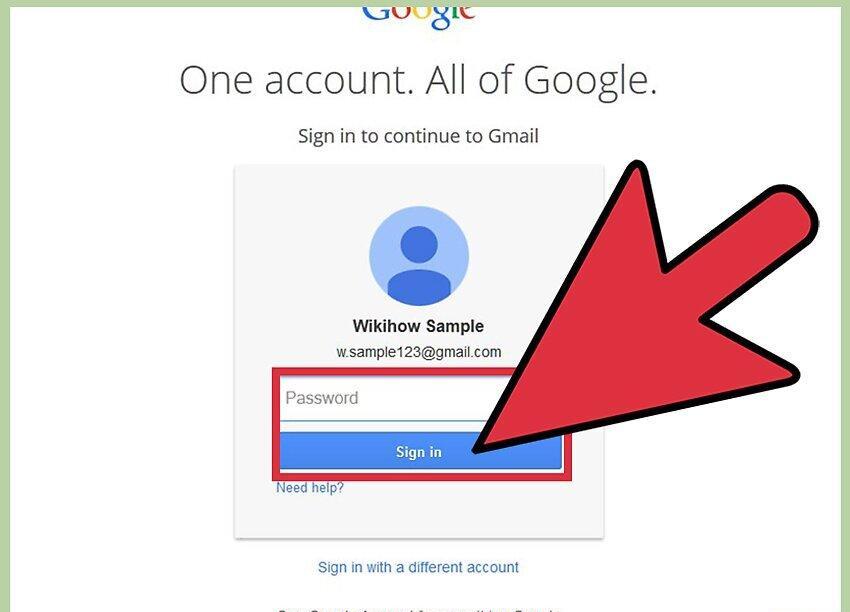
Sign in to your Gmail account by entering your email address and password in the appropriate fields.
- After that, click “Log in.”
Step 3. Click on the gear icon (in the upper right corner of the screen).
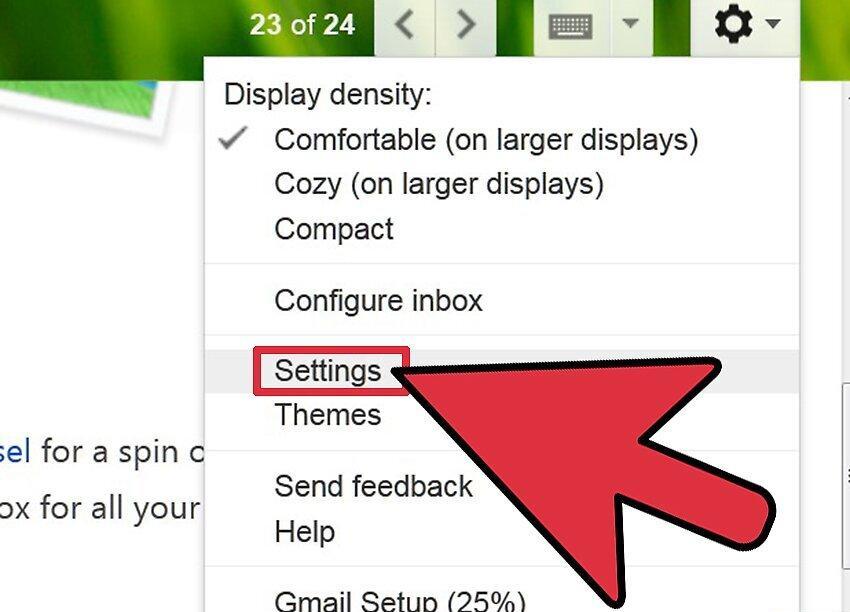
Click on the gear icon (in the upper right corner of the screen). A menu will open. In it, select “Settings” to access Gmail settings.
Step 4. Open the “General” tab (it opens by default; if not, just click on it).
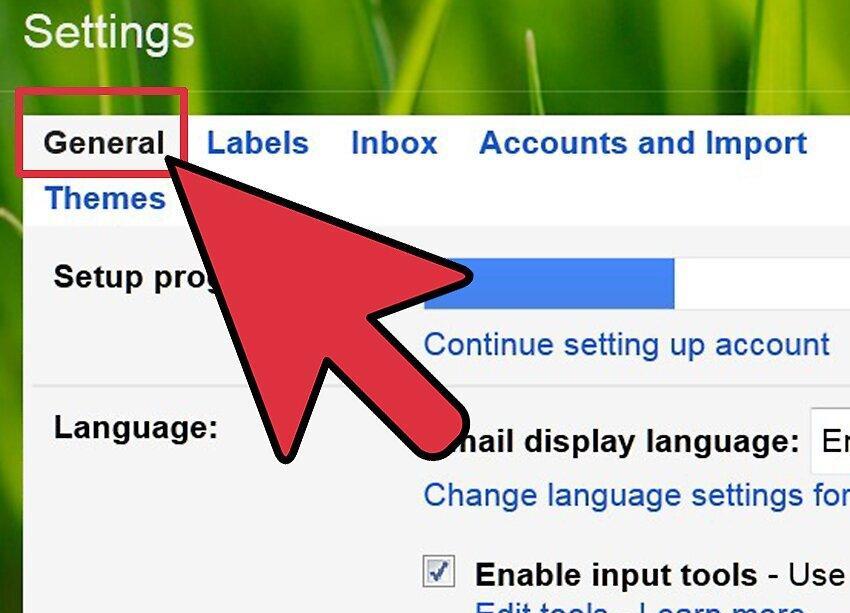
Step 5. Change the language in the “Language” section.
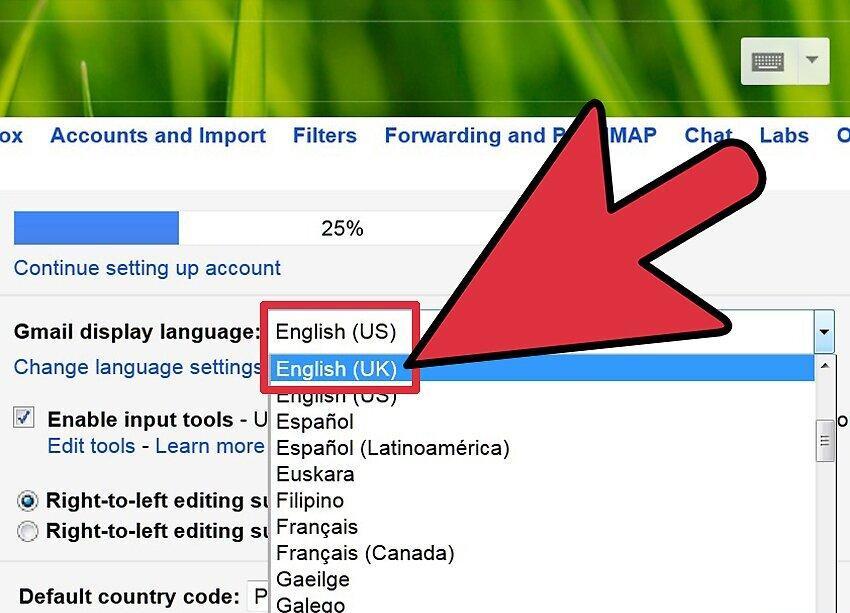
In the “Language” section, change the language. To do this, open the menu and select your desired language.
- Scroll through the list of languages to find the one you need.
Step 6. Save your changes.
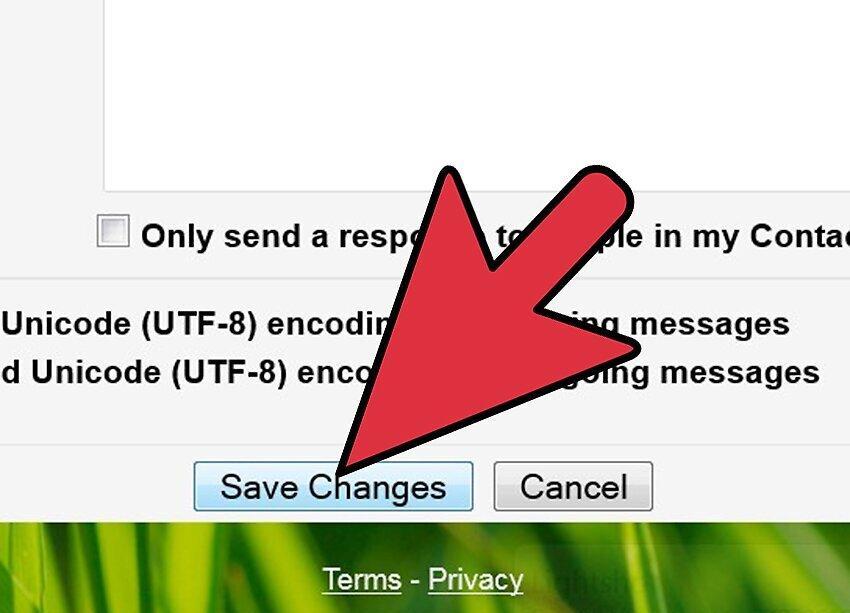
Save your changes by clicking “Save changes” at the bottom of the page.


