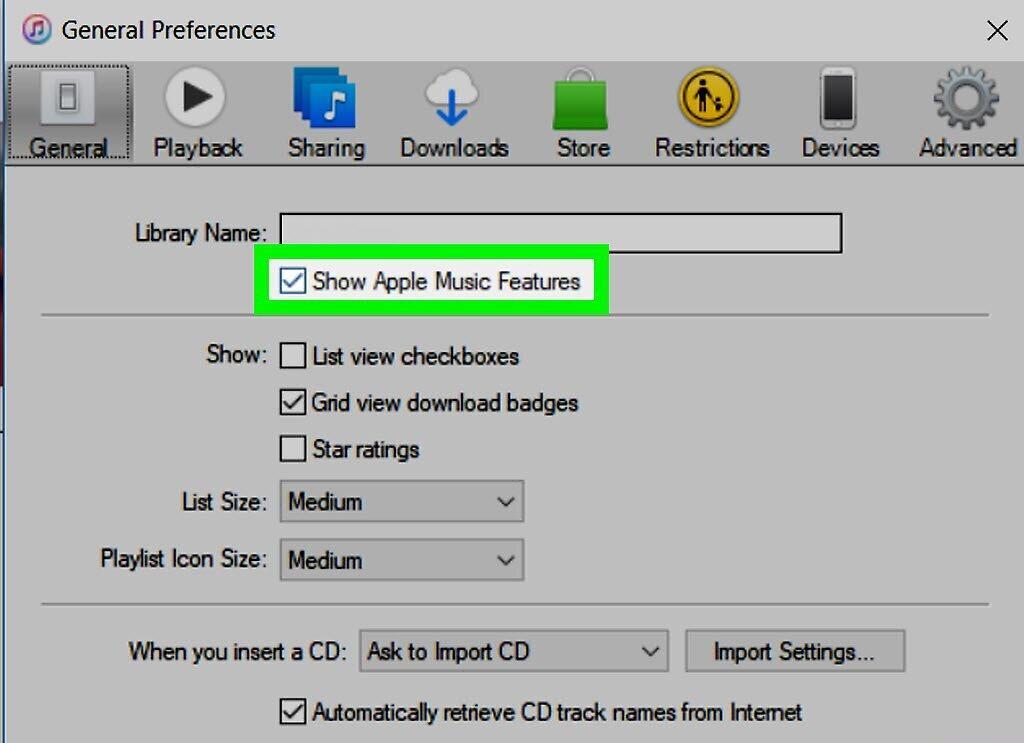
If you're an Apple Music subscriber, your music tracks are stored in iCloud Music Library, allowing you to easily sync them across all your devices. This feature enables you to access your music from any device where you're signed in with the same Apple ID. However, if you don't want this feature, you can turn it off.
On iPhone or iPad
Step 1. Unlock your device.
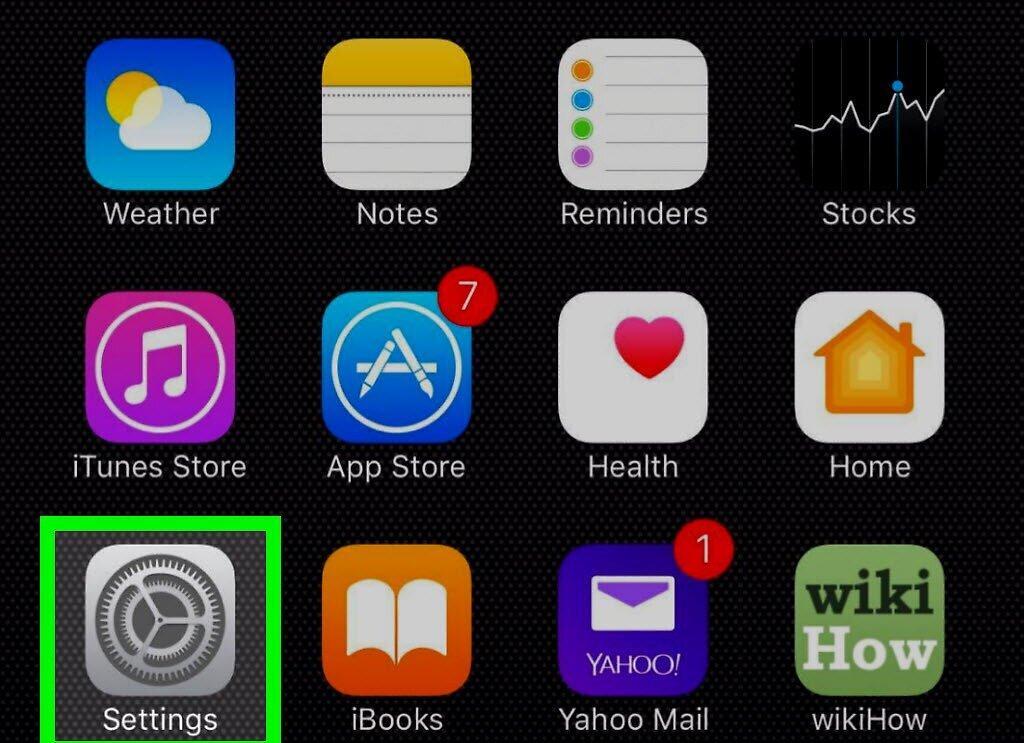
Unlock your iPhone or iPad and go to the "Settings" app.
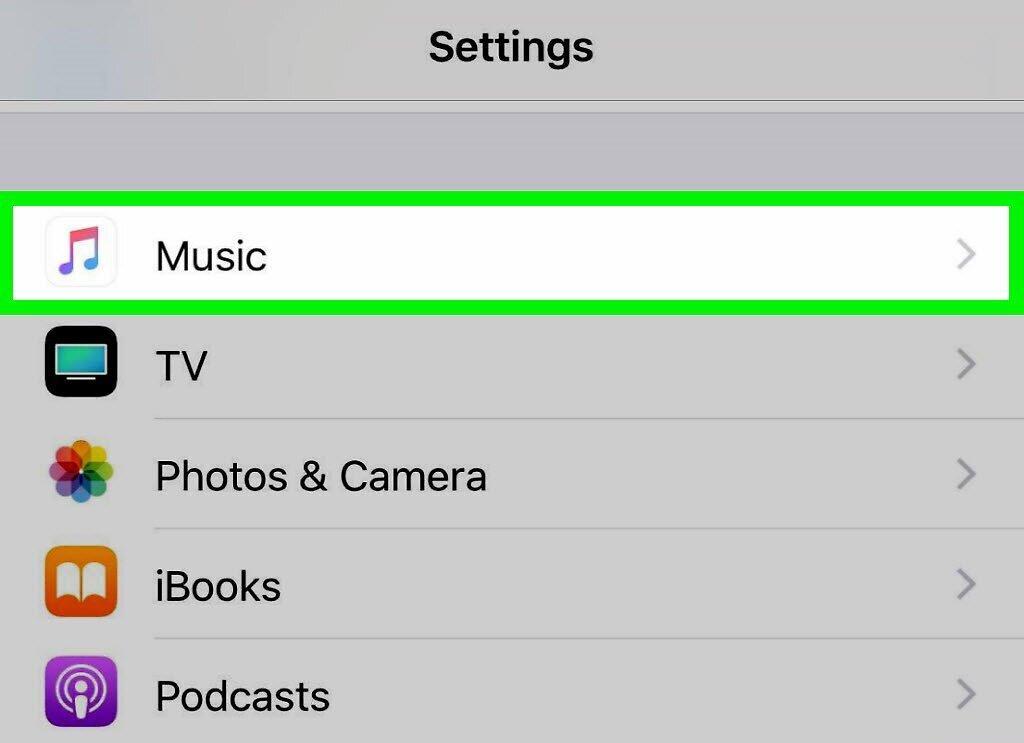
Step 2. Find and open the "Music" section.
Step 3. Scroll down to the "iCloud Music Library" option.
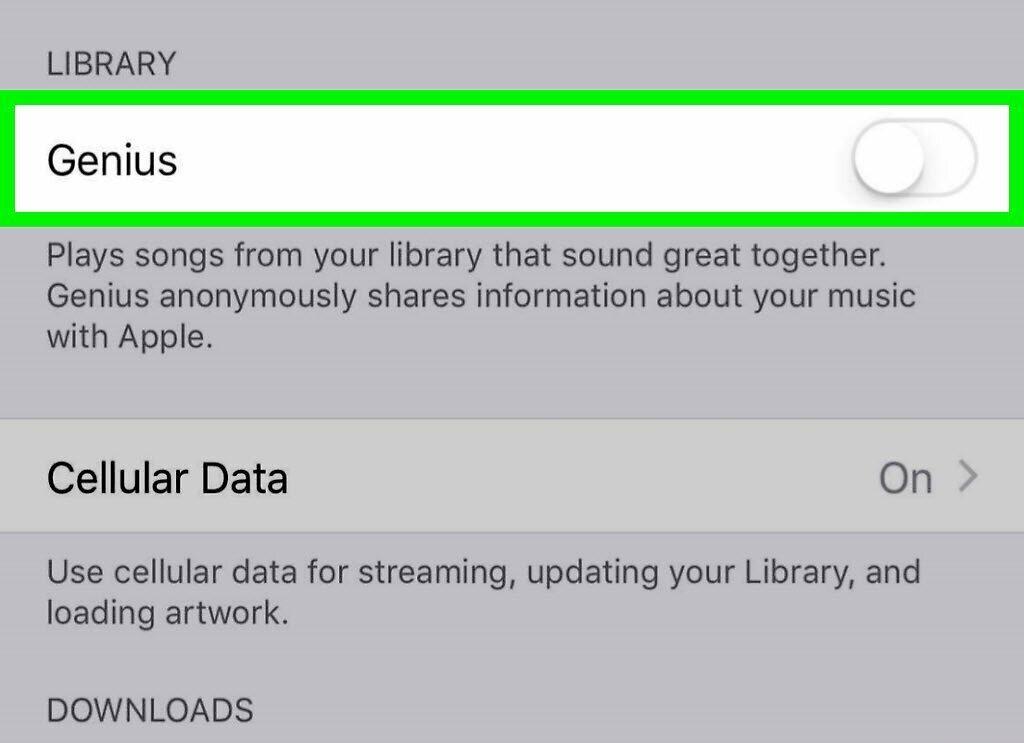
Step 4. Tap the green button to disable iCloud Music Library.
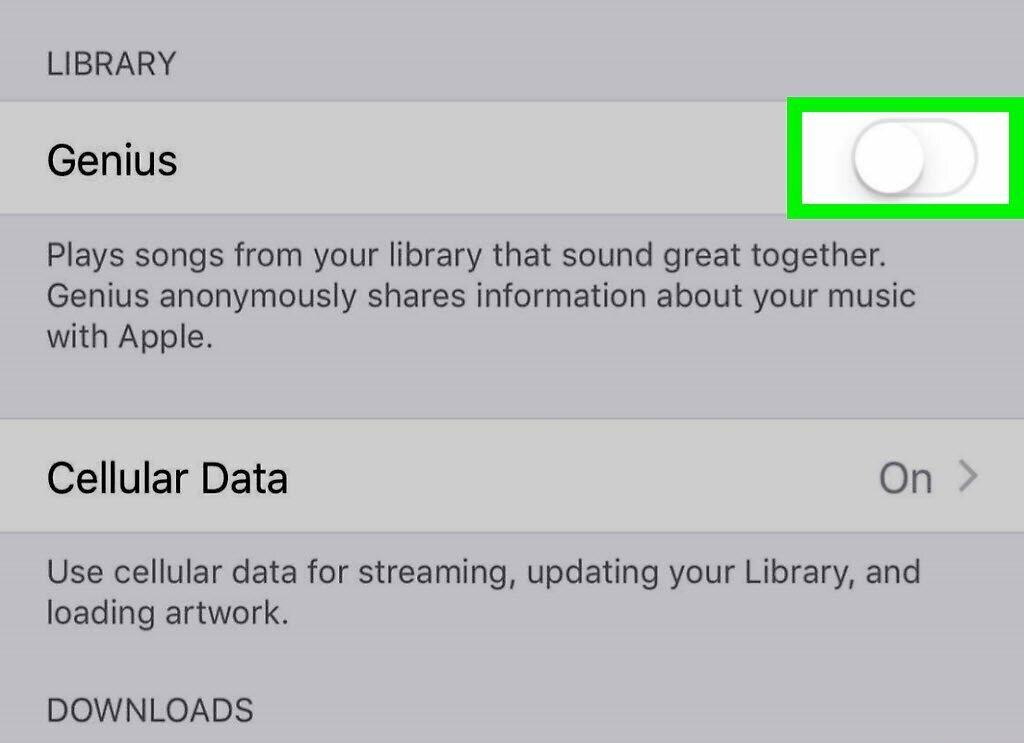
- If you choose to enable this option again, all audio files on your iPhone will be replaced or merged with tracks from other devices using the same Apple ID.
- By disabling this feature, you will lose access to tracks stored on your iPhone for offline listening, but you can still use Apple Music online. Keep in mind that you won't be able to sync music with other devices like Mac or iPod Touch.
Through iTunes on Your Computer
Step 1. Open iTunes on your computer.
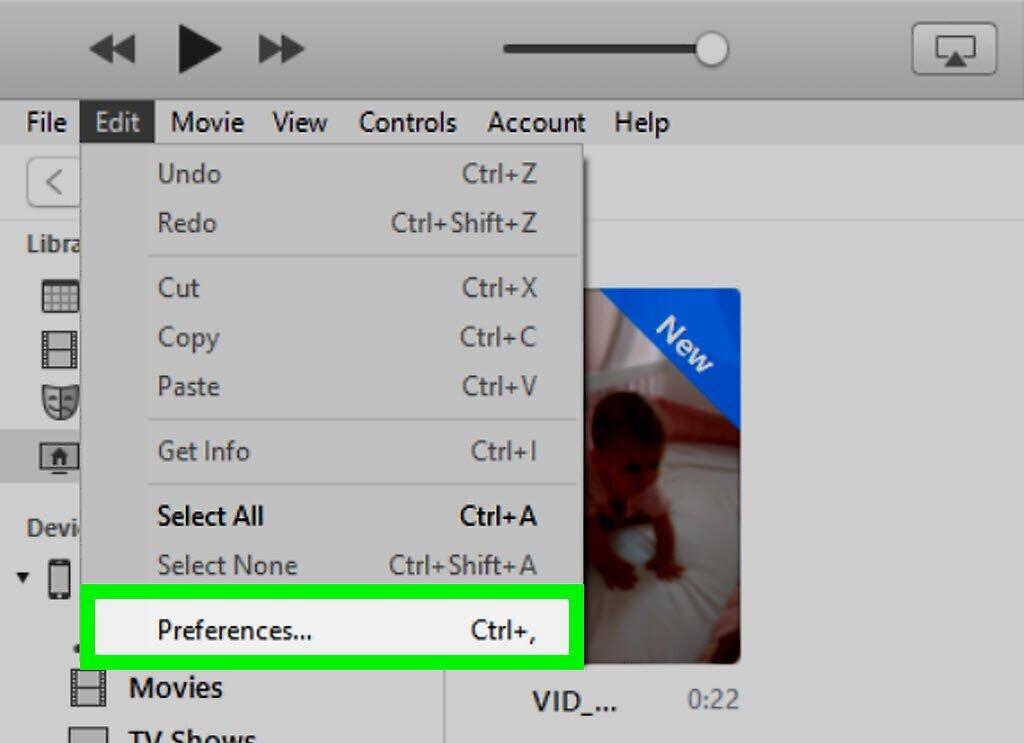
Step 2. Go to the "iTunes" menu and select "Preferences".
Step 3. Open the "General" tab.
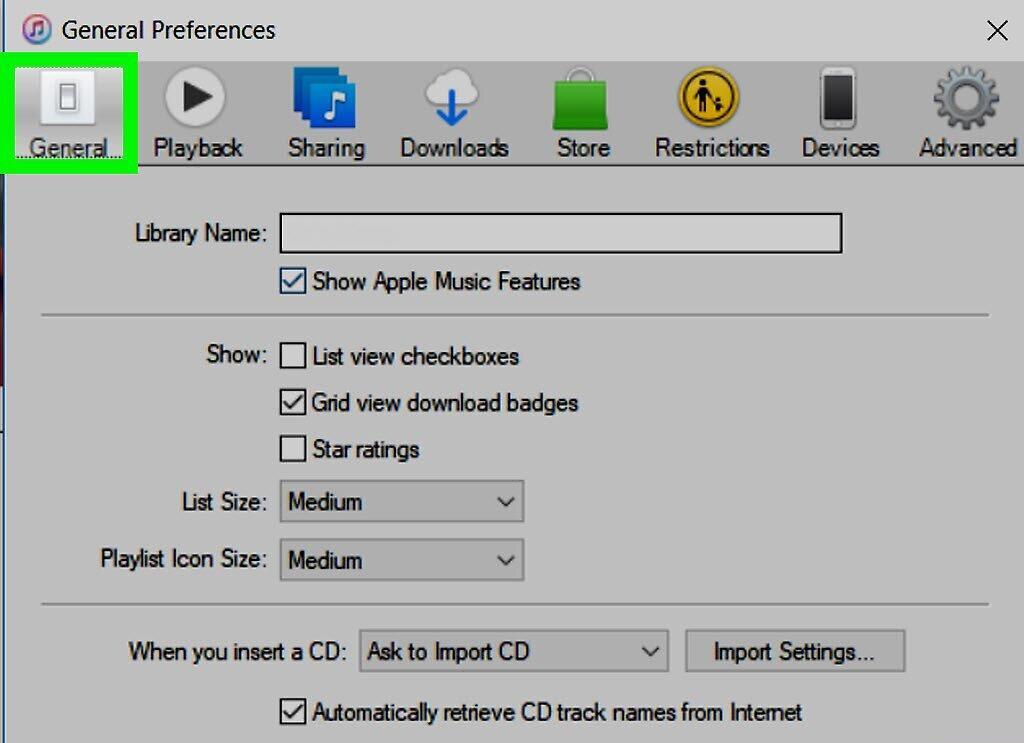
Step 4. Check or uncheck the "iCloud Music Library" option.