
Code Division Multiple Access (CDMA) and Global System for Mobile Communications (GSM) are distinct mobile communication technologies. Both standards are widely used in North America, Russia, and virtually everywhere else in the world. To determine which network type your phone belongs to, there are several methods. You can identify the network type by checking your service provider or by examining your device's features.
Mobile Phone
Step 1. Check if your phone needs a SIM card.
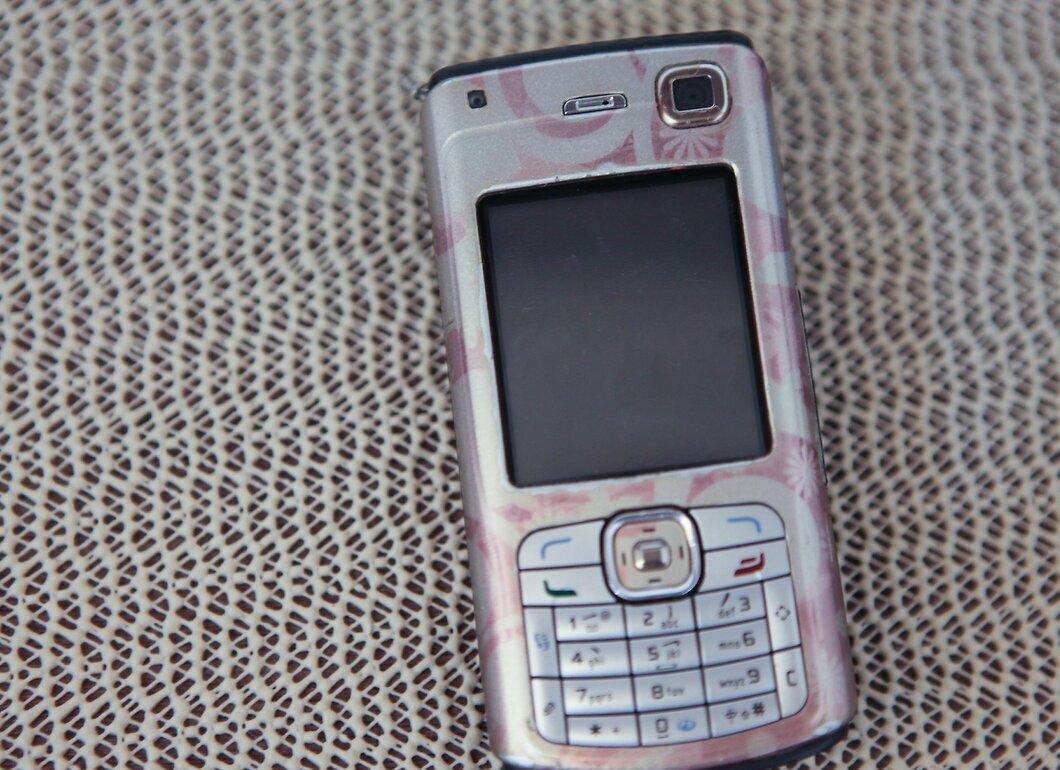
First, find out if your phone requires a Subscriber Identity Module (SIM) card. A SIM card is a small removable card or chip that contains data about your subscriber account. It is compatible with all phones using the GSM standard.
- If your device requires a SIM card, it is a GSM phone. Otherwise, if no SIM card is needed, it is a CDMA device.
Step 2. Check if there is a SIM card in your phone.
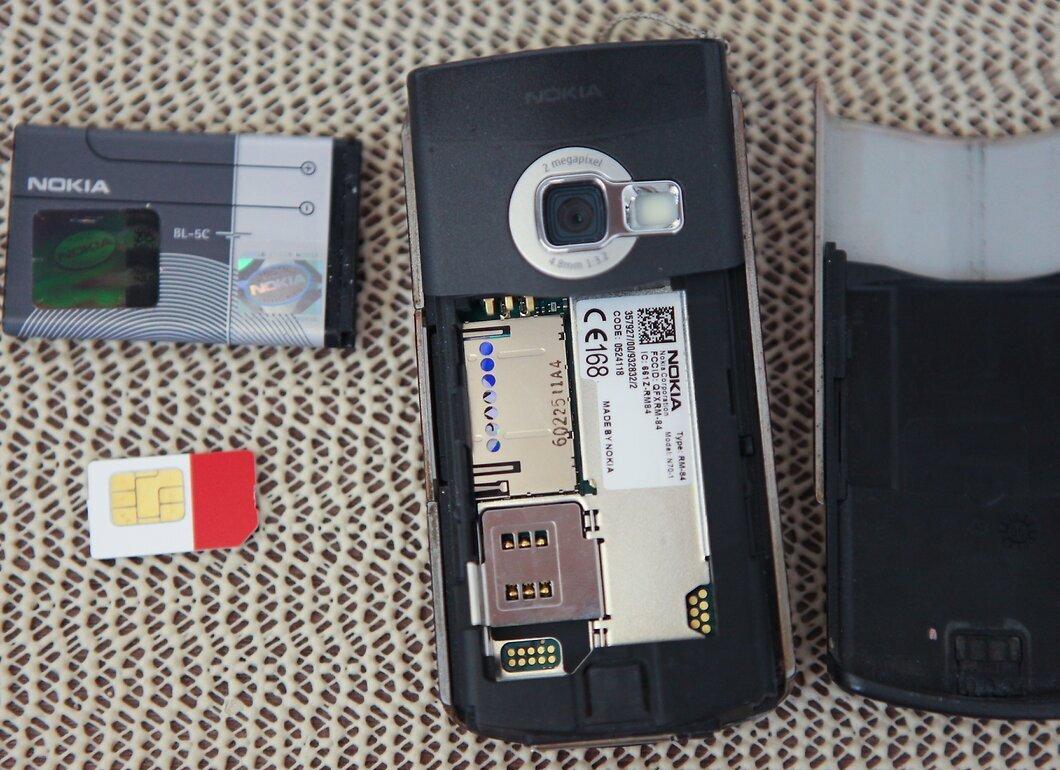
Check for the presence of a SIM card in your phone. This step should be performed if you are unsure whether your device needs a SIM card.
- Remove the back cover of your phone. Usually, the SIM card holder is located under the battery, but in some models, the SIM card slot may be external.
- Take out the battery and see if there is a SIM card or a slot for it underneath. On most phones, you will find an icon indicating the location of the SIM card.
- If you have trouble locating the SIM card slot or are unsure if your phone needs a SIM card, consult the user manual or contact the manufacturer.
- For iPhone 4 owners: the GSM model has the SIM card slot on the right side, while the CDMA model does not have such a slot.
Mobile Carrier
Step 1. Determine what technology your carrier uses.
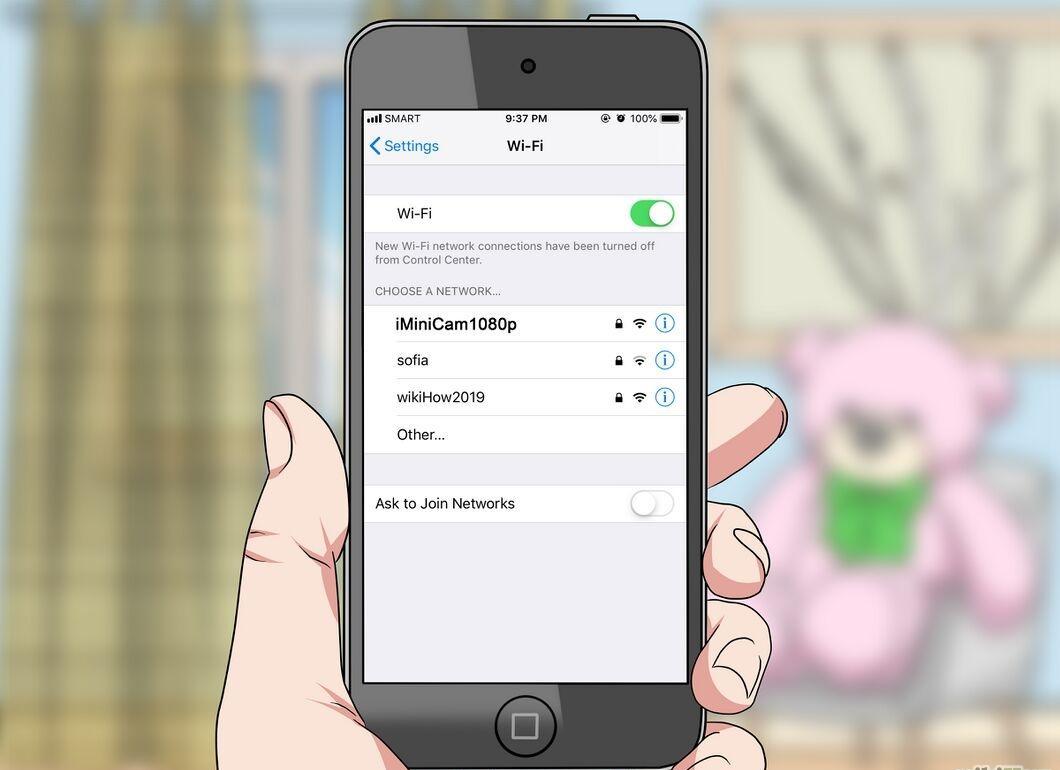
Find out what technology your mobile carrier uses. Most carriers provide services using either CDMA or GSM.
- If your carrier is SKYLINK or VolgaTelecom, you are on a CDMA network. If you are a customer of MTS, Beeline, or MegaFon, then you are using GSM technology.
- For a complete list of mobile carriers in Russia, visit the Wikipedia page linked in the References section.
- If your carrier is not listed on Wikipedia, contact them directly to find out what technology they use.


