
How to Easily Corrupt a File Using Corrupt a File.Net
In this article, we'll show you how to use a free online service to corrupt files. This can be useful in various situations, such as when you need to send a seemingly completed but corrupted file to a teacher, boss, or client to gain extra time to work on it.
Part 1
Step 1. Ensure the file looks convincing.
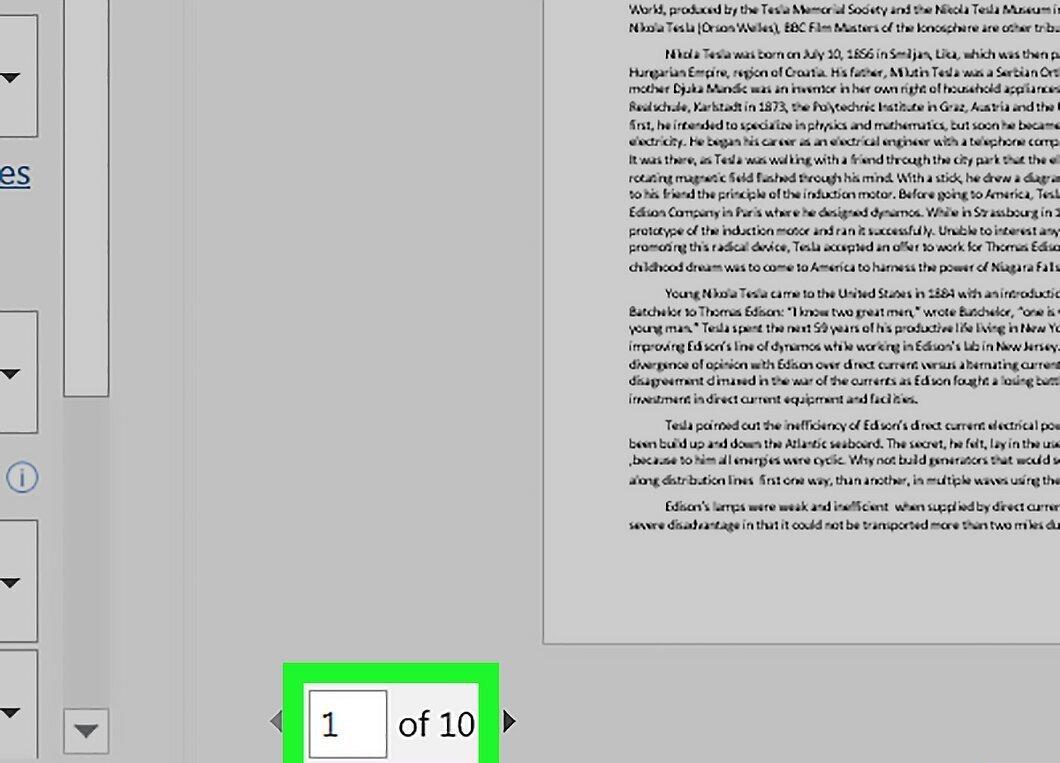
Before corrupting the file, make sure it appears plausible. If you plan to send it to someone to buy time, ensure the file size and format meet expectations.
- For example, if your file should be a 10-page Word document, copy and paste text to fill all 10 pages.
Step 2. Create a backup of the original.
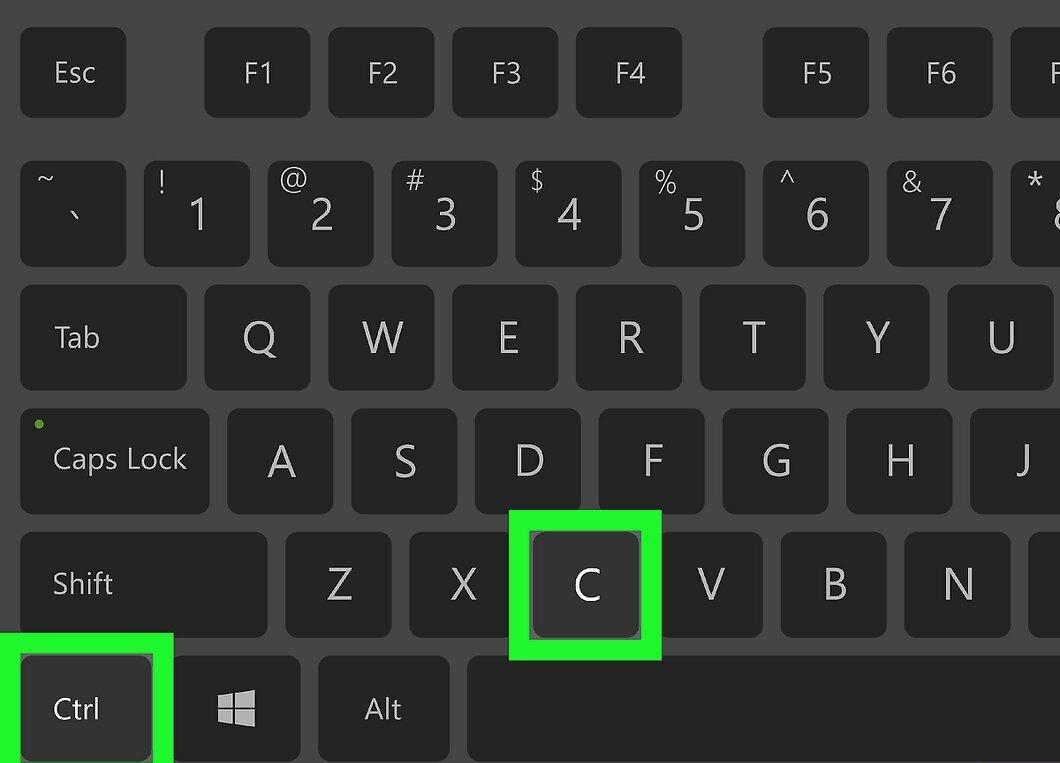
Don’t forget to back up the original file. While the file itself won’t be corrupted, there’s a risk of accidentally deleting the original instead of the corrupted one.
- To create a backup, simply right-click the file, press Ctrl+C (Windows) or ⌘ Command+C (Mac) to copy, go to another folder, and press Ctrl+V or ⌘ Command+V to paste.
Step 3. Go to the Corrupt-a-File website.
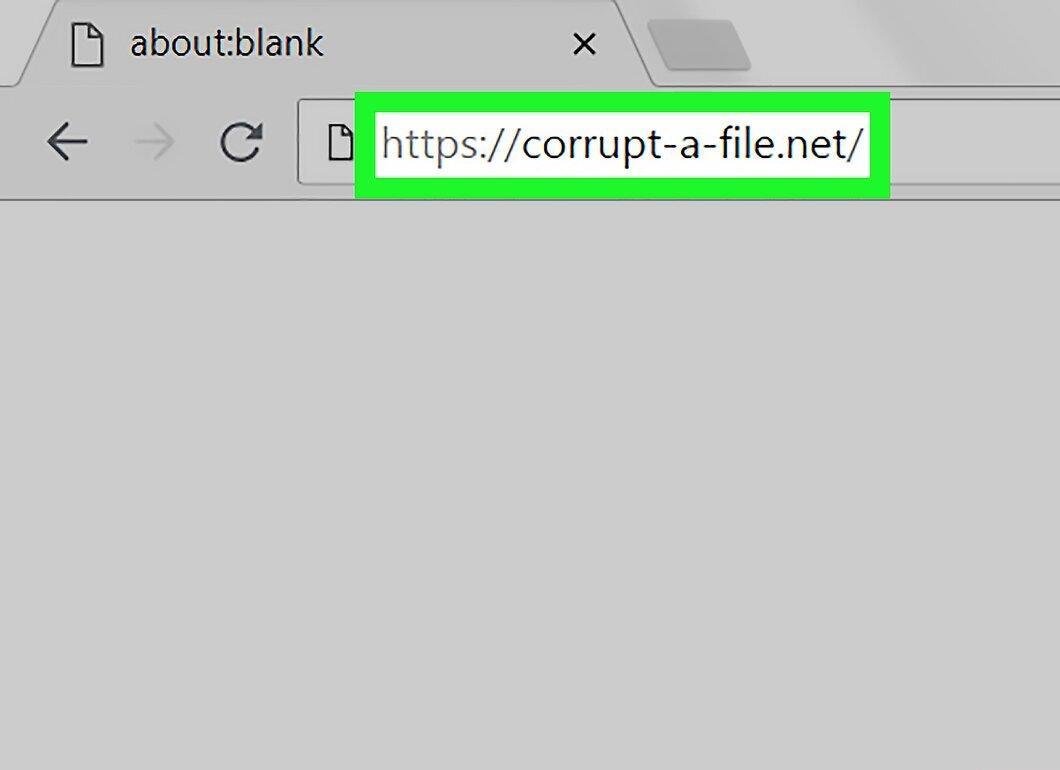
Open the Corrupt-a-File service website by entering https://corrupt-a-file.net/ in your browser's address bar. This service allows you to corrupt various files, including MP3s, Word documents, and Excel spreadsheets.
Step 4. Click on the FROM YOUR COMPUTER button.
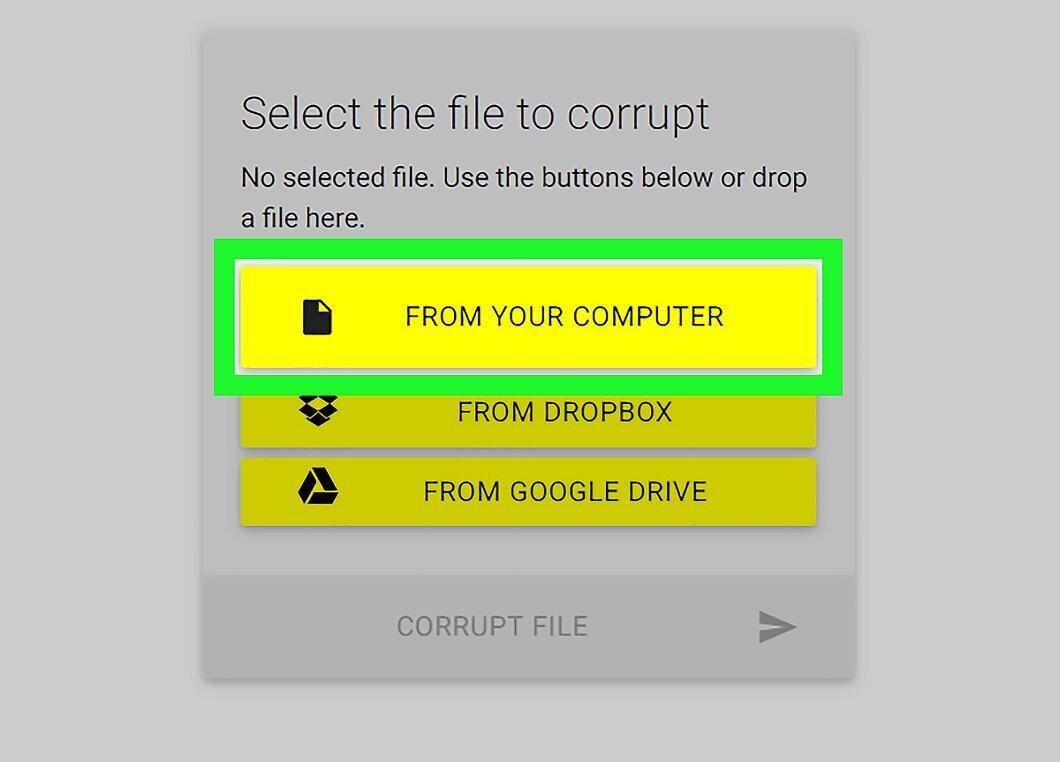
Click the yellow button labeled FROM YOUR COMPUTER in the center of the page. This will open a file explorer window (Windows) or Finder (Mac).
Step 5. Select the file you want to corrupt.
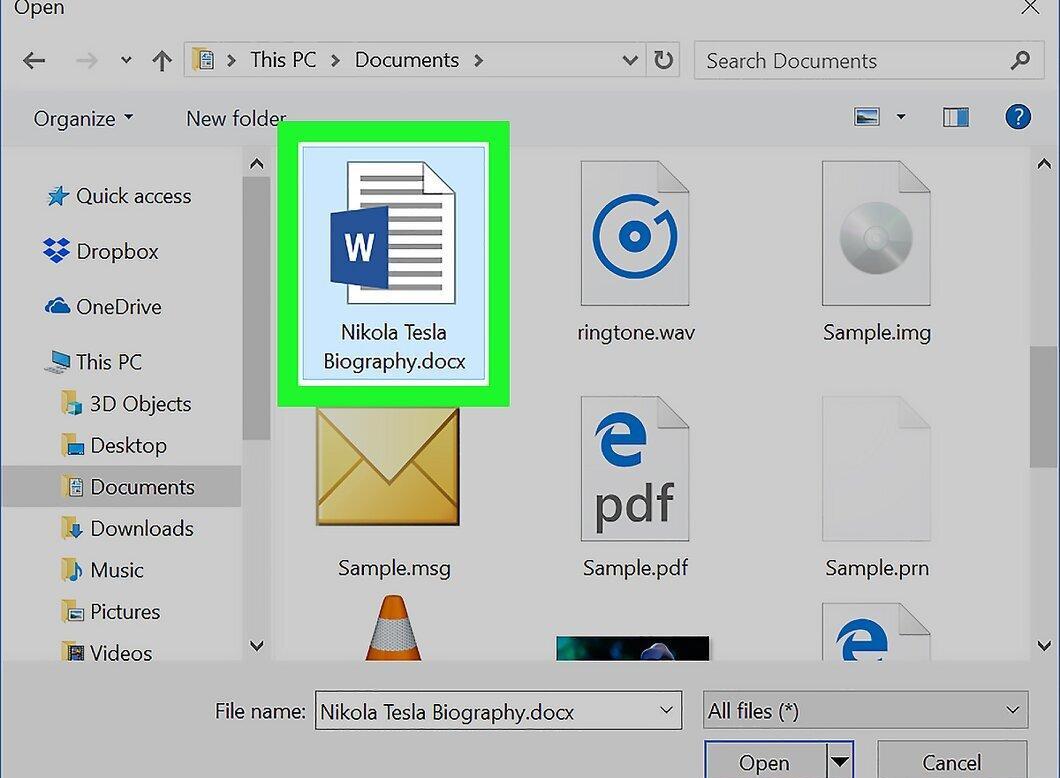
Locate and select the file you wish to ruin. Navigate to the folder where it is stored, and click on it.
Step 6. Click Open.
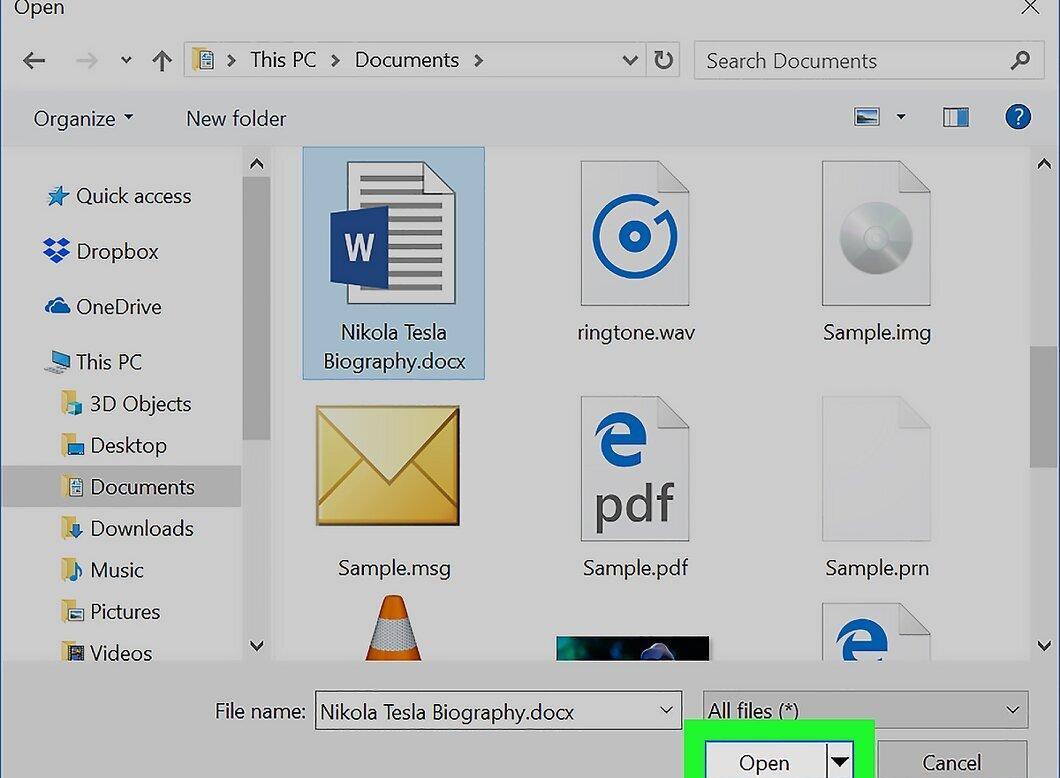
Click the Open button located in the bottom right corner of the window. The file will be uploaded to the Corrupt-a-File site.
Step 7. Scroll down and click CORRUPT FILE.
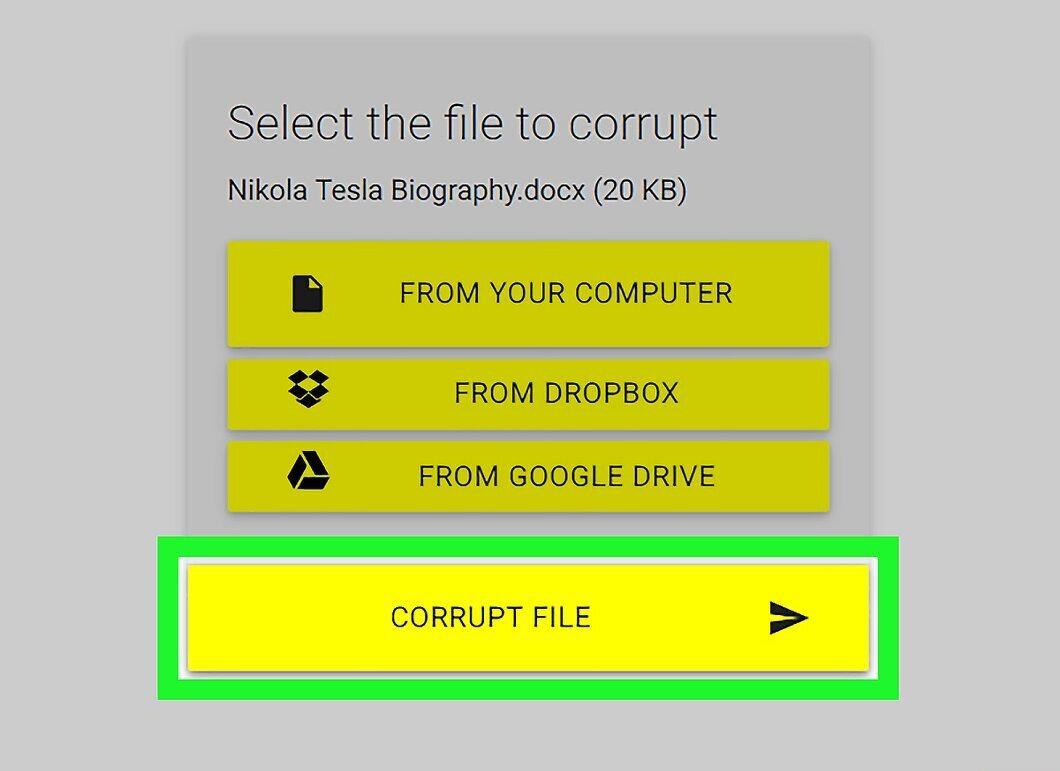
Scroll down the page and click the CORRUPT FILE button. The corruption process will begin.
- The time required to complete this may vary from a few seconds to a few minutes, depending on the file size.
Step 8. Download the corrupted file.
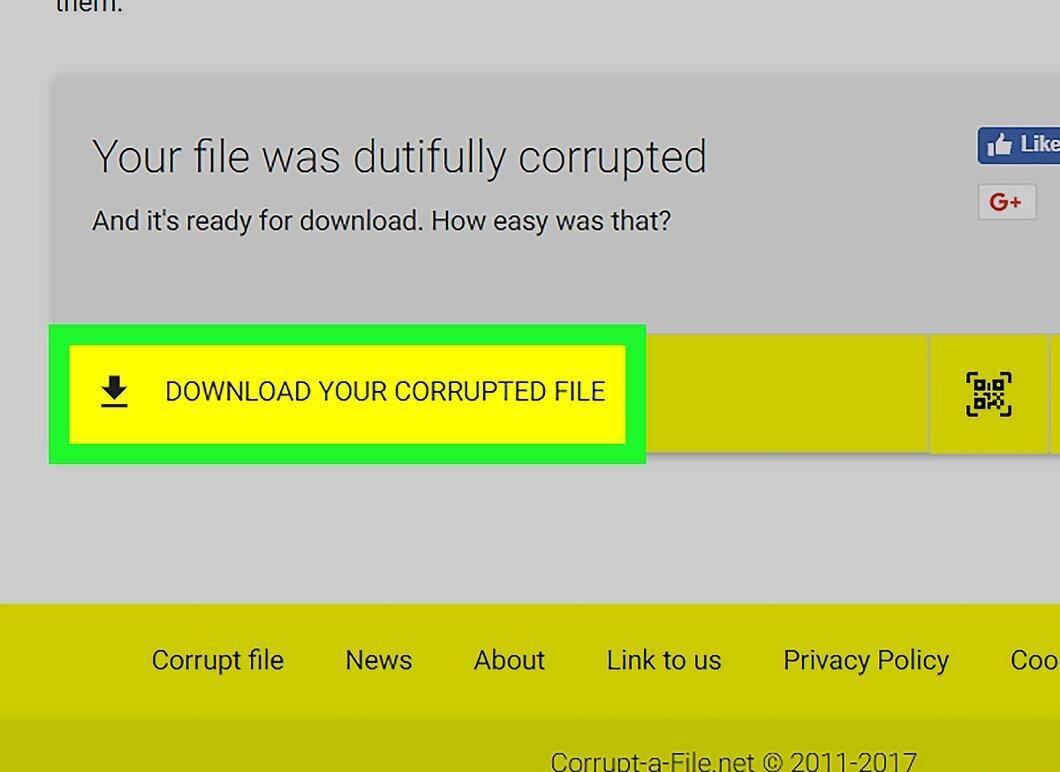
When prompted, click on DOWNLOAD YOUR CORRUPTED FILE. The corrupted file will be downloaded to your computer.
- Depending on your browser settings, you may need to click 'Save' or choose a folder for the download.


