
Why does this happen? It seems like tech manufacturers deliberately position cable connections in the most hard-to-reach places, turning disconnection into a real challenge. Let’s find out how to correctly free this finicky cable.
Part 1
Step 1. Rotate the Device.
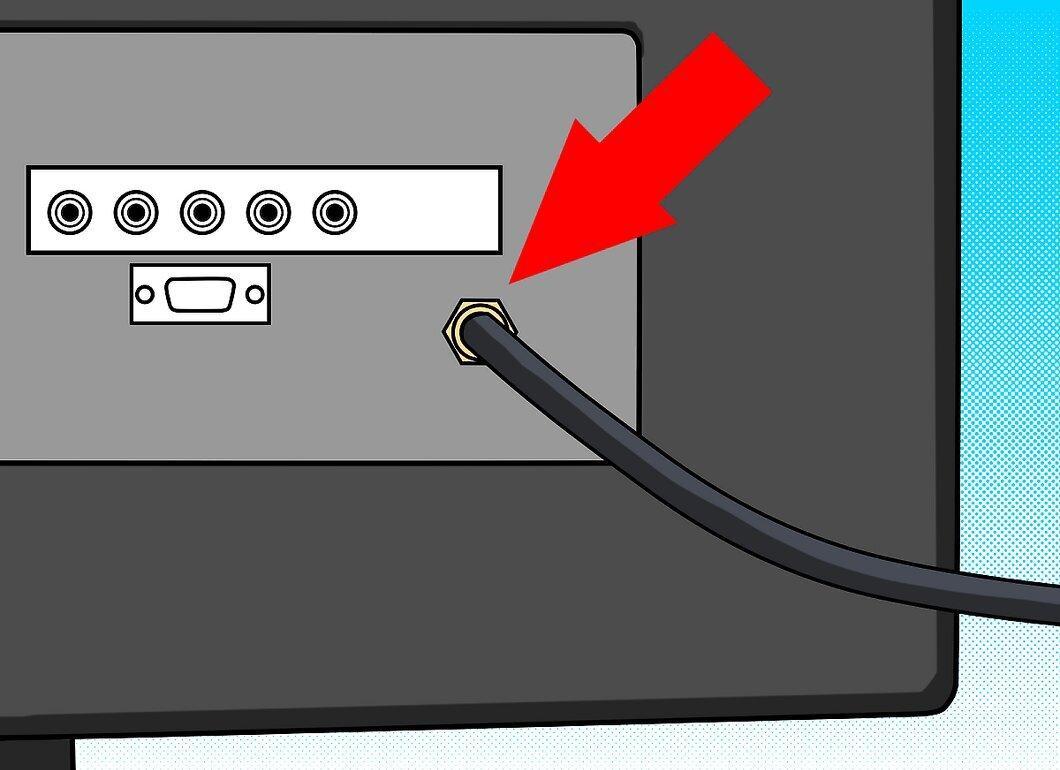
Rotate the device. If you try to access the back of a TV or other equipment, it will only complicate things. It’s best to turn the device so that its back is facing you.
Step 2. Remember to Turn the Cable Counterclockwise to Disconnect It.
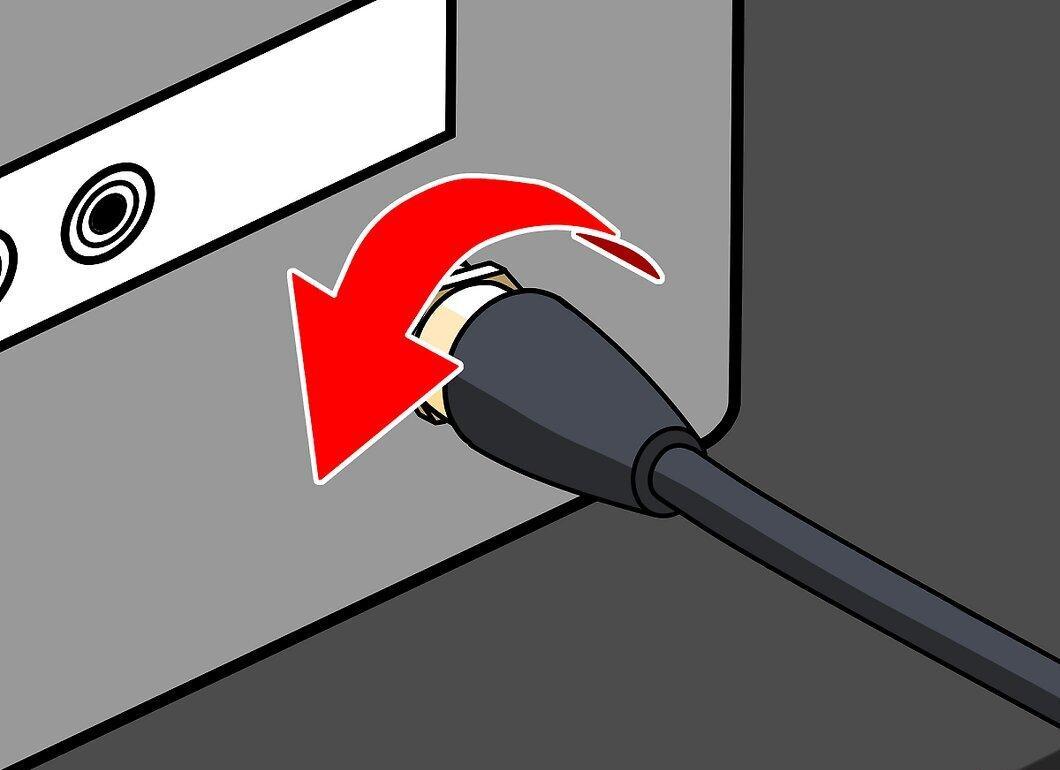
Step 3. Use Your Hands Only.
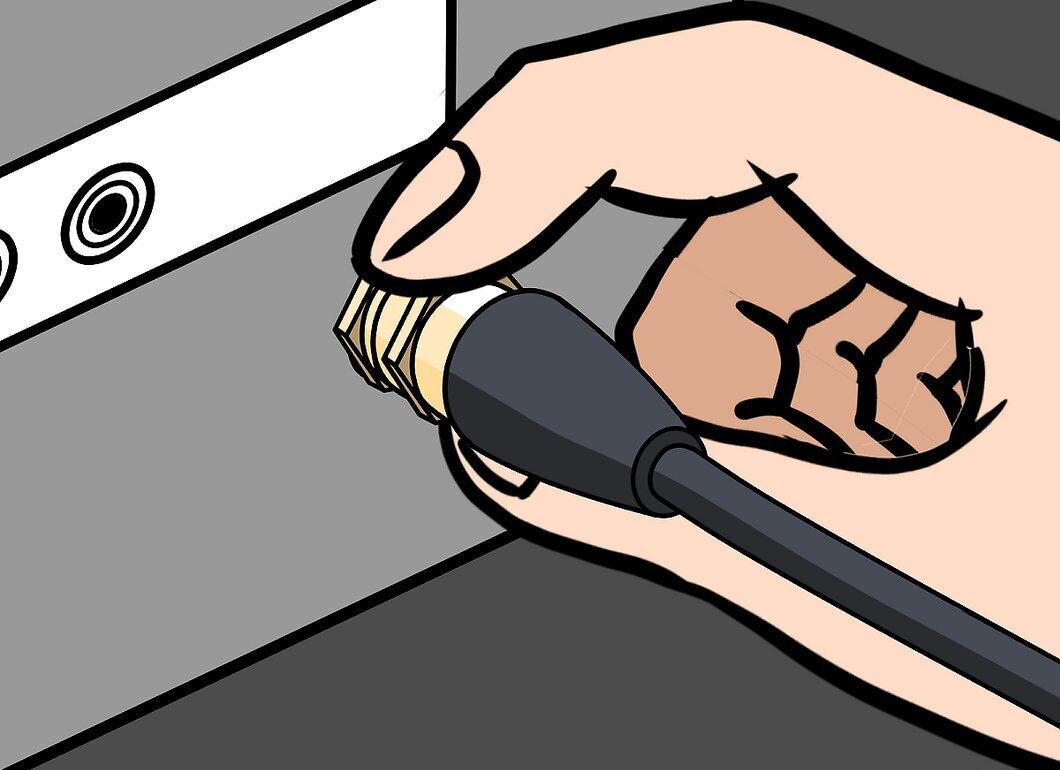
Try to use only your hands. Using tools might risk damaging the connector attached to your device.
Step 4. If Tools Are Necessary, Find a Coaxial Cable Wrench.
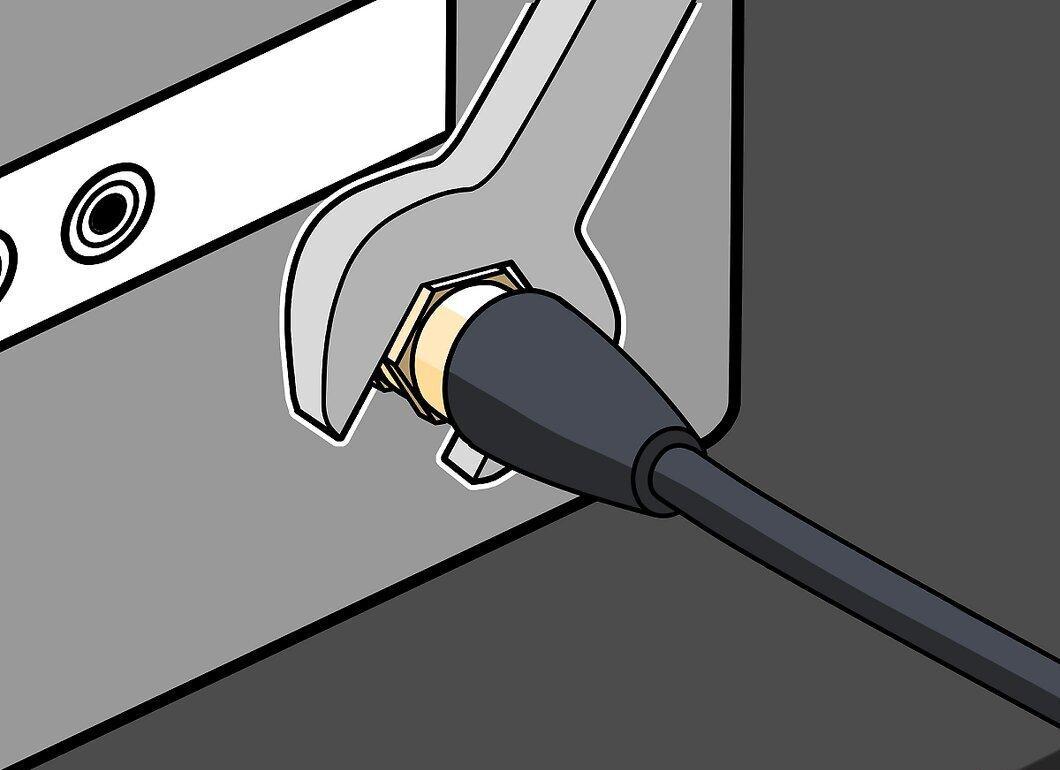
If you can’t manage without tools, try to find a special wrench for coaxial cables. It typically looks like an eight-sided tube with one side missing, measuring between 7.5 to 10 centimeters long. This wrench fits snugly around the cable and connector, allowing you to twist off the cable with minimal effort—less effort means a lower chance of damaging your device.
Step 5. If a Coaxial Wrench Isn't Available, Use Adjustable Pliers.
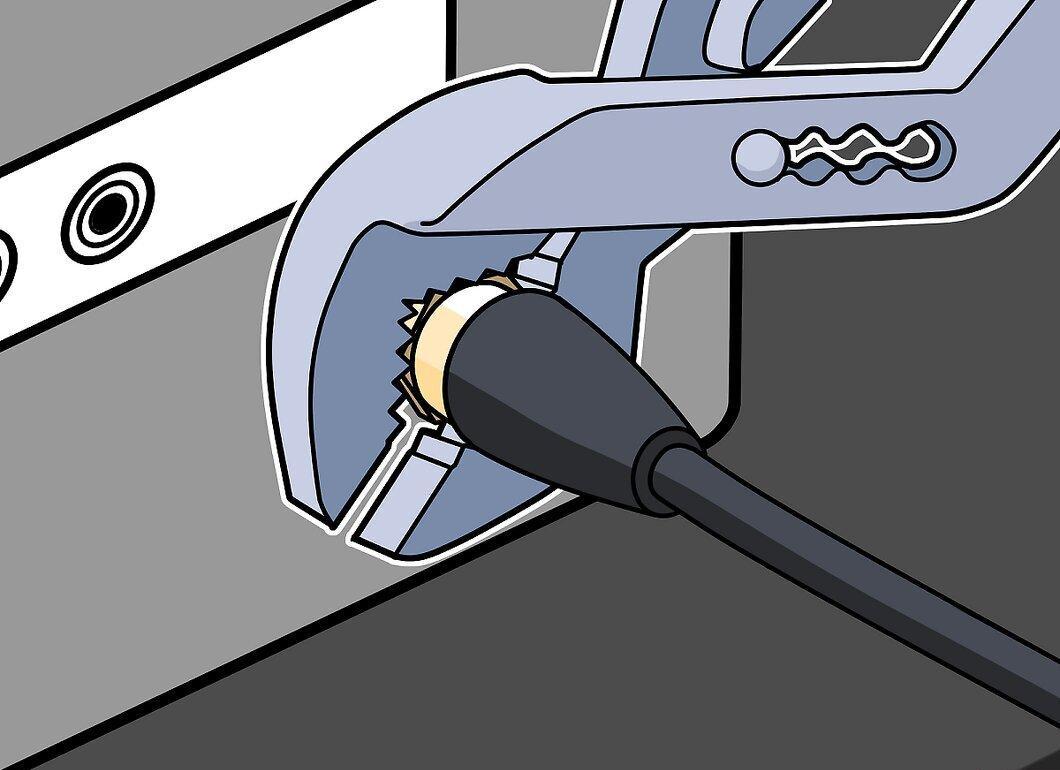
If you can't find a coaxial wrench, try using a pair of small adjustable pliers (commonly known as "channel lock pliers"). Use one to grip the base of the connector and the other to carefully twist off the cable. Only resort to pliers as a last resort.


