
Hidden microphones and cameras can be disguised in the most surprising places to monitor people without raising suspicion. Although recording without consent is illegal, it doesn't eliminate the possibility of being watched. If you have any doubts, conduct a thorough inspection and use available methods to identify hidden devices.
Visual Inspection
Step 1. Listen for Quiet Sounds.

Pay attention to faint buzzing sounds or clicks that may indicate the presence of recording devices. Hidden cameras are designed to be inconspicuous, but many still emit barely audible sounds during operation. When the room is quiet, walk around and listen for any unusual noises.
- It's best to inspect the room in the evening when daytime sounds have subsided. This will help you catch any stray sounds more easily.
- Keep in mind that many mechanical and electrical devices may produce similar sounds. Use this method in conjunction with others to distinguish the sounds of spying devices from household appliances.
Step 2. Check Smoke Detectors and Electronics.
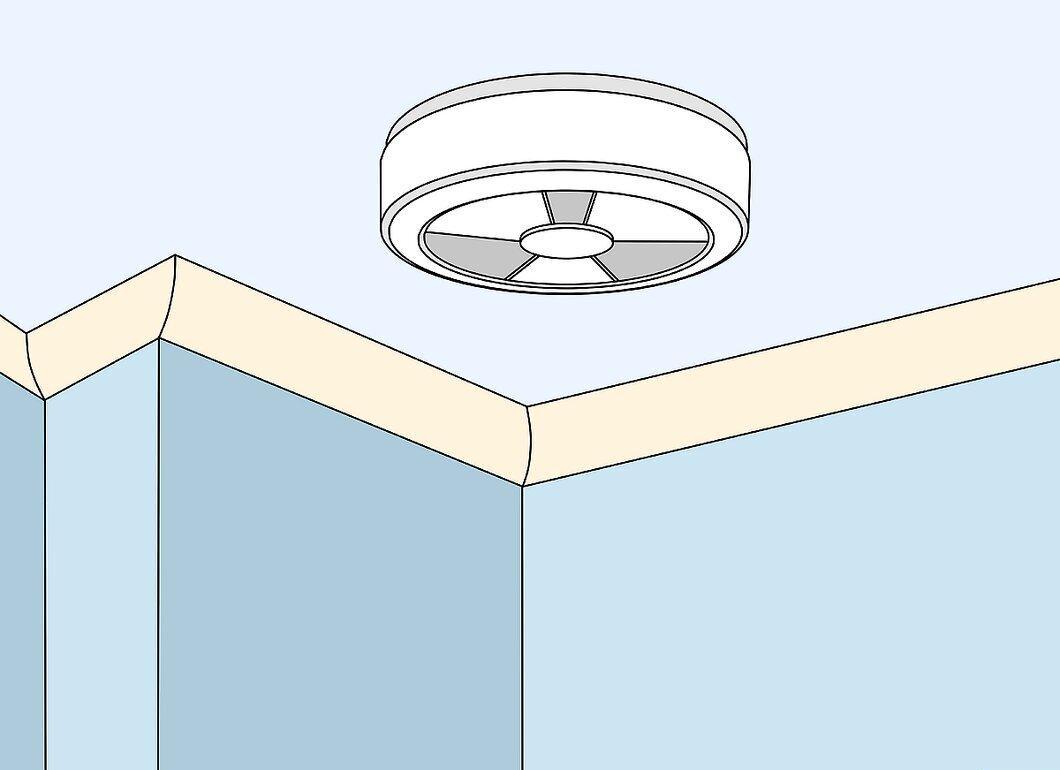
Look closely at smoke detectors and other electronic devices. Watching devices may be hidden inside ordinary electrical appliances, like smoke detectors. Remove them from the ceiling and inspect them carefully. Also, check speakers, lamps, and other electronics for signs of tampering.
- Smoke detectors are a great place for hidden microphones since they have a power source and are often installed in the center of the room.
- Microphones or cameras in such devices are usually easy to spot. Look for items that seem out of place or have unusual connections.
Step 3. Look for Strange Decorative Items.

Be on the lookout for unusual decorative items. One common way to hide a microphone or camera is to place it within inconspicuous objects, like flower vases or toys. Examine the decor for items that are out of place or positioned at odd angles.
- If a large part of the camera is hidden in another item, the lens should always remain exposed. Pay attention to glass surfaces and lenses as they may indicate the camera's location.
- For effective operation, cameras should have a wide field of view. Look for items angled towards the center of the room, especially in corners.
- Hidden microphones work best in the center of the room, so inspect items on tables in that area.
Step 4. Watch for Strange Wires.
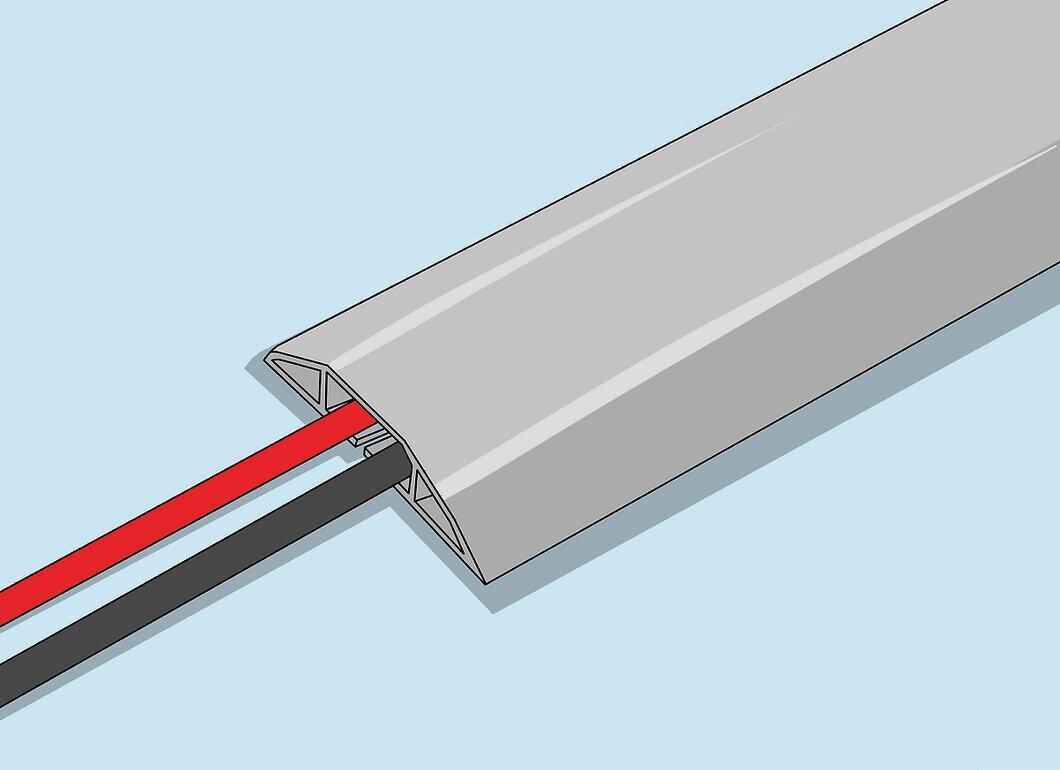
Keep an eye out for unusual wires, especially those that seem to lead nowhere. Some devices can operate on built-in batteries, but most hidden cameras and microphones require a constant power source. Check appliances and outlets for strange wires.
- If you notice an unfamiliar wire connected to an unknown device, disconnect it immediately.
Step 5. Create a Hidden Camera Detector.

Make a hidden camera detector to simplify your search for concealed devices. This will help you find small gadgets hidden in walls and other objects. Take an empty toilet paper roll and hold it to one eye while holding a flashlight in front of the other. Turn off the lights, turn on the flashlight, and slowly scan the area for flickering lights.
- The light will reflect off camera lenses and other electronic devices.
- If you spot a glare, inspect it carefully. Some reflective objects may glint but not be hidden cameras.
- Some cameras have tiny LEDs that turn on in the dark and can also be detected using this method.
Step 6. Check Light Fixtures and the Car Battery.
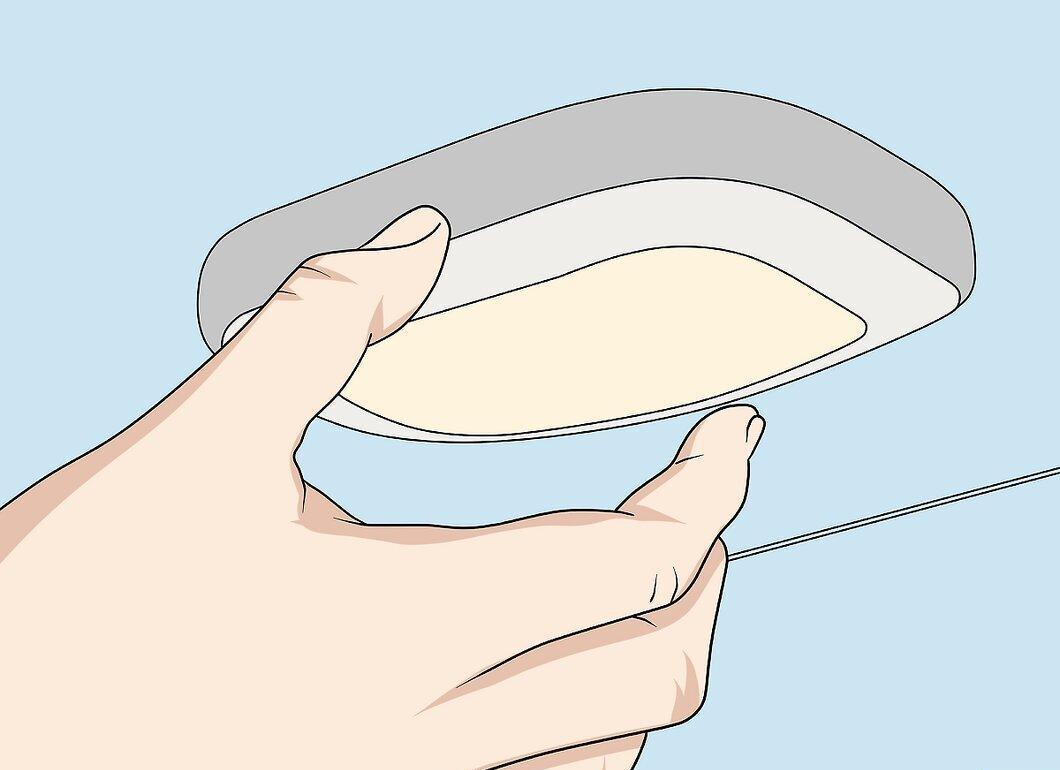
Cameras and microphones can also be hidden in cars. Inspect light fixtures and the battery for unfamiliar devices and wires. Use a flashlight to look under the chassis and search for items that shouldn't be there.
- It's rare to find wires running from the battery. Be cautious when investigating any strange wires and avoid touching the battery.
- Inside light fixtures, there should only be a light bulb, so check for modifications.
- All methods for finding hidden devices can be applied to cars as well.
Step 7. Use a Flashlight to Check for Two-Way Mirrors.
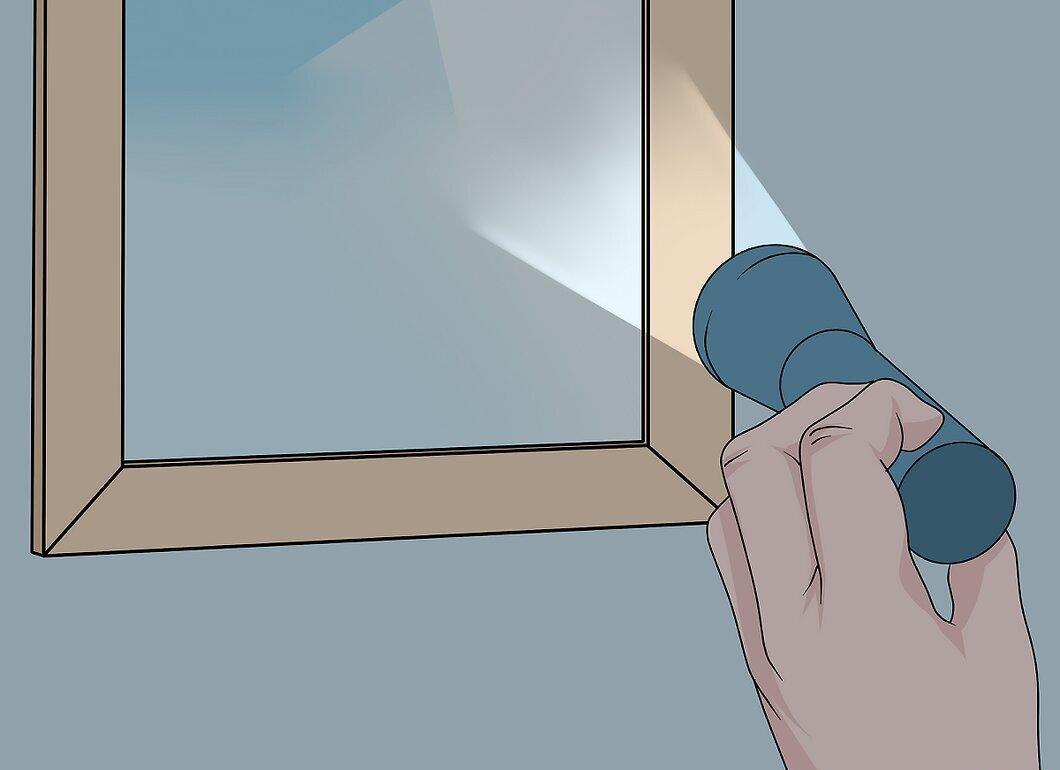
Use a flashlight to check for two-way mirrors. From one side, they look like ordinary mirrors; from the other, they appear as windows, making them ideal for concealing cameras. If a mirror seems suspicious, turn off the lights and shine the flashlight on it. With a two-way mirror, you'll see the room on the other side.
- Try to remove the mirror from the wall. Two-way mirrors are secured differently than regular ones and may be installed with bolts.
- Also, tap on the glass: a regular mirror will produce a dull sound, while a two-way mirror will make a clearer, hollow sound due to the second room.
- You can cover a two-way mirror with a curtain or paper.
Searching for Electrical Signals
Step 1. Use a Radio Signal Detector.
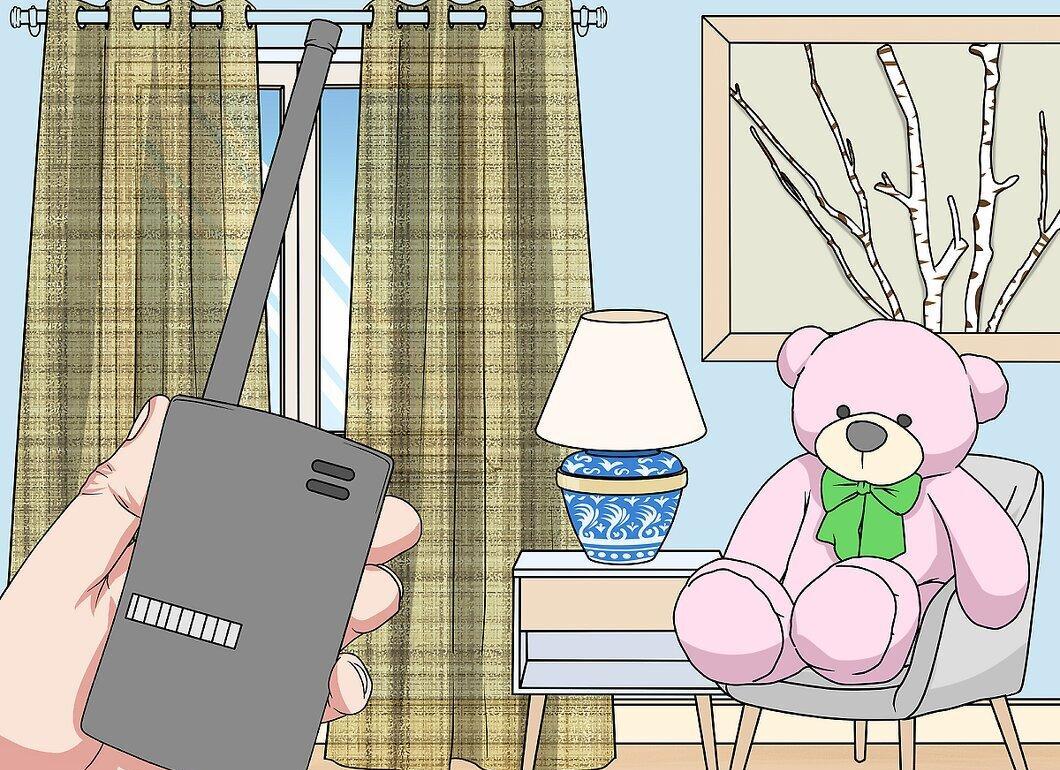
A radio signal detector will help scan the frequencies that hidden cameras and microphones operate on. Purchase one from an online store or your local electronics shop and scan the suspicious room. If you point it at a device emitting radio signals, the detector may sound an alert.
- Before using it, turn off all devices that may transmit radio signals.
- Familiarize yourself with the device's instructions.
- If the detector signals, carefully inspect the room for hidden devices.
Step 2. Listen for Interference During Phone Calls.

Pay attention to interference during calls. Many hidden devices create a small electromagnetic field when transmitting data. Call your mobile phone and move carefully around the room. If you hear crackling or clicking noises, this may indicate the presence of a hidden device.
- Move your phone over the suspected area to locate where the camera or microphone might be. As you approach, the interference will increase.
- Keep in mind that other devices, like speakers, radios, or TVs, can also create electromagnetic fields. Turn them off while searching.
- You can also use a radio receiver, bringing it close to the suspected microphone location and turning the station search dial. Listen for strange interference.
Step 3. Use a Camera or Smartphone to Detect Infrared Radiation.
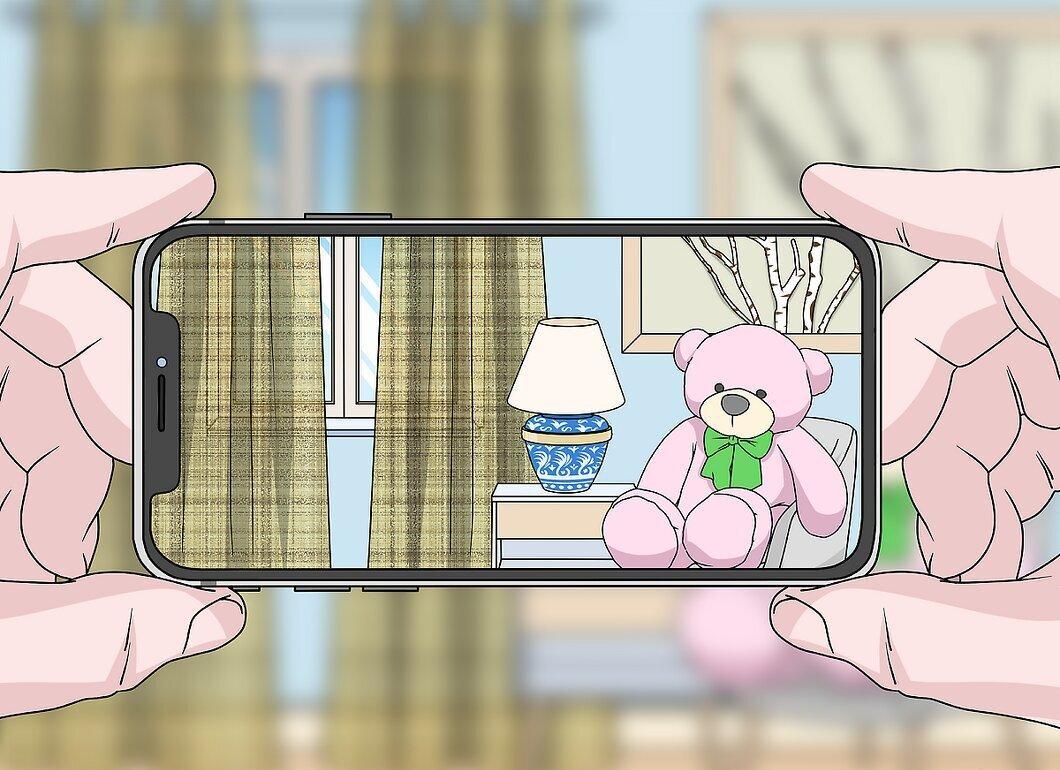
Almost all smartphones and digital cameras can detect infrared light, which is invisible to the human eye and can be used by hidden cameras. Inspect the room through the viewfinder and look for unexpected flashes of light that may indicate the presence of cameras.
- To test if your camera can detect infrared light, point it at a TV remote and press a button. You should see a small flash of light from the end of the remote.
Step 4. Watch for Strange Wi-Fi Signals.
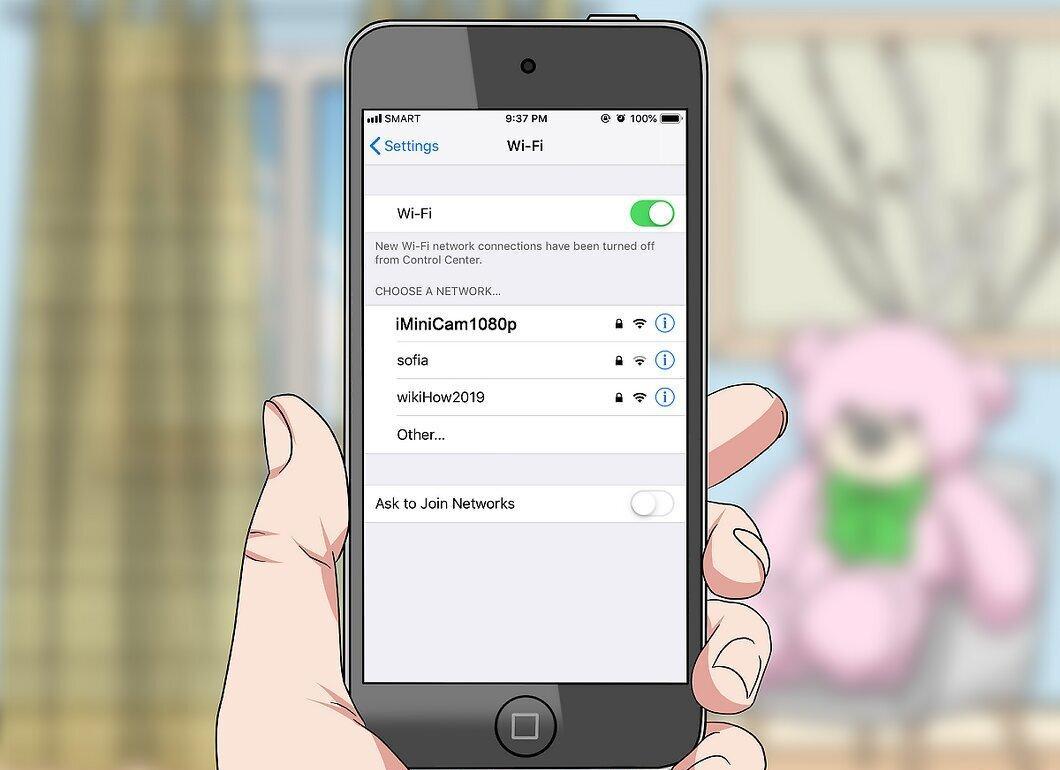
Keep an eye out for unusual Wi-Fi signals on your phone and computer. Modern cameras and microphones can transmit data over the internet, requiring a Wi-Fi signal to operate. Check the available networks on your device and take note of any unfamiliar names.
- Often, the Wi-Fi network name for hidden cameras corresponds to the product code. Look for suspicious names to identify devices.
- Also, pay attention to signal strength: the stronger the signal, the closer the device is located.
- If you have access to the router, check the list of connected devices and disconnect any that are unfamiliar.


