
While computers are incredibly useful and convenient, they can also lead to addiction. Nowadays, many children spend excessive amounts of time on their devices. If this issue has affected your child, it’s likely causing you distress as a parent. Computer addiction is so strong that it’s often compared to substance abuse, and excessive computer use can lead to serious problems in the future. Help your child overcome their computer addiction by setting time limits for computer use, talking to them, and finding alternative activities that interest them together.
Set Time Limits for Computer Use
Step 1. Set a password on the computer that only you know.
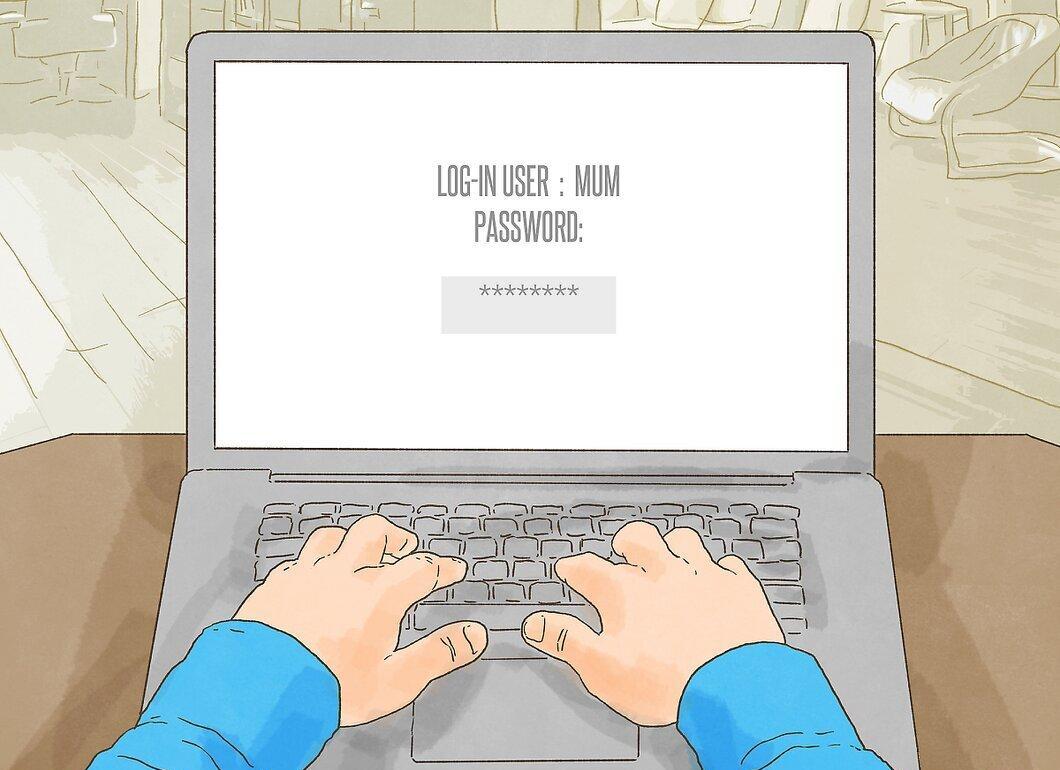
Set a password on the computer that only you know. Your child will need to ask for your permission to turn on the computer and spend time on it. This method is especially effective for younger children who don’t need the computer for homework. However, it can also be useful for older children, particularly if they have a strong computer addiction.
- If you are often away from home, you can change the password daily and send it to your child (for example, via text) when they are allowed to use the computer.
Step 2. Install parental control software on the computer.

Install parental control software on the computer. You might be concerned about your child spending time on the computer while you’re not home. You can install parental control software (or enable a parental control mode) to restrict access to certain websites. These settings can be configured on your router, in Windows settings, or through websites like Norton.
Step 3. Allow your child to use the computer only after they finish their other tasks.

Allow your child to use the computer only after they finish their other responsibilities. Teach your child to prioritize by requiring them to complete homework and chores before they can sit at the computer. Create a checklist of all the daily tasks and hang it on the refrigerator. Teach your child to view computer time as a privilege, not a right.
- Additionally, you can organize family activities or fun games that need to be completed before using the computer.
- Tell your child that they must complete tasks from the list before playing on the computer. When you get home from work, check whether they have accomplished all their assignments. If they haven’t completed their tasks, you could impose a small punishment.
- It’s important to agree on these rules with all family members (including the other parent or guardian) and discuss a system of rewards and consequences for your child.
Step 4. Try creating computer-free zones.

Try to establish computer-free zones. Allow your child to use the computer only in common areas (like the living room or family room). Do not allow them to use the computer in their bedroom or during dinner, or when the family is spending time together.
- If possible, provide your child with one computer for homework (if necessary) and another for leisure and gaming. This way, you can ensure they aren’t deceiving you and are actually completing their homework. The "homework" computer should have all gaming sites, social media, and other distractions blocked.
- If you’re worried about your child using a laptop in their room when you’re not home, take or hide the charger and only give it to them when you return.
Step 5. Set limits on computer usage.

Set limits on computer usage. Limit your child's computer time to no more than two hours a day (if they are over two years old). Children under two should not spend much time in front of a computer or TV screen. This rule applies if the child is not using the computer for educational purposes. Set a timer so your child knows how much more time they have left to play.
- Initially, you can give them a 15-minute warning, letting them know that their time is coming to an end.
Discuss Computer Usage Goals
Step 1. Talk to your child about excessive computer use.

Talk to your child about excessive computer use. Try to understand why they are spending so much time on the computer. Sometimes, the computer serves as a sort of "alternate reality" for children, especially if they are being bullied or are struggling in school. If your child is facing problems that make them want to escape into an "alternate reality," try to talk to them about these issues and, if necessary, provide support and advice.
- Listen to your child without interrupting. They may have something they want to share with you, so approach the conversation seriously, kindly, and attentively.
- Often, children do not realize when they start displaying avoidance behavior. You might need to suggest the idea to your child to help them think about it and discuss it further.
Step 2. Consider a reward/punishment system.

Consider a reward/punishment system. After talking to your child and assessing what they are going through, establish the main rules for computer usage. Tell your child that there are limits, and they can spend two hours on the computer daily (outside of educational purposes), and if they don’t follow these rules, there will be consequences (punishment).
- For example, if you catch your child using the computer for longer than allowed, restrict their access for a day. They should complete their homework by finding information in textbooks and additional literature.
Step 3. Follow through on your promises.
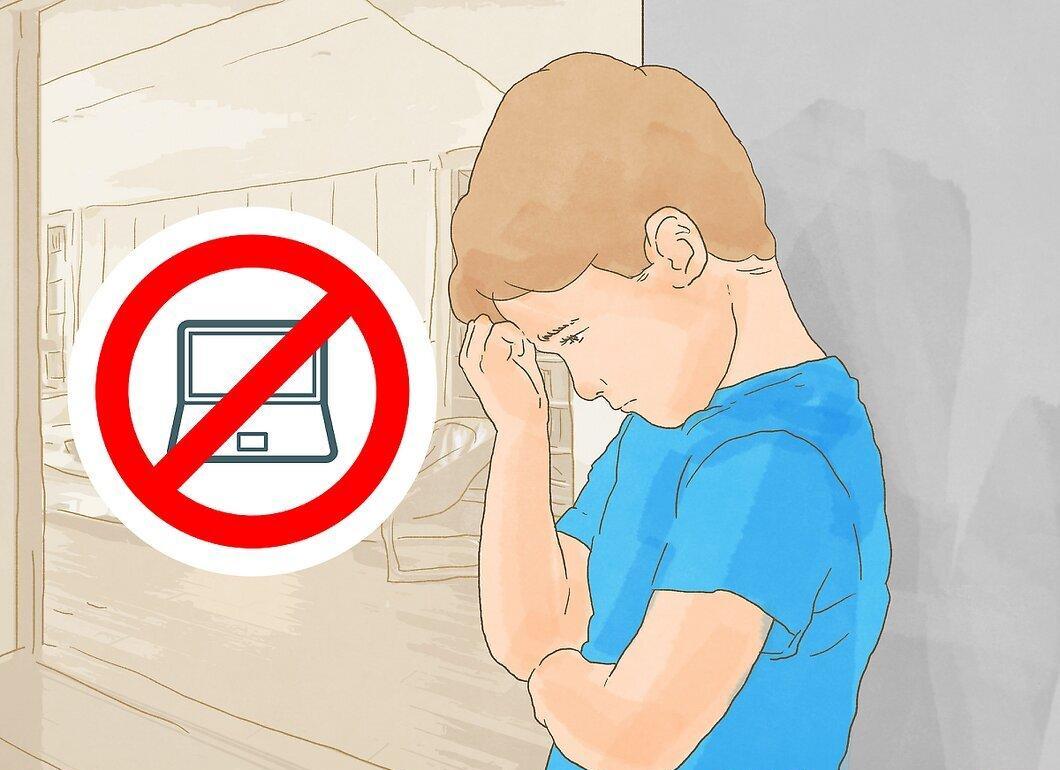
Follow through on your promises. When your child breaks the established rules, a punishment should follow. Delaying punishment will lead to repeated rule violations. If your child is sitting at the computer too long or using it for non-educational purposes, restrict their access for a day. If you catch them breaking the rule again, extend the restriction to two days.
- If your child believes that you won’t punish them for bad behavior, they won’t think about the consequences and will continue to break the rules, leading to a loss of respect for you.
Step 4. Be a good role model.

Be a good role model. Don’t spend excessive time on the computer in front of your child. Otherwise, they may feel hurt if they see you doing what you prohibit them from doing. Instead, dedicate time and attention to your child when you’re with them and spend more time together.
Find Alternative Activities
Step 1. Suggest alternative activities for your child.

Suggest alternative activities for your child. Play board games with them, visit the library, or go to friends’ houses to socialize. If your child has become addicted to the computer, prepare for a challenging period (lasting a few days or weeks), because their brain may no longer respond to your calls, and you will need to retrain them. Even when you offer alternative activities, they may simply not respond to them.
- Allow your child to choose a game or express their ideas about what they would like to do.
- Remember, it’s normal for a child to feel bored; it can even be beneficial as it encourages them to engage in creative activities and personal development.
Step 2. Spend family time without phones and computers.

Spend family time together without phones and computers. Dedicate time each day for family bonding, during which all family members should refrain from using electronic devices. This includes phones, computers, and television. Regularly host family dinners to connect, relax, and share laughter together.
- Consider a vacation where you all agree to abstain from using electronic devices.
Step 3. Enroll your child in a sports team (or after-school sports program).

Enroll your child in a sports team (or after-school sports program). Ask your child if they enjoy any sports. If your child feels lonely and the computer is replacing friends, this is a great way to foster interaction with other children. Let your child choose the sport they want to pursue; don’t decide for them.
- Other options include enrolling your child in a music class or motivating them to participate in other extracurricular activities.
Step 4. Encourage your child to join a club or interest group.

Encourage your child to join a club or interest group. Check what activities and clubs are available at your child’s school. This way, your child can socialize with other kids, develop their skills, and discover new interests.
- You could say, "So, you mentioned there's an art club at your school, and I know you often look at different art projects online. Would you like to attend those classes? I can sign you up and take you there."
Step 5. Seek professional help if necessary.

Seek professional help if necessary. If your child cannot overcome their addiction or reacts aggressively or emotionally to your rules, offers, and discussions, consult a psychologist. Many psychologists and therapists specialize in helping individuals with addiction. Find a psychologist or therapist in your area.
Be Aware of the Symptoms of Computer Addiction
Step 1. Notice if your child is becoming more withdrawn.
Notice if your child is becoming more withdrawn. Computer addiction can lead a child to avoid friends and relatives. Pay attention to your child’s social life and the amount of time they spend on the computer. If your child rarely interacts with peers and declines invitations to go out, preferring to stay home on the computer, they may have a computer addiction.
Step 2. Observe how your child handles their responsibilities.
Observe how your child handles their responsibilities. If your child is neglecting homework and household chores while spending all their free time on the computer, they may have a computer addiction. Of course, almost all kids prefer playing on the computer over doing the dishes, but this issue becomes serious when a child completely stops fulfilling their household duties and homework just to spend more time on the computer.
Step 3. Reflect on whether your child's habits affect their sleep.
Reflect on whether your child's habits affect their sleep. Some children go to bed very late because they play on the computer until midnight. Check if your child is playing on the computer at a time when they should be sleeping. If your child often stays up late on the computer and neglects their bedtime routine, they likely have a computer addiction.
Step 4. Keep track of how much time your child spends on the computer.

Keep track of how much time your child spends on the computer. Monitor how long they spend on the computer and how many times a day they use it. Children should not spend more than two hours a day on electronics (computers, tablets, TVs). If your child is spending too much time on the computer, TV, etc., especially in one sitting, they may be developing a computer addiction.


