
Learning to read measurements from a multimeter is easy once you understand how the device works. This article will teach you how to read data from both analog and digital multimeters.
Reading Data from an Analog Multimeter
Step 1. Set the Range on Your Analog Multimeter.
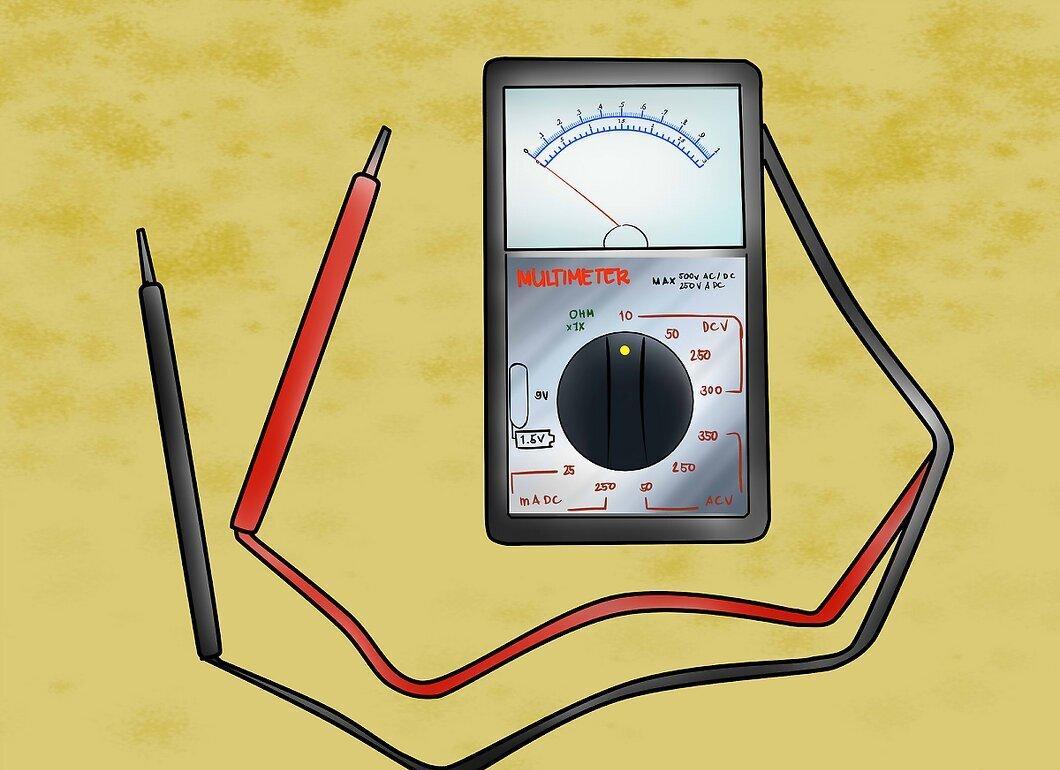
Set the range on your analog multimeter. You need to select a range that is higher than the maximum limit set for the device or outlet you are checking.
- Determine whether you want to measure resistance or voltage. Typically, analog multimeters are not used for measuring current. Set the dial to the appropriate setting.
- Set the range. Your analog multimeter has several preset ranges on the scale you are using. Choose a range that is higher than the output of the electrical circuit you are testing.
- For example, standard household outlets have a typical output of 120 Volts (220 Volts in Russia).
- Your measurement should not exceed 120 Volts (220 Volts in Russia), but you should select a higher range just in case.
Step 2. Determine the Maximum Reading Value.
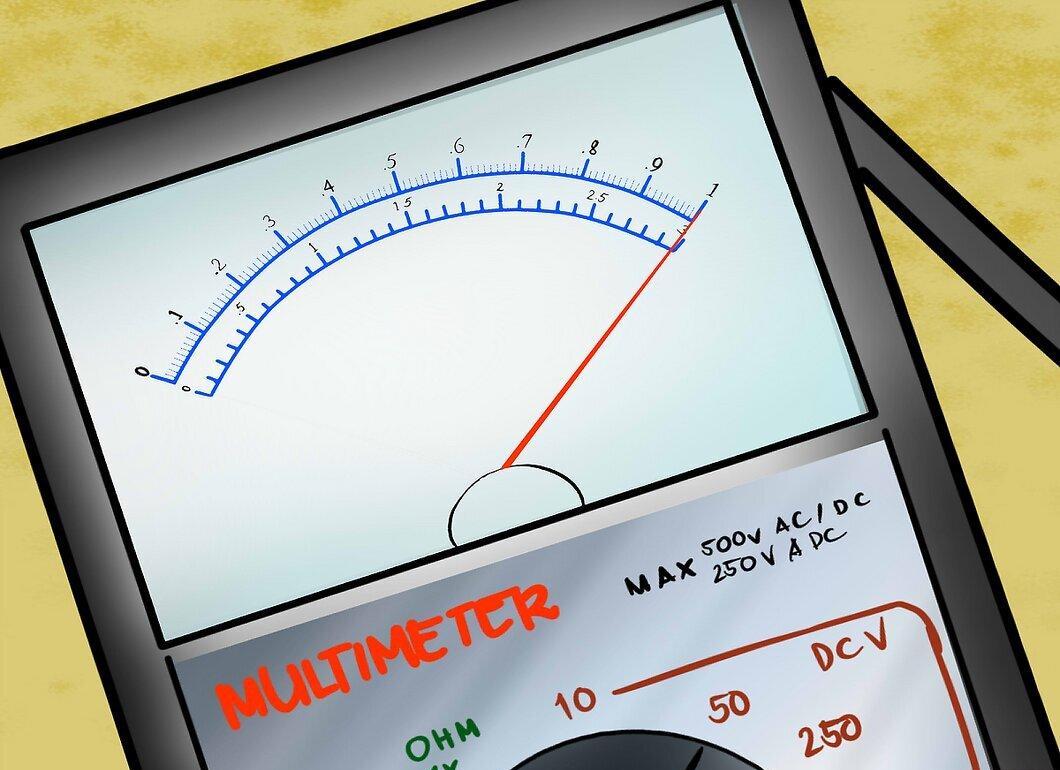
Determine the maximum reading value. The maximum reading is equal to the range you set on your dial. If you set the dial to 200 Volts, the multimeter scale shows 200 Volts.
Step 3. Calculate the Mid-Scale Reading.
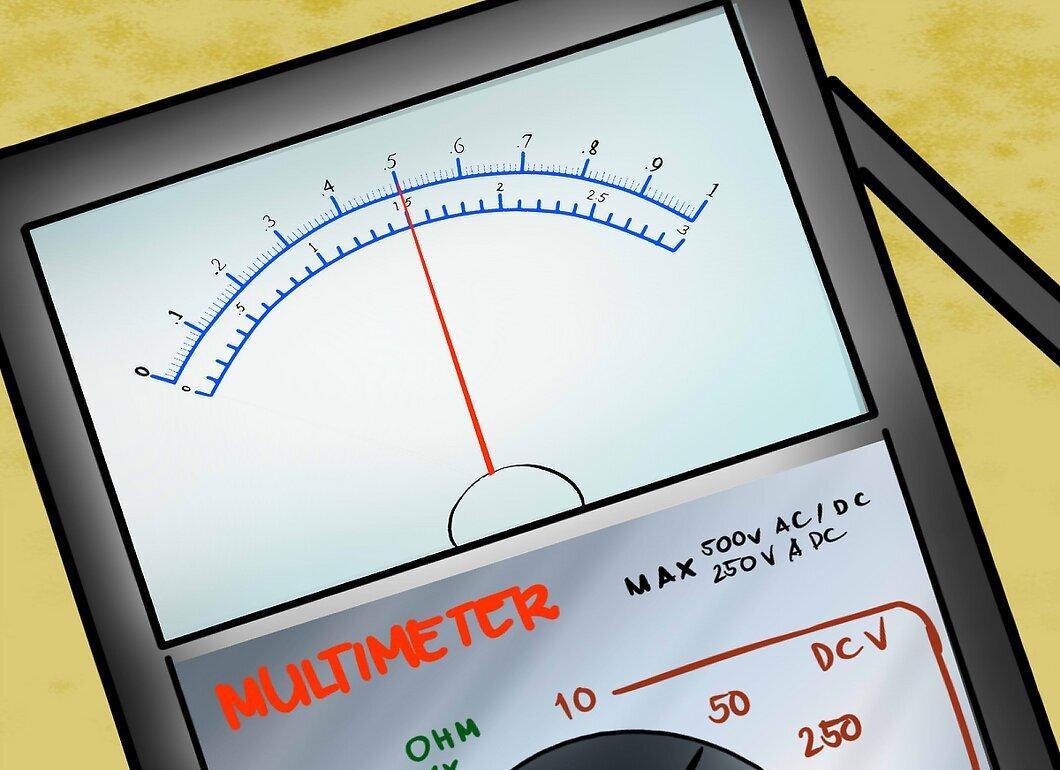
Calculate the mid-scale reading. The mid-scale reading is equal to the voltage range divided by 2. If your multimeter is set to 200 Volts, this reading indicates 100 Volts.
Step 4. Calculate the Reading at Different Points on the Scale.
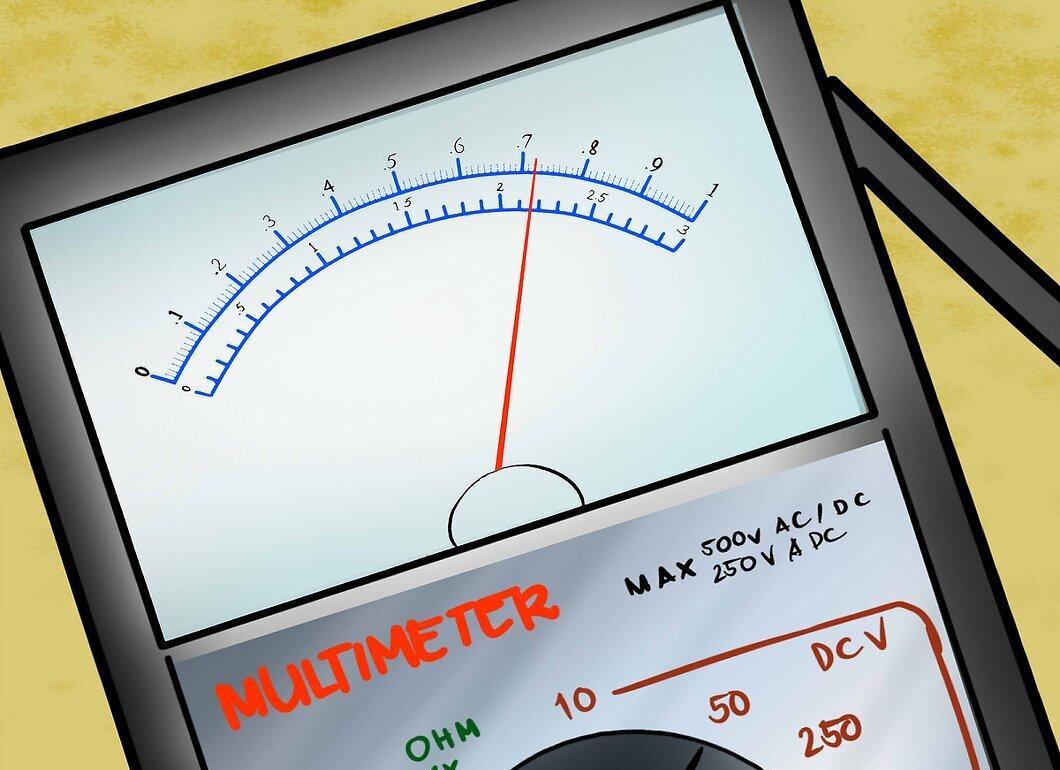
Calculate the reading at different points on the scale. If your range is 200 Volts, and the needle points to 0.72, the reading is 0.72 multiplied by 200, which equals 144 Volts.
Step 5. Perform the Test According to the Manufacturer's Instructions.
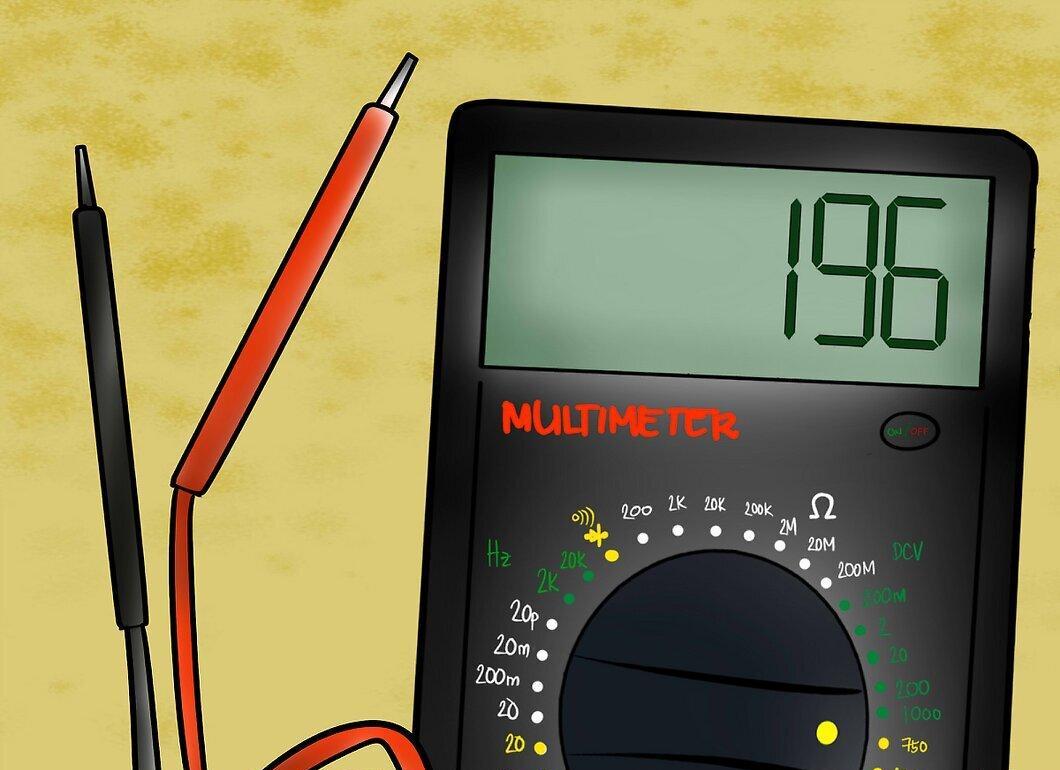
Reading Data from a Digital Multimeter
Step 1. Decide What You Want to Test with Your Digital Multimeter.
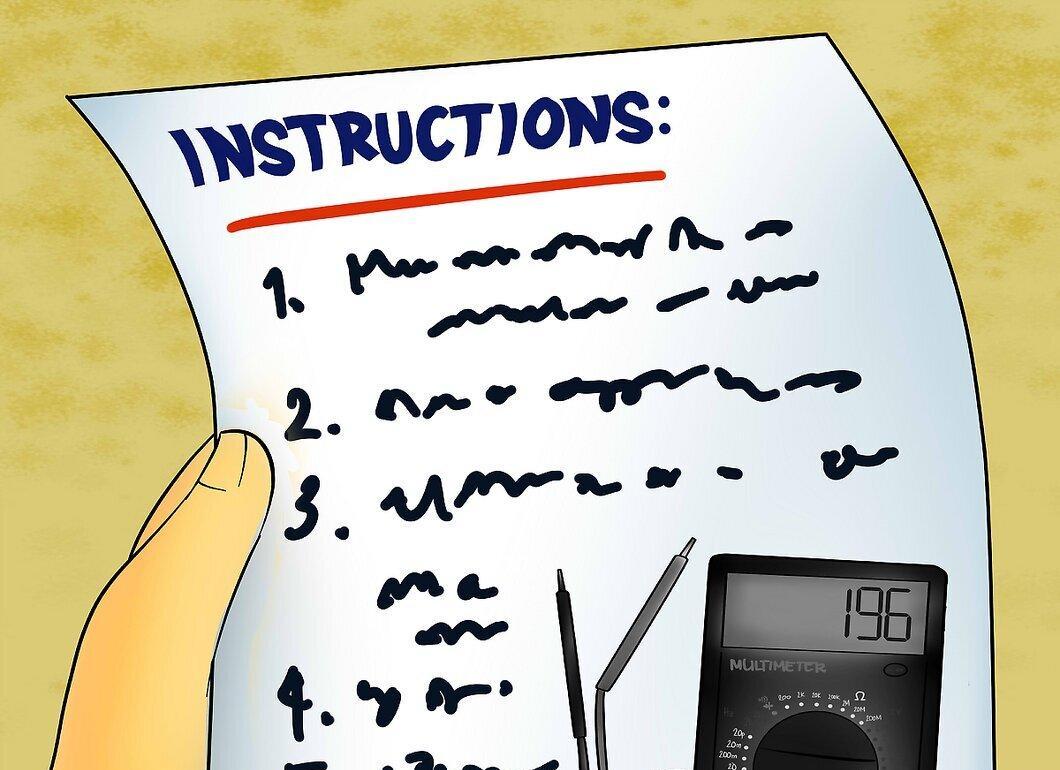
Decide what you want to test with your digital multimeter. You can measure voltage, current, resistance, capacitance, and frequency.
- Set the dial for the appropriate test.
- Choose a range that is greater than the output of the circuit or battery you plan to test.
Step 2. Perform the Test According to the Manufacturer's Instructions.
Perform the test according to the manufacturer's instructions. The data on the digital display will provide you with the units of measurement you are testing. If you are testing voltage and the digital screen shows 196, then the circuit has an output of 196 Volts.


