Plasma TVs can suffer from severe burn-in (phosphor burn) if a part of the image remains static for too long. The panel structure becomes visible even when new images appear. For television, network logos are often the main culprits of burn-in. For digital signage systems, the problem can be even more serious, with words lingering on the screen for months after their original display.
Part 1
Step 1. Connect the plasma screen to your computer.
Step 2. Increase the screen resolution to the maximum supported by the display.
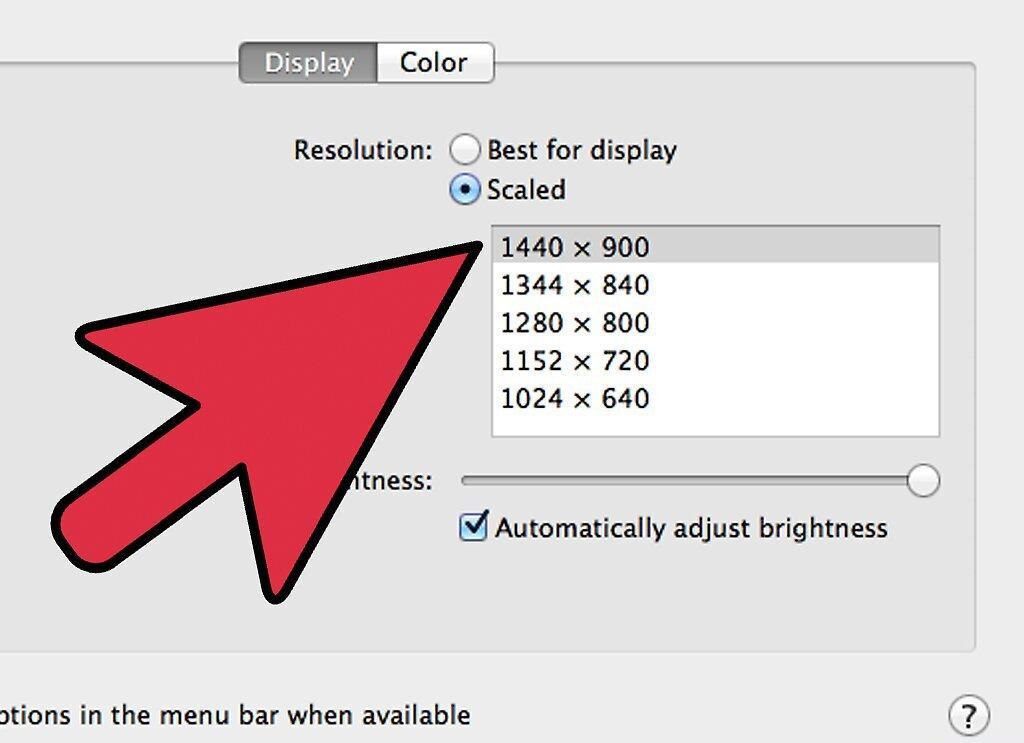
Increase the screen resolution to the maximum supported by the display.
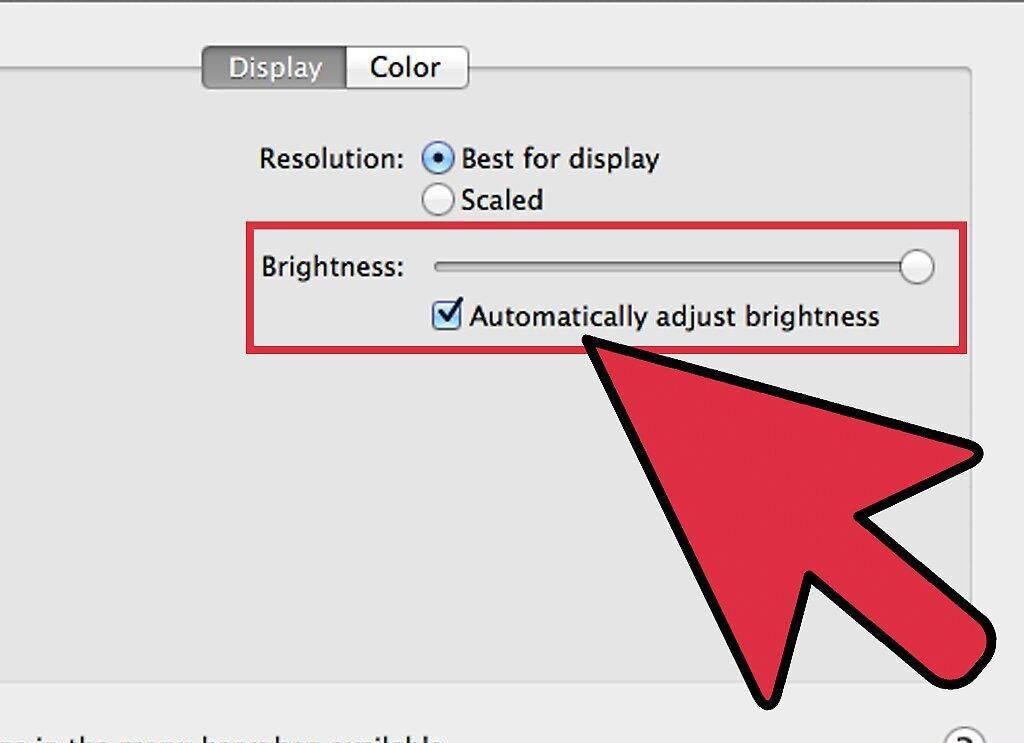
Step 3. Set the brightness and contrast to their maximum levels.
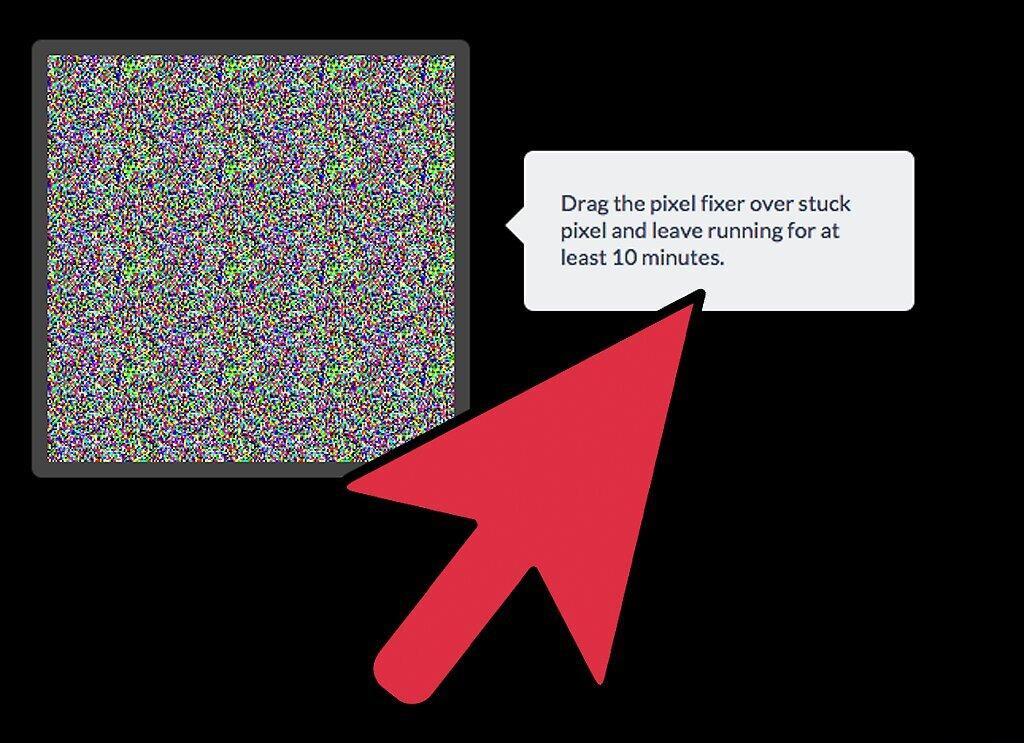
Step 4. Launch JScreenFix
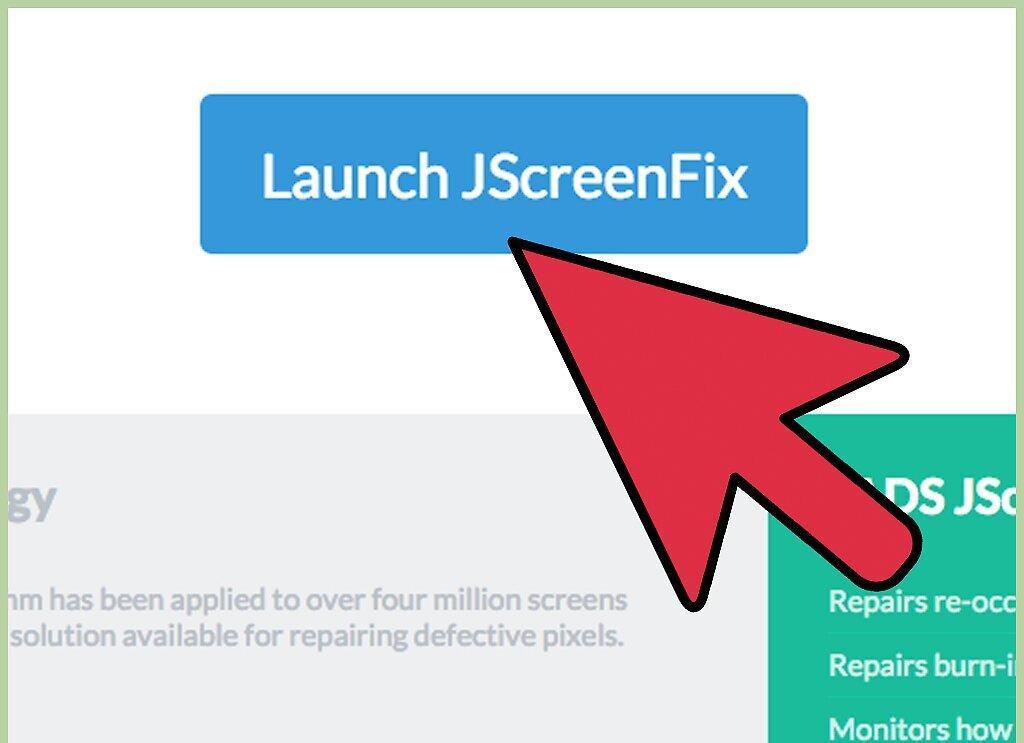
Launch JScreenFix.
Step 5. Allow JScreenFix to run for 6 hours and observe the results.
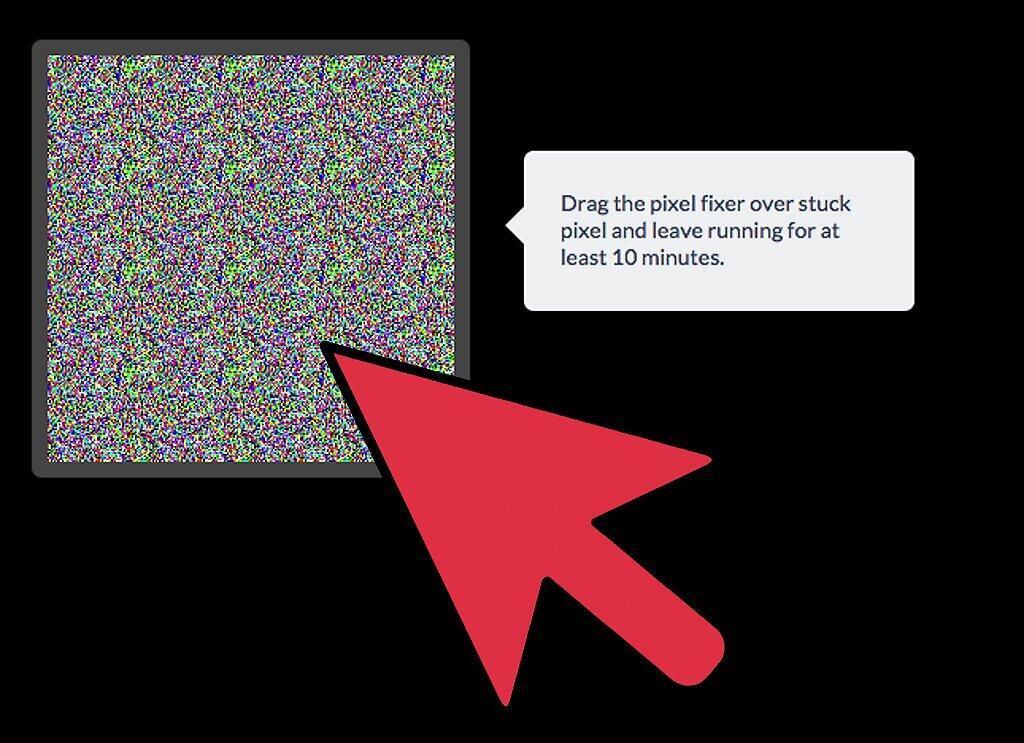
Step 6. Repeat the process if necessary.