
eBay offers a fantastic feature — Advanced Search, which can help you quickly locate the seller you need. Currently, you can utilize three main search criteria: the username, item number, or email address.
Searching by User ID
Step 1. Go to eBay and click on "Advanced" in the upper right corner next to the search bar.
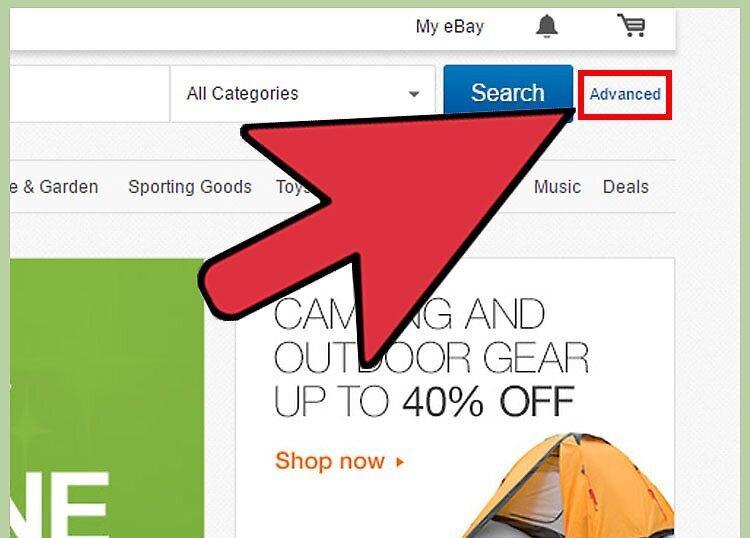
Once on eBay, select the "Advanced" option in the top right corner, and the advanced search menu will appear.
Step 2. On the left panel, select the "by seller" option.
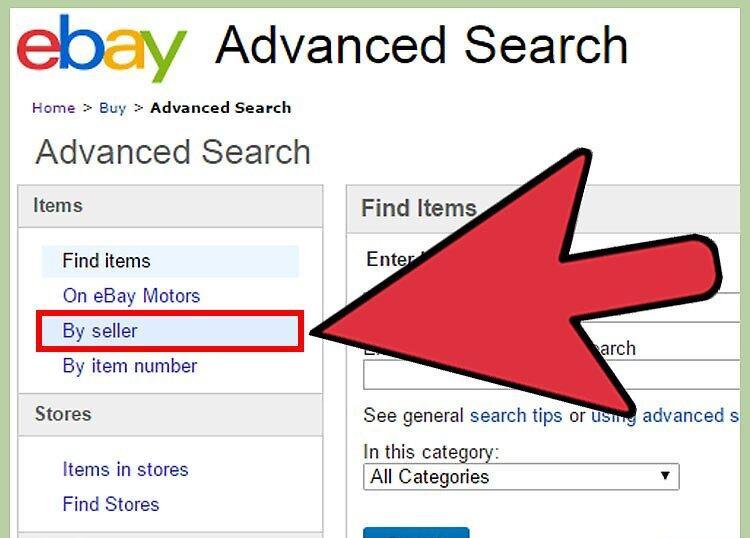
Step 3. Enter the seller's username in the corresponding field and click the "Search" button.
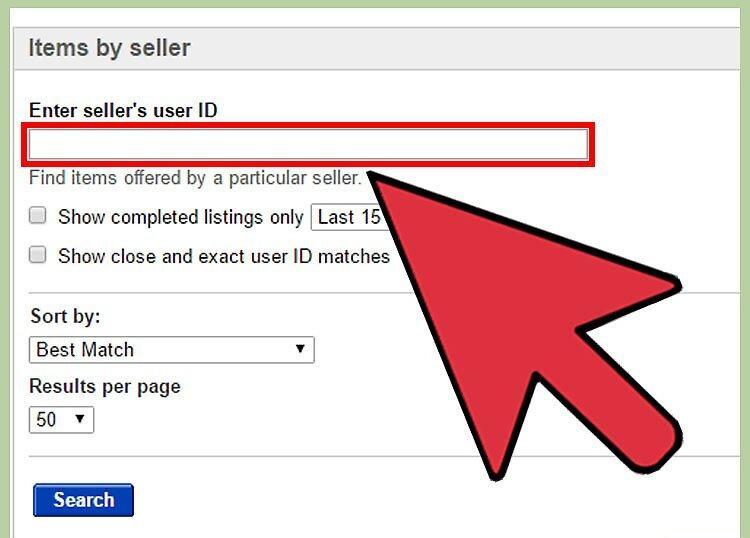
Input the seller's username into the search bar and hit "Search." You will see a list of items offered by that seller.
- If you don’t know the seller's username, use method 2 or 3 from this article to find them by item number or email address.
Step 4. Click on the seller's username displayed to the right of "Items for Sale from."
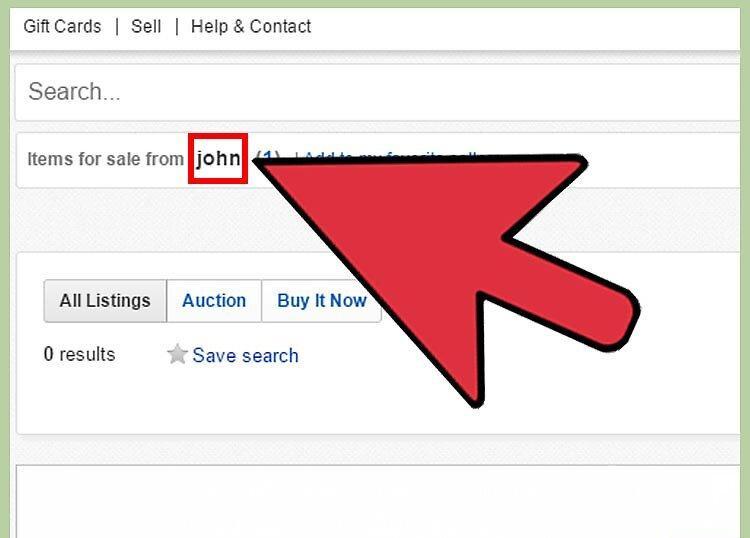
By clicking on the seller's username next to "Items for Sale from," you will be taken to their profile, where a "Contact" link will also be available in the upper right corner.
Searching by Item Number
Step 1. Go to the eBay website and choose "Advanced" in the upper right corner.
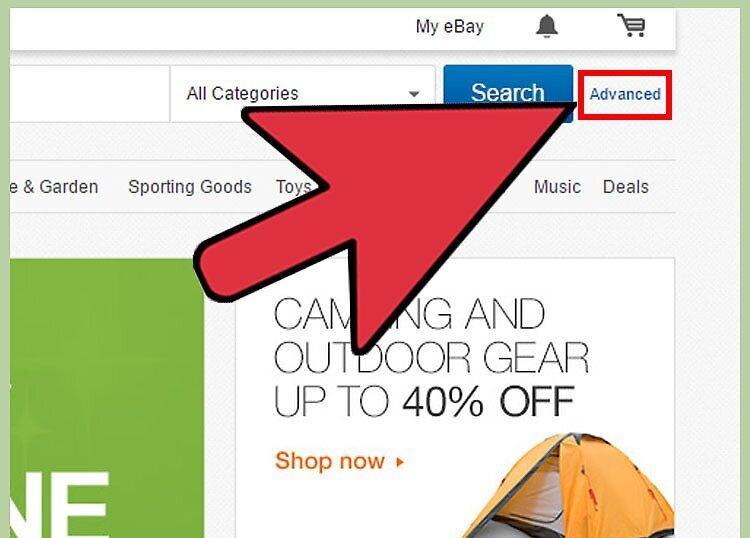
Navigate to eBay and click on "Advanced" in the upper right corner to open the advanced search menu.
Step 2. On the left panel, select "by item number."
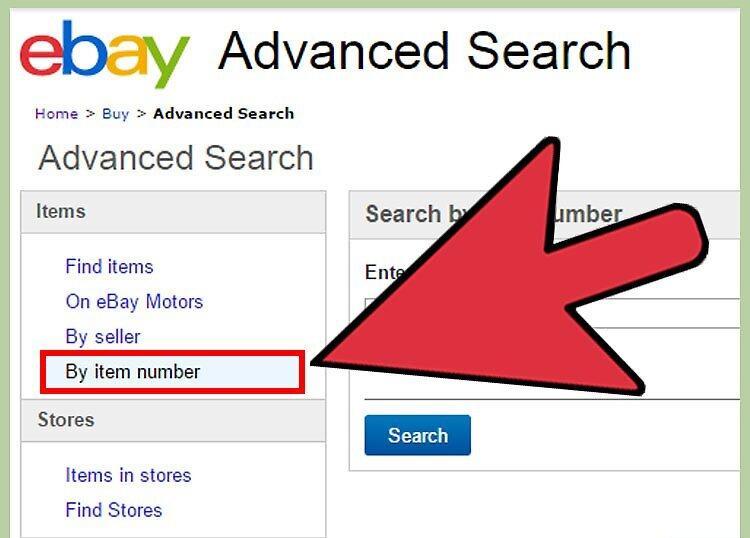
Step 3. Enter the item number you are interested in.
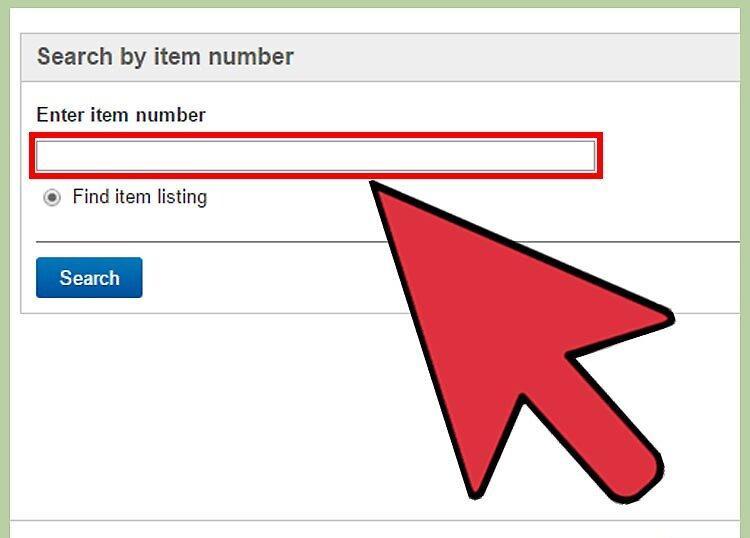
Input the item number to find the seller's profile through the items they offer.
Step 4. Click the "Search" button.
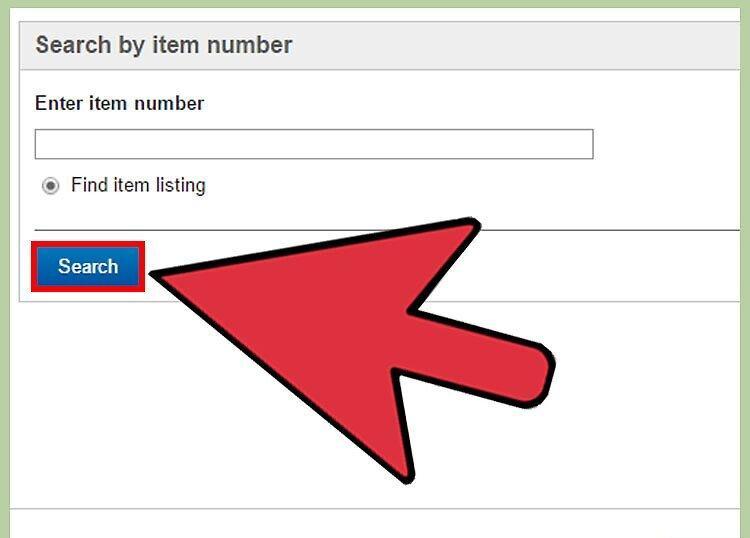
Press the "Search" button. The item you need will appear on the screen.
Step 5. Click on the blue link with the item name located above its price.
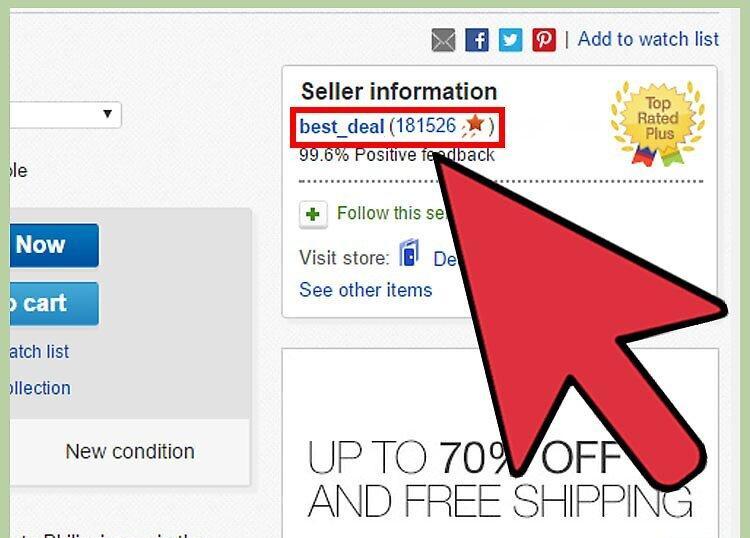
Click the blue link with the item name to open the item's page, where the seller's information will be on the right. Here, you need to click on "contact the seller."
Searching by Seller's Email Address
Step 1. Go to the eBay website and select "Advanced" in the upper right corner.
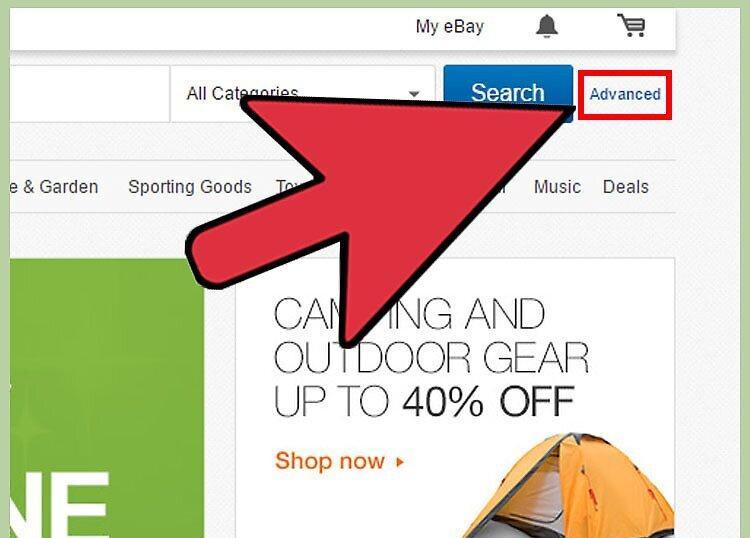
Navigate to eBay and choose "Advanced" in the upper right corner to open the menu.
Step 2. On the left panel under "Members," select "Find a Member."
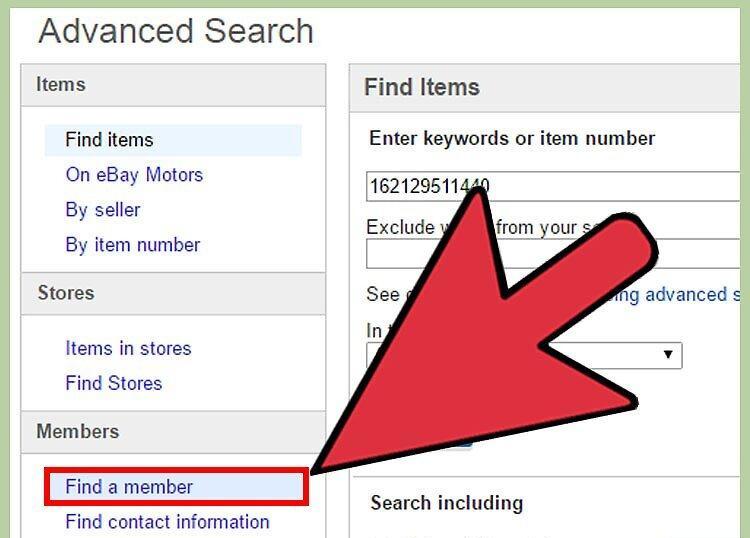
Step 3. Enter the seller's email address and input the verification code that appears on the screen.
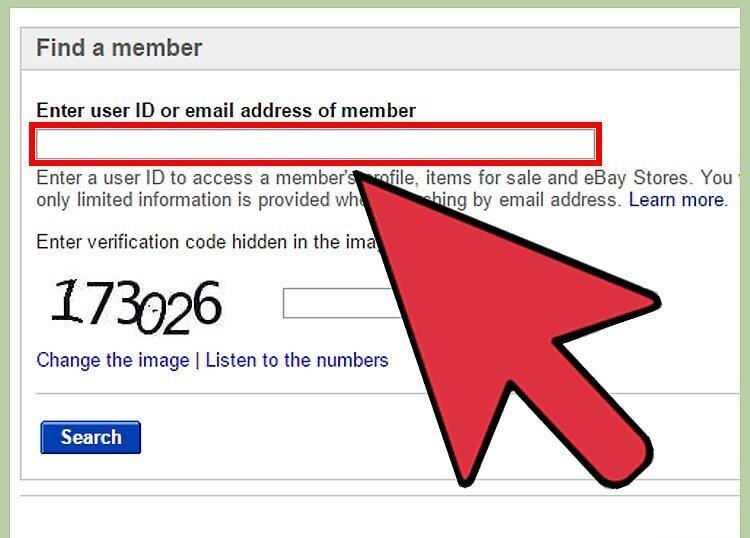
Step 4. Click the "Search" button.
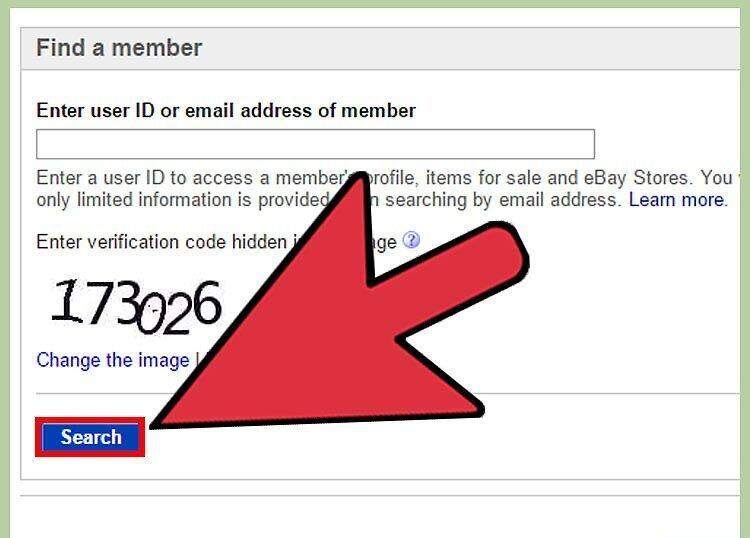
Press the "Search" button. You will see the eBay username linked to the email address you entered.
Step 5. Click on the seller's username.
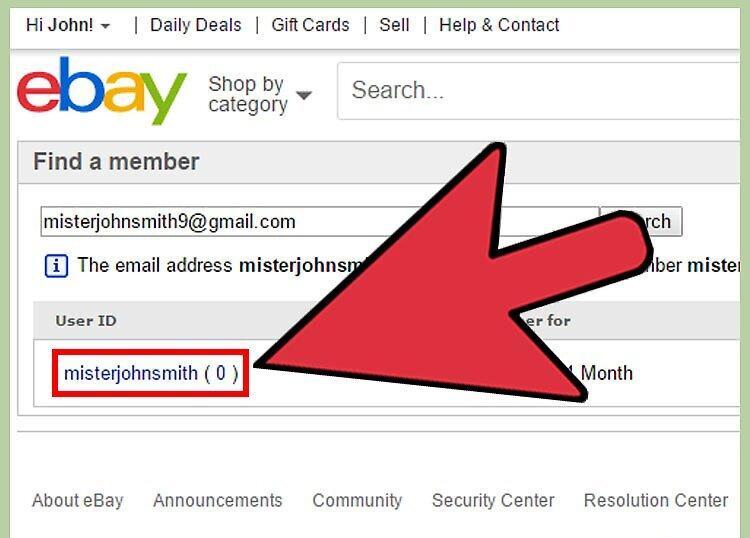
Click on the seller's username. Their eBay profile will display on the screen, where you can also find a "Contact" link in the upper right corner of the page.


