
Discover how to identify hidden cameras in your home or office using various methods. Despite the small size of these devices, they can be found if you know what to look for.
Use Basic Techniques
Step 1. Identify Locations to Check.
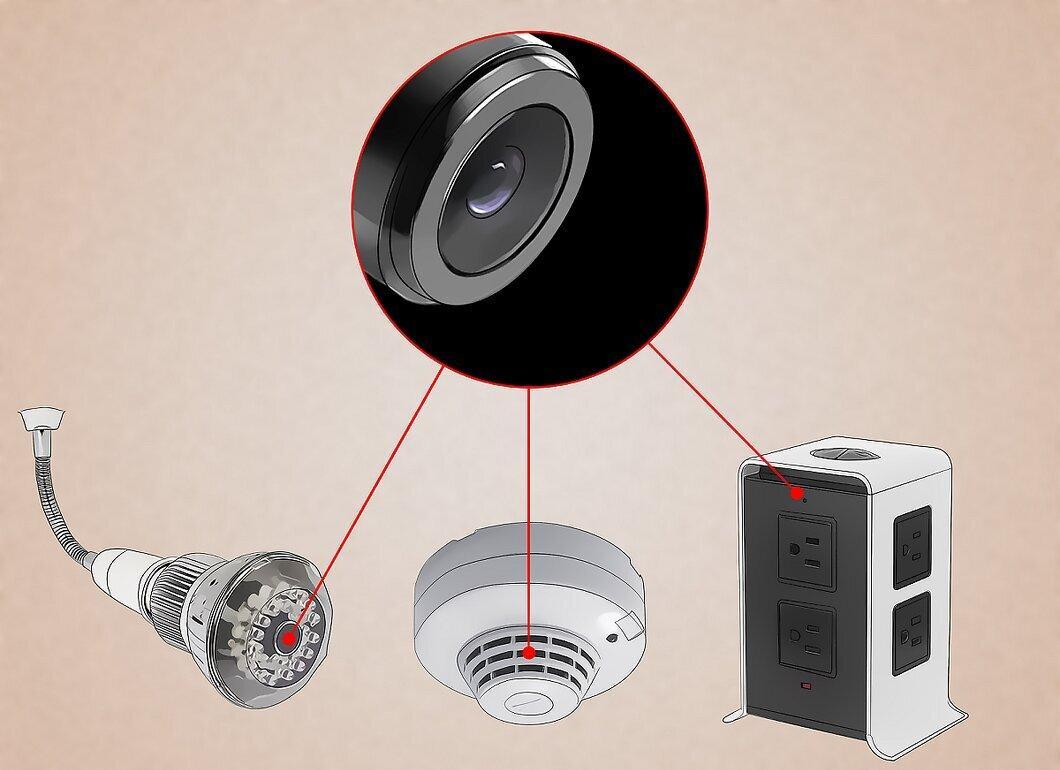
Start by knowing potential places to search. Hidden cameras can be tiny, the size of a pen, so they can be hidden almost anywhere. Pay attention to places such as:
- smoke detectors;
- electrical outlets;
- power strips;
- nightlights;
- books, DVD covers, and video games;
- shelves;
- laptops;
- desktops;
- computer mice;
- small holes in walls;
- paintings or other decor items;
- stuffed animals;
- lamps (like lava lamps).
Step 2. Determine What to Look For.
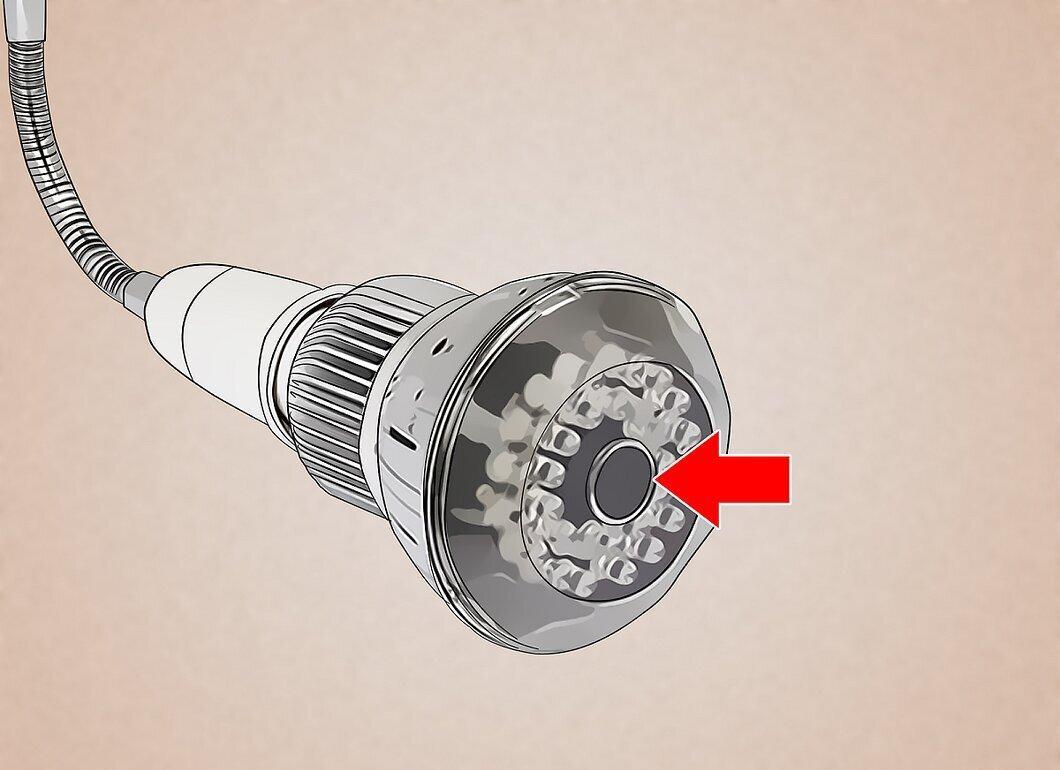
It's important to understand what you're searching for. The main part of the camera is usually hidden, but the lens must be visible for the device to function. This means you can always find a camera if you pay attention to its lens.
- A professionally installed camera won't have visible wires or bulbs, but the lens should always be noticeable.
Step 3. Consider the Field of View.
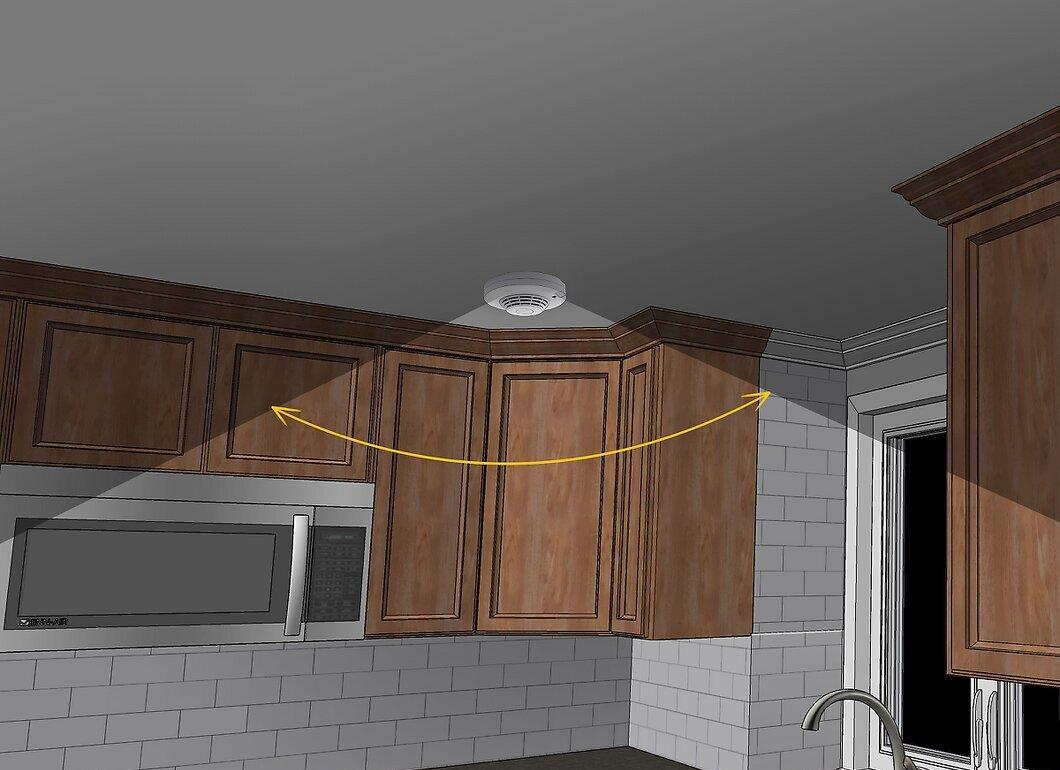
Think about the angle from which the room can be best viewed. The easiest way to search for a camera is to imagine yourself in the position of someone wanting to record what's happening in the room. For example, if you're worried someone might be filming your kitchen, it makes no sense to look for a camera in the floor.
- Usually, the widest view of the space is from the corners of the room. However, cameras installed in the corners tend to be more noticeable than hidden ones.
Step 4. Look for Oddly Placed Mirrors or Decor.
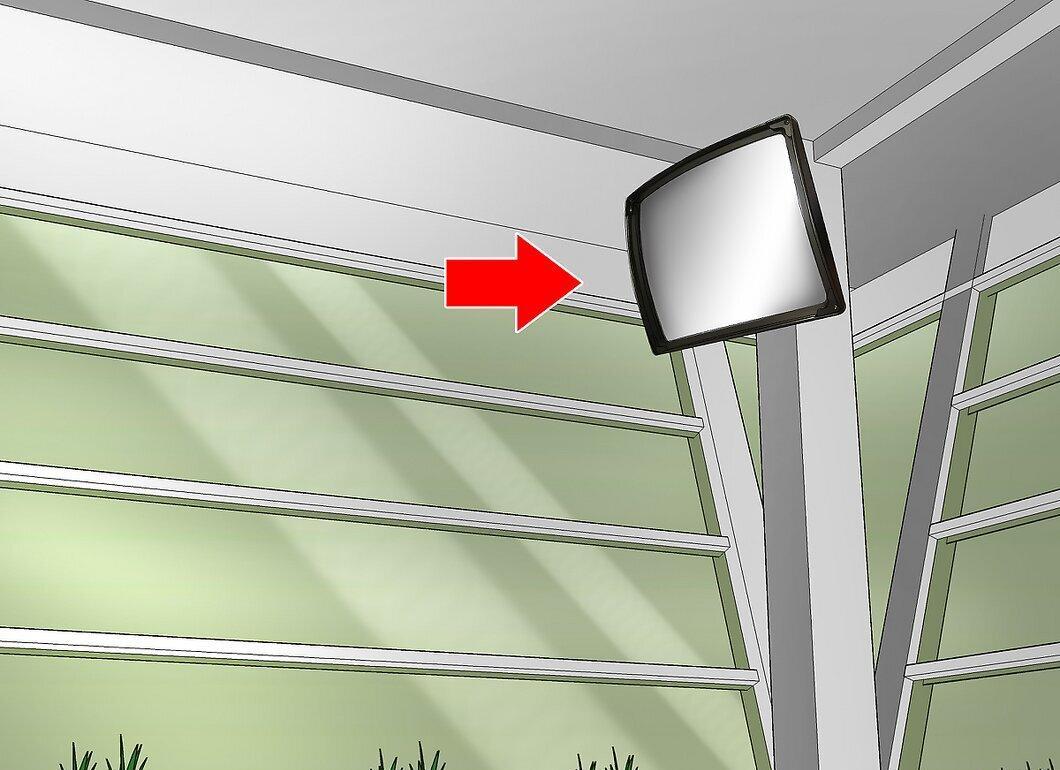
Check mirrors or decorative items for strange placements. Unlike stuffed toys and books, mirrors and pictures are harder to place inconspicuously. If you notice a mirror or picture at an unusual height or in a strange location, it may be a sign of a camera.
- Make sure the mirror isn't two-way, as that could indicate a hidden camera. If the mirror is two-way, that raises suspicions.
Step 5. Inspect Stuffed Animals and Clocks.
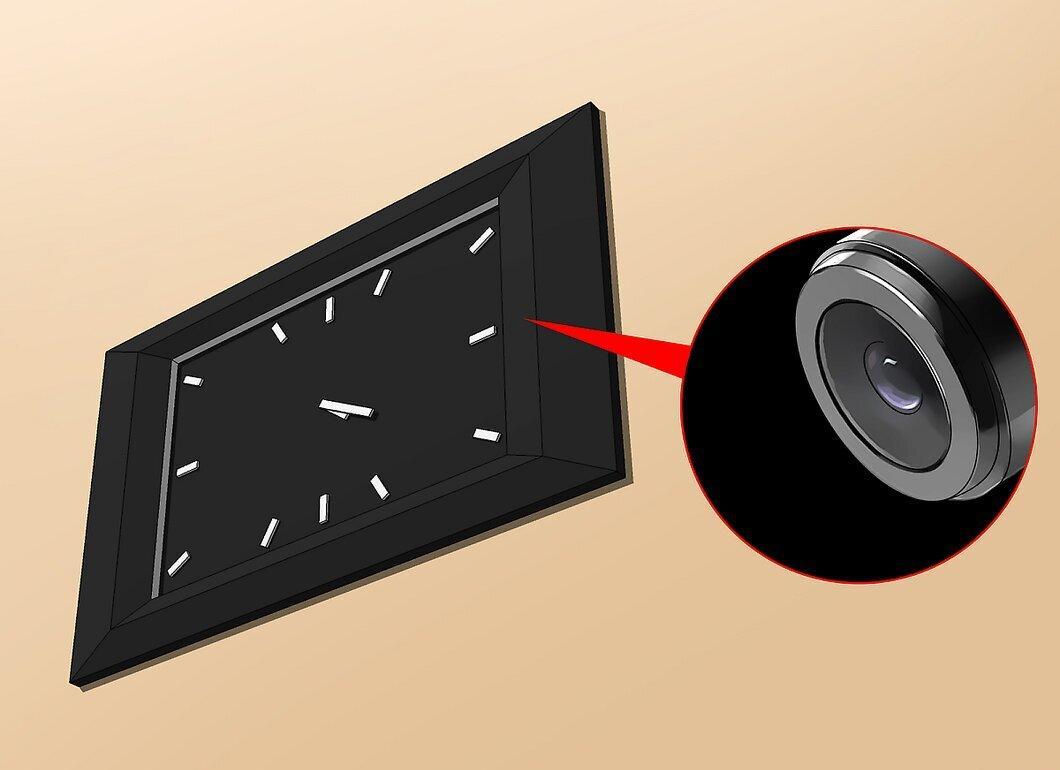
Look into stuffed animals and wall clocks. Cameras are often hidden in the eyes of toys or in clock details.
- Since both toys and clocks are easily movable, consider removing them if they raise your suspicions.
Step 6. Turn Off the Lights to Search for Indicators.
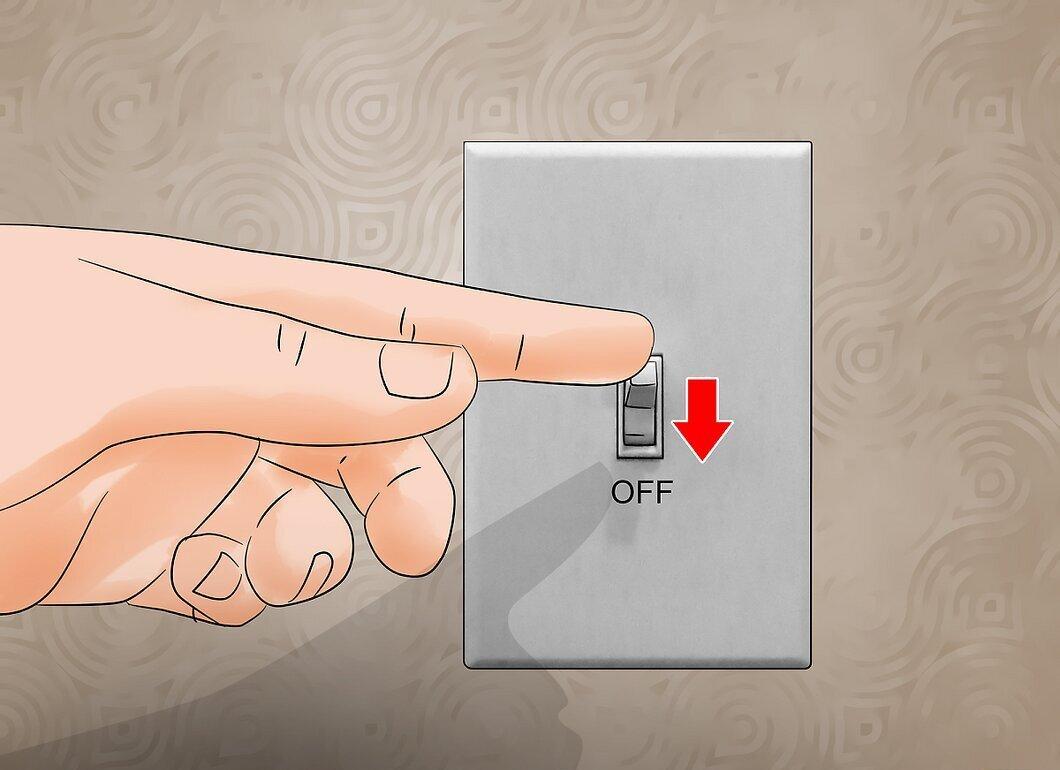
Turn off the lights to see camera indicators. Most hidden cameras have a red or green light that may blink or stay on. If cameras are installed carelessly, you may notice this light in the dark.
- Of course, it's unlikely that the person who set up the cameras was careless enough not to hide the light indicators. So don't rule out the possibility of cameras even if you don't see any light.
Step 7. Create Your Own Camera Detector.
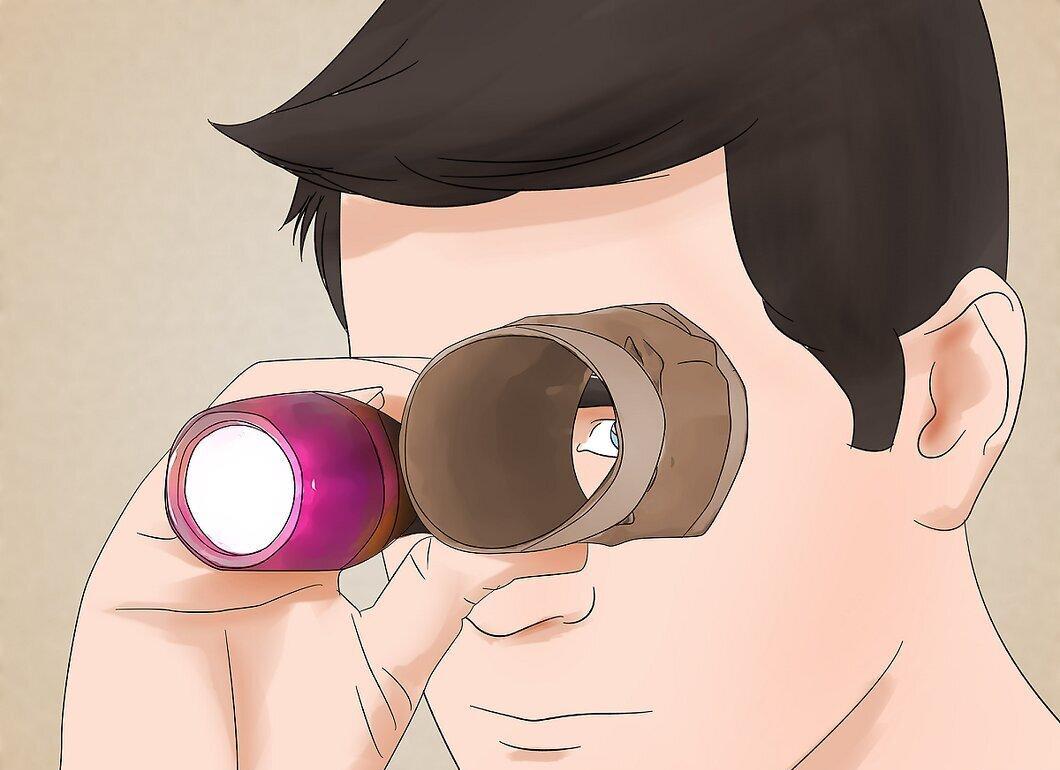
Try making your own hidden camera detector. Professional equipment can be quite expensive, but you can create a cheap alternative using just a paper towel and a flashlight:
- turn off the lights in the room and close the curtains (or wait for it to get dark);
- hold a roll of paper towels to one eye and close the other;
- direct the flashlight at eye level (in front of the closed eye) and turn it on;
- scan the room, looking for reflections.
Step 8. Use Your Mobile Phone to Search for Interference.
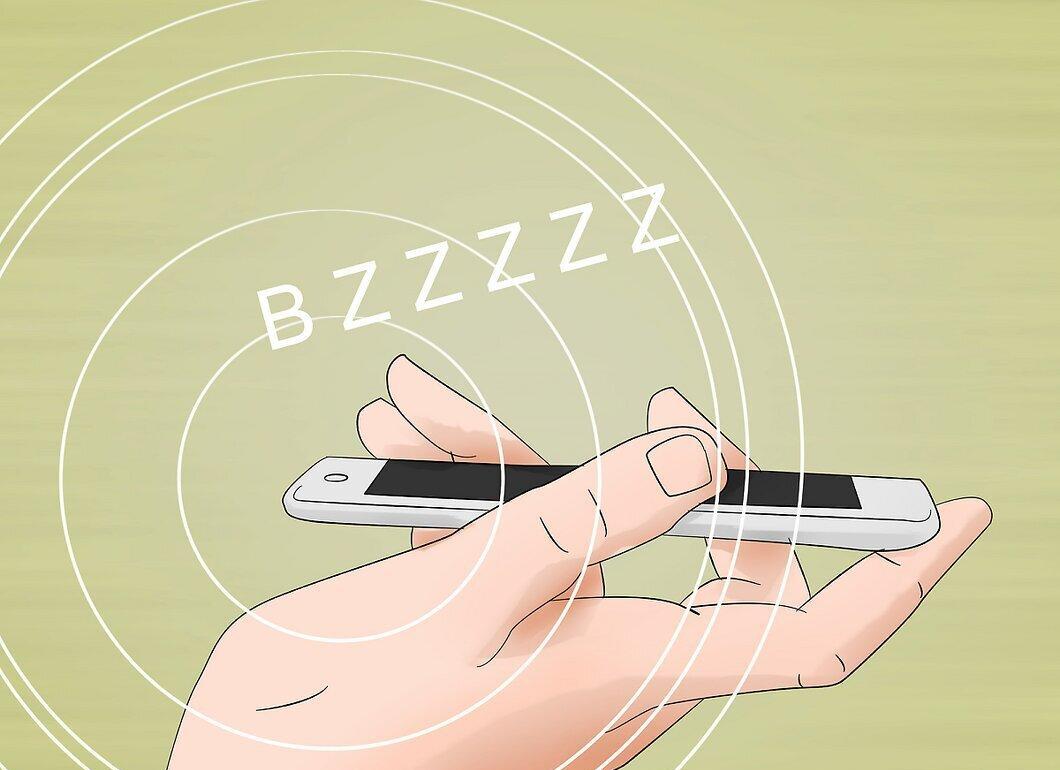
Try using your mobile phone to search for interference. While this isn't a perfect method, it can help you find some types of cameras:
- call your phone and stay on the line;
- move around the room with the phone on speaker;
- listen for crackling, clicking, or buzzing in the phone.
Step 9. Purchase a Radio Frequency Detector.
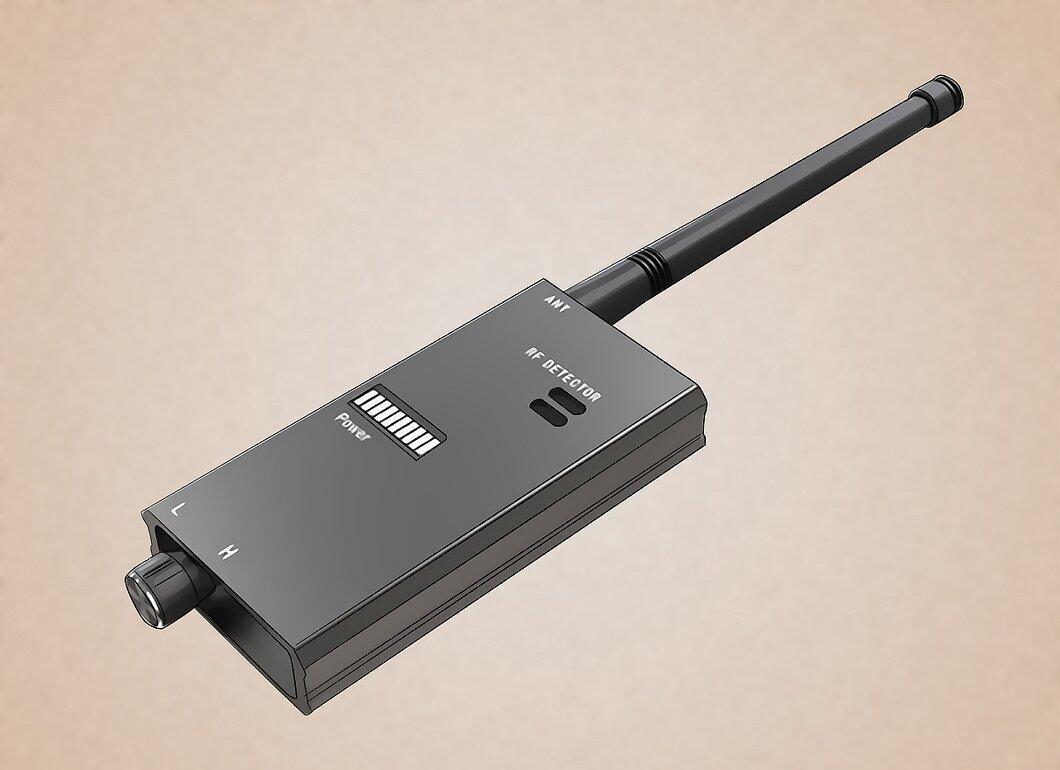
Buy a radio frequency detector. With this device, you can scan the area for hidden cameras by moving the detector around the room and listening for its signals. If you hear crackling or a signal, it could mean there's a camera nearby.
- When using a radio frequency detector, turn off all devices that may transmit radio signals, such as kitchen appliances, baby monitors, routers, modems, gaming consoles, TVs, etc.
- You may need to scan several frequencies before you find the one you need.
- A radio frequency detector can be purchased at electronics stores or online. Expect to pay between 700 to 20,000 rubles for a device.
Step 10. Be Aware of Cameras in Public Places.
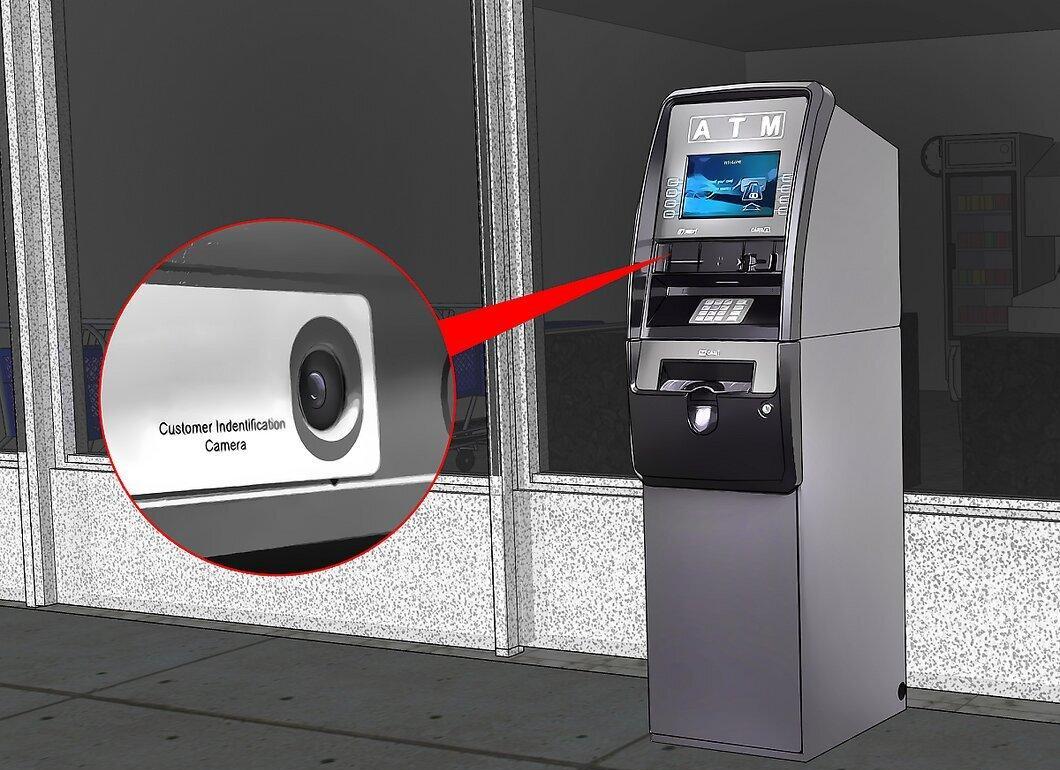
Don't forget about potential cameras in public places. While these devices are easier to spot, it's still useful to know where they may be located, especially if you need to dispute an accident or other situation. Typically, cameras can be found in:
- ATMs;
- store ceilings;
- two-way mirrors in boutiques or jewelry stores;
- gas stations;
- traffic lights.
Use Your Phone's Front Camera
Step 1. Open the Camera App on Your Smartphone.
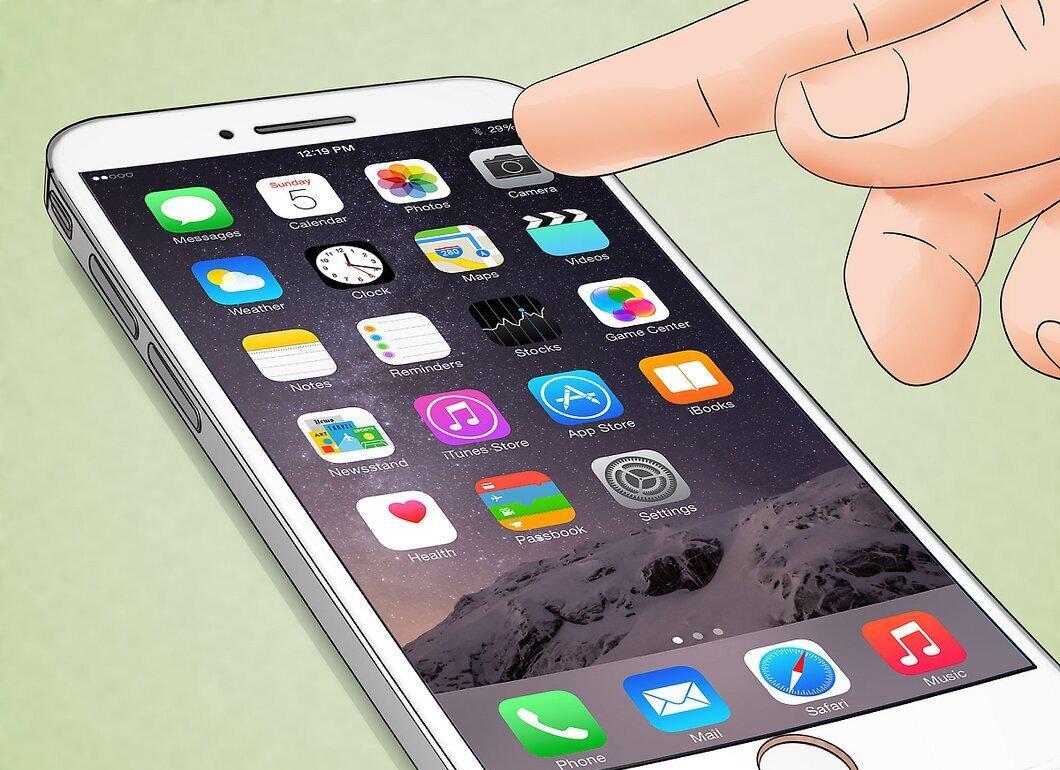
Launch the camera app on your smartphone. On an iPhone, it’s usually found on the home screen, while Android users can find it in the app drawer.
Step 2. Switch to the Front Camera.
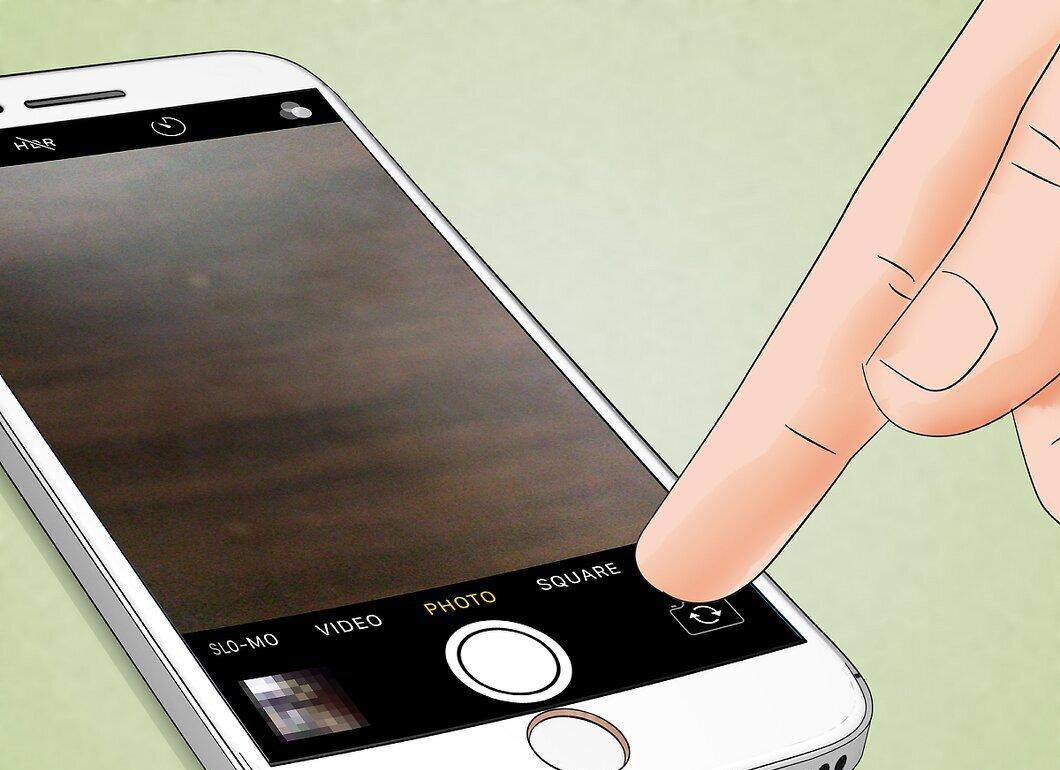
Switch to the front camera. If you don’t see your face on the screen, tap the "Flip" button (usually looks like a circular arrow or two arrows).
- This method won’t work with the rear camera.
Step 3. Ensure Your Smartphone Can Detect Infrared Light.
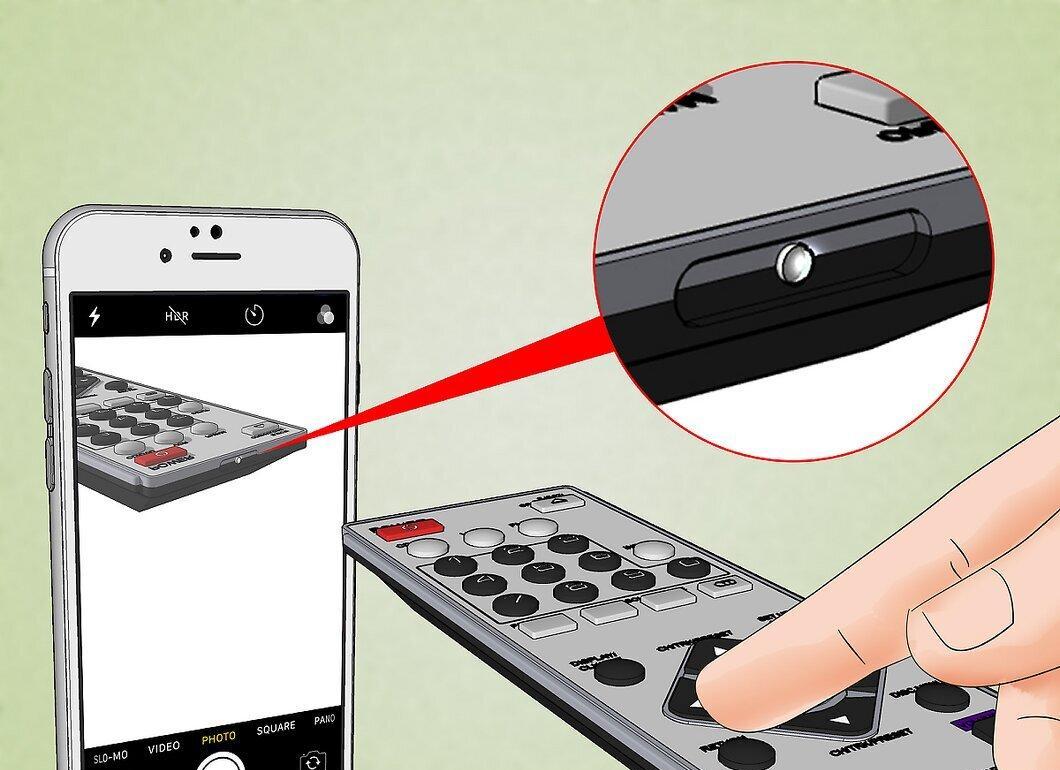
Check if your smartphone can detect infrared light. For the front camera to recognize hidden cameras, it shouldn’t have an infrared filter. You can test this using a TV remote:
- point the remote at the camera;
- press any button;
- watch if the indicator on the remote lights up.
Step 4. Turn Off the Lights in the Room You Want to Check.
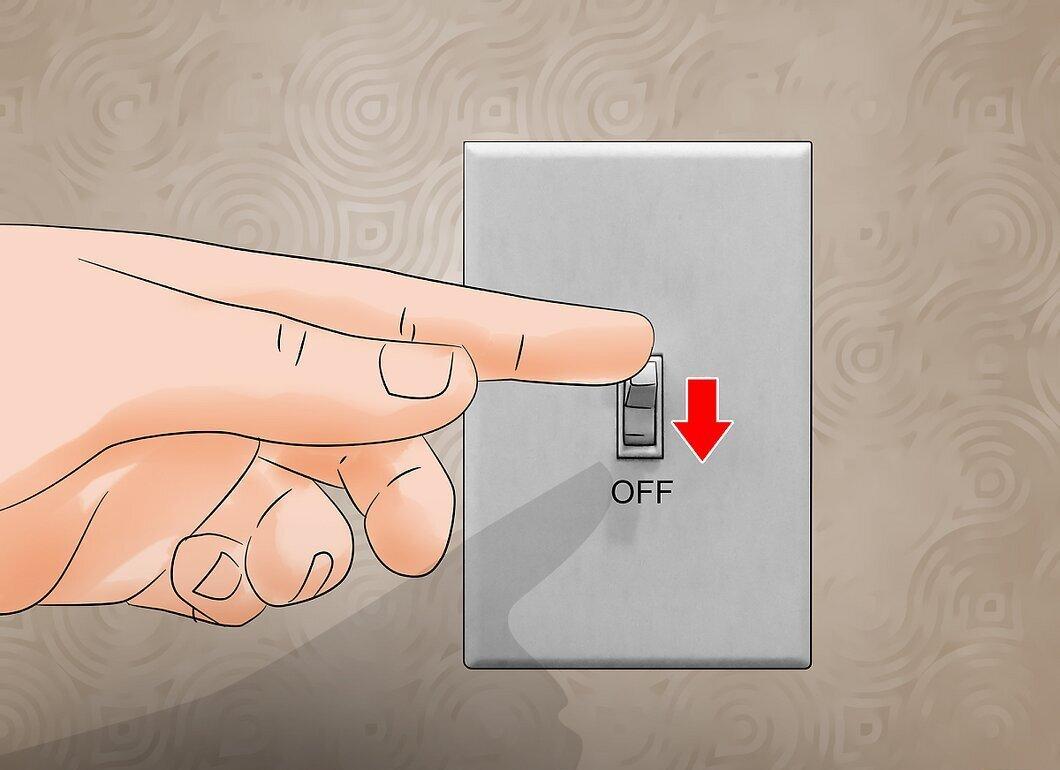
Turn off the lights in the room you plan to scan. To detect infrared light, the room must be dark.
- If there are other light sources in the room (like nightlights or charging indicators), turn them off if possible.
Step 5. Use Your Smartphone Camera to Look for Light Flashes.
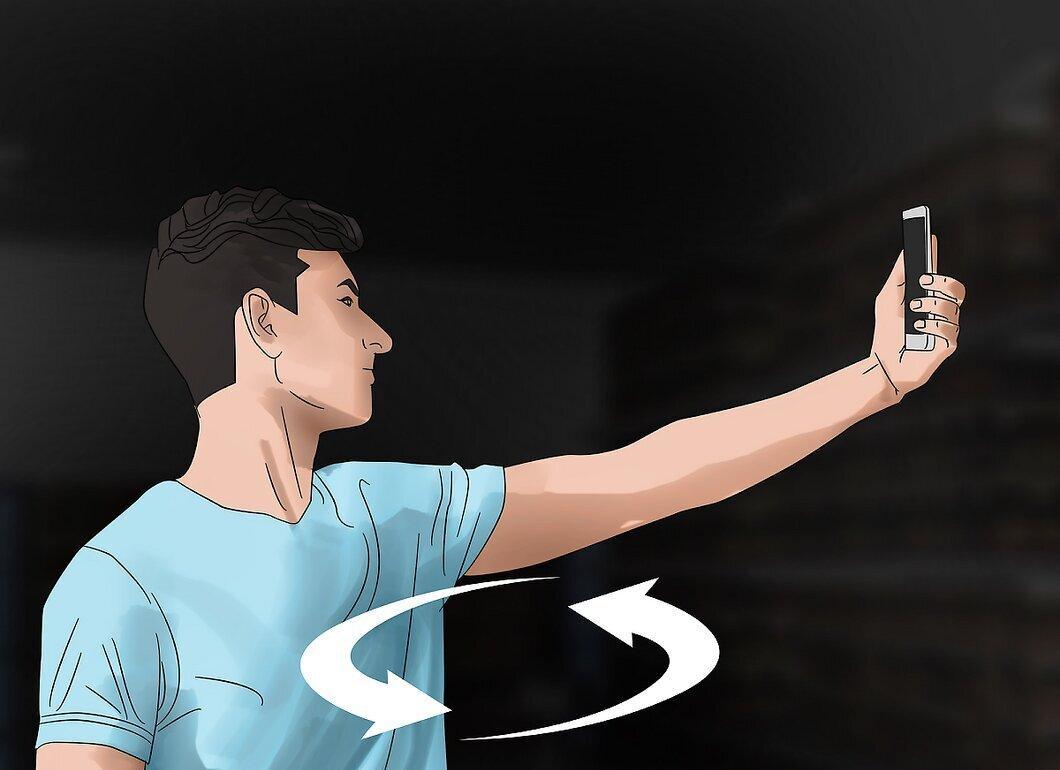
Using your smartphone camera, look for light flashes. Move around the room in a circle, pointing the phone screen at yourself. If you notice a flash, it’s likely infrared light from a hidden camera.


