
Roku is a streaming device that allows you to enjoy content by connecting to the internet via Wi-Fi or a router. By connecting your Roku device to your TV and selecting your favorite channels, you can instantly dive into a world of entertainment. When you're done watching, there are several ways to power off your Roku: turn it off, put it in standby mode, or restart it.
How to Power Off Roku
Step 1. Note:
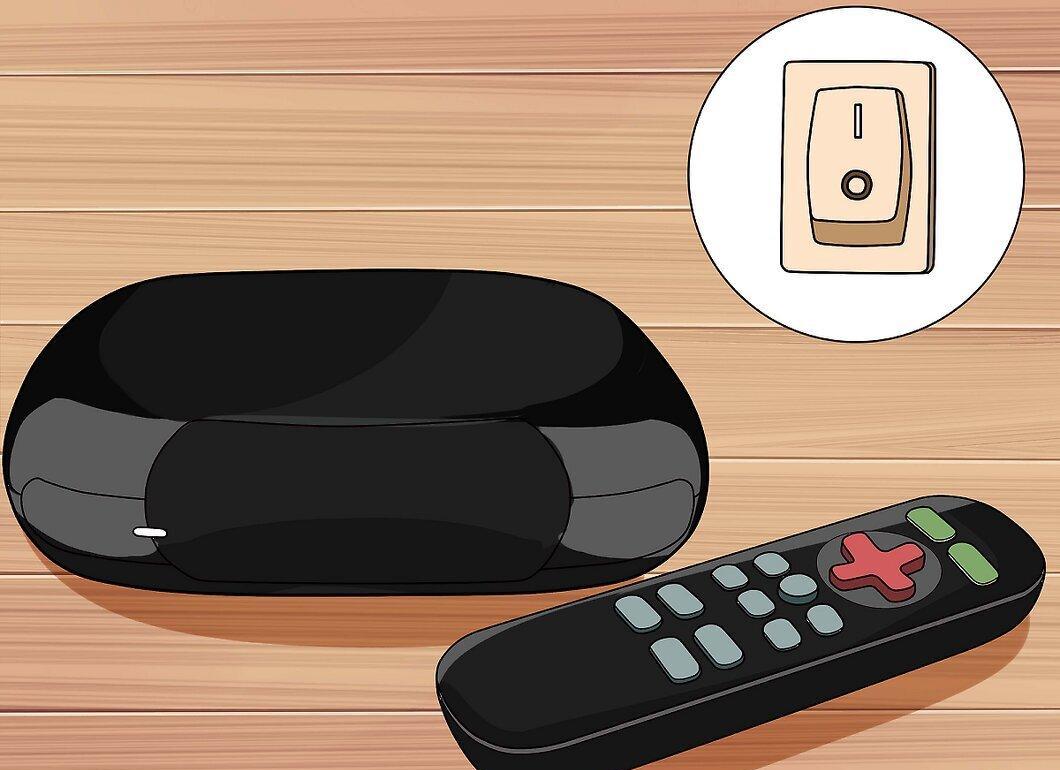
Keep in mind that all Roku models lack a power button since the device needs to remain in standby mode for regular updates. Therefore, to power off the Roku Streaming Player, Roku TV, or Roku Streaming Stick, you either need to unplug it from the TV or turn off the TV itself.
Step 2. Unplug the Roku Streaming Player from the TV.
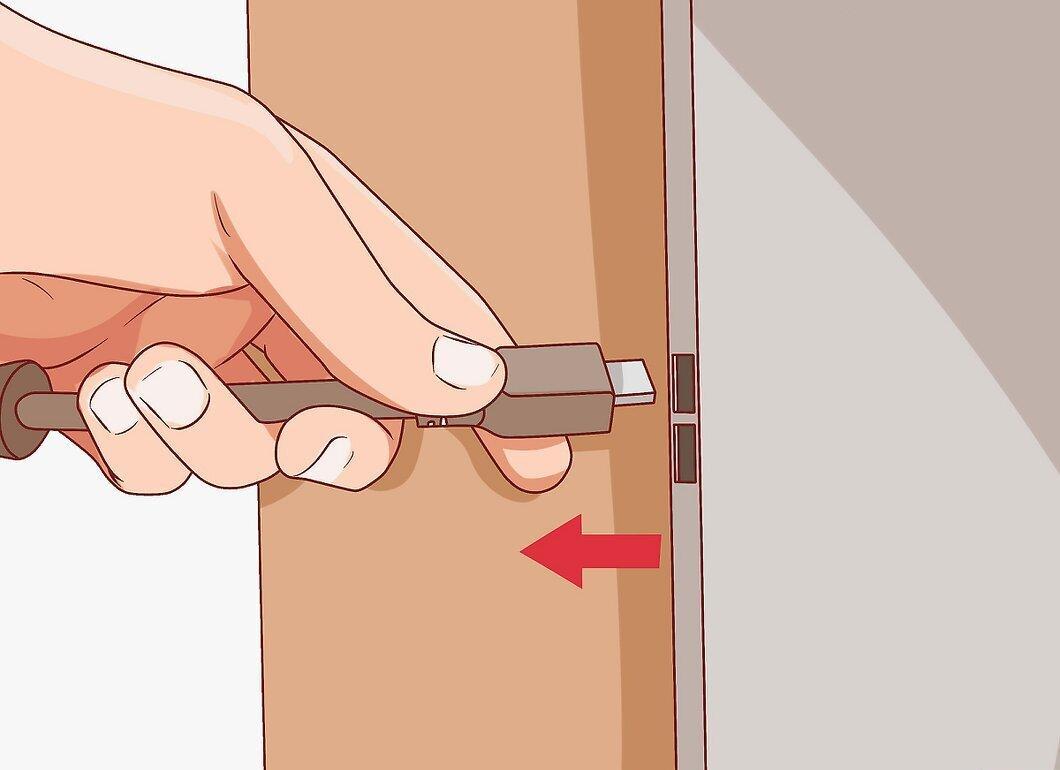
To disconnect the Roku Streaming Player, simply pull it out from the TV. If the device is connected via AV or HDMI cable, gently disconnect it. Then unplug the power adapter from the Roku to completely power off the device.
Step 3. Remove the Roku Streaming Stick from the TV's HDMI port.
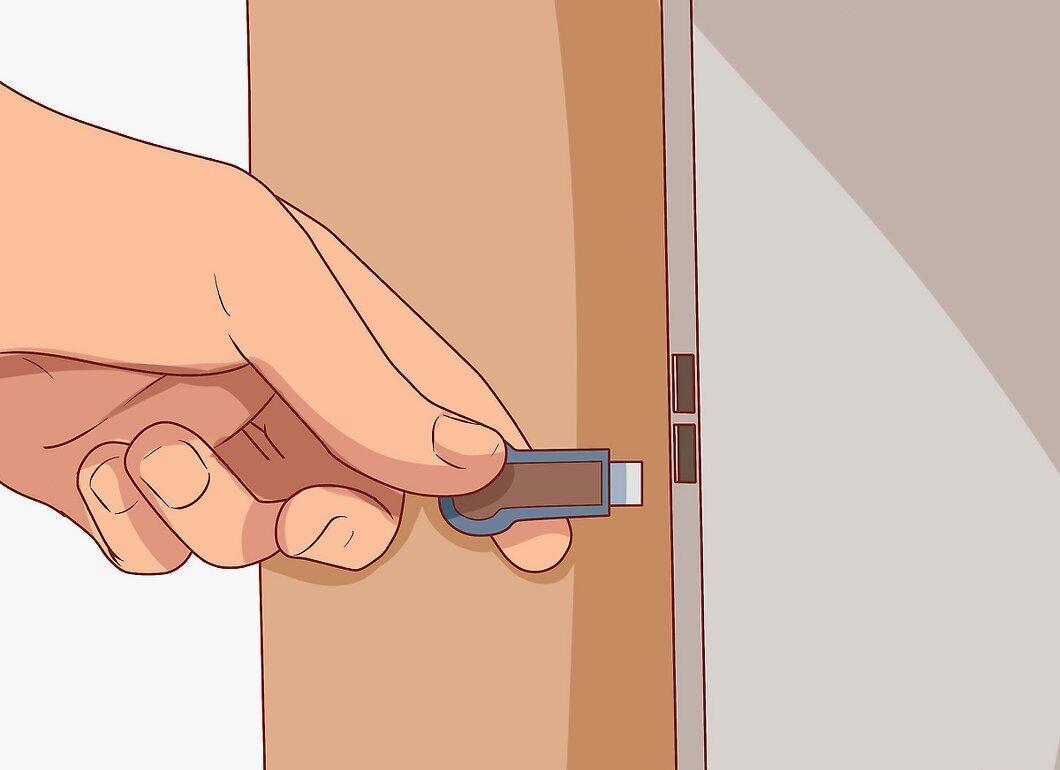
- If your TV's HDMI port provides additional power, just pull the Roku Streaming Stick out of the port to disconnect it.
- If the HDMI port does not support extra power, connect a micro USB cable to the Roku Streaming Stick, and then plug it into the power adapter.
- In any case, to disconnect the Roku Streaming Stick, simply remove it from the HDMI port.
Step 4. Unplug the Roku TV from the power source.
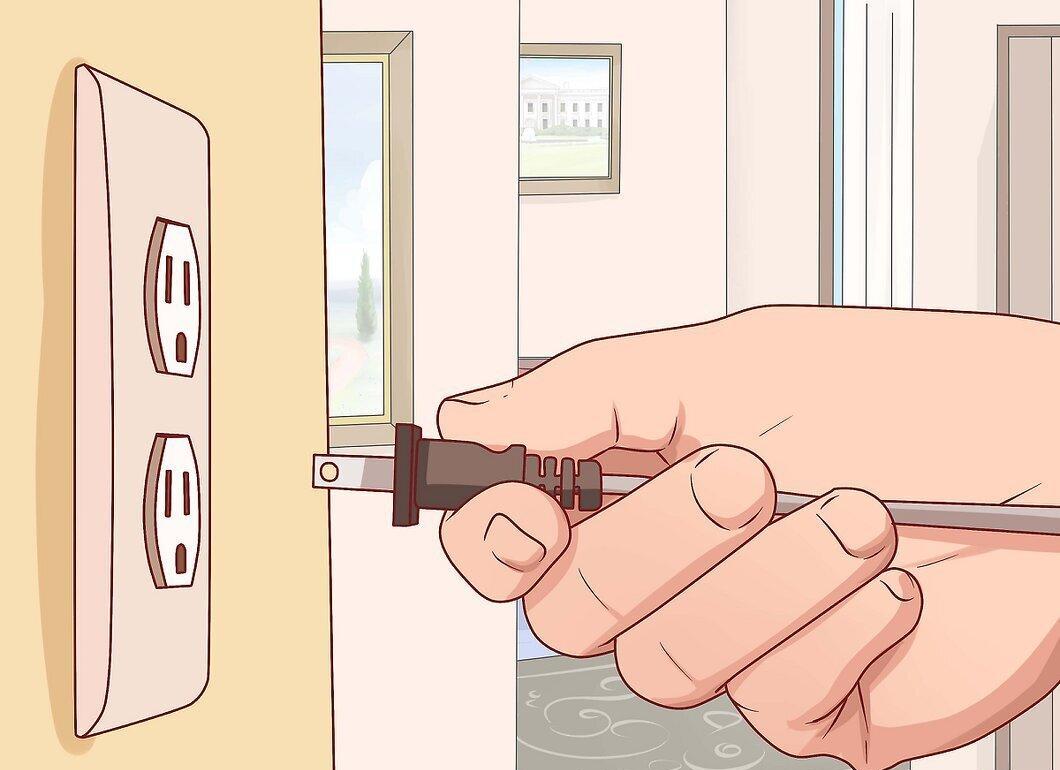
To power off the Roku TV, simply unplug it from the wall socket. If you try to turn off the Roku TV using the remote, the device will only enter standby mode. Therefore, to completely power it off, make sure to disconnect the TV from the power source.
How to Restart Roku
Step 1. Restart the device.
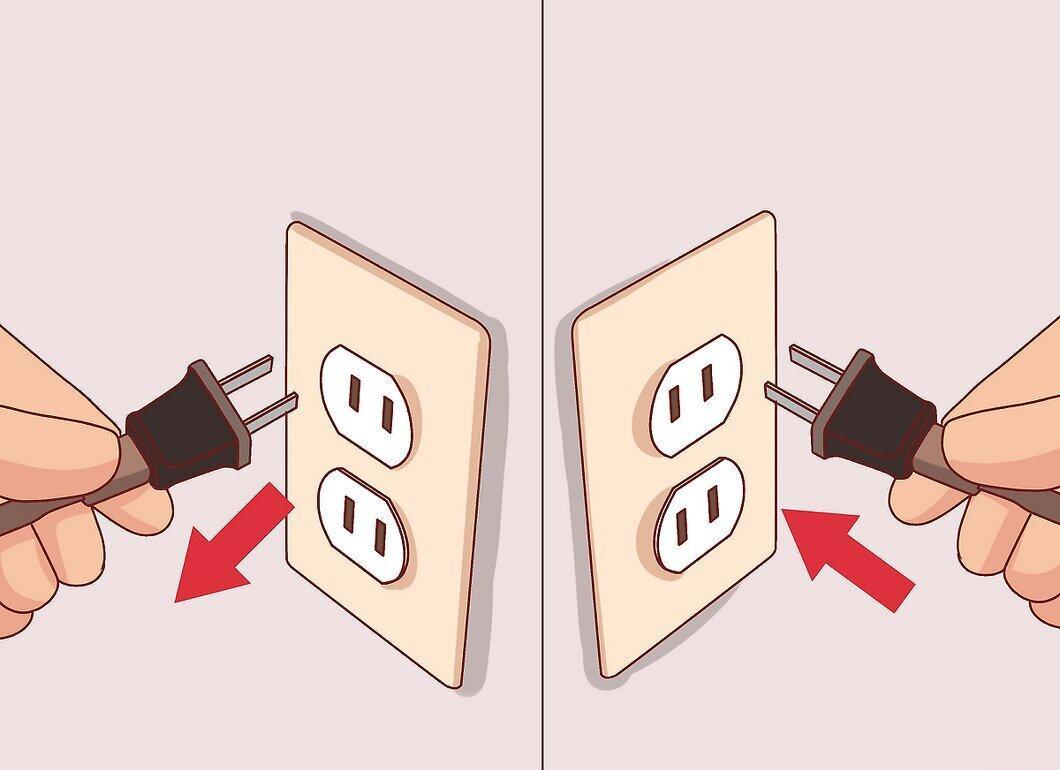
To restart your Roku, unplug it and then plug it back in. This can help if the device is behaving erratically. During this process, the screen will temporarily go dark and clear, after which the Roku will start booting up — this indicates that the restart was successful.
Step 2. Restart using the remote.
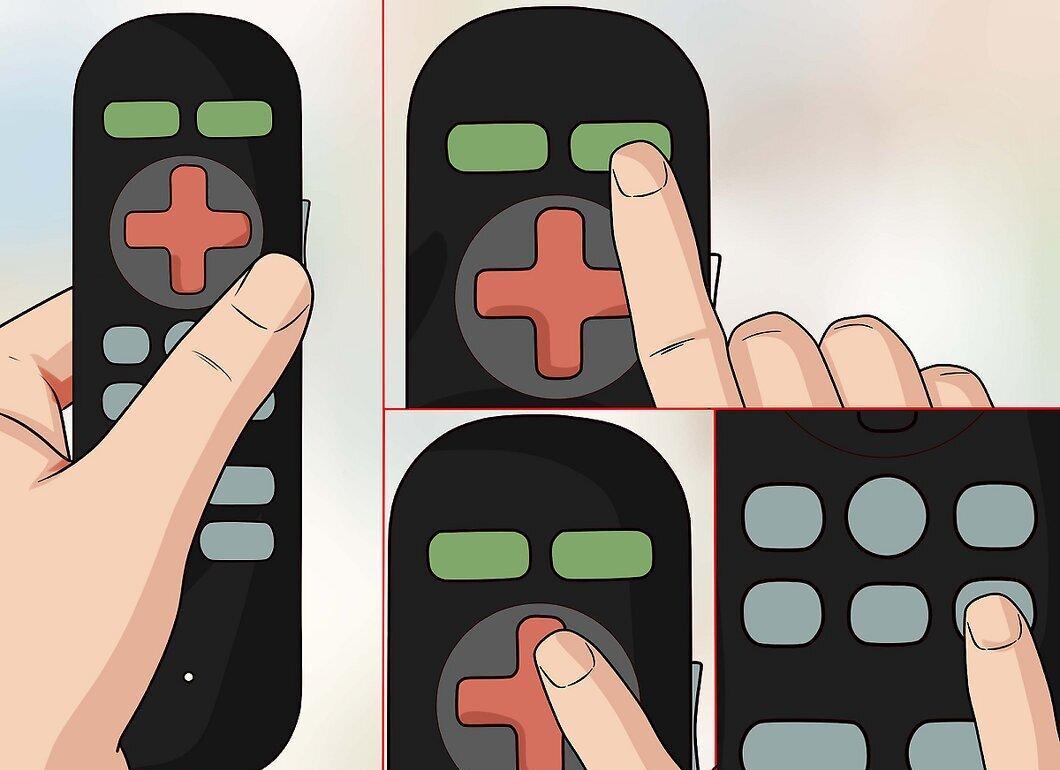
To restart Roku using the remote, press the "Home" button five times, then press the up arrow once, and then press the "Rewind" button twice. After that, press the "Fast Forward" button twice.
Step 3. Restart from the main menu.
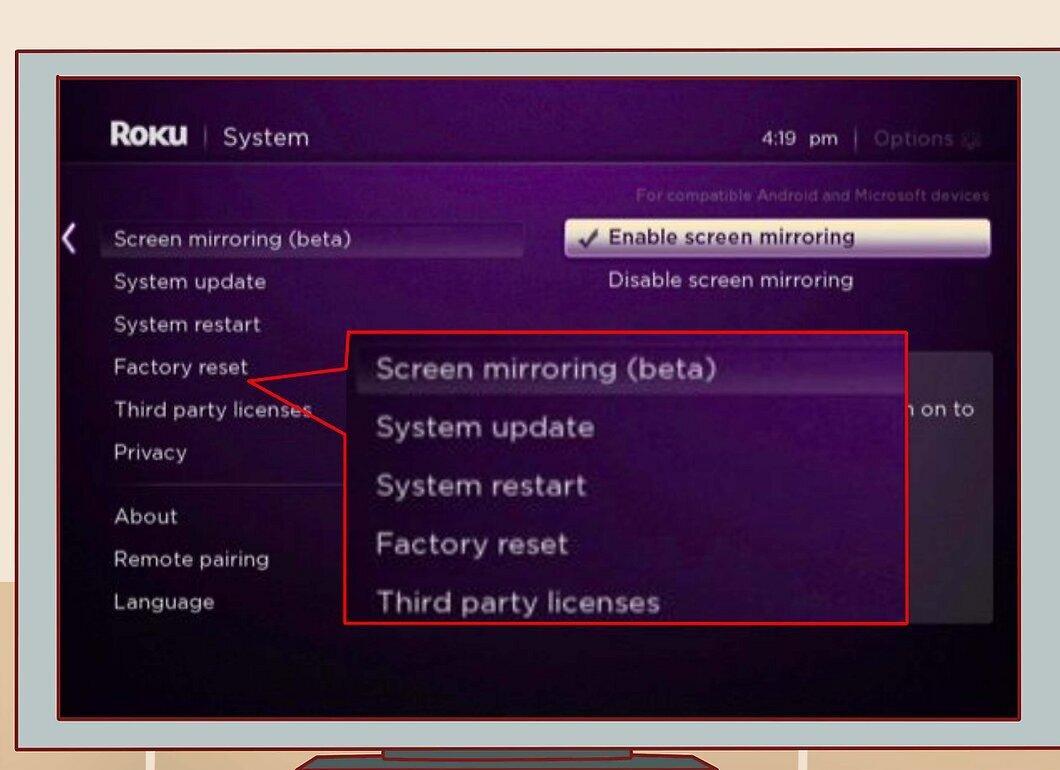
If your device is updated to the latest version of Roku 6.0, you can restart it from the main menu. To do this, select "Settings" > "System" > "System Restart."
How to Put Roku into Standby Mode
Step 1. Put Roku into standby mode.
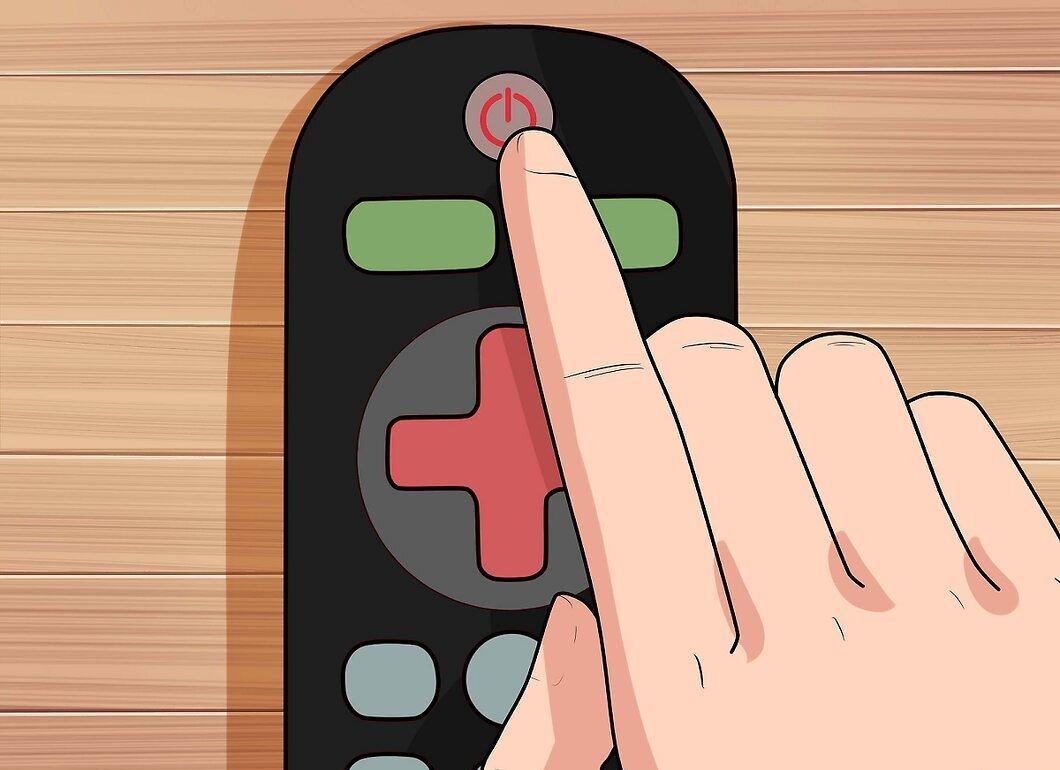
To put any Roku model into standby mode, hold down the power button on the remote. To return the device to active mode, hold down the same button again.
Step 2. Automatic standby.
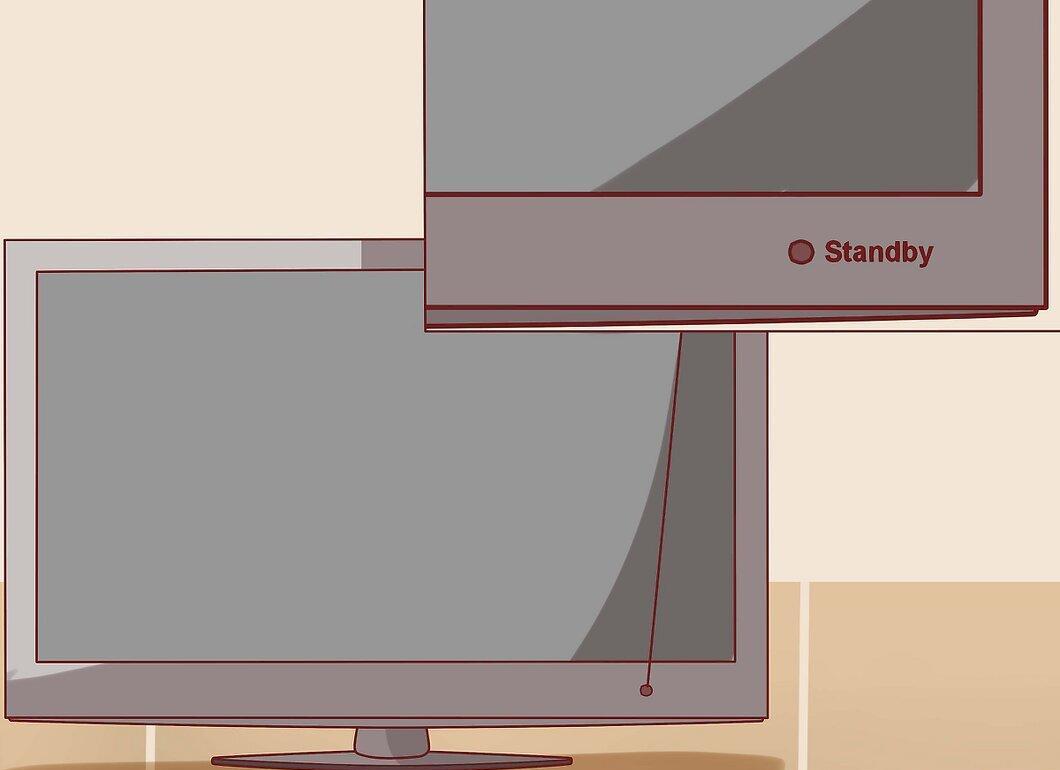
If you are not using Roku for an extended period, the device will automatically enter standby mode to save energy. So don't worry if you can't manually put Roku into standby — it will do it automatically.


