
Can't locate your TV remote? The chances are high that it has gotten lost somewhere near the couch or the TV itself! Make sure to check all possible spots and ask all family members if they've seen it. Did you check between the couch cushions?
Start with Obvious Places
Step 1. Check where the remote is usually kept.
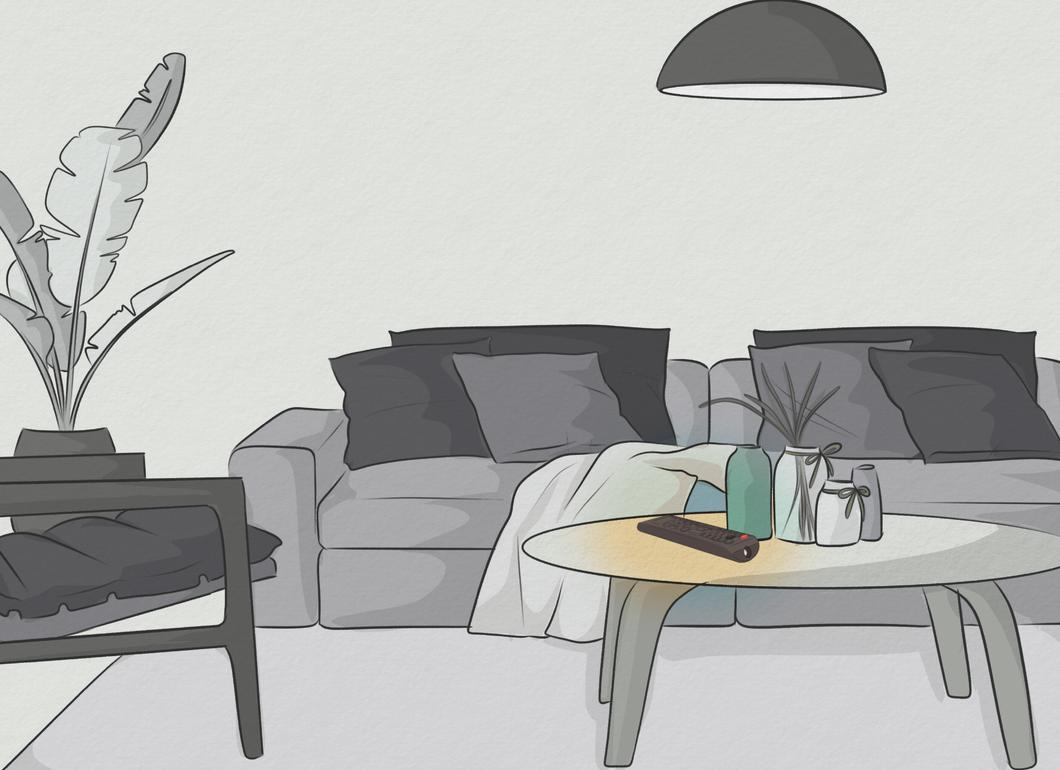
Look in the places where the remote usually resides. You'll likely find it in the room where you watch TV. Many people leave the remote near the screen or in the spot where they sit while watching. It’s probable that your remote is lying on the couch.
Step 2. Look in inconspicuous places.
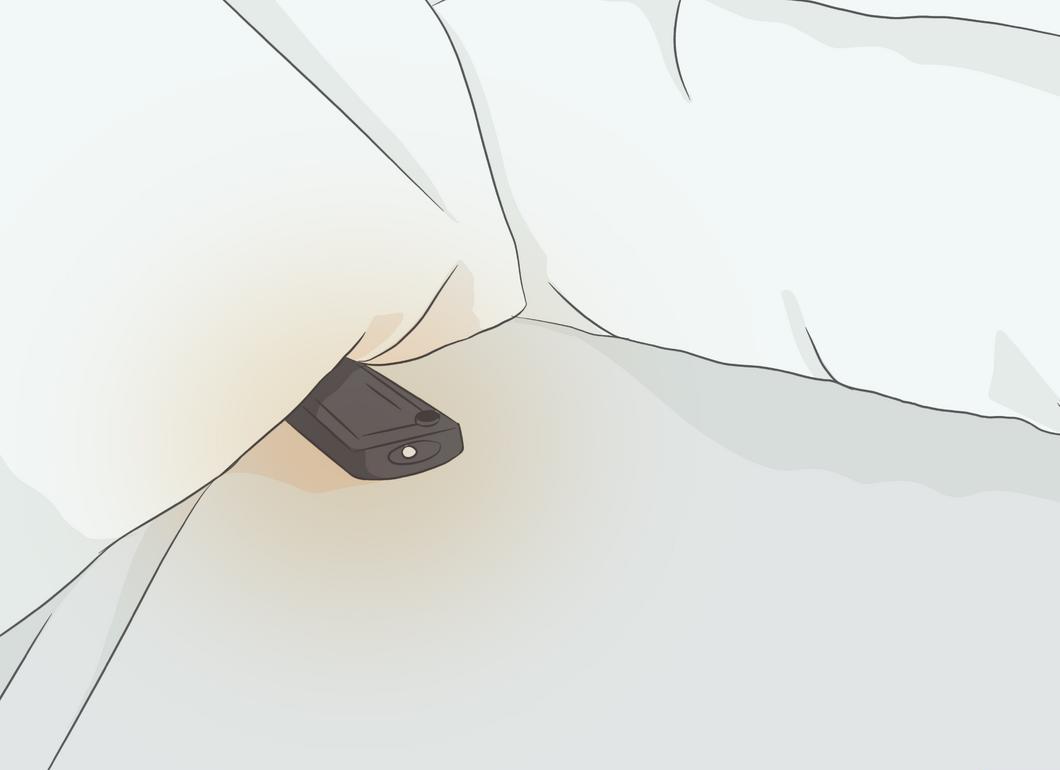
Check hidden corners. Look under books, magazines, blankets, and other items that might have covered the remote. Don’t forget to check between the cushions of the couch and chairs, as well as under and behind furniture.
- Inspect places where the remote might have ended up: next to the kettle, on a hallway shelf, in the bathroom, or even somewhere you might have taken it.
Step 3. Recall your recent movements.
Think back on where you've been. You may have taken the remote out of the room and placed it somewhere while distracted by something else. Consider if you left it somewhere on the way to the bathroom, bedroom, kitchen, or at the front door.
- Check the refrigerator. If you recently grabbed a drink or snack, the remote might have accidentally ended up there.
- Perhaps during your favorite show, you received a phone call and left the remote next to the phone. Or maybe you went to answer the door and forgot it in the hallway.
Step 4. Check under blankets and throws.
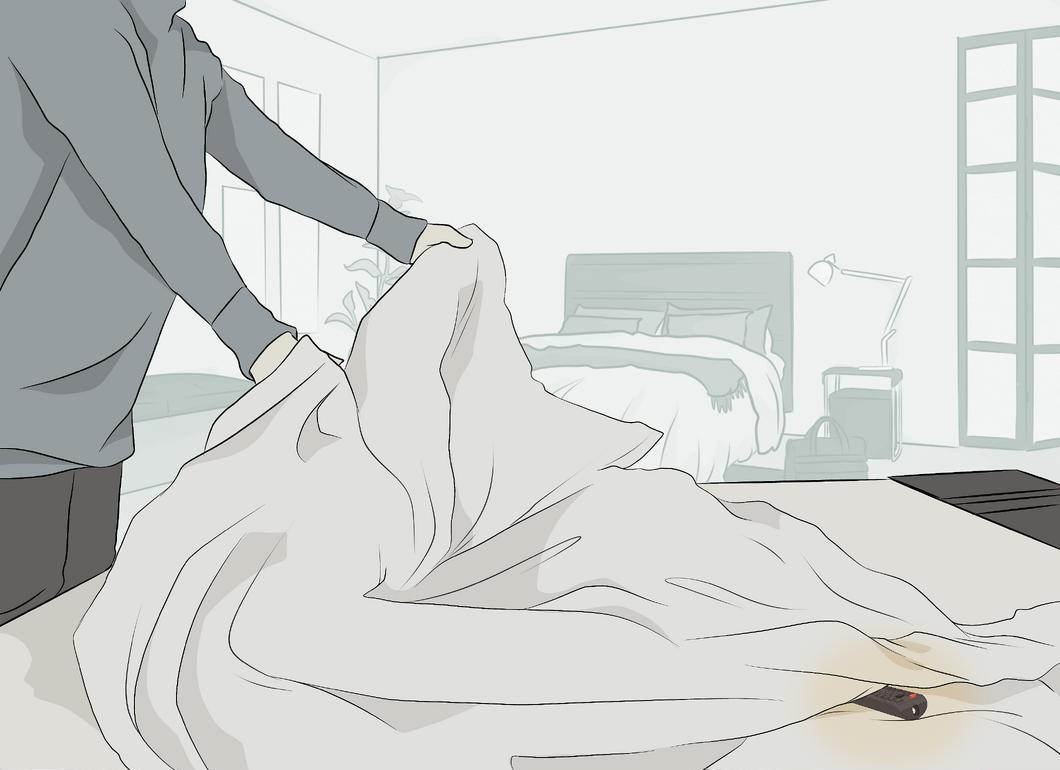
Look under blankets and throws. This tip is especially useful if you watch TV in bed. The remote might be buried under a blanket, and the best way to find it is to feel for it with your hand. If you still can’t find it, check under the bed and around the foot of the bed.
Step 5. Ask family members for help.
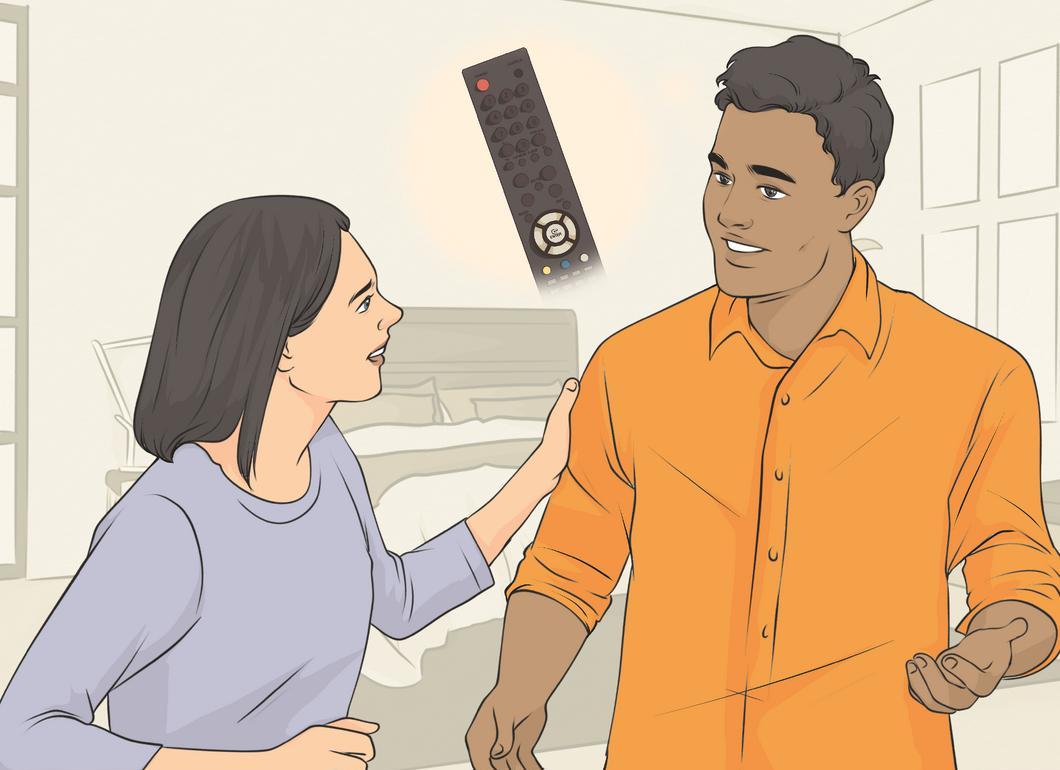
Ask your family. If someone else used the remote, they might know where it is. This person might have left it in an unusual spot or taken it to their room. Even if the remote isn't found immediately, you will gather information about where it definitely isn't and may find a helper in the search.
Step 6. Ensure the remote isn't with someone else.
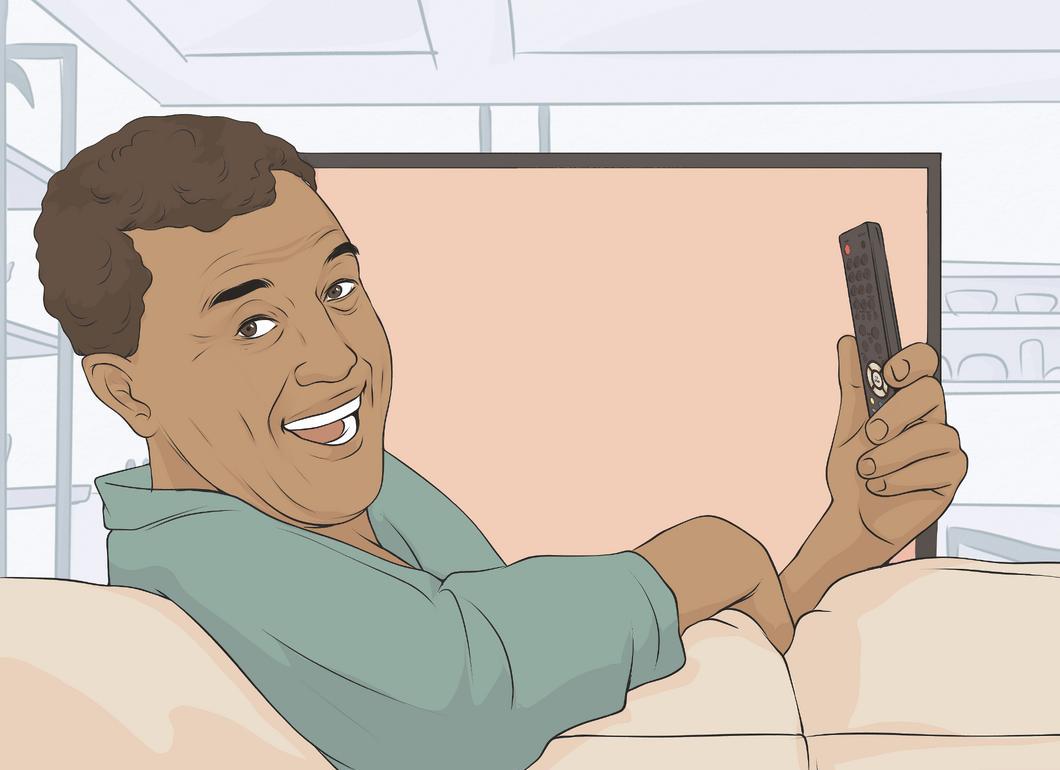
Check if someone else took it. Your teenager might have carried the remote to their room and forgotten to return it. Or your toddler may have taken it to play with or simply hidden it. It’s also possible that your dog snatched it to play!
- Look in the toy box. Sometimes it's hard to predict when a child will grab the remote!
Step 7. Seek assistance.
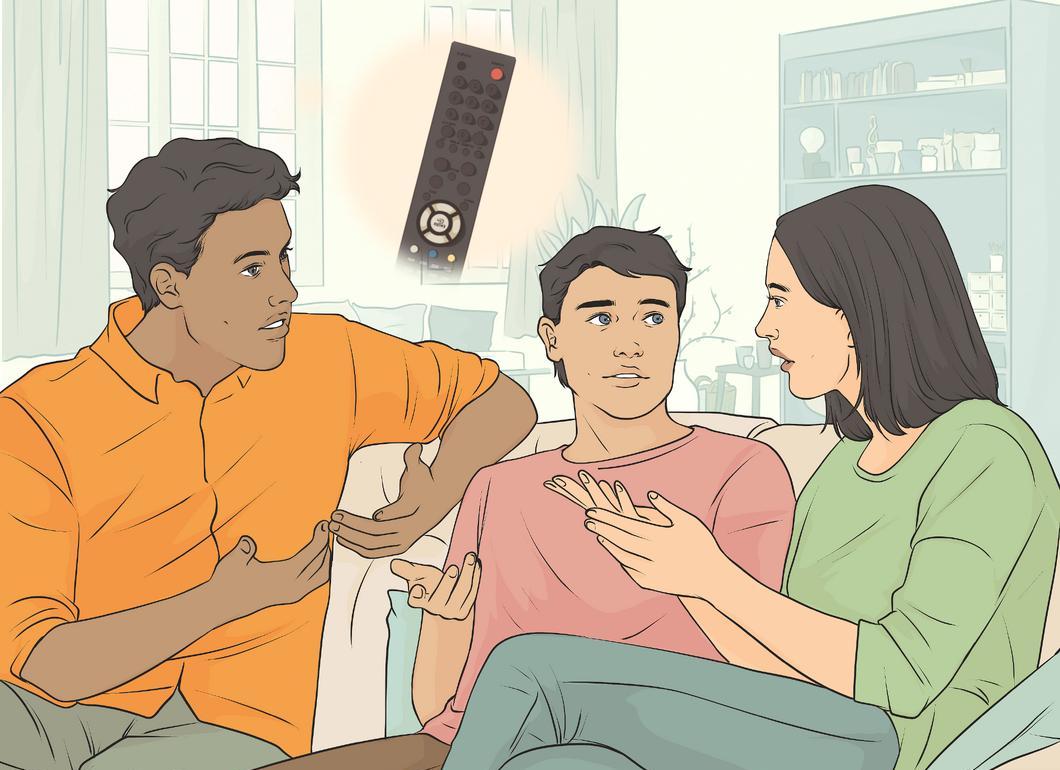
Ask for support. Why search for the remote alone? Get friends or family to help you look for it. A little motivation, like planning to watch a movie that starts in 20 minutes, can be a great incentive.
Step 8. Be more mindful of your remote.

Try to be more attentive with your remote. If you remember where it is, the chances of losing it considerably decrease. Make it a habit to note in your mind where you place the remote so you always know where to find it.
Step 9. Designate a permanent spot for the remote.
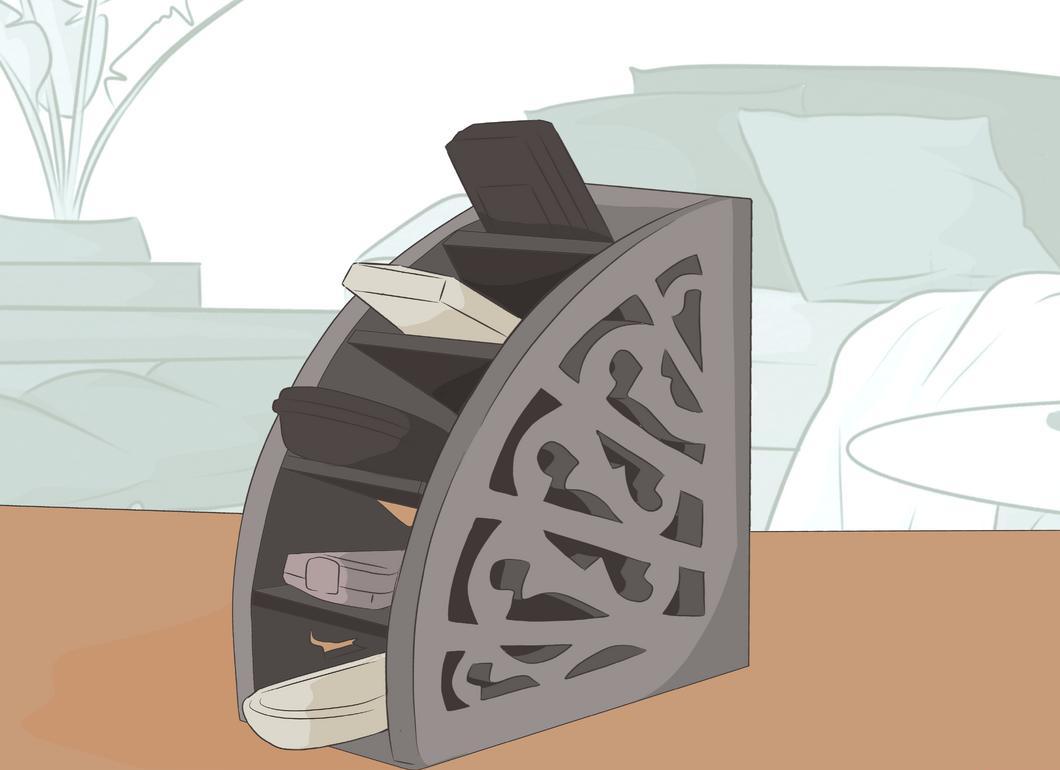
Establish a fixed location for the remote. Never leave it in different spots. This could be a coffee table, an area next to the TV, or a special remote holder on the couch.
- If the remote is frequently lost, consider buying a dedicated holder that will serve as your permanent storage spot.
- Attach one side of Velcro to the back of the remote and the other to the TV. This way, when the remote isn't in use, you can stick it to the TV.
Step 10. Make the remote more visible.
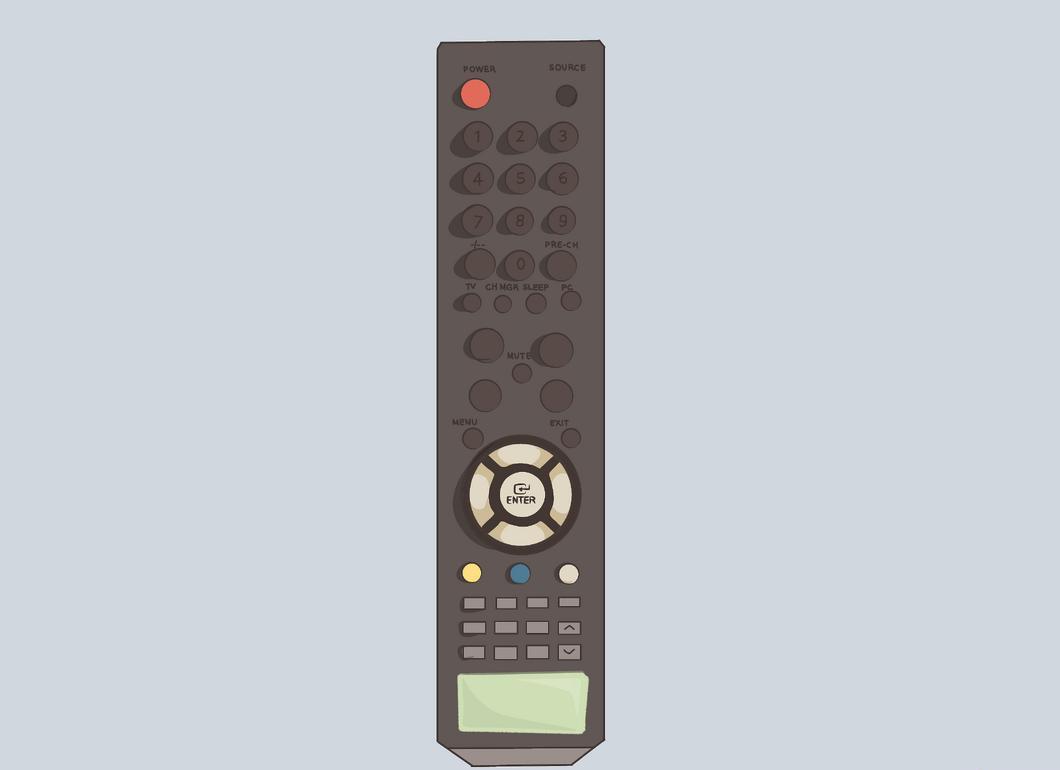
Enhance the visibility of the remote. Stick bright tape, a reflector, or a long tail on it. You can add something to make it more noticeable, but try not to diminish its convenience.
Step 11. Consider a universal remote.
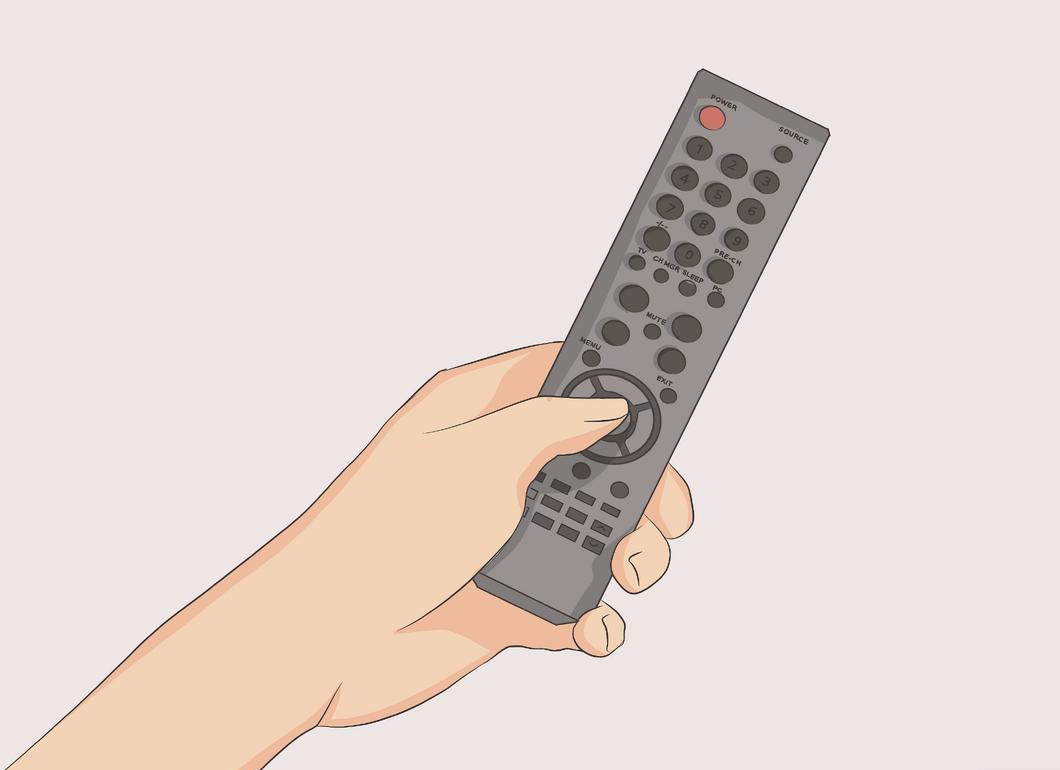
Think about getting a universal remote. This device is compatible with almost all TVs and will save you the hassle of keeping multiple remotes. It's easier to control one remote than several different ones for the TV, DVD player, and other devices.
Step 12. Attach a GPS tracker to your remote.
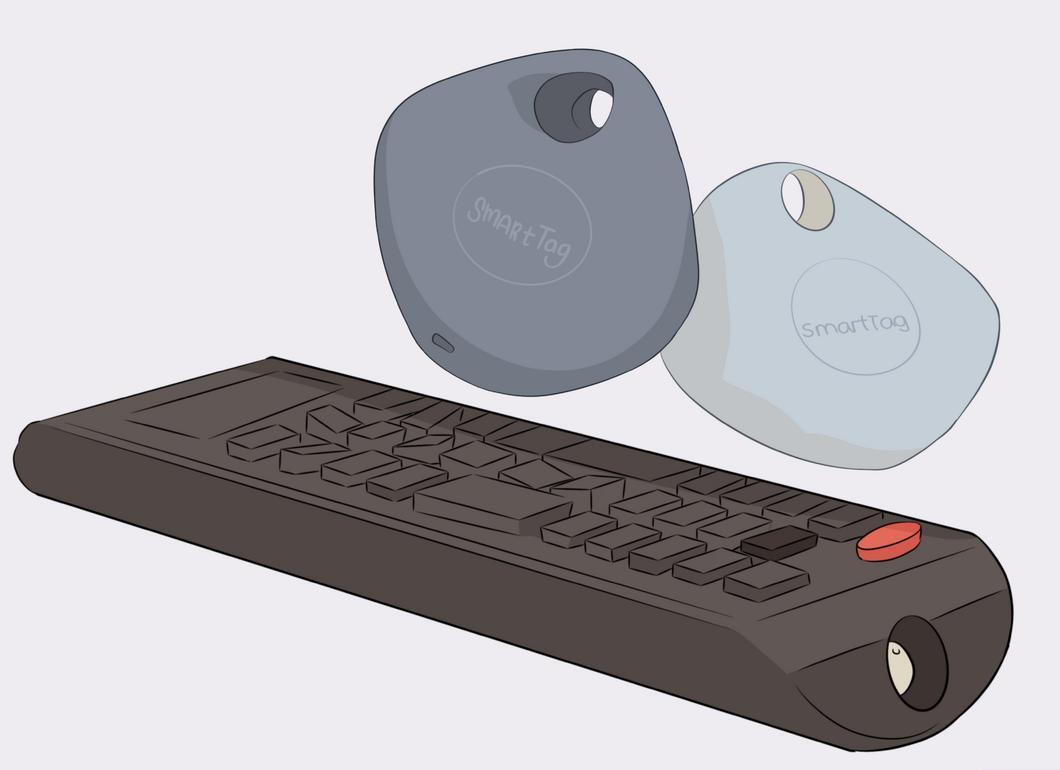
Attach a GPS tracker to your remote. There are compact and affordable trackers that work through a smartphone app. Sync the tracker with the remote so that if it gets lost, you can quickly locate it. Some apps allow you to activate a sound alert when the remote is within a short distance from you, while others enable tracking over longer distances.


