
If you dream of becoming a DJ, it’s time to take control at the decks! DJing is an exciting yet sometimes confusing process, especially when it comes to choosing the right equipment. Don’t worry, we’ve gathered all the essential information on digital and analog setups so you can create unforgettable playlists and keep people dancing. Let’s dive in!
Getting a Classic Vinyl Setup
Step 1. Buy Two Direct Drive Turntables.
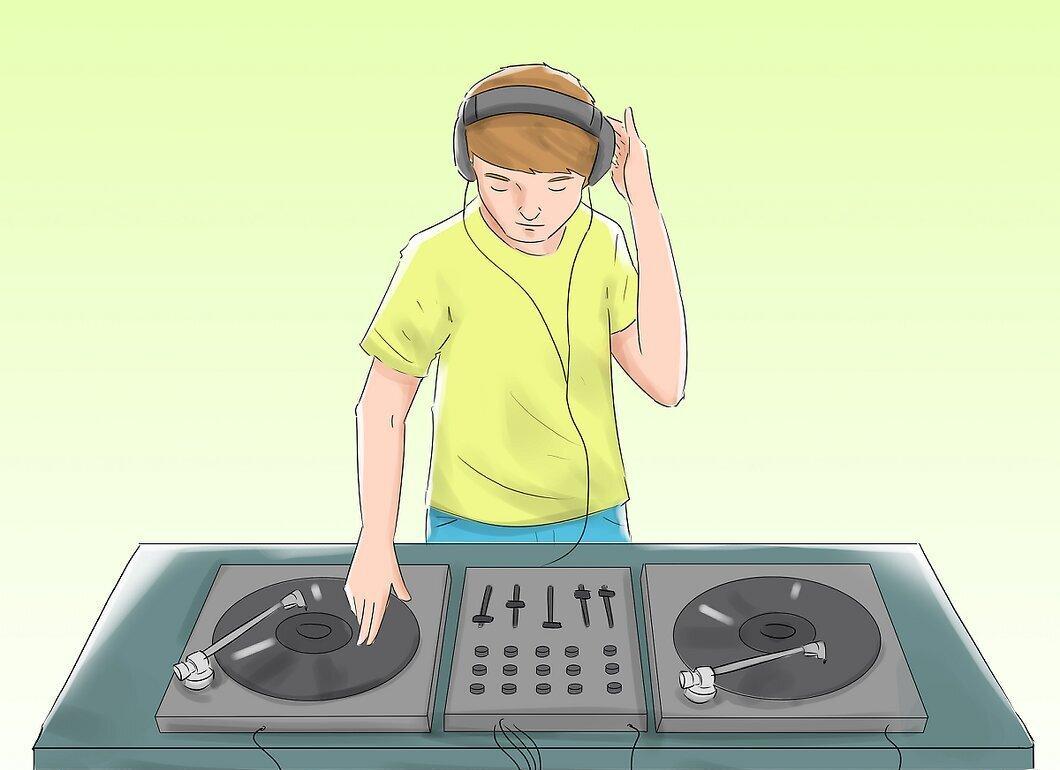
First off, you will need two direct drive turntables. This is a must-have component of your DJ setup, as they allow you to play one song while working on another, creating smooth transitions and unique sound effects. Without synchronized decks, it will be challenging to achieve quality beat matching and other DJ techniques. Invest in high-quality turntables — this is not an area to cut corners!
- A recommended model for beginners is the Audio Technica 1240. It’s affordable and offers good quality, plus it features USB outputs for connecting to digital interfaces. It’s a great choice for novice DJs.
- Avoid buying belt-drive turntables! While they’re good for listening to music at home, this design makes it difficult to create scratches and stop the record during play. Direct drive is ideal for DJing.
Step 2. Get a Preamp if Necessary.
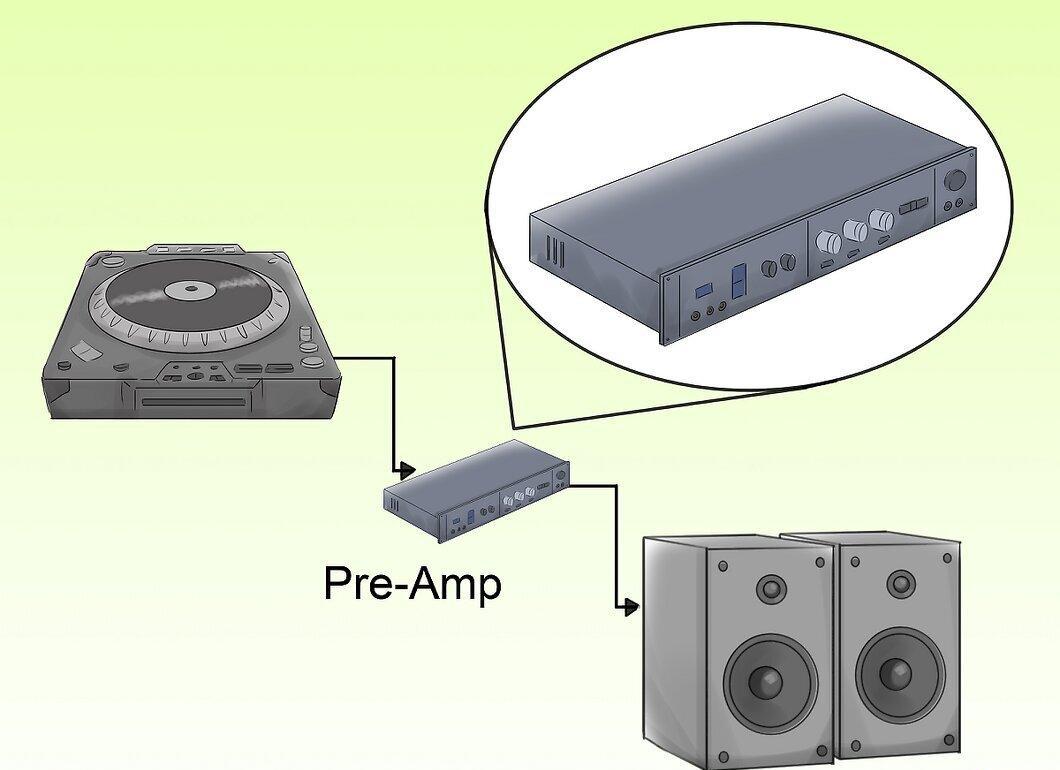
If your turntable requires it, don’t forget to buy a preamp. Some devices have built-in preamps, but it’s best to determine what you specifically need in advance. Prices for preamps range from $20 to $200, and a good preamp will provide the necessary volume for your performance. Remember, quality sound is key to a successful set on the dance floor.
Step 3. Acquire Equipment for Playing Vinyl Records.
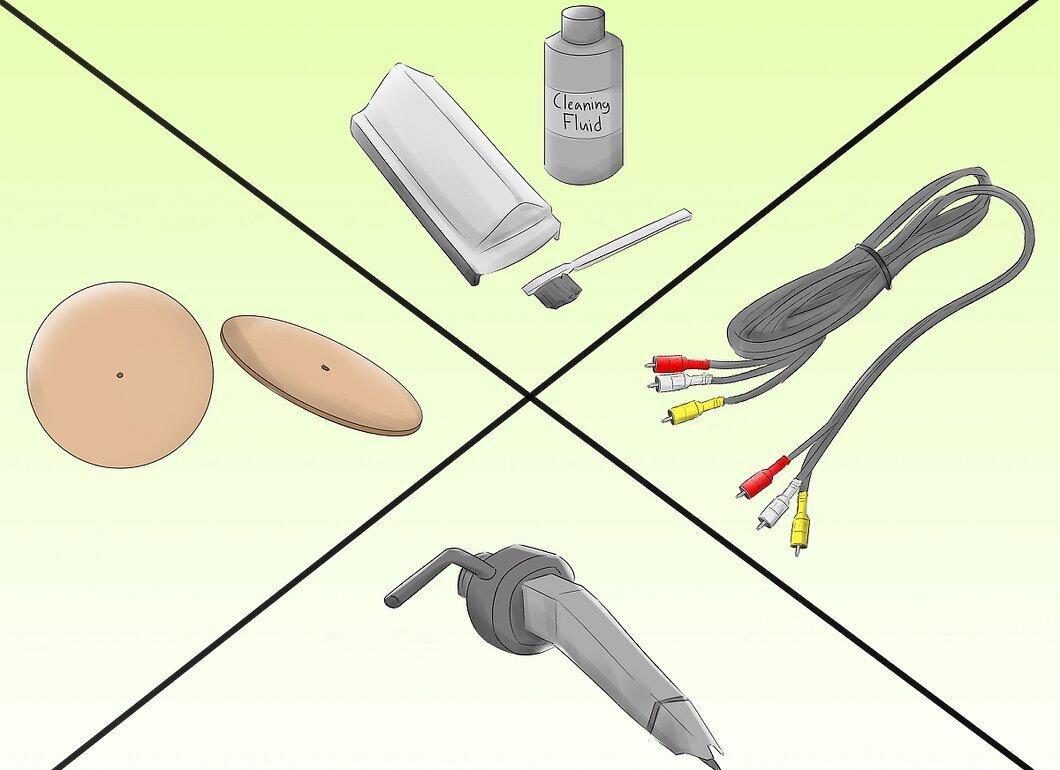
Don’t overlook additional equipment for playing vinyl. To ensure great sound quality, you’ll need:
- Cleaning solution and a brush for records
- Spare needles and cartridges
- Anti-static brush for quick stops
- RCA cables
- Power strip
- A pair of quality headphones
Step 4. Buy a Mixer.
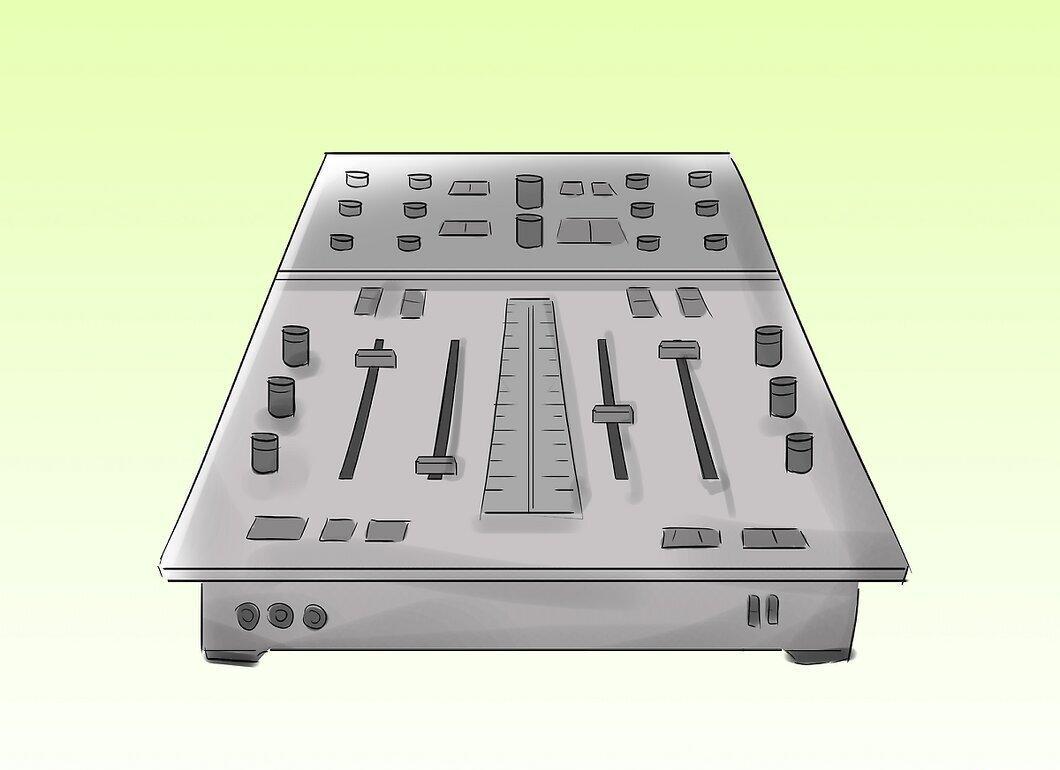
The mixer is a crucial element of your setup. A beginner-friendly mixer, like Vestax, is perfect for connecting two turntables. With it, you can easily switch channels and adjust volume, creating unique sound effects.
Step 5. Consider Investing in Your Own Speakers.
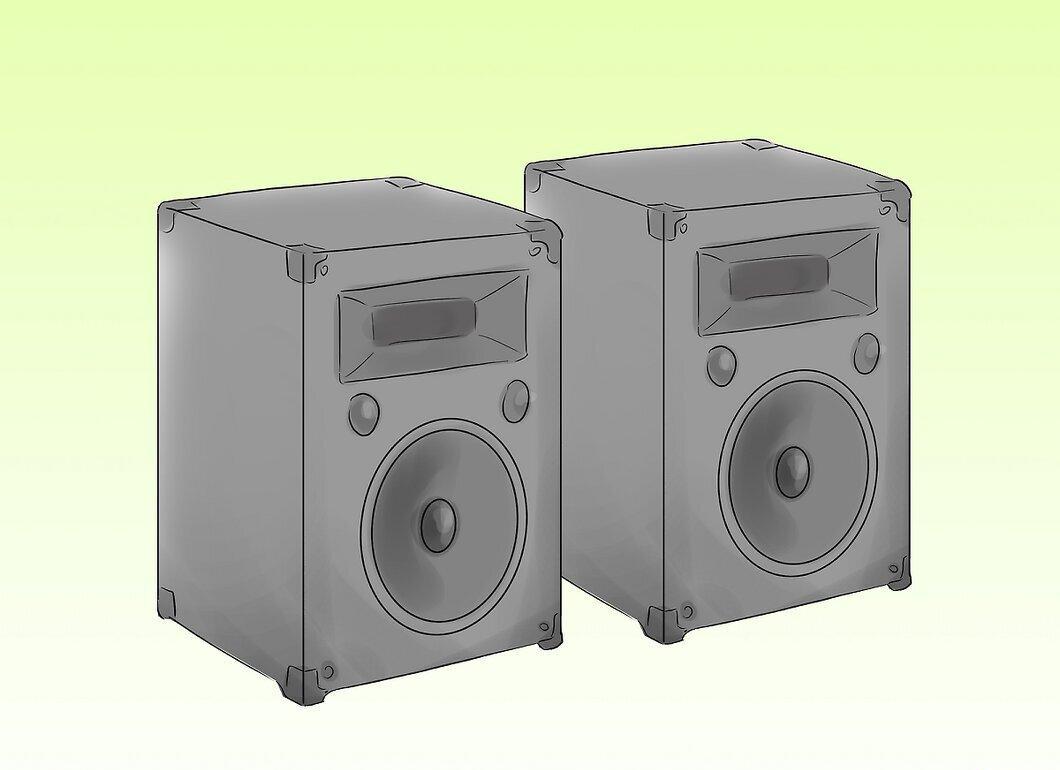
If you want to be an independent DJ, it’s worth investing in quality speakers. A pair of good speakers, like Mackies or Behringers, will cost you around $50. Consider the size of the venue where you’ll be performing and the type of sound you’ll be competing with when choosing speakers.
- If you often play at events with house sound systems, you might want to hold off on buying speakers. But if you plan to play at parties, good speakers are essential.
Step 6. Think About Purchasing a Starter DJ Package.
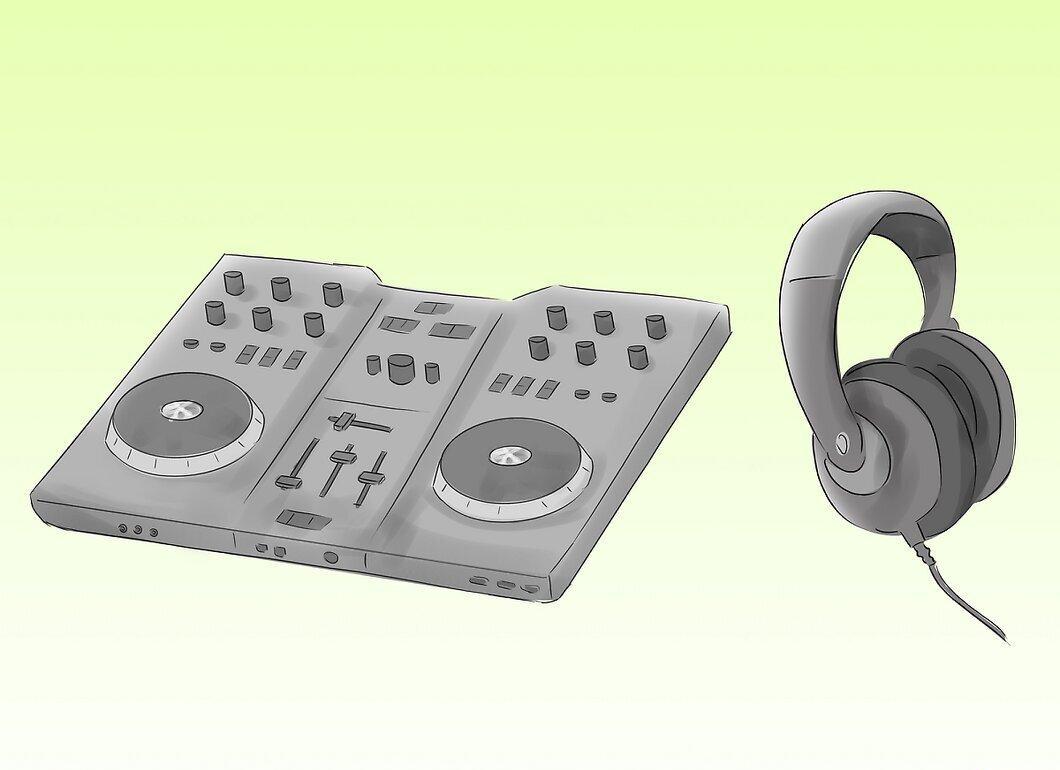
Starter DJ packages from brands like Audio Technica can be a great option for beginners. They offer decent turntables, a mixer, and other necessary equipment at a reasonable price — around $600. This is an ideal way to start if you’re not an audiophile.
Step 7. Start Building Your Vinyl Collection.
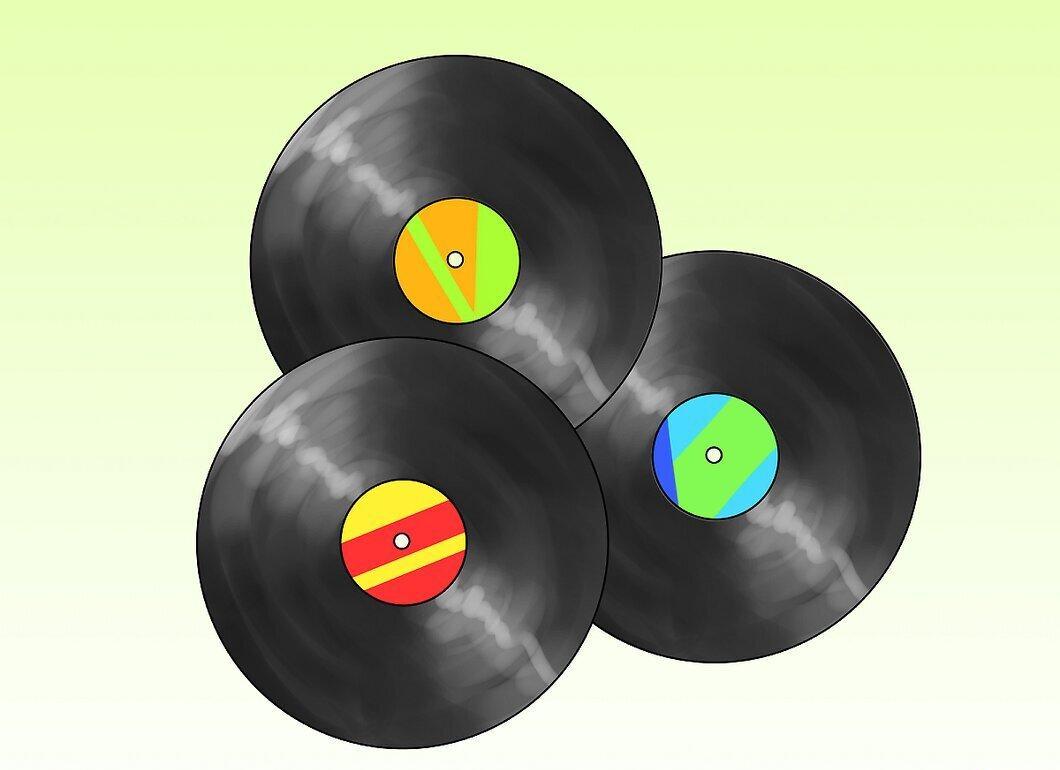
Don’t underestimate the importance of your vinyl collection. Begin searching for unique and rare tracks that can ignite the crowd. Look for records in local stores, flea markets, and even libraries that often get rid of old records.
-
You might come across rare records worth noting. Respect the labels you love, and don’t miss the chance to grab their releases at an affordable price.
-
Treat your collection as an investment. If you buy a dud record, try selling it to fund something new and exciting. Immerse yourself in the collector’s world and build your unique library.
Transitioning to Digital DJ Equipment
Step 1. Buy CD Turntables.
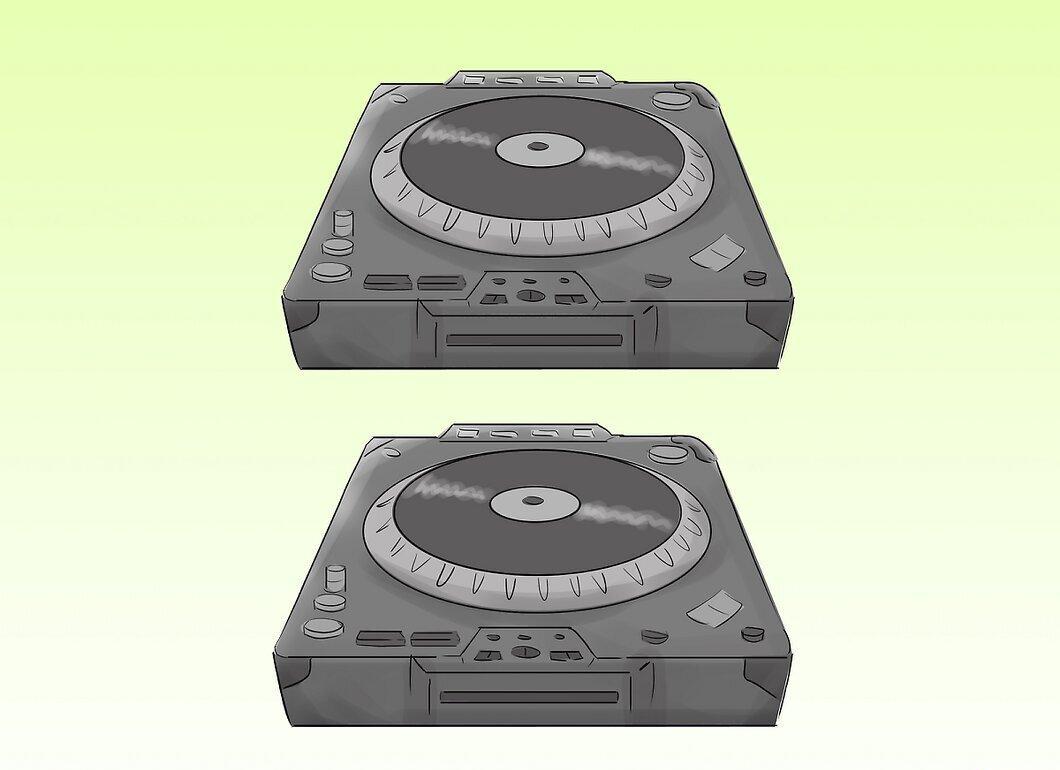
If you want to work with modern technology, you’ll need CD turntables. They are incredibly versatile, allow you to store a vast amount of music, and create unique mashups.
- However, be prepared for the costs. A single CD turntable can start at around $350, which can be a significant financial investment. Many DJs prefer to use a laptop and software to play tracks.
Step 2. Install DJ Software.
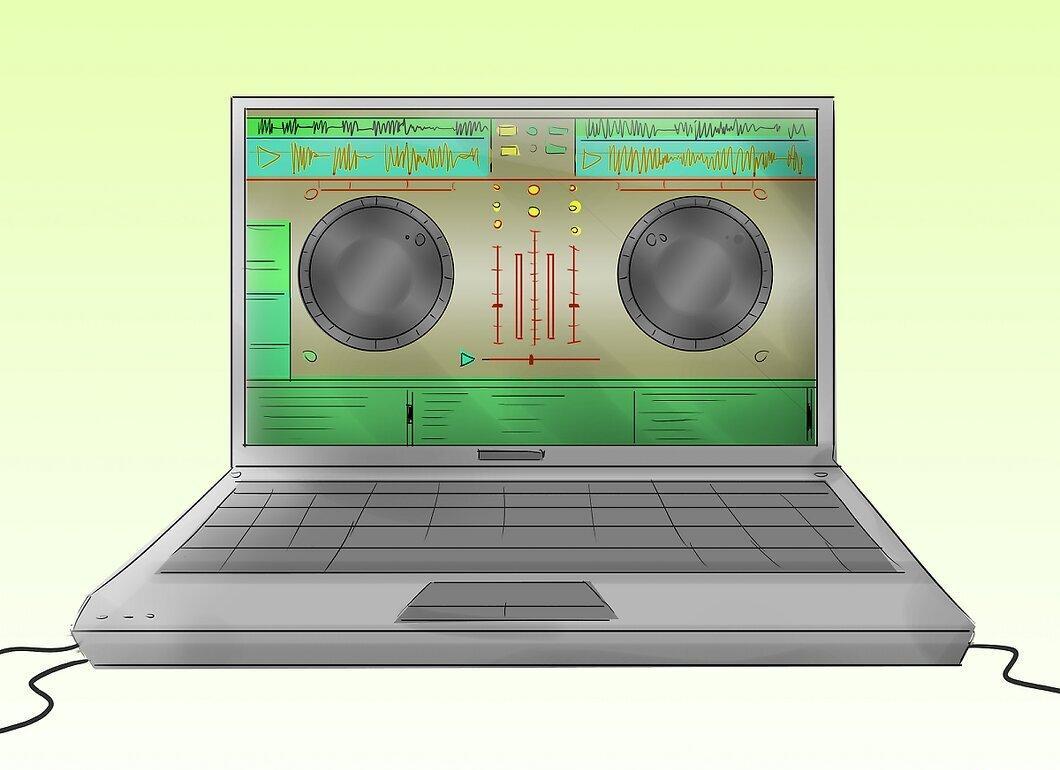
Download and install software like Serato Scratch Live or Traktor Scratch. These applications will let you perform the same actions as a vinyl DJ but on your computer. You won’t feel the texture of vinyl, but you can use similar sound effects.
Step 3. Consider Getting a Controller.
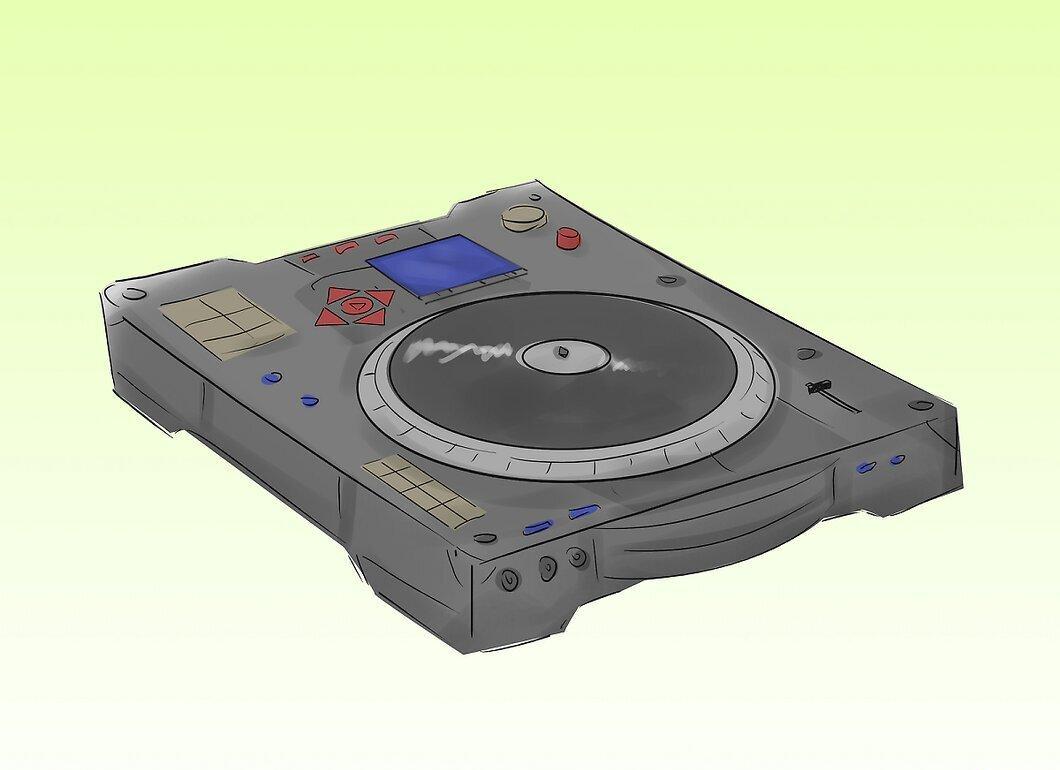
DJ controllers are almost identical to gaming controllers. They allow you to manage music by connecting them to your computer and mimic the DJing processes.
Step 4. Connect Your Computer to Speakers.
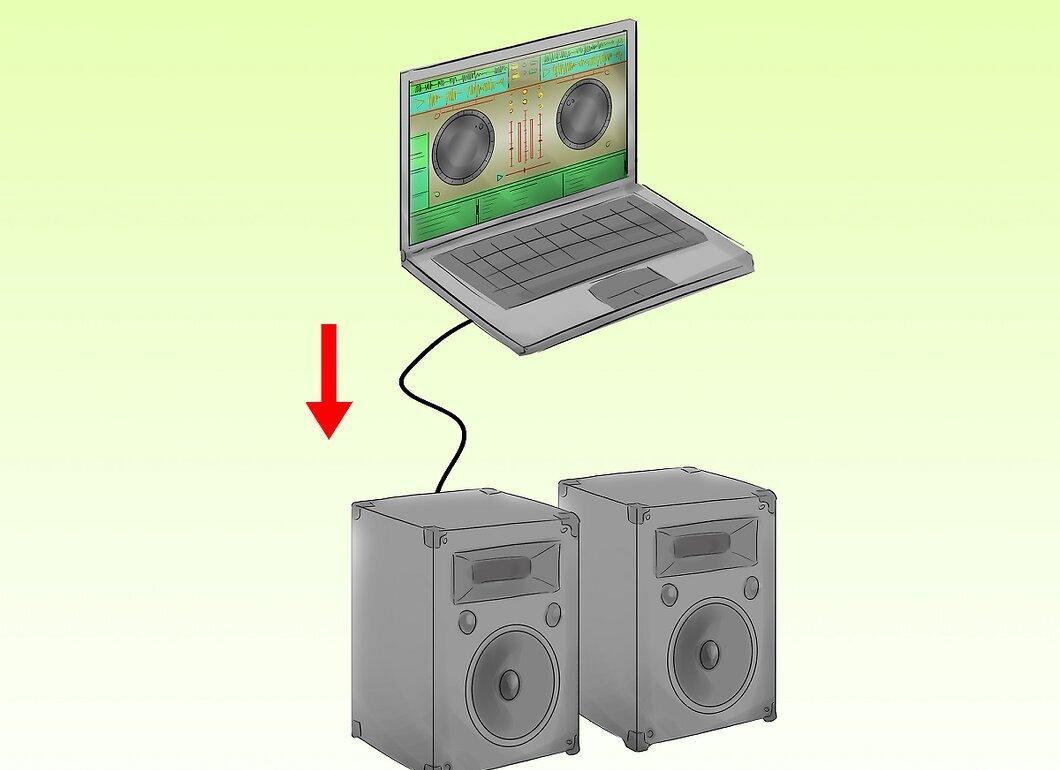
Simply connect your computer to good speakers and hit "Play" on your prepped playlist. It’s not the most thrilling way to perform, but it’s becoming increasingly popular.
Step 5. Get a Digital Interface.
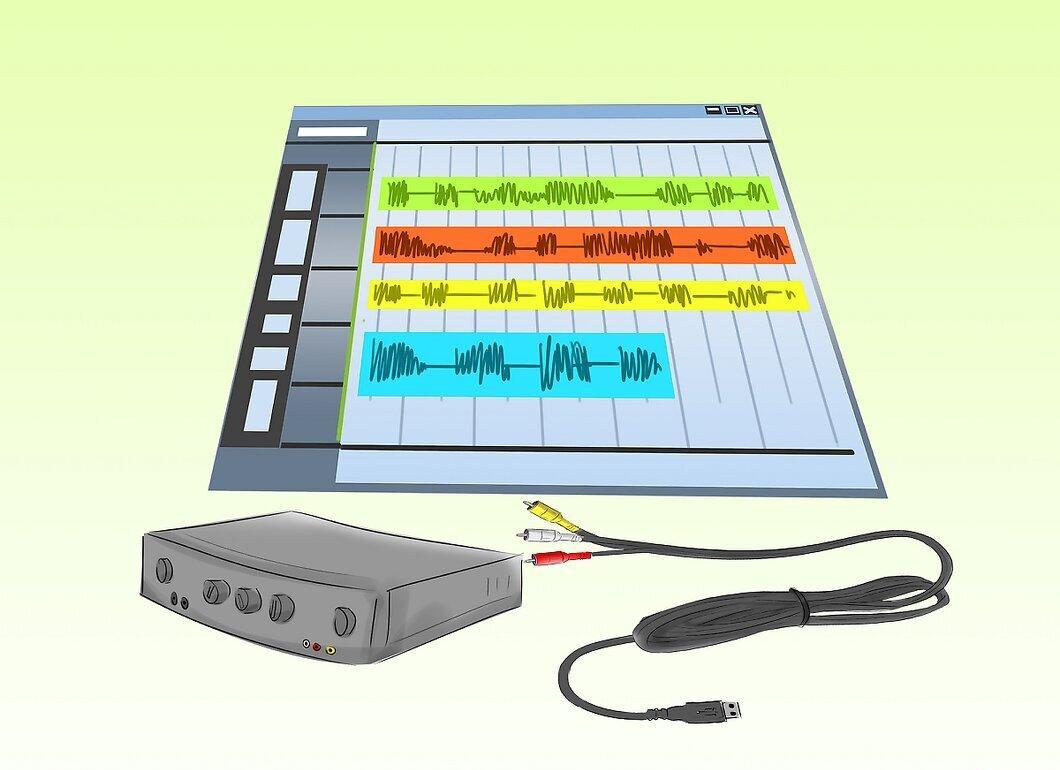
To use software with your equipment, you’ll need a digital interface that connects RCA outputs to USB ports on your computer. Many software programs already include the necessary interfaces.
Step 6. Invest in an External Hard Drive.
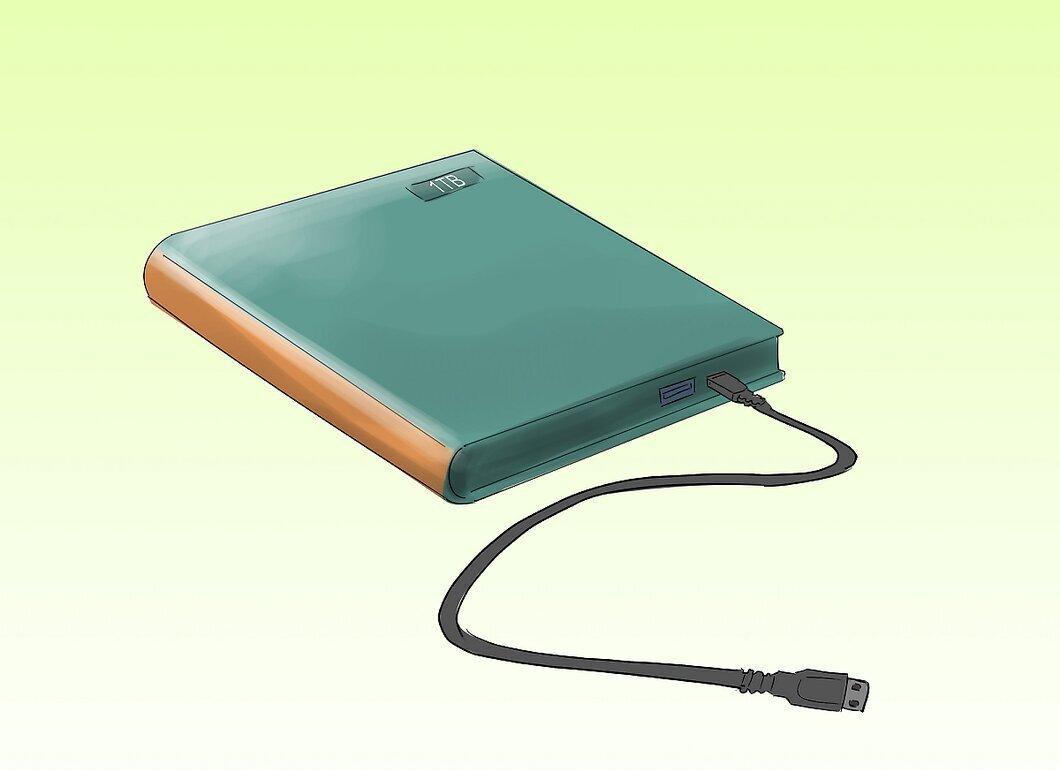
It’s a good idea to have an external hard drive for storing all your tracks. A drive like the Seagate One Terabyte is portable and easy to connect, making it an excellent choice for storing your digital library.


